
Internal linking is one of the most overlooked parts of SEO.
Not because it’s complicated — but because it feels simple.
Many websites focus heavily on keywords, backlinks, and content length, while internal links are treated as an afterthought. In reality, internal linking plays a critical role in how search engines discover pages, understand site structure, and decide which content matters most.
If you want search engines to understand your website clearly, internal linking is not optional.
What Is Internal Linking?
Internal linking refers to links that connect one page of a website to another page on the same website.
These links help users navigate content, but more importantly, they help search engines understand how your pages are related.
Every internal link sends a signal.
It tells search engines:
- this page exists
- this page is related to another topic
- this page has a certain level of importance
Without internal links, pages often remain invisible.
Why Internal Linking Matters for SEO
Search engines rely on links to move through the web. Internal links create pathways that guide crawlers through your site.
When internal linking is done well, it helps with:
- faster crawling
- better indexing
- clearer topical structure
- stronger distribution of authority
- improved rankings across related pages
Internal linking also improves user experience, which indirectly supports SEO performance.
How Search Engines Use Internal Links
Search engines interpret internal links as contextual signals.
They use them to:
- discover new content
- understand which pages are most important
- identify relationships between topics
- evaluate site architecture
A page that receives many relevant internal links is often seen as more important than a page with none.
Internal Linking vs External Linking
Internal links connect pages within your site.
External links point to other websites.
Both matter, but internal links are fully under your control.
You decide:
- which pages receive more links
- which topics are connected
- how authority flows across your site
This control makes internal linking one of the most powerful SEO levers.
Types of Internal Links
Not all internal links serve the same purpose.
Navigational Links
These appear in menus, headers, and footers. They help users move around the site and signal site structure.
Contextual Links
These appear inside content and are the most valuable for SEO. They provide context and relevance.
Footer Links
Useful for accessibility, but usually carry less SEO weight than contextual links.
Contextual links inside content have the strongest impact on rankings.
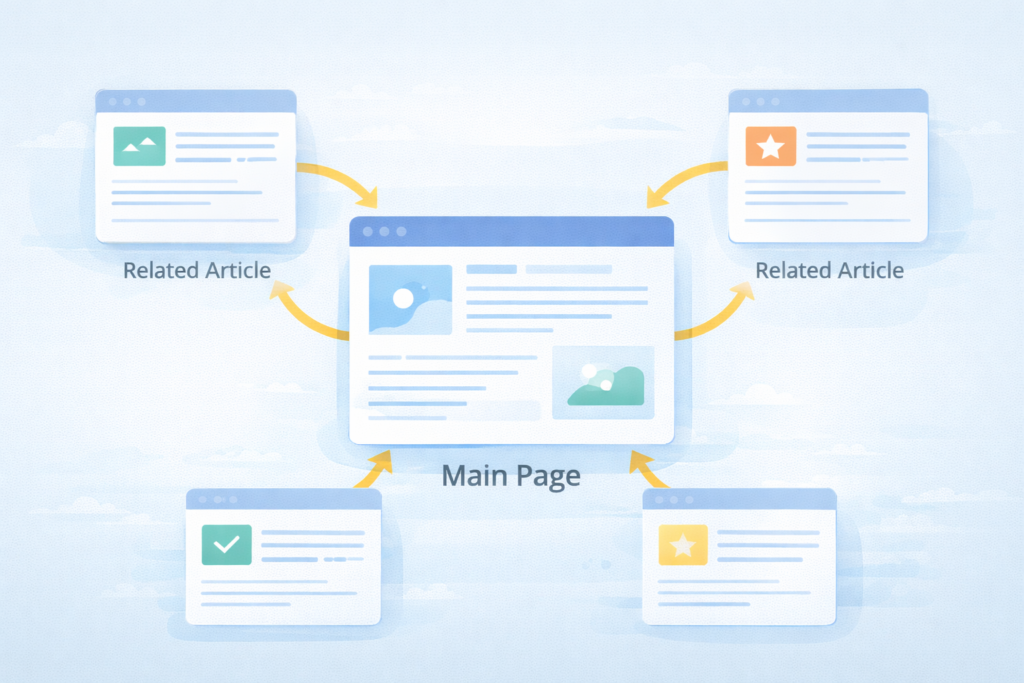
How Internal Linking Helps Crawling and Indexing
Crawlers follow links.
If a page has no internal links pointing to it, search engines may never find it.
Internal links:
- guide crawlers to deeper pages
- reduce orphan pages
- help search engines understand site depth
Good internal linking ensures every important page is reachable within a few clicks.
Internal Linking and Topical Authority
Internal links help establish topical relationships.
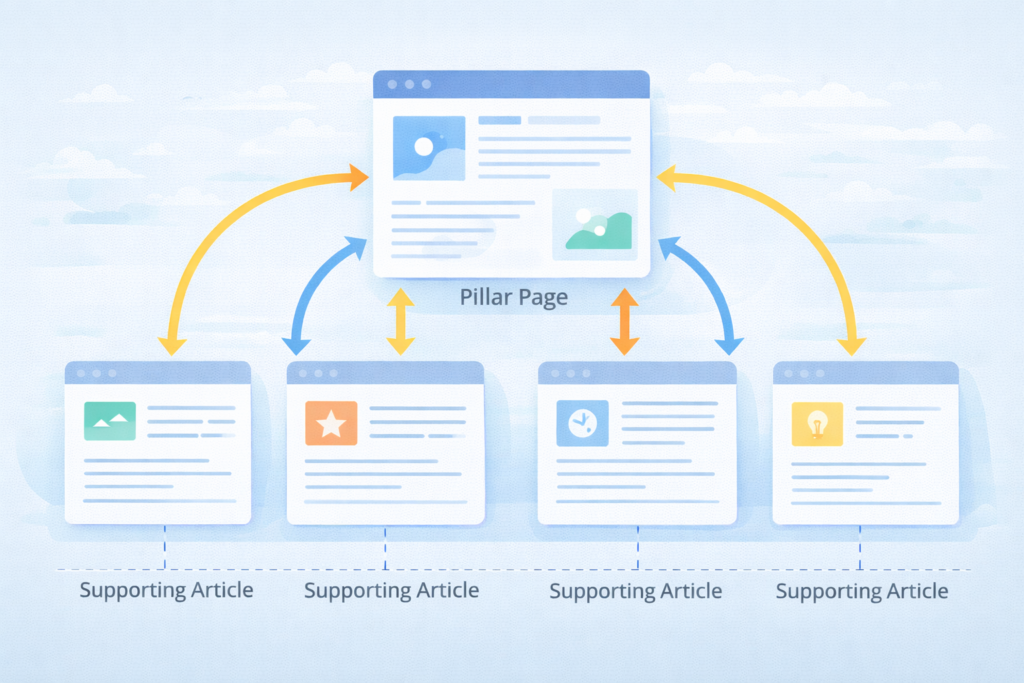
When you link related articles together, search engines see a clear topic cluster. Over time, this strengthens topical authority.
For example:
- a pillar page links to supporting articles
- supporting articles link back to the pillar
- related articles link sideways
This structure reinforces expertise across the topic.
Anchor Text and Internal Links
Anchor text is the clickable text of a link.
For internal links, anchor text should:
- be descriptive
- reflect the topic of the linked page
- sound natural
Avoid generic anchors like “click here.”
Clear anchor text helps search engines understand what the destination page is about.
How Many Internal Links Should You Use?
There is no fixed number.
Instead, focus on:
- relevance
- usefulness
- clarity
Too few internal links limit discovery.
Too many dilute importance.
A good rule is to link when it genuinely helps the reader continue learning.
Common Internal Linking Mistakes
Many sites struggle because of simple mistakes:
- orphan pages with no links
- overusing exact-match anchors
- linking unrelated content
- burying important pages deep in the site
- ignoring old content
Fixing these issues often leads to quick SEO improvements.
Internal Linking Best Practices
To use internal linking effectively:
- link from high-authority pages to newer pages
- connect related topics naturally
- update old content with new links
- keep site structure simple
- audit internal links regularly
Consistency matters more than perfection.
Internal Linking and User Experience
Internal links help users:
- find related information
- stay longer on your site
- move logically through topics
Better engagement sends positive signals to search engines.
SEO and user experience are deeply connected here.
Key Takeaways
- Internal linking helps search engines crawl, index, and rank content
- Contextual internal links are the most valuable
- Anchor text provides meaning and relevance
- Strong internal linking supports topical authority
- Simple improvements can produce noticeable results
Internal linking is not advanced SEO — it’s foundational SEO done correctly.
FAQs
What is internal linking in SEO?
Internal linking connects pages within the same website to guide users and search engines.
Do internal links affect rankings?
Yes. They help distribute authority and clarify topic relationships.
How often should internal links be updated?
Whenever new content is published or old content is refreshed.
Are too many internal links bad?
Only if they are irrelevant or excessive.
Should every page have internal links?
Yes. Important pages should never be isolated.