Product page SEO improves how search engines understand a specific item and how easily customers decide whether to buy it. An effective page matches product-specific search intent, explains verified attributes and supports clear internal links, canonical URLs and appropriate structured data. This guide explains what to check in the page content and code, with a reproducible example and a way to measure results.
Quick Answer
Optimize product pages by identifying product-specific intent, writing accurate titles and descriptions, showing relevant specifications, using informative images and keeping price and availability up to date. Test crawlable variant URLs, canonicals and Product structured data where applicable. Assess search visibility and customer actions without treating rich results as guaranteed. For the overall strategy, start with our ecommerce SEO beginner’s guide.
Key Takeaways
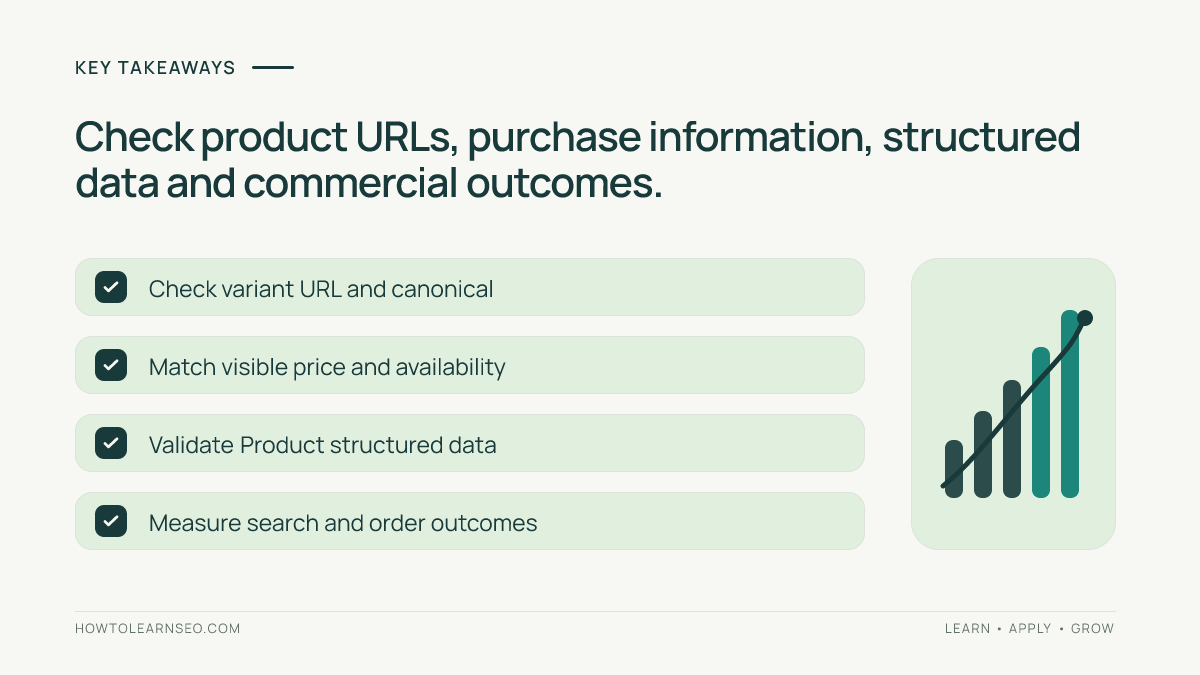
- Match a specific product page to a specific shopper task.
- Make titles, dimensions, materials, options and limitations verifiable.
- Align prices and stock status across visible copy, feeds and structured data.
- Inspect variant URLs and canonicals before changing templates.
- Measure organic discovery and purchasing outcomes separately.
Match the product to its search intent
A shopper searching a precise model usually expects product specifications, a choice of variants and a purchase route. Someone searching “best commuter backpacks” may want to compare options before choosing a model. Do not turn every product detail page into a generic listicle, or force a category page to target one specific SKU. Assign model names and verified differentiating attributes to the product URL; keep broader comparisons on useful category or editorial pages.
Use a keyword map to document which URL serves each task. Our keyword mapping guide describes how to avoid conflicting search intent across a site. Review customer questions and product facts before choosing supporting phrases. Keyword search volume and difficulty should come from actual tools, not assumptions about what “must be popular.” A narrow term with clear purchase intent can be more relevant than a generic phrase.
Write precise titles and useful descriptions
Use the verified model, product type and most useful differentiating attribute. A title should explain what the page offers rather than repeat “best deal” or the product category several times. Keep meta descriptions accurate and helpful; Google may create a different snippet from the page. Our meta titles and descriptions guide explains their separate roles.
Lead with the product’s intended use, then describe materials, dimensions, capacity, care, compatibility and known limits that are relevant to buying. Use verified measurements rather than phrases such as “fits every laptop.” Add a short specification table if it improves scanability. Translate technical attributes into practical meaning: a shopper should be able to confirm whether an item fits their needs without emailing support for basic facts.
Make price, availability and options trustworthy
Separate measured facts from marketing claims. Show the correct item in the cart, current price and currency, meaningful shipping terms and actual stock status. If an option is out of stock, do not claim it is available in visible text or machine-readable markup. Display what is included and what must be purchased separately. Clear option labels matter particularly when several models share similar pictures.
Use descriptive headings and accessible controls so shoppers can compare the product with alternatives. Check the mobile layout, because an overlay or confusing variant selector can prevent people from seeing the purchase button or an important warning. A useful product page supports buying decisions even if Google never presents a special shopping feature.
Show product images that answer buying questions
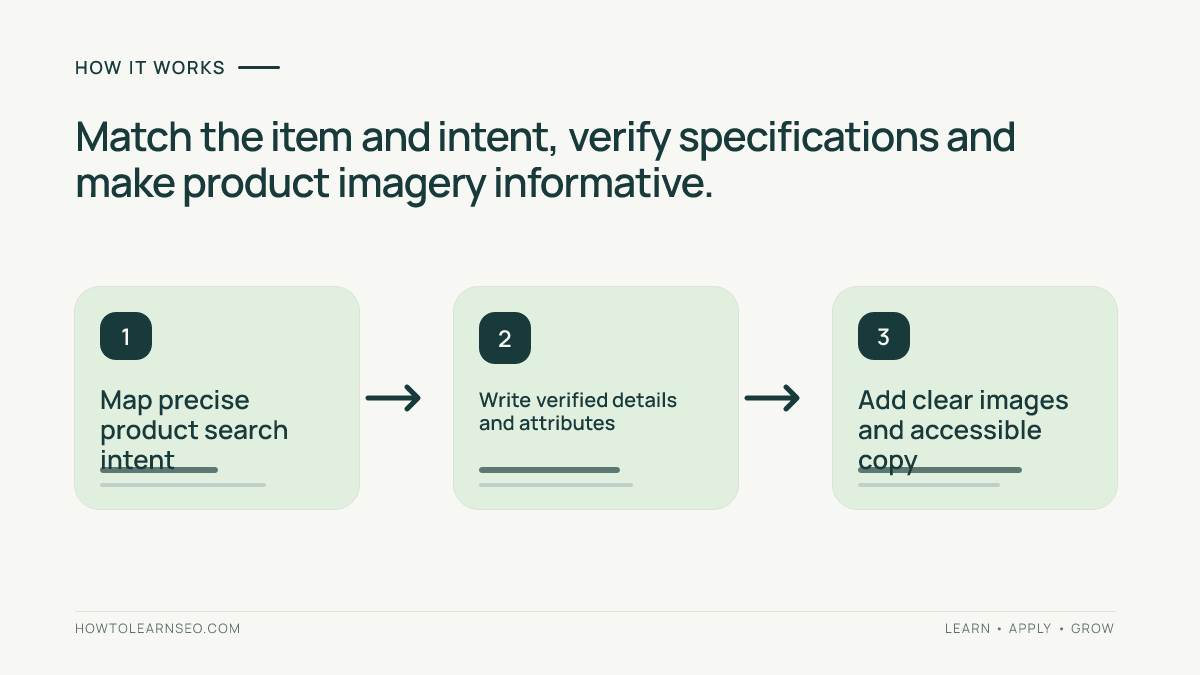
Use clear images of the actual item, details that distinguish variants and context that helps shoppers understand size or features. Write alternative text describing what is visible, not a string of sales keywords. Use appropriate image dimensions, stable URLs and sensible compression. Consult our image SEO guide for accessible descriptions and performance considerations.
Use variant-specific photos where appearance materially differs. Test the gallery and thumbnails on mobile. Images cannot substitute for verified product information: a flattering photograph does not confirm a material specification or promise that an accessory is included.
Handle variant URLs and canonical relationships
A product may have options for size, color, capacity or configuration. Choose a consistent URL approach that represents the selected option. Google’s ecommerce URL guidance explains using distinct paths or parameters so variants can be identified. Canonical decisions depend on how the catalog represents variants; avoid assuming that every variant should always be self-canonical or always point to one parent URL.
Check representative combinations, including a sold-out option and a parameterized URL. Confirm the selected variant loads directly, internal links are discoverable, and the canonical signals match the intended indexing strategy. Avoid accidentally creating thousands of duplicate indexable combinations with little distinction. Our product variant URL validation guide extends these checks to larger catalogs.
Use accurate Product structured data
Where appropriate, provide machine-readable details that match what buyers can see. Google’s merchant listing documentation explains Product and Offer fields for eligible purchase pages, including price, currency and availability. Editorial product reviews use somewhat different requirements; compare Google’s product snippet guidance when relevant. Valid markup supports eligibility but cannot guarantee a visible enhancement.
Check representative URLs with Google’s Rich Results Test and inspect the accessible live page with Search Console URL Inspection. After a template update, verify both the rendered product details and embedded data. Errors may be caught by enhancement reports after Google processes the page, but crawling and display timing are outside a site’s direct control.
Worked example: a fictional commuter backpack
Input: Imagine a fictional shop selling a “MetroTrail 22L Commuter Backpack.” Its current page title says “Best Bag,” omits the laptop-sleeve dimensions and uses a color selector that displays a mismatched photo. A verified product sheet supplies capacity, materials, dimensions and the available colors. These are illustrative inputs, not observations from an actual audit.
Action: Replace the vague title with the product’s verified model and type. Add precise dimensions, materials, care instructions and any material limitations in a scannable format. Correct the option selector so the chosen color appears accurately; then check the affected URL, canonical tag and Product data against the actual offer.
Expected output: A customer opening the model page can identify the correct item and choose the offered configuration. Verify: Open each representative variant URL directly, check the product picture and cart details, inspect the rendered canonical and validate applicable markup. Edge case: If one color is discontinued, update availability and decide whether its URL should show the discontinued product with a useful alternative instead of silently redirecting every visitor.
Measure discovery separately from purchases
Record the release date and compare product-specific Search Console queries, impressions and clicks across comparable periods. Confirm that the intended canonical URL is indexed. Compare those signals with analytics for product views, add-to-cart actions and orders, using carefully defined attribution. More clicks without purchases may reveal inventory, price or usability problems rather than an SEO failure.
When a product template changes, test a small sample before applying it to an entire catalog. Keep a change record covering page titles, specification updates, structured-data checks and mobile behavior. Do not credit one content edit for every conversion change when promotions or product availability changed at the same time.
Frequently Asked Questions
What is product page SEO?
Product page SEO helps search engines and shoppers understand one item through useful descriptions, clear URLs, informative images, accurate metadata and appropriate structured data.
Should every product variant have its own URL?
A distinct URL can identify a variant, but canonical and structured-data implementation depends on the shop’s actual variant setup. Follow Google’s ecommerce URL guidance.
Do product descriptions need to be completely unique?
Descriptions should add value through verified attributes, suitability and limitations. Superficially rewriting manufacturer text without useful details rarely helps shoppers.
Can Product structured data guarantee rich results?
No. Correct Product and Offer markup may support eligibility for relevant search experiences, but Google does not guarantee a particular rich result.
How should out-of-stock items be handled?
Show correct availability on the product page and in applicable structured data. Consider keeping a helpful product page with alternatives when that serves returning customers.
Which metrics help evaluate product page SEO?
Compare Search Console organic impressions and clicks with indexed URL status, engaged sessions, product interactions and purchases while considering demand and promotions.
Conclusion
Product page SEO works when clear search intent, dependable product facts, accessible images, stable variant URLs and accurate structured data reinforce one another. Begin with a representative page, fix gaps that prevent buying decisions, verify the technical signals and track what happens after the change. The aim is a trustworthy product experience, not keyword stuffing or a promised search feature.