
This Seobility review examines its website audits, keyword tracking, backlink research and subscription considerations. It explains how to test the platform against real SEO tasks without confusing automated warnings with proven search performance problems.
Quick Answer
Seobility is an SEO platform that combines website auditing with other optimization and monitoring functions. It may suit site owners who want an accessible way to spot on-page issues, inspect crawl findings and track selected search terms. It does not replace careful technical investigation, editorial judgment or first-party Google reporting. This review explains how to evaluate its workflow and pricing without pretending that every reported warning is a ranking problem.
Key Takeaways
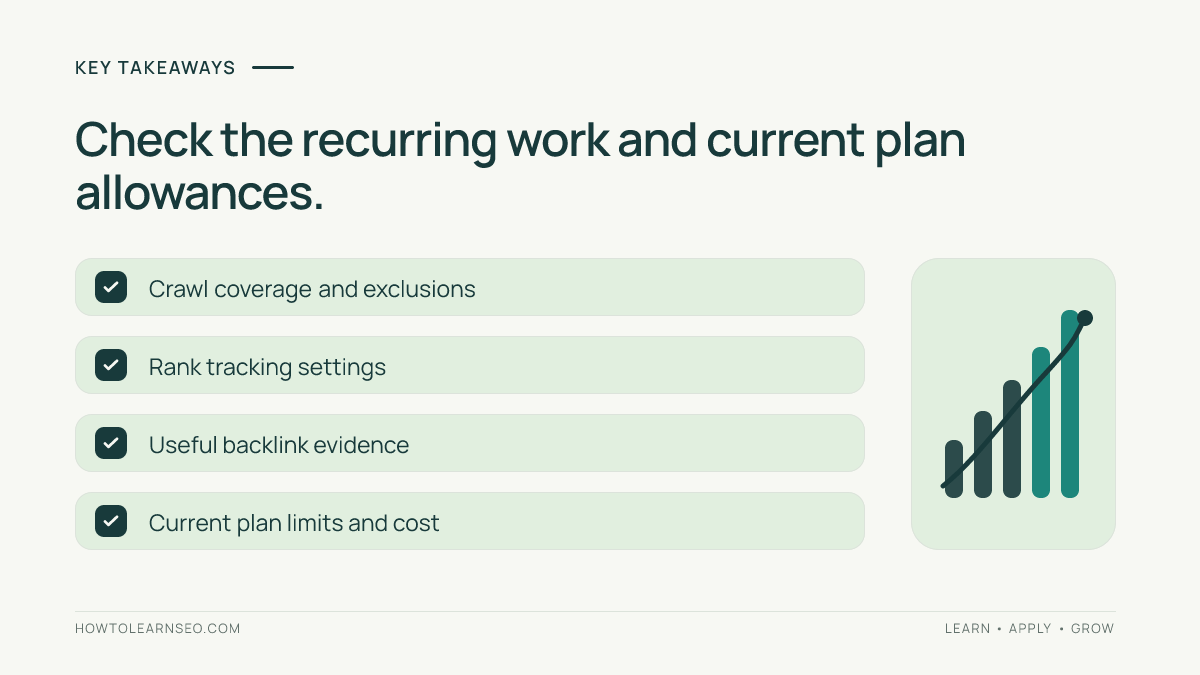
Start with the work you need to complete, not a vendor feature checklist. Test whether the crawler includes important URLs and explains findings clearly. Review rankings using consistent location, device and keyword settings. Evaluate backlinks as leads to inspect rather than a complete link census. Confirm current plan limits and billing on the vendor website. Prioritize repairs by user impact and business importance. A useful trial should produce one verified change and a repeatable monitoring routine.
What Seobility is designed to do
Seobility brings several SEO activities into one environment, including site auditing and monitoring. For a small marketing team, this may reduce the need to switch between multiple dashboards when reviewing technical warnings and optimization opportunities. However, a consolidated interface does not make all observations equally reliable or important. A crawler only sees pages it can reach under its configuration. A ranking tracker measures defined queries and settings rather than every search a customer might perform. Link reports depend on the vendor’s index. Evaluate the tool as a collection of evidence sources. Its best use is helping an analyst identify a question, inspect representative pages and make a defensible recommendation. Its weakest use would be automatically implementing every suggested change merely to improve a proprietary score. A good review should assess whether the workflow supports real outcomes rather than counting menu items.
Who Seobility may suit
A small business with a growing website may appreciate a structured checklist of detectable SEO problems. An independent consultant can use regular audits to discuss technical changes with clients. A content manager may want a simple view of selected keyword movements and on-page issues. Larger organizations should examine project capacity, collaboration needs, crawling controls and reporting requirements before subscribing. A team already using an extensive SEO suite may find overlapping functions. Before deciding, list three recurring jobs: finding broken internal links, checking priority landing pages after a release and monitoring a defined set of commercial keywords, for example. Assign an owner to each job and decide how success will be verified. If nobody has time to act on reports, even a capable platform becomes another source of unattended notifications. The right product is the one that fits an existing decision process and helps improve it.
Understanding website auditing
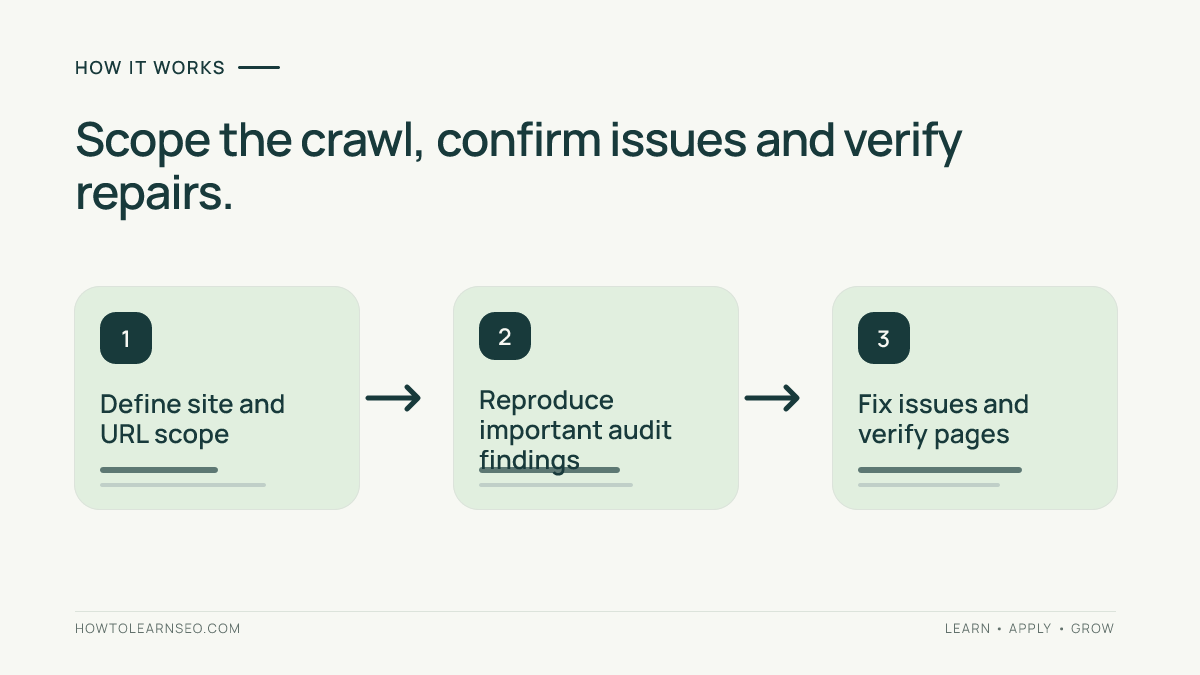
An automated audit visits accessible pages and evaluates detectable signals such as response codes, links, metadata and structural patterns. These observations are useful for finding repeated template defects. They are not a complete representation of how Google crawls or ranks the website. Begin by defining the correct hostname, expected URL inventory and any exclusions. Check whether navigation depends on JavaScript or authentication and whether the product can handle those conditions. Review the crawl settings and available limits for your selected plan. Compare discovered pages with your sitemap and content inventory before trusting issue counts. A missing page might reflect configuration rather than a site problem. After finding an issue, reproduce it on a representative URL and identify whether the cause belongs to the CMS, template or an individual page. Our SEO audit guide explains the broader audit process. A report should end with prioritized, verified repairs.
Starting a reliable crawl
Write down the purpose of the crawl before configuring it. For example, you might want to confirm that all important service pages are accessible after a navigation redesign. Create a list of expected pages and identify their preferred URLs. Check robots rules and avoid unnecessary load on the server. Start with a small sample to confirm the crawler reaches the correct templates. Note the date, hostname, inclusion settings and any blocked sections. Expand the crawl only when the sample behaves as expected. If the tool reports a large number of missing pages, investigate whether the scope or parameter handling excluded them. Do not immediately create tickets for every missing URL. Confirm the problem independently with a browser or HTTP request. Record the configuration so the next audit can use comparable settings. Repeatable methodology is more valuable than a large report that nobody can reproduce.
A practical example: repairing broken navigation
Imagine a fictional local repair company with 65 service and location pages. A site audit flags several links from its main services menu to old URLs. First, export the affected source pages and destinations. Second, follow three representative links in a browser and record whether they return errors or redirect to unrelated pages. Third, inspect the navigation template to determine whether one shared component generates the broken links. The decision rule is to fix links that prevent visitors from reaching the intended active service pages. Expected result: the shared menu points directly to the correct destinations. Verification: test the menu on desktop and mobile, then recrawl the affected section. Edge case: one old service has been discontinued and has no equivalent replacement, so forcing a redirect to a generic page may mislead users. This example is illustrative, not a claim that Seobility produced measured results for a real business.
On-page checks and page intent
On-page checks can highlight missing titles, duplicated descriptions or heading patterns. The most important question is whether a page communicates its purpose clearly and answers a distinct search need. A warning about title length is not automatically more important than a page that omits critical pricing or service information. Inspect the search intent, visible content and actual rendered metadata before rewriting anything. If several pages share identical titles because of a CMS template, correct the template where appropriate. Write useful descriptions for searchers without assuming Google will always display them verbatim. Our meta title and description guide covers practical writing decisions. Avoid keyword stuffing and repeated boilerplate introduced merely to satisfy an automated recommendation. A strong on-page improvement makes the page more useful and distinctive, then checks that the intended HTML is actually published.
Internal links and discovery
Internal links help visitors navigate and allow crawlers to discover related content. An audit may surface broken internal links, unusual depth or pages that appear poorly connected within the crawled set. Interpret these findings in context. A page absent from one crawl may still exist in a sitemap or have been excluded by settings. A deep page is not necessarily defective if it serves a narrow but legitimate purpose. Start with important landing pages and ask whether relevant navigation and supporting articles provide sensible paths to them. Use descriptive anchor text that helps users predict the destination. Our internal linking tutorial provides a foundation. After changing navigation, test it with a real browser and a targeted crawl. The goal is better discovery and usability, not an arbitrary universal maximum click depth or link count.
Response codes and redirect decisions
A website crawler can reveal unexpected server responses, dead destinations and chains of redirects. Different conditions need different remedies. A page intentionally removed without a replacement may appropriately return a not-found or gone response. A valuable article moved to a new URL may need a relevant permanent redirect. An important navigation link should normally point directly to its intended active destination. Investigate the source and destination before deciding. If many links share the same error, look for a template or configuration problem rather than editing every page manually. Test the final response after deployment and check that the destination meets the visitor’s expectations. Do not redirect every broken URL to the homepage or treat all 404 responses as emergencies. Document intentional cases so future audits do not reopen the same decision. Good technical SEO makes navigation dependable and avoids unnecessary confusion.
Canonical signals and duplicate pages
Canonical elements help communicate a preferred URL when several pages have substantially overlapping content. They are signals, not commands that guarantee Google’s selection. Ecommerce filters, campaign parameters and content syndication can create complicated URL patterns. A crawler may help identify declarations that appear inconsistent with internal links or redirects. Review representative page pairs and decide whether they truly serve the same search intent. Do not canonicalize distinct service pages simply because they share a layout. Ensure navigation points to the intended pages and that canonical targets are accessible. Check relevant Search Console reports before claiming a fix affected indexing. Google’s canonicalization guidance explains how these signals work. The appropriate outcome is a coherent URL strategy, not a blanket reduction in the number of crawlable URLs.
Rank tracking and interpretation
Rank tracking can help monitor selected queries over time, but its results depend on the tracked location, device, language and search conditions. A movement for one keyword does not describe all organic traffic. Choose queries that map to important pages and actual customer needs. Keep the tracking configuration consistent when comparing dates. Record major site changes and search events that could affect interpretation. If a keyword falls, examine whether the landing page changed, whether search intent shifted and whether first-party clicks or impressions show a related pattern. Do not assume a rank tracker and Google Search Console will show identical positions. They use different methods and scopes. Our Google Search Console guide explains first-party search reporting. Use rank tracking to prioritize investigation, not to promise outcomes based on isolated daily fluctuations.
Keyword research considerations
A platform may offer keyword-related suggestions and monitoring, but keyword data needs interpretation. Before selecting a target, define the audience, page type and specific task the searcher wants to accomplish. Inspect the actual results for the query rather than relying only on a numeric difficulty indicator. A phrase with modest apparent demand may be valuable if it matches a commercial service closely. A broad phrase may be unrealistic or too ambiguous for the website’s current authority and content. Confirm which keyword features are available in your chosen Seobility plan, and do not treat vendor estimates as verified search volume. Build a small topic map that connects each target query to a distinct page. Avoid creating several near-duplicate articles for slight wording variations. The purpose of research is to select useful content opportunities, not maximize the number of tracked phrases.
Backlink data and limitations
Backlink tools can reveal websites observed linking to your pages and to competitors. These observations are useful for research but incomplete. A detected link is not automatically valuable, and a missing link in one index does not mean it does not exist. Inspect the linking page, surrounding context, editorial relevance and destination. Distinguish multiple links from one domain from genuinely independent sources. A useful citation from a specialist publication can matter more to readers than numerous automated directory links. Do not label a domain toxic solely because of a vendor score. Google’s spam policies offer a better starting point for understanding manipulative practices. For practical outreach, our community backlink guide focuses on legitimate relationships. Backlink analysis should support editorial judgment rather than replace it.
Competitor comparisons without false certainty
Competitor research is useful when it reveals a difference you can investigate and act upon. Compare websites serving similar audiences and search intents. Record whether the analysis concerns domains, subdomains or individual pages. A large competitor may have many irrelevant links or rank for products your business does not offer. Filter observations toward directly comparable content and services. For example, compare two local repair guides rather than an entire national retailer with a neighborhood shop. Ask which topics, resources or partnerships genuinely explain why a competitor earns attention. A tool’s keyword or link gap is a hypothesis for research, not an instruction to copy every competitor tactic. Verify the relevant pages manually and assess whether your business can provide a distinct contribution. The output should be a shortlist of worthwhile actions, with evidence and owners, not a spreadsheet of every apparent gap.
Monitoring changes over time
Recurring monitoring is valuable when it detects meaningful regressions after releases or content updates. Choose a frequency appropriate to the website’s rate of change. A frequently updated catalogue may need more attention than a small brochure site. Keep crawl scope and tracking settings consistent across comparisons. If discovered URL counts change sharply, investigate whether new content, navigation, parameters or exclusions explain the difference. If warnings suddenly disappear, confirm the pages were repaired rather than accidentally omitted. For ranking changes, use consistent query and location settings and check first-party reporting where available. Write a short change log noting what happened, what was confirmed and who owns the next action. Avoid sending every automated alert to every stakeholder. Monitoring should help teams distinguish a real regression from ordinary data variation.
Reporting for developers and stakeholders
A useful audit report has two levels. The executive summary explains the important user or business problem and the proposed action. The technical appendix preserves source URLs, observed behavior, configuration, likely cause and verification steps. Group repeated symptoms by template rather than opening hundreds of nearly identical tickets. Label uncertain findings clearly and note exclusions. When a page is intentionally blocked or retired, document that decision rather than marking it as an unresolved emergency. Provide acceptance criteria such as a corrected navigation link resolving directly to the intended page. After implementation, confirm the live behavior and record the deployment date. This makes the report actionable for engineers and understandable for nontechnical colleagues. The value of an SEO tool is partly determined by how easily its observations can become a clear, reproducible repair request.
Seobility versus specialist crawlers
A broad SEO platform and a specialist crawler solve overlapping but not identical problems. Seobility may appeal to teams that want website auditing alongside ranking and other monitoring functions. A dedicated crawler such as Screaming Frog or Sitebulb may be preferable when an analyst needs highly specific crawling controls or detailed technical investigations. The right choice depends on the actual tasks, product versions and current plan limits. Test a representative website section in each tool using comparable scope and rendering assumptions. Compare how quickly you can identify a meaningful problem, explain it and verify a fix. Our Screaming Frog review offers another perspective. Do not assume a specialist is automatically better for every website or that an all-in-one platform covers every advanced requirement.
Seobility versus broader SEO suites
Semrush, Ahrefs, Moz Pro and SE Ranking offer various combinations of research, audits and monitoring. Seobility belongs in the comparison when a team wants an approachable workflow and needs to control costs, but feature availability and limits should be checked directly. A tool with many features is not necessarily the best fit if your team only uses two of them. Likewise, a simpler platform may become restrictive as project volume or reporting requirements grow. List your essential tasks and test them on the same website. Compare the clarity of findings, project allowances, exports, monitoring cadence and collaboration needs. Do not compare proprietary authority scores as though they use identical formulas. Choose the tool that supports repeatable work at a sustainable total cost, not the one with the most attractive feature-count chart.
Pricing and subscription questions
Seobility’s plans, free allowances, trial terms and pricing can change. Consult the official Seobility website for current terms rather than relying on an old review’s price. Confirm project limits, crawl capacity, keyword tracking allowances, exports, reporting and any collaboration requirements. Check whether the advertised price depends on annual billing or a particular currency. Include staff time and any other tools needed for verification. A low-cost plan is not good value if it cannot cover your important pages. A larger plan may be unnecessary if you run only occasional small audits. Record the date and exact plan evaluated. This review does not invent current prices or claim that every feature is included in every tier. Buying decisions should follow a realistic trial of the tasks your team actually performs.
Seven-day evaluation plan
Day one: define three important SEO questions and collect a URL inventory. Day two: run a small crawl and verify that representative templates are included. Day three: investigate one internal linking or redirect issue and reproduce it manually. Day four: review metadata findings against actual page intent rather than warning counts. Day five: configure a small set of relevant tracked keywords with consistent settings and compare the reporting with first-party evidence. Day six: assess backlink observations and verify a few linking pages. Day seven: prepare a repair brief and compare the workflow, limitations and current subscription cost with your existing process. This is a suggested test plan, not a claim that a paid account was tested. If the selected plan prevents a necessary step, record that limitation. The goal is one verified, useful decision and a repeatable method for future work.
An evaluation worksheet you can reuse
Create a table with columns for question, input, rule, action, expected result and verification. For the fictional repair business, the question is whether priority service pages are reachable from the main menu. The input is an approved list of service URLs and a crawl of navigation. The rule is to prioritize broken paths affecting active services. The action is to update the shared menu template. The expected result is direct navigation to correct service pages. Verification is a browser test on desktop and mobile followed by a targeted crawl. The edge case is a discontinued service that should not be redirected to an unrelated page. Use the same structure for a canonical conflict or ranking investigation, changing the evidence and acceptance criteria. This worksheet prevents reports from becoming collections of observations with no owner or clear definition of success.
Common mistakes to avoid
Do not interpret every audit warning as a proven ranking cause. Do not compare crawl totals when inclusion settings differ. Do not optimize title length without checking page intent. Do not redirect all missing URLs to the homepage. Do not assume tracked rankings describe every query or location. Do not treat backlink data as complete or proprietary scores as Google metrics. Do not buy a subscription before testing essential capacity and exports. Do not create dozens of developer tickets for one repeated template defect. Finally, do not report success merely because a dashboard score improved. Verify the underlying page behavior, document the outcome and monitor first-party evidence over time. These habits keep technical work grounded in user needs and reduce wasted effort.
Limitations and final verdict
Seobility may be a practical choice for teams that want accessible audits and selected monitoring functions in one workflow. Its usefulness depends on crawl coverage, plan limits, reporting clarity and the ability to verify recommendations. It cannot guarantee indexing or rankings, and its observations are constrained by the data it collects. Teams with complex rendering or very large websites should test the required functionality carefully. Teams that already use a broad suite should check for redundant subscriptions. The buying decision is straightforward: can your team use the tool to identify an important issue, understand its cause, implement a reasonable change and verify the result? If yes, the platform may earn its place. If not, keep the existing workflow or evaluate another option.
Frequently Asked Questions
Is Seobility suitable for beginners?
Seobility may be approachable for beginners, but users still need to understand search intent, crawling, indexing and technical SEO before acting on automated warnings.
Does Seobility replace Google Search Console?
No. Seobility provides third-party SEO analysis, while Search Console offers first-party Google Search reporting for verified website properties.
Can Seobility guarantee better Google rankings?
No. An audit or tracking tool can help identify issues and monitor selected queries, but it cannot guarantee rankings or traffic.
Does Seobility include a website audit?
Website auditing is a core part of Seobility’s offering. Confirm the current crawl capacity and included features for the plan you are evaluating.
How should I compare Seobility with Screaming Frog?
Test the same representative pages, review crawling controls and findings, and compare how easily each tool supports a verified technical repair.
What should I check before paying for Seobility?
Confirm current pricing, billing terms, project and crawl limits, tracking allowances, exports and whether the product completes your actual recurring SEO tasks.
Conclusion
Seobility is worth evaluating when accessible website auditing and monitoring match your recurring needs. Test crawl coverage, verify meaningful findings and confirm current plan terms. The strongest reason to subscribe is that the platform helps your team complete a real SEO task more reliably, not that it displays a higher score.