To optimize YouTube playlists for SEO and viewers, organize related videos into a clear learning path, write descriptive metadata, choose a useful sequence and verify that the public playlist works. The practical steps below help creators improve discovery and navigation without relying on keyword stuffing or ranking promises.
Quick Answer
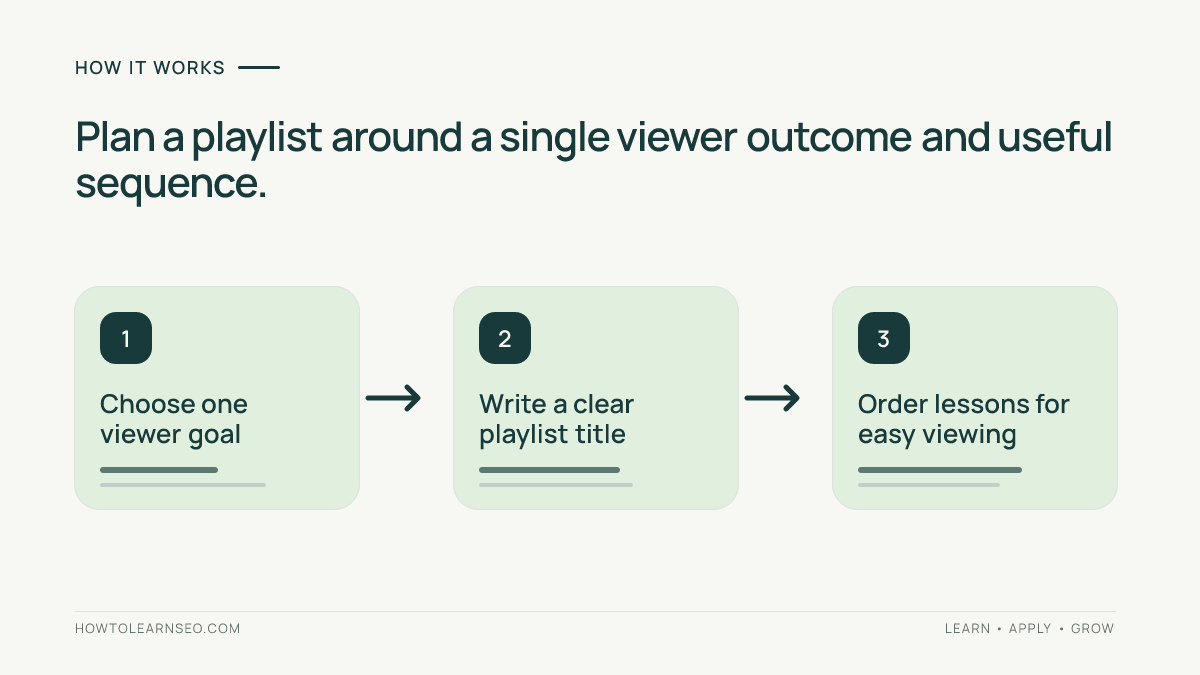
To optimize YouTube playlists, group videos around one clear viewer goal, order them into a useful viewing path, write an accurate searchable title and description, and place the playlist where viewers can discover it. A playlist is a navigation and viewing experience, not merely a container for keywords. Verify that every video belongs, that the sequence works on mobile, and that viewers can move naturally to the next relevant lesson.
Key Takeaways
Choose a playlist topic narrow enough to promise a coherent viewing experience. Use a descriptive title rather than a vague label such as Videos. Put the most useful starting video first when the playlist is educational, and check the sequence whenever new videos are added. Avoid repeating the same videos across numerous near-identical playlists. Describe what viewers will learn, not what an algorithm supposedly wants. Use playlist links in relevant descriptions and channel sections, then assess actual viewer behavior instead of assuming that a playlist automatically boosts rankings.
When a playlist deserves its own topic
A playlist works best when its videos solve connected questions. A channel about home cooking might create a Beginner Bread Baking playlist covering ingredients, mixing, proofing, shaping and baking. A broad playlist named All Recipes is less helpful because the next video may not match the viewer’s goal. Start with a viewer question: what could someone accomplish after watching this series? The answer should determine the scope. If the collection contains only two unrelated videos, improve the grouping before optimizing metadata. If a series becomes too broad, separate genuinely distinct learning paths rather than making keyword variations of the same playlist.
Step 1: Audit your existing video library
List your published videos in a simple spreadsheet with title, URL, subject, audience level, length and the next useful lesson. Mark videos that are outdated, duplicated or not relevant to the proposed collection. A playlist about beginner photography should not unexpectedly jump from exposure basics to an advanced commercial lighting tutorial. Check whether the videos remain public and playable for the intended audience. You can include an unlisted video in some viewing contexts, but do not assume that makes it independently discoverable in search. Review your existing short-video SEO strategy when deciding whether Shorts and long-form tutorials belong in the same viewing journey.
Step 2: Define one audience and one outcome
Write a one-sentence promise before creating the playlist: After watching this series, a beginner can prepare and bake a basic loaf. Choose videos that deliver on that promise. For an advanced series, specify prerequisites so new viewers do not feel lost. Resist building playlists around every minor synonym. A useful series can address several related searches naturally without needing multiple duplicate versions. Review the search intent guide to distinguish people seeking a complete course from people seeking a single quick answer. The playlist should serve the first group without preventing the second from watching an individual video.
Step 3: Write an accurate playlist title
Use natural language that describes the collection, such as Beginner Bread Baking: Step-by-Step Lessons. Put the subject near the beginning so it is understandable in truncated interfaces. Avoid repeating the same phrase three times or promising a complete course when key lessons are missing. If a brand name helps viewers identify the creator, it can appear naturally, but the topic should remain clear. Check how the title appears on a phone, not only on a desktop. Titles can be edited later, so choose clarity over speculative keyword formulas. YouTube’s official playlist creation and management guidance describes available playlist controls.
Step 4: Create a description that explains the learning path
Open with a direct statement of who the playlist serves and what it covers. Follow with a short explanation of the sequence and any necessary materials or prior knowledge. For example: Learn basic bread baking through lessons on ingredients, mixing, proofing and oven timing. Start with the first video if you have never baked bread. Avoid dumping a block of unrelated hashtags or search phrases into the description. Do not claim every video is current unless you maintain the series. Descriptions should make the playlist worth opening even when someone encounters it without visiting your channel first. For individual-video metadata, see our YouTube description tutorial.
Step 5: Arrange videos into a deliberate sequence
For an educational playlist, begin with the essential foundation and progress toward more difficult tasks. For a news or episodic series, chronological order may make more sense. For a collection of standalone answers, lead with a strong representative video and then group related questions. Avoid using a popular but unrelated video as the opening simply to attract clicks. Test the transition between consecutive videos: does the second answer the next question raised by the first? If not, adjust the order or add a bridging explanation in the relevant video description. Revisit the order when publishing new episodes rather than automatically placing everything at the top.
Step 6: Make the playlist discoverable without spamming
Feature a useful playlist in an appropriate channel-home section when that layout is available. Link to it from video descriptions where the series offers a natural next step, and mention it in an end screen when the available YouTube feature supports your format. Use the same viewer-first logic in a pinned comment or community post: explain what the series helps people do. Avoid pasting every playlist link under every upload. A visitor watching a quick recipe may not want a lengthy baking course. You can also link from a relevant article on your own website if the collection provides additional demonstrations. Check our video titles and chapters guide for complementary navigation improvements.
Step 7: Review thumbnails and visual consistency
Each video thumbnail should accurately represent that lesson. Consistency in typography or framing can help viewers recognize a series, but identical thumbnails make individual lessons hard to distinguish. A bread-making playlist might show ingredients on the first video, dough on the second and a finished loaf on the last. Avoid using unrelated stock imagery that promises an outcome the video does not deliver. The playlist may display video artwork in different layouts, so inspect the result on mobile. A visually coherent collection supports navigation; it is not a substitute for strong content. Do not assume a specific thumbnail treatment guarantees additional search traffic.
Worked example: a five-video beginner baking series
Imagine a fictional creator with five published videos: choosing flour, mixing dough, first proof, shaping and baking. Input: five public URLs, their actual lesson topics and a beginner audience. Rule: each video must teach a distinct step toward baking one basic loaf. Action: create Beginner Bread Baking: Five Essential Lessons, describe the sequence, order the videos from flour to oven, and link the playlist from the first lesson. Expected result: a new viewer can follow the sequence without guessing what to watch next. Verification: open the playlist while signed out, confirm each video loads, read the description on mobile and watch the transitions. Edge case: the proofing lesson assumes a sourdough starter; replace it with a suitable beginner lesson or explicitly explain the prerequisite. This is an illustrative editorial test, not measured YouTube performance.
Step 8: Check visibility and platform settings
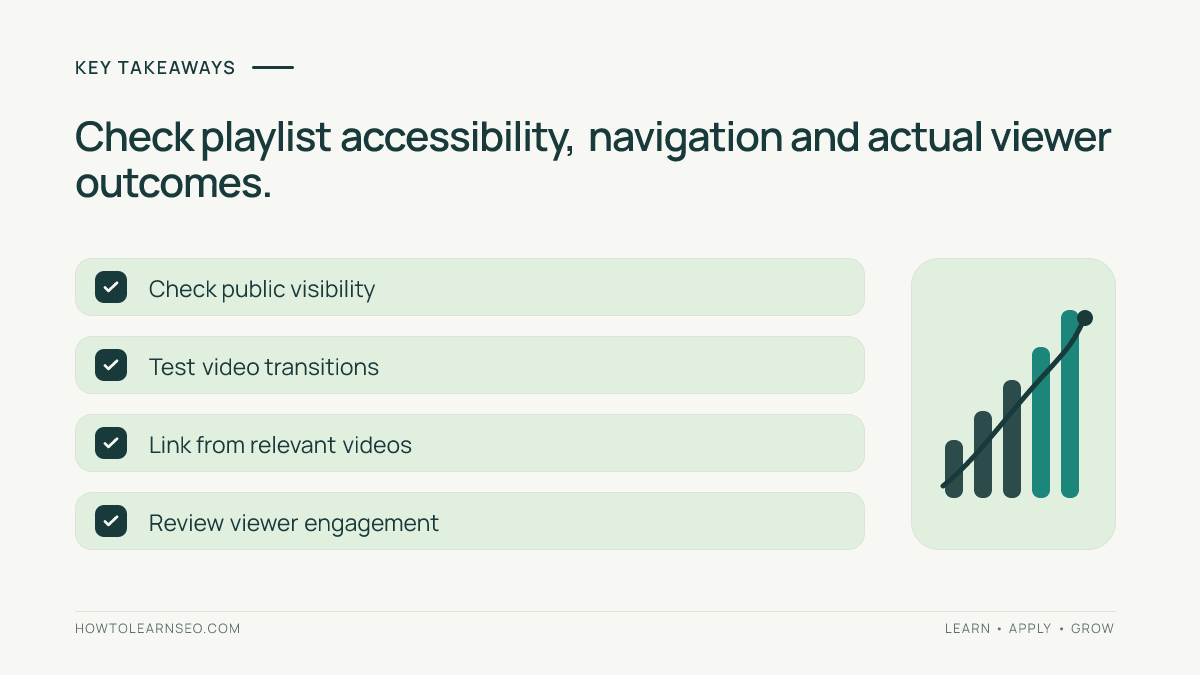
Confirm that the playlist visibility matches your intention. A private playlist is not a public search destination, and an unlisted playlist should not be treated as a normal discovery asset. Verify the shareable playlist URL from a signed-out browser or a separate account. Check whether the videos themselves are available to your target viewers and whether any age, region or rights restrictions affect the sequence. Use YouTube Studio and YouTube Help for current controls because interface labels can change. YouTube’s playlist privacy documentation explains visibility choices. Avoid publishing a promotional link until you know the destination works.
Step 9: Measure whether the playlist helps viewers
Inspect available YouTube Analytics reports for playlist-related performance and video engagement, recognizing that report availability and metrics can change. Look for useful patterns: do people start at the intended entry video, continue to later lessons, or abandon the series at a confusing transition? Compare performance across similar periods and account for new uploads or external promotion. A higher view count alone does not prove the playlist caused additional viewing. Keep a simple change log recording title edits, reordered lessons and added videos. For a broader approach to evaluating discoverability, review the video sitemap guide; remember that website video indexing and YouTube playlist discovery are different tasks.
Common mistakes and limitations
Do not build dozens of playlists containing almost the same videos just to target slightly different search terms. Do not make every playlist title a list of keywords. Do not put advanced lessons before prerequisites without warning. Do not include unavailable or unrelated videos to inflate collection size. Do not assume YouTube or Google will index every public playlist or show it for a particular query. A playlist cannot repair weak individual videos, poor audio, misleading thumbnails or an incoherent teaching sequence. If your channel has only a few relevant videos, focus on making the series genuinely useful before expanding its metadata.
Maintenance checklist
Review the playlist after every relevant upload. Check that the title still describes the full collection, the first video remains a sensible entry point, and no lesson has become inaccurate. Remove irrelevant videos rather than preserving a larger count for appearances. Test the public link periodically, especially after privacy changes. If viewers repeatedly ask for a missing step, consider making a new video before creating another playlist. Track updates in a short spreadsheet so you can connect editorial decisions with later observations. Keep the viewer’s promised outcome at the center of every change.
Frequently Asked Questions
Do YouTube playlists appear in search results?
Public playlists can be discoverable, but appearance and ranking are not guaranteed. Relevance, viewer usefulness and platform behavior matter.
How many videos should a playlist contain?
There is no universal ideal number. Include enough relevant videos to complete the promised viewing journey without adding unrelated material.
Should the newest video go first?
Not always. Educational playlists usually benefit from prerequisite-first order, while episodic or time-sensitive series may need another sequence.
Can one video belong to multiple playlists?
Yes, when it genuinely serves different viewing journeys. Avoid creating numerous overlapping collections solely for keyword coverage.
Should I add keywords to the playlist description?
Use accurate topic language naturally. Explain what viewers will learn rather than stuffing repeated keyword variants.
How do I know whether playlist changes worked?
Use available analytics and viewer feedback, compare sensible time periods, and avoid attributing every change in views to metadata alone.
Conclusion
Useful YouTube playlists begin with a real viewer task. Group videos that belong together, write clear titles and descriptions, choose a sensible order, make the collection easy to find and revisit it as the channel grows. A coherent series helps people decide what to watch next; any search visibility should be treated as a potential benefit rather than a guaranteed outcome.