YouTube video chapters and titles help viewers understand what a video covers before and after they press play. Clear titles explain the promise; accurate timestamps make a longer tutorial easier to navigate. This guide shows how to plan both together, how to test the finished result and why chapters should serve viewers rather than become another keyword-stuffing tactic.
Quick Answer
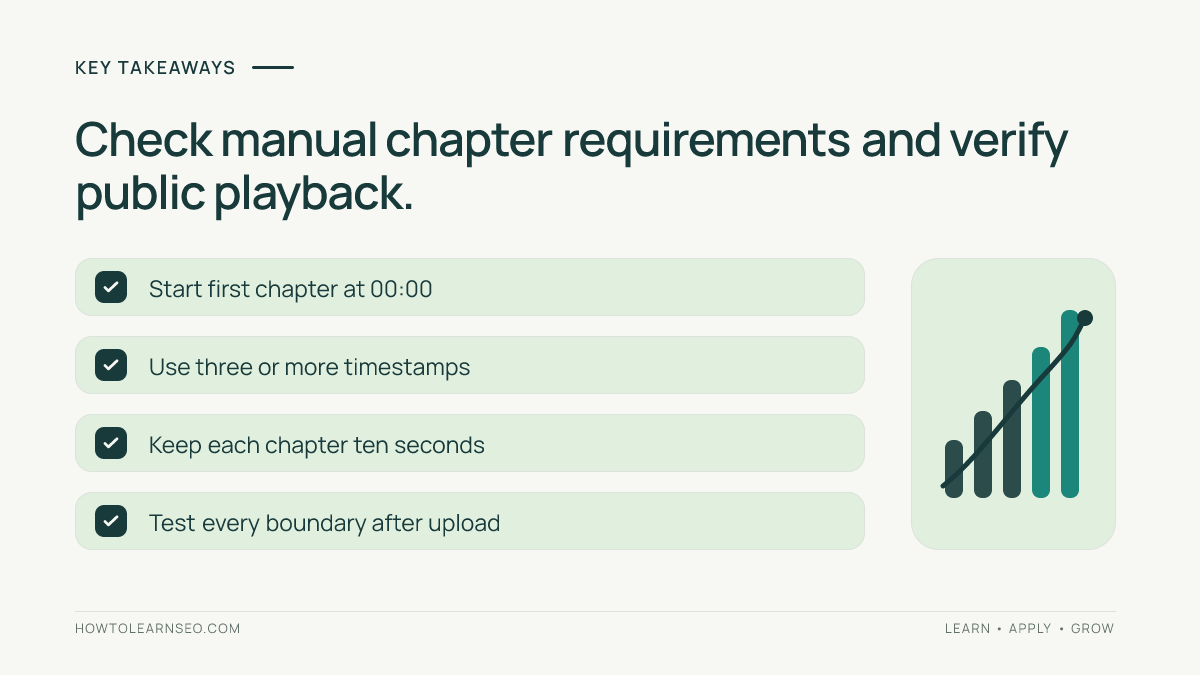
For effective YouTube video chapters, write a truthful, specific title and add descriptive timestamps to the video description, starting at 00:00. YouTube asks for at least three timestamps in ascending order, with every chapter at least ten seconds long. Check that boundaries correspond to real changes in the video. See the official YouTube chapters instructions for current eligibility and formatting requirements.
Key Takeaways
- Choose a video title around the main viewer question, not an inflated claim.
- Start chapters at 00:00 and mark genuine topic transitions.
- Use chapter labels that describe a segment without repeating the title.
- Test playback and chapter boundaries after publication.
- Judge the changes by viewer experience and relevant channel metrics, not guaranteed rankings.
Decide what the video promises before writing metadata
A title should tell a viewer what outcome to expect from a video. A tutorial about preparing an XML sitemap needs different wording from a discussion comparing video microphones. Search intent is useful here: one viewer wants instructions, another wants an evaluation. Write one sentence stating the question, audience and expected result before considering a catchy headline. If the video does not answer that sentence, revise the content or narrow the title.
Use the main subject near the beginning when it reads naturally, but avoid adding unrelated trending terms. YouTube’s description guidance recommends unique descriptions that explain the content. The same principle supports titles: the language should help viewers distinguish this upload from similar videos. For foundational ideas about page intent, our on-page SEO guide explains why a promise should match the destination content.
Build chapters from the actual edit, not an outline alone
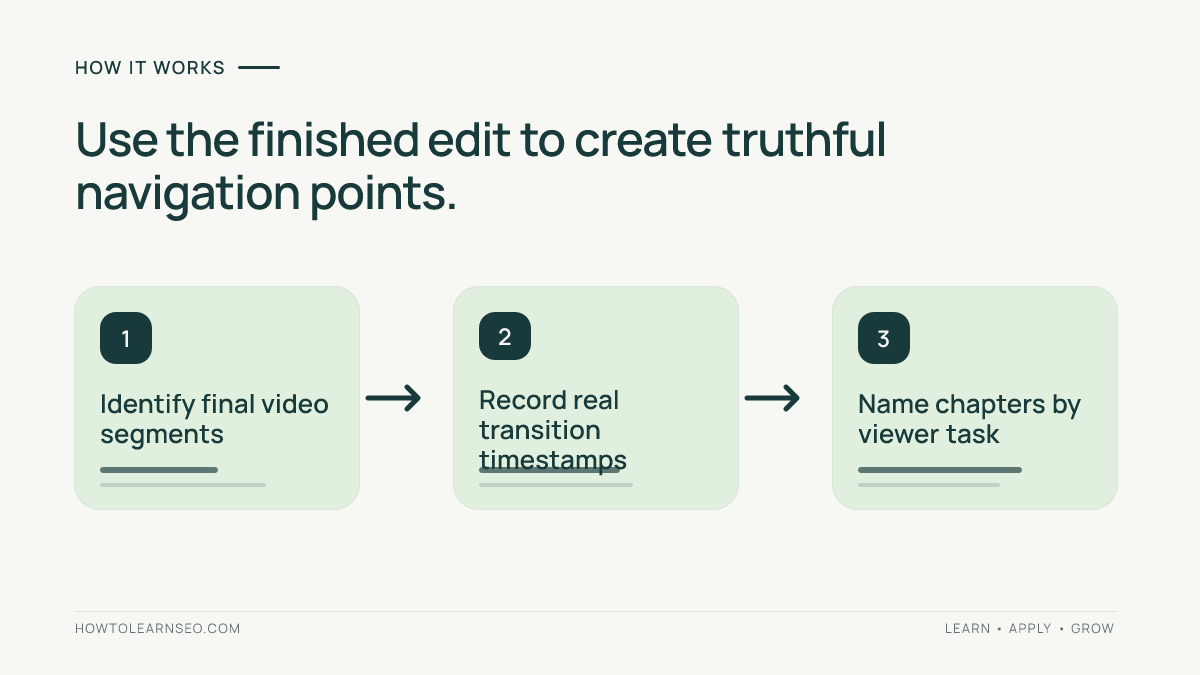
Watch the finished export and note when a genuinely new task begins. A script outline may put the conclusion at 08:00, but the final edit may move it to 08:18 because of an inserted example. Place timestamps against the published cut rather than copying planned timings from preproduction notes. If a chapter label says “Live example,” the segment should demonstrate something; an introductory sentence teasing a later demo is not enough.
YouTube specifies three or more timestamps in ascending order, beginning at 00:00, and a minimum duration of ten seconds per chapter. The platform also notes that advanced feature access may be required and not every upload is eligible for automatic chapters. Don’t split one continuous explanation into many tiny keyword-labeled fragments merely to satisfy a target count. Chapters are useful when they give a viewer recognizable destinations.
Write chapter labels that stand alone
Labels should help someone decide where to jump without understanding the entire script. “Choose a sitemap format” tells more than “Step three.” “Test the submitted URL” is clearer than “Important result.” For comparison videos, use named dimensions such as battery life, accessibility or cost. For long tutorials, distinguish setup, action, verification and troubleshooting, but keep labels short enough to be scannable on mobile.
Avoid placing the same phrase at the beginning of every chapter; repetition can make a timeline harder to navigate. Use capitalization consistently, check spelling and keep the label faithful to what the viewer will see. If a segment includes a warning about prerequisites, make that apparent rather than hiding it behind a suspenseful title. This is a usability improvement, not evidence that a particular phrase will rank.
Worked example: a tutorial with realistic timestamps
Illustrative input: Imagine a fictional ten-minute tutorial about submitting a sitemap. The edit contains an introduction, a walkthrough of finding the sitemap URL, a submission demonstration, a verification step and a troubleshooting section. This is a hypothetical structure, not a claim that the video has been tested or published. The editor’s time-coded review shows changes at 00:00, 01:14, 03:46, 06:28 and 08:51.
Action: Add these lines to the video description: 00:00 What this sitemap tutorial covers; 01:14 Find your sitemap URL; 03:46 Submit the sitemap; 06:28 Check submission status; 08:51 Troubleshoot common errors. All durations exceed ten seconds in this example. The title might be “Submit a Sitemap: Find It, Send It, Check It,” provided the actual video delivers those tasks.
Expected output: A viewer can jump to the submission or verification segment rather than scanning the entire timeline. Verification: Save the description, reload the public video, inspect chapter boundaries and jump to each segment on desktop and mobile. Edge case: If the finished video is only two minutes and the second segment is eight seconds, combine sections or revise the cut rather than forcing a chapter that violates the minimum duration.
Connect the description and thumbnail to the same promise
Use the opening lines of the description to state the video’s actual value and include context not obvious from the title. YouTube recommends unique descriptions and says viewers see the opening portion before expanding the text. Don’t stuff dozens of loosely related phrases. A useful description can name prerequisites, clarify software versions and link to a genuinely relevant educational resource, but the video itself should contain the promised answer.
Make the thumbnail legible and consistent with the outcome. It may show the problem, the tool or the expected result, but should not reveal fictional performance numbers or imply testing that never occurred. Our short-video SEO guide covers a different viewing format; longer instructional uploads benefit especially from precise navigation, which chapters can provide.
Measure whether the edit helps the viewer
After publishing, review audience retention around the chapter boundaries and note comments about finding specific steps. Compare with videos serving similar audiences, durations and formats; one before-and-after chart cannot prove a title or timestamp caused a difference. A strong drop just before an example may mean the transition is slow, not that the chapter label is poor. Watch the actual segment before deciding what to change.
If you retitle a video, keep a dated record and avoid changing the title, thumbnail and description simultaneously when you hope to learn which change mattered. You can also inspect searches and traffic sources in YouTube Analytics where available, but don’t convert a small number of impressions into a claim that a keyword has massive demand. Our SEO basics explanation distinguishes helping users from promising positions.
Common failure patterns and quality checks
Incorrect timestamps are more damaging than missing chapters: viewers may click “Troubleshooting” and land in the middle of an unrelated demonstration. Preview the public page instead of trusting a description editor’s saved text. If automatic chapters do not appear, check eligibility and settings before assuming a technical bug. Manual timestamps override automatic chapters, so decide which approach matches the editing process and avoid conflicting navigation cues.
Be especially careful with tutorials that have been re-edited after upload. A longer introduction, removed sponsor segment or new safety note can shift every timestamp. Recheck the full list when the source material changes. For team workflows, keep the chapter table beside the final video file so another editor can compare labels to actual scenes rather than guessing from a previous script.
Frequently Asked Questions
How do YouTube chapters work?
Chapters divide a video into timestamped sections with individual labels, helping viewers navigate to a useful segment. Manual chapter timestamps can be placed in the video description.
What is the minimum number of manual YouTube chapters?
YouTube requires at least three timestamps in ascending order, starting at 00:00, with each chapter lasting at least ten seconds.
Do chapter timestamps automatically improve video rankings?
No. Chapters can improve navigation and context, but YouTube does not promise a ranking gain from adding timestamps.
Should a video title include the exact target keyword?
Use a clear description of the actual video, including relevant search language when natural. Avoid misleading promises and repeated keyword phrases.
Can YouTube create chapters automatically?
For eligible videos, YouTube can generate automatic chapters when the relevant setting is enabled. Manually entered chapters override automatic ones.
How can a creator test whether chapters are useful?
Open the published video, inspect each chapter boundary on mobile and desktop, and compare relevant audience retention and viewer feedback over comparable uploads.
Conclusion
Useful YouTube titles and chapters start with the viewer’s task and the actual finished video. Promise only what the content delivers, divide the timeline at meaningful transitions and test every timestamp after publication. Chapters may make long videos easier to use, but successful video discovery still depends on helpful content and genuine audience relevance, not a formula for labels.