Broken backlink reclamation repairs links from other websites that point to deleted, moved, or mistyped pages on your site. Start by confirming that the referring link still exists, identify what its reader expected to find, and restore the original resource or route the old URL to a close replacement. Ask the publisher to update the link when you cannot repair the destination yourself.
Quick answer: Build a list of referring pages and broken target URLs, verify each pair manually, choose a relevant repair, and test the complete journey from the referring page to the final destination. Record the result and check again later. A recovered link restores a useful route for readers; it does not guarantee rankings or citations in AI answers.
What Makes This Different From Other Link Work?
This workflow starts with an existing editorial link and a failed destination. It differs from finding new prospects or asking for links to a new asset. If a publication names your brand without linking, use the separate unlinked brand mention workflow. If your own navigation links are broken, begin with the 404 troubleshooting guide.
The purpose is continuity. A citation to a research report should still lead to that report or an equivalent resource. Sending every deleted URL to the homepage may leave visitors without the answer they expected. Google recommends a permanent redirect when a page has moved or has a clear replacement, as explained in its crawl-error guidance.
Prerequisites and a Simple Repair Sheet
You need access to your website’s content, permission to request technical changes, a spreadsheet, and a source of backlink candidates. Use an existing backlink export, known press coverage, partner references, or manually discovered citations. A paid backlink tool is optional. Keep the original export untouched so later reviews can distinguish source data from your decisions.
| Field | Purpose |
|---|---|
| Referring page | The exact page containing the link |
| Old destination | The URL actually used in the link |
| Reader expectation | The resource promised by the surrounding text |
| Observed response | Status, redirect chain, and final content |
| Repair and owner | Restore, redirect, request correction, or leave removed |
| Verification date | When the complete journey was checked |
Prioritize links from relevant editorial pages that still serve readers. Do not use a third-party authority score as the only selection rule. The link opportunity evaluation guide provides a broader relevance and risk review.
How to Reclaim Broken Backlinks
1. Confirm the referring link still exists
Open the referring page and locate the actual link. Read the sentence around it and record its destination. An old export may describe a link that has already disappeared, changed, or moved behind a login. Mark those rows separately rather than treating every exported record as a current opportunity.
Copy the destination from the link itself. Small differences in spelling, trailing paths, protocol, or filename can explain why a link fails. Preserve the full original URL in your sheet, including meaningful parameters, before deciding what should change.
2. Inspect the target and final response
Open the linked URL and check its HTTP response using browser developer tools or a suitable status checker. Follow the redirect chain through to the final page. A successful response alone is insufficient: a page can display an error message while returning a success status, or redirect to unrelated content.
Record temporary access failures separately from confirmed deletion. Recheck an intermittent server error before changing URLs. If a firewall blocks only a particular client, investigate the access issue with the site administrator instead of assuming the resource is gone.
3. Choose the smallest relevant repair
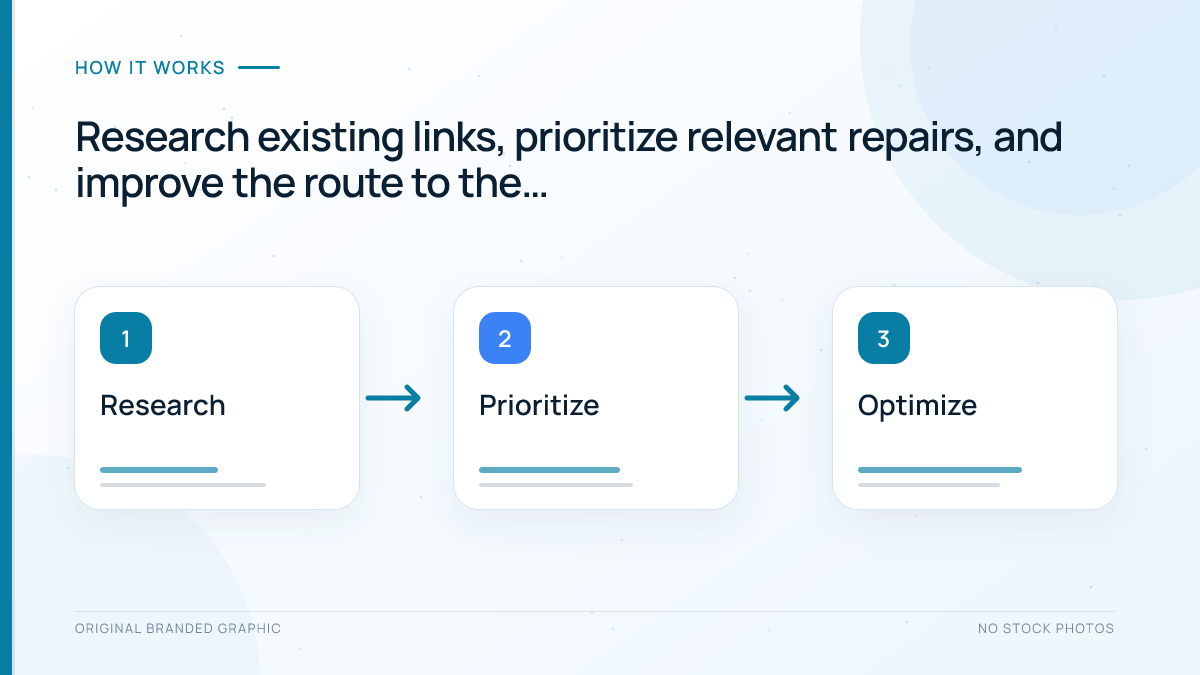
Restore the original page when it was removed accidentally and remains useful. If the resource permanently moved, redirect the old URL directly to its current equivalent. If a publisher mistyped a URL that you cannot safely support, request a correction. When no useful equivalent exists, leave the resource removed and tell the publisher when appropriate.
Do not recreate outdated findings as though they were current. A restored historical report should retain its original date and explain its scope. If the underlying evidence is obsolete, a new guide on the same broad subject may still be an unsuitable replacement.
4. Implement and test the repair
Have an authorized administrator apply the redirect or restore the page. Prefer a direct permanent redirect for a permanent move, and avoid introducing chains or loops. Google documents permanent redirect signals in its redirect guidance. For implementation details, follow the site’s existing 301 redirect workflow.
Test the old URL, final URL, and visible content after deployment. Confirm that the replacement loads without requiring an account and delivers the promised resource. Update your own internal links to the final destination where appropriate, rather than relying indefinitely on the redirect.
5. Request publisher corrections selectively
When an external edit is needed, send one clear message through the publication’s public contact route. Identify the referring page, the broken destination, the relevant replacement, and the reason it fits. Make the request easy to verify. Do not demand particular anchor text or offer an exchange for a correction.
For example: “Your resource page links to our retired checklist URL. The checklist now lives at its permanent address. Would you consider updating the destination so readers can reach it directly?” Adapt the wording to the actual evidence and respect a decline.
Illustrative Repair Example
Imagine a trade association links to an accessibility checklist that moved during a website redesign. The referring sentence still promises a checklist, while the old destination returns a confirmed not-found response. The same checklist now exists at a new permanent address, with its scope and supporting references intact.
The site owner maps the old address directly to the current checklist, tests the final page, and records the referring URL and verification date. A polite publisher update can shorten the journey further. This is an illustrative scenario, not a measured campaign result or a claim of ranking improvement.
Troubleshooting and Limits
- The link works for you but fails for others: test without signing in and check access controls with the administrator.
- The redirect reaches the homepage: find an equivalent resource or reconsider the redirect.
- The source page removed its link: record it as lost rather than broken; do not count a destination repair as recovery.
- The target still appears broken in a report: confirm the live result and allow for reporting or recrawl delays.
Keep completed repairs separate from suspected SEO effects. Relevant links can help people discover resources, but neither restoration nor outreach guarantees indexing, ranking recovery, AI inclusion, or traffic. Avoid manufactured links and exchanges: Google’s spam policies apply to links created primarily to manipulate rankings.
Frequently Asked Questions
Should every broken backlink receive a redirect?
No. Redirect only when a useful equivalent exists. Restoring the original resource, requesting a typo correction, or leaving a genuinely removed page unavailable may be more appropriate.
Can I redirect all old URLs to my homepage?
That usually fails to satisfy the specific promise of the referring link. Choose a destination that closely matches the original resource and reader need.
Do I need a paid tool to reclaim backlinks?
No. Existing coverage records, partner references, manual checks, and available exports can provide candidates. Tools can expand discovery but still require verification.
Will a repaired backlink restore my rankings?
There is no guarantee. Confirm the repaired user journey first and assess search performance separately, accounting for other changes and reporting delays.
Can this repair guarantee an AI citation?
No. A working resource makes an existing citation useful, but AI systems independently select sources. A repaired link does not prove inclusion or influence.
Conclusion
Broken backlink reclamation starts with evidence: a live referring link, a confirmed destination problem, and a clear reader expectation. Restore useful content, redirect only to equivalent resources, request corrections where needed, and verify the whole journey. Keep an auditable repair sheet so completed work remains distinguishable from hoped-for search outcomes.