
URLs change for many valid reasons. A page may receive a clearer slug, two articles may be merged, a website may switch domains, or an old product may be replaced. Without a redirect, people following saved links and search engines revisiting the old address can reach an error instead of the new destination.
A 301 redirect solves that problem when the move is permanent. It automatically sends the visitor or crawler from an old URL to its lasting replacement and gives search engines a strong signal to treat the destination as the preferred URL. This guide explains how 301 redirects work, how they differ from temporary redirects, and how to implement them without creating chains, loops, irrelevant destinations, or other technical SEO problems.
Quick Answer: What Is a 301 Redirect?
A 301 redirect is an HTTP response that says a resource has moved permanently to another URL. The server returns the status code 301 Moved Permanently and provides the destination in a Location response header.
HTTP/1.1 301 Moved Permanently
Location: https://example.com/new-page/
Browsers normally take users to the new page automatically. Search engines follow the redirect and use it as a strong canonicalization signal, which means the new URL can replace the old URL in search results after the change is crawled and processed.
Key Takeaways
- Use a 301 redirect when a URL has moved permanently and has a relevant replacement.
- Use a 302 or 307 redirect when the move is genuinely temporary.
- Redirect each old URL to the closest equivalent new URL, not automatically to the home page.
- Point redirects directly to the final destination to avoid chains and added latency.
- Update internal links, canonical tags, and sitemaps even after redirects are active.
- For site migrations, keep redirects for as long as possible—generally at least one year.
- If removed content has no suitable replacement, a 404 or 410 response is usually more honest than an irrelevant redirect.
How Does a Redirect Work?
A redirect happens before the destination page is loaded. The basic sequence is:
- A browser or search crawler requests the old URL.
- The server responds with a 3xx status code and a destination URL.
- The client requests that destination.
- The destination returns its own response, ideally a successful
200page.
This creates an extra request, which is why direct links are still preferable. The redirect protects people and bots that continue to use the old address, while updated internal links take future visitors straight to the final page.
How Search Engines Interpret Permanent Redirects
For search engines, a permanent redirect does more than move a visitor. It indicates that the destination should become the representative URL. Google keeps track of the source and target while it recrawls and updates its index. The old address may remain visible temporarily, especially during a large migration, but the target is the URL you are asking Google to show over time.
This processing is part of the wider crawling and indexing system described in how search engines work. A redirect can be technically correct and still take time to appear fully reflected in search results.
301 vs 302 vs 307 vs 308 Redirects
The most important distinction is permanence. The 301 and 308 codes communicate a permanent move. The 302 and 307 codes communicate a temporary move.
| Status Code | Meaning | Search Intent | Request Method Behavior |
|---|---|---|---|
| 301 | Moved Permanently | The destination should replace the source over time. | Some clients may change a POST request to GET. |
| 308 | Permanent Redirect | The destination should replace the source over time. | Preserves the original request method. |
| 302 | Found, commonly used as temporary | The source should generally remain the primary URL. | Some clients may change a POST request to GET. |
| 307 | Temporary Redirect | The source should generally remain the primary URL. | Preserves the original request method. |
For ordinary SEO pages requested with GET, 301 and 308 have the same permanent meaning for Google Search, while 302 and 307 are temporary. The method-preserving difference matters more for forms, APIs, checkouts, and other requests that send data. Developers should choose the code that correctly represents both permanence and application behavior.
When Is a 302 or 307 Better?
Use a temporary redirect when the original URL will return to normal. Examples include a short maintenance window, a temporary inventory situation, a location used only during an experiment, or a seasonal campaign that will revert. Google can follow the temporary redirect without using it as the same strong signal that the destination should permanently replace the source.
For an A/B test that temporarily sends users from an original page to a variation, a 302 is normally more appropriate than a 301. The status should match the real plan, not a belief that one code passes “more SEO value.”
When Should You Use a 301 Redirect?
A Page URL Changes Permanently
If an article moves from /old-guide/ to /new-guide/, redirect the old path to the new one. This preserves access for bookmarks, old internal links, and external links. Good URL structure reduces unnecessary changes, but redirects protect a site when a change is justified.
Two or More Pages Are Consolidated
When overlapping pages are combined into one stronger resource, redirect each retired URL to that consolidated page. The destination must genuinely cover the old topic. A redirect cannot compensate for deleting useful information that the new page does not contain.
A Website Changes Domain or Subdomain
A domain migration requires a one-to-one map from old URLs to their new equivalents. Redirecting only the old home page is not enough. Deep pages with traffic, links, and search history need corresponding destinations on the new site.
HTTP, HTTPS, WWW, or Trailing-Slash Versions Need One Format
Redirect nonpreferred protocol and hostname variants to a consistent format. For example, an HTTP request can permanently redirect to HTTPS, and a non-www hostname can redirect to the chosen www version. Apply the rule consistently and make sure it does not create loops.
A Product or Service Has a True Replacement
If an old product is permanently discontinued and a successor satisfies the same user need, a 301 redirect can be helpful. If no equivalent exists, redirecting to a broad category or home page may frustrate users and may be treated as a soft 404. Sometimes a useful discontinued-product page or a proper 404 is the better answer.
Multiple URL Variants Should Resolve to One Address
Redirect obvious aliases, casing mistakes, or obsolete parameters when users do not need the alternatives to remain accessible. If duplicate versions must stay available—for example, tracking URLs that still serve a business purpose—a canonical tag may be more appropriate.
When Should You Not Use a 301 Redirect?
- The move is temporary: use a 302 or 307 so the source URL can remain primary.
- The old page has no relevant replacement: return a 404 or 410 rather than sending users somewhere unrelated.
- Both duplicate pages must remain accessible: consider canonicalization instead of forcing one URL to disappear for users.
- A page should stay live but not appear in search: an appropriate meta robots noindex rule addresses indexing rather than relocation.
- The goal is to control crawling: use a properly configured robots.txt file for crawl management, not a redirect.
- The destination is chosen only because it is popular: redirect relevance must be based on user intent and content equivalence.
301 Redirect vs Canonical Tag vs 404
| Method | Use It When | User Experience |
|---|---|---|
| 301 redirect | The old URL has permanently moved to a relevant new URL. | The user is automatically taken to the replacement. |
| Canonical tag | Duplicate or highly similar URLs must remain accessible. | The user stays on the requested page while search engines receive a preferred-URL signal. |
| 404 Not Found | The resource no longer exists and has no suitable replacement. | The user sees a helpful not-found page and can choose another path. |
| 410 Gone | The resource was intentionally removed and is not expected to return. | The user receives a clear removal response; the site can still present useful navigation. |
The decision is not about finding the status code that “keeps the most authority.” It is about accurately representing what happened to the resource. Search engines can process a clear 404, a relevant redirect, and a consistent canonical setup. Problems arise when a site sends contradictory or misleading signals.
How to Implement 301 Redirects Correctly
1. Build an Old-to-New URL Map
List every URL being retired and assign its closest new equivalent. For a small content update, this may be a short spreadsheet. For a migration, combine CMS exports, analytics landing pages, internal crawl data, sitemaps, server logs, and externally linked URLs so important pages are not missed.
2. Prefer Server-Side Redirects
HTTP redirects returned by the server are clear and fast for both users and crawlers. The exact configuration depends on the hosting stack. A simple Apache rule may look like:
Redirect 301 /old-page/ https://example.com/new-page/A simple NGINX location can return the permanent redirect directly:
location = /old-page/ {
    return 301 https://example.com/new-page/;
}
Use the syntax documented for the actual server, hosting panel, framework, or CMS. Test changes in a safe environment because a broad rule can affect thousands of URLs.
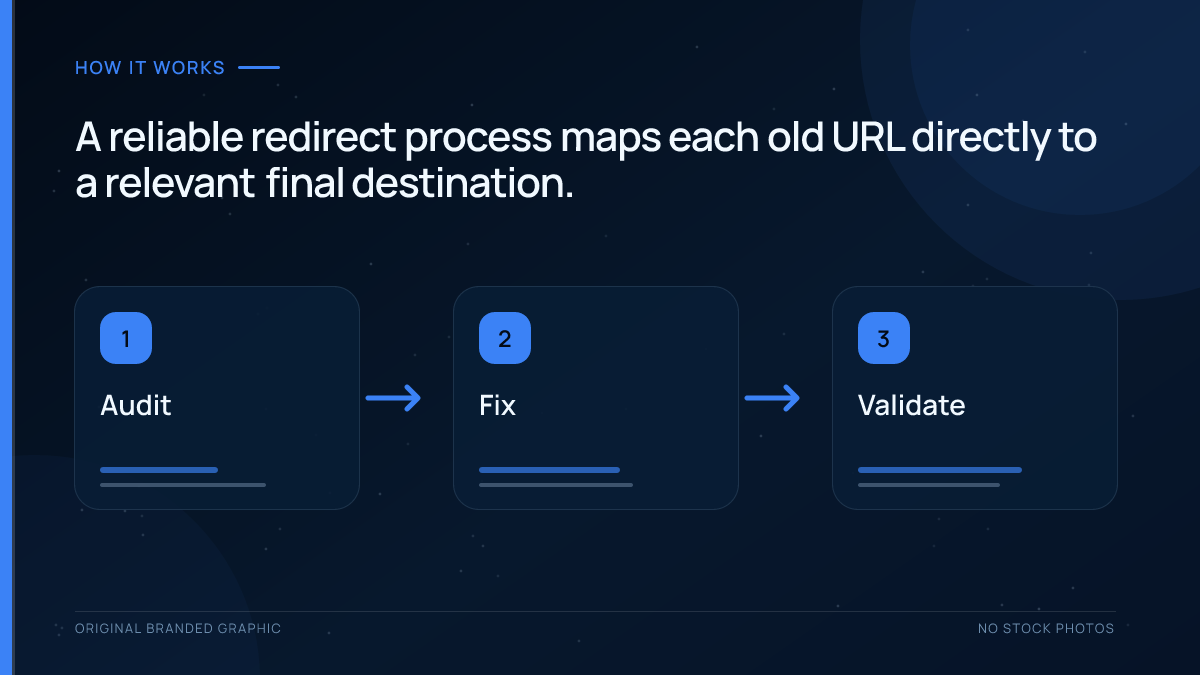
3. Redirect Straight to the Final Destination
If URL A redirects to B and B redirects to C, update A so it points directly to C. This removes a hop, reduces latency, lowers server work, and makes the intended destination clearer.
4. Update Internal References
A redirect is a safety net, not a replacement for maintenance. Change internal links, navigation, canonical tags, hreflang annotations, structured data, image references, and sitemaps to use the final URL. Direct internal links give visitors and crawlers the shortest path.
5. Keep Migration Redirects Long Enough
For a site move, keep permanent redirects for as long as possible and generally for at least one year. Search engines need time to recrawl old and new URLs and reassign signals. From a user perspective, preserving redirects indefinitely can still be valuable when bookmarks or external links continue sending visits.
6. Remove Old URLs From the Active Sitemap
An XML sitemap should list the preferred final URLs, not pages that immediately redirect. During a migration, a temporary old-URL sitemap can sometimes help monitoring, but the long-term sitemap should contain the new canonical URLs.
How to Test and Monitor Redirects
- Request the old URL: confirm that it returns the intended 301 or 308 status, not a 200 page with a visual message.
- Check the Location header: make sure it points to the exact final URL with the correct protocol, hostname, path, query handling, and trailing-slash format.
- Open the destination: verify that it returns a successful response and useful equivalent content.
- Crawl the redirect list: identify chains, loops, broken targets, mixed temporary and permanent codes, and unexpected pattern matches.
- Review internal links: update links that still point through redirects.
- Monitor Search Console: use URL Inspection and indexing reports to track how old and new URLs are processed.
- Watch analytics and server logs: confirm that traffic reaches the correct pages and look for frequently requested old URLs that were missed.
For an illustrative mapping from /old-guide/ to /new-guide/, save the first response from the old URL and test the destination separately. A normal GET check can expose the status and Location header without hiding the first hop:
curl -sS -D - -o /dev/null 'https://example.com/old-guide/'The example uses a reserved domain; substitute the actual old URL. Confirm the intended permanent status, an accurate Location value and a working equivalent destination. Test ordinary query variants according to the mapping policy so a rule does not discard meaningful filters or redirect unrelated paths. A final 200 after following several hops is not proof of a direct redirect.
Google’s redirect guidance explains the search signals. Save the mapping and responses; later indexing and canonical processing still require separate observation.
Common 301 Redirect Mistakes
Creating Redirect Chains
Chains add extra requests and complicate processing. They often grow when URLs change repeatedly and old rules are never updated. Periodically flatten every historical source so it redirects straight to the current destination.
Creating Redirect Loops
A loop occurs when rules send a request in a circle, such as A to B and B back to A. Protocol, hostname, language, and trailing-slash rules are common causes. Test all variations after changing server logic.
Redirecting Unrelated Pages to the Home Page
A blanket home-page redirect may seem safer than returning errors, but it does not satisfy the original intent. Google may treat irrelevant destinations as soft 404s. Use a relevant replacement or return a proper not-found response.
Redirecting Every 404 Automatically
Not every unknown URL deserves a redirect. Automated “all 404s to home” rules hide broken links, create confusing journeys, and can turn random typo URLs into misleading responses. Redirect only known old URLs with meaningful replacements.
Using 301 for a Temporary Situation
If a page will return, use a temporary status. A permanent redirect asks search engines to replace the source over time, which is not the intended outcome for a short outage or test.
Leaving Internal Links Pointing to Old URLs
The redirect may work, but every unnecessary hop adds latency and keeps outdated URLs circulating through the site. Update templates and content to link directly to the destination.
Redirecting to Another Redirect or an Error
A rule is incomplete if its target redirects again, returns a 404, is blocked, or contains a noindex rule that conflicts with the migration goal. Validate the full response path rather than checking only the first status code.
Removing Redirects Too Soon
Search engines and external sites do not update every reference immediately. Removing migration redirects after a few weeks can break old links and interrupt signal transfer. Keep them for the recommended period and longer when they continue serving users.
Launching Broad Pattern Rules Without Testing
Regular expressions and wildcard redirects are efficient but unforgiving. A small mistake can redirect valid pages, create infinite loops, or send many URLs to one irrelevant location. Test representative paths and edge cases before deployment.
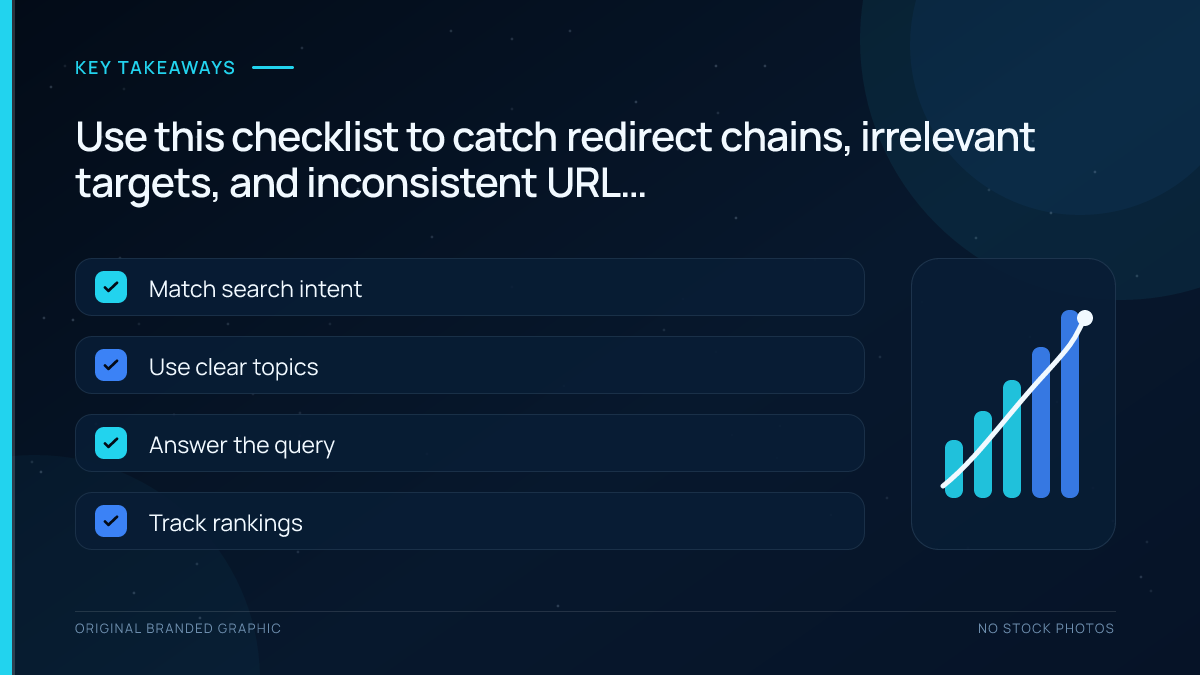
301 Redirect Best Practices Checklist
- Use 301 or 308 only for permanent moves.
- Create a one-to-one map from old URLs to relevant new URLs.
- Prefer server-side HTTP redirects.
- Send each source directly to its final destination.
- Make sure the target returns a successful response and useful content.
- Avoid blanket redirects to the home page.
- Update internal links, canonicals, sitemaps, structured data, and hreflang.
- Test protocol, hostname, case, query parameter, and trailing-slash variations.
- Crawl for chains, loops, broken targets, and mixed status codes.
- Keep site-migration redirects for at least one year and preferably longer when useful.
- Monitor traffic, server logs, crawl errors, and index changes.
Frequently Asked Questions
Do 301 redirects pass PageRank and other ranking signals?
Google states that 301 and other permanent redirects do not cause a loss in PageRank. The destination still needs to be relevant, accessible, indexable, and technically sound. Processing also takes time because Google must recrawl the old and new URLs. A permanent redirect supports consolidation, but it does not guarantee that an unrelated destination will retain the old page’s rankings.
How long should I keep a 301 redirect?
For a site move, Google recommends keeping redirects for as long as possible and generally at least one year. This gives its systems time to recrawl URLs and transfer signals. Keeping useful redirects indefinitely can also help people arriving through old bookmarks or external links. Update your own links so regular users do not depend on the redirect hop.
What is the SEO difference between a 301 and a 302 redirect?
A 301 communicates a permanent move and signals that the target should become canonical. A 302 communicates a temporary move and generally helps keep the source URL primary in search. Choose based on the real duration of the change. Use a permanent code for a lasting new location and a temporary code when the original page will return.
Can I redirect an expired page to my home page?
Only when the home page is genuinely the closest replacement, which is uncommon. Redirecting unrelated expired pages to the home page creates a poor user experience and may be interpreted as a soft 404. Redirect to a closely matching product, service, category, or consolidated guide. If no useful equivalent exists, return a proper 404 or 410 response.
Should I use a 301 redirect or a canonical tag?
Use a 301 redirect when the old URL is permanently retired and users should always reach the new URL. Use a canonical tag when duplicate or very similar URLs must remain accessible but one version should be preferred in search. The deciding question is whether visitors still need the alternate URL, not which method appears stronger.
Do redirects slow down a website?
Each redirect adds another request before the final page loads, so unnecessary hops increase latency for users and crawlers. One necessary server-side redirect is normally manageable, but chains can become noticeably inefficient. Point old URLs directly to the final destination and update internal links, navigation, sitemaps, and campaigns so new visits avoid the redirect whenever possible.
Conclusion
A 301 redirect is the correct tool when a URL has moved permanently and a relevant replacement exists. It protects old links, guides users to the new location, and gives search engines a strong signal to consolidate the old URL with the destination.
The quality of the mapping matters more than the number of redirects. Use permanent codes only for permanent changes, avoid chains and irrelevant destinations, update every internal reference, and keep migration redirects active long enough to serve both search engines and people. A clear, direct 301 redirect turns a disruptive URL change into a manageable transition.