
A robots.txt file tells search-engine crawlers which parts of a website they may request. It is a small plain-text file, but a single incorrect rule can prevent important pages or resources from being crawled. Used properly, it helps manage crawler traffic and keeps low-value URL areas from consuming unnecessary crawl activity.
The most important distinction is that robots.txt controls crawling, not guaranteed removal from search results. If your goal is to keep confidential information private or prevent a page from appearing in Google, robots.txt is usually the wrong tool. This guide explains what the file does, how its rules work, how to create and test it, and which mistakes beginners should avoid.
Quick Answer: What Is Robots.txt?
Robots.txt is a publicly accessible file placed at the root of a website host, such as https://example.com/robots.txt. It contains rules for automated crawlers. The rules can target a specific crawler or a group of crawlers and indicate which URL paths are allowed or disallowed for crawling.
A basic file may also include the complete URL of an XML sitemap. Search engines normally assume that crawling is allowed when no applicable disallow rule exists. Robots.txt is therefore a crawler-management tool, not a security system, ranking factor, or reliable way to erase a URL from search.
Key Takeaways
- Robots.txt manages crawler access to URL paths; it does not directly control rankings.
- A disallowed page may still appear as a URL-only result if search engines discover it through links.
- Private or sensitive information should be protected with authentication, not robots.txt.
- The file must be named
robots.txtand placed at the root of the specific protocol and host it controls. - Important CSS, JavaScript, images, and other resources should remain crawlable when search engines need them to render a page properly.
- Rules should be tested whenever the file changes, especially after a redesign or migration.
How Robots.txt Fits Into Crawling and Indexing
To understand robots.txt, separate crawling from indexing. Crawling is the process of requesting a URL and retrieving its content. Indexing is the later decision to store and potentially show information from that content in search results. The two stages are connected, but they are not the same.
When a compliant crawler reaches a site, it normally checks the robots.txt file before requesting other URLs on that host. It reads the group that applies to its user agent and evaluates the allow and disallow paths. If crawling is permitted, it may request the page and process the content. If crawling is disallowed, it generally avoids fetching that page.
This is one piece of the wider process described in our guide to how search engines crawl, index, and rank pages. Robots.txt can influence what a crawler is allowed to retrieve, but it cannot make a weak page useful, declare a canonical URL, or guarantee indexation.
Robots.txt Does Not Guarantee That a Page Stays Out of Search
This is the most common and most costly misunderstanding. A blocked page can still be discovered through links from other websites or from pages on your own site. Because the crawler cannot access the blocked content, a search engine may sometimes display only the URL and limited information rather than a normal descriptive result.
If a public page should be crawlable but should not appear in search, use a supported noindex directive in the page or HTTP response. The crawler must be allowed to access the page to see that instruction. Blocking the same page in robots.txt can prevent the crawler from reading the noindex directive.
If information is confidential, require a login or use another genuine access-control method. Robots.txt is publicly visible, voluntary for crawlers, and can reveal the names of paths you would prefer not to advertise. Reputable crawlers follow the rules; malicious or poorly behaved bots may ignore them.
Where Should the Robots.txt File Be Located?
The file belongs at the root of the host it controls. For https://www.example.com/, the correct location is https://www.example.com/robots.txt. Placing it at https://www.example.com/folder/robots.txt will not create rules for the whole site.
Its scope is specific to the protocol, hostname, and port. A file on https://example.com/robots.txt does not automatically control https://shop.example.com/, http://example.com/, or another port. Each separate host that needs crawler rules should expose the appropriate file at its own root.
The file should be plain text, publicly accessible, and encoded correctly. A crawler should not need a cookie, form submission, or login to fetch it. If your site uses a managed platform, the platform may generate the file or provide search settings instead of direct file access.
How Robots.txt Syntax Works
A robots.txt file is organized into groups. Each group begins with one or more User-agent lines and then contains rules that apply to those crawlers. The most familiar directives are Disallow, Allow, and Sitemap.
| Directive | Purpose | Example |
|---|---|---|
User-agent | Identifies the crawler the group targets | User-agent: Googlebot |
Disallow | Blocks crawling of a matching path | Disallow: /private-area/ |
Allow | Permits a more specific path within a blocked area | Allow: /private-area/public-guide/ |
Sitemap | Provides a fully qualified sitemap URL | Sitemap: https://example.com/sitemap.xml |
# | Starts a comment for human readers | # Rules for account pages |
Path matching is case-sensitive. A rule for /folder/ does not necessarily match /Folder/. That matters on websites where differently cased paths can resolve separately. Keep URL conventions consistent across the sitemap, internal links, canonical tags, redirects, and robots.txt. Our guide to SEO-friendly URL structure explains why consistency makes technical maintenance easier.
Simple Robots.txt Examples
Allow normal crawling and declare a sitemap
User-agent: *
Allow: /

Sitemap: https://example.com/sitemap.xml
The explicit Allow: / is often unnecessary because crawling is allowed by default when no blocking rule applies. It can still make the intention easy for a human reviewer to understand.
Block a low-value internal area for all compliant crawlers
User-agent: *
Disallow: /internal-search/
Disallow: /temporary-files/

Sitemap: https://example.com/sitemap.xml
Use real path patterns from your website rather than copying generic examples. A path that is harmless on one platform may contain essential content on another.
Block one area but allow a necessary exception
User-agent: *
Disallow: /members/
Allow: /members/public-help/
The more specific allow rule creates an exception for the public help area. Check both the matching user-agent group and the path rule; a wildcard group does not automatically combine with a crawler-specific group. Google documents this in its robots.txt interpretation rules.
Worked Example: Why a Wildcard Block May Not Apply to Googlebot
This illustrative file is for understanding rule selection, not a template to copy onto a live site:
User-agent: *
Disallow: /members/

User-agent: Googlebot
Disallow: /temporary/| Test request | Applicable rules | Expected crawl permission |
|---|---|---|
| Googlebot requests /members/help/ | The Googlebot group only | Allowed; /members/ is not blocked in that group |
| Googlebot requests /temporary/report/ | The Googlebot group only | Disallowed |
| A compliant crawler without its own group requests /members/help/ | The wildcard group | Disallowed |
If the intended policy is to block both paths for Googlebot, both rules must appear in the applicable Googlebot group. Review real URLs and exceptions before changing the file. This example demonstrates permission only; it does not prove that Google crawled or indexed a URL.
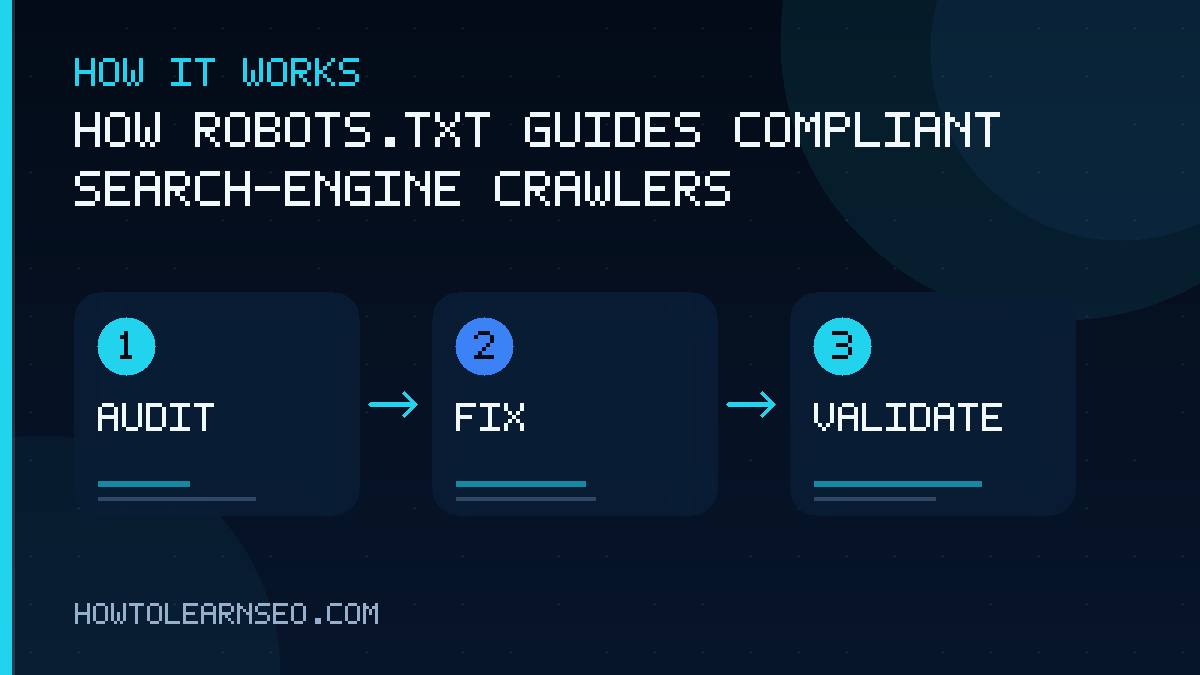
How to Create a Robots.txt File
- Identify the host and objective. Decide which exact website host the file controls and which crawl problem you are solving.
- Inventory the affected URL patterns. Inspect real URLs and verify that the proposed pattern will not include valuable pages accidentally.
- Create a plain-text file. Name it exactly
robots.txtand avoid word-processing software that may add formatting characters. - Add the smallest necessary rule set. Simple rules are easier to understand and less likely to produce unintended blocking.
- Add the sitemap URL when appropriate. Use the complete URL, including the preferred protocol and hostname.
- Upload or configure it at the host root. Managed platforms may require an SEO setting, plugin control, or hosting configuration rather than a manual upload.
- Test before relying on it. Confirm public access and evaluate important allowed and disallowed URLs.
Robots.txt should be part of a broader technical SEO review. Before blocking a section, check its canonical tags, indexability, internal links, server responses, and role in the user journey. The best rule is often not the broadest rule, but the narrowest one that solves the actual crawl issue.
How Robots.txt Works on WordPress
WordPress can expose a virtual robots.txt file even when no physical file exists in the server directory. SEO plugins, caching tools, security systems, and hosting configurations may also affect the output. Open yourdomain.com/robots.txt in a private browser window to see what crawlers can actually retrieve.
A familiar WordPress pattern blocks most of /wp-admin/ while allowing /wp-admin/admin-ajax.php. Do not paste a large template blindly. Themes and plugins can load resources from unexpected paths, and blocking resources needed for rendering can make pages harder for search engines to understand.
If a physical robots.txt file and a plugin-generated version compete, determine which one the server returns. Change one source of truth, clear relevant caches, and then fetch the public URL again. The response that visitors and crawlers receive is what matters—not what an editor screen claims is saved.
What Should You Block in Robots.txt?
Robots.txt is most useful for managing repetitive or low-value crawling when those URLs do not need to be fetched for search. Possible candidates include certain faceted-navigation combinations, internal search-result pages, duplicate print views, temporary staging paths on a protected environment, or large generated areas with no search value.
Every case requires judgment. Blocking parameter URLs can conserve crawl activity on a large site, but an overly broad pattern might also block product variations, pagination, or content that search engines need. Start by analyzing crawl data and URL patterns rather than assuming that every parameter is wasteful.
Small websites often do not need elaborate blocking. Strong navigation, sensible architecture, clean canonicals, and a reliable sitemap may provide more value. The launch checklist in our SEO guide for new websites can help you review these connected foundations.
What Should You Not Block?
- Pages that must expose a noindex directive: crawlers need access to read the directive.
- Canonical pages you want indexed: blocking them conflicts with the goal of search visibility.
- CSS and JavaScript required for rendering: search engines may need these resources to understand the page layout and content.
- Images essential to image-search visibility: blocking media crawling can limit how those assets appear in search.
- Private data as a security measure: protect it with authentication and server-side permissions.
- Entire directories based on a copied template: confirm what your own website serves from each path.
How to Test a Robots.txt File
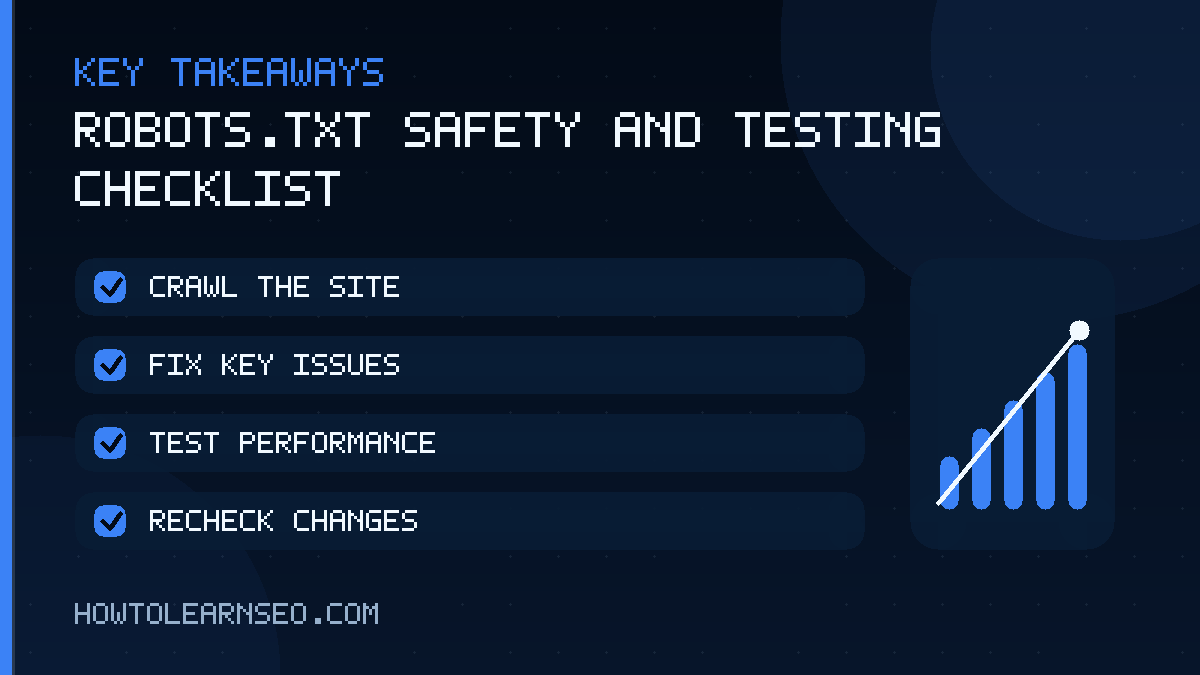
First, open the exact robots.txt URL in a private browsing window. Confirm that it returns the expected text without redirects to a login page or an error. Check the hostname carefully, especially when the site uses both www and non-www versions or several subdomains.
Next, use the robots.txt report in Google Search Console for supported properties to check Google’s fetch history. Compare the exact protocol and host with the public file, then test an important URL using URL Inspection. A “Discovered” or “Crawled — currently not indexed” state alone does not prove a robots.txt block. Review the reported crawl permission, HTTP response, indexing directive, and canonical separately. The Google indexing guide explains these different states.
For local checks, use a parser that follows the relevant crawler’s documented group-selection and path-matching behavior. A generic parser’s result may differ. To understand a page-level exclusion, use the separate meta robots guide; do not add a broad crawl block as an indexing shortcut.
Test representative URLs individually:
- An important article that must remain crawlable.
- A URL inside every disallowed directory.
- An allowed exception within a blocked area.
- A CSS or JavaScript resource used by an important template.
- A URL whose capitalization or parameters could alter matching.
Google’s current official robots.txt creation guidance explains its supported directives and testing options. The underlying Robots Exclusion Protocol is standardized in RFC 9309. Platform-specific behavior can vary, so verify critical rules with the search engines and crawlers that matter to your site.
Common Robots.txt Mistakes
Blocking the entire site accidentally
A rule such as Disallow: / under User-agent: * asks compliant crawlers not to crawl any path on that host. This may be intentional on a development site but damaging on a live site. Recheck the public file immediately after a migration or launch.
Trying to use robots.txt as noindex
Blocking a URL does not reliably remove it from search. Allow crawling and use noindex when the goal is exclusion from search results, or require authentication when the content is private.
Blocking essential page resources
A page may look incomplete to a crawler when important style or script files are unavailable. Avoid broad asset-directory blocks unless you know those resources are unnecessary for rendering and understanding the content.
Using the wrong host or location
A robots.txt file in a subdirectory does not control the whole host. Likewise, a rule on the main domain does not automatically govern a subdomain. Check the exact protocol, host, port, and root location.
Forgetting that paths are case-sensitive
A rule can miss URLs that use different capitalization. Standardize URLs and test the exact versions your server generates.
Adding too many complicated rules
Long files with overlapping groups and patterns are harder to audit. Remove obsolete rules and document the business reason for each important block. Simplicity makes mistakes easier to spot.
Robots.txt Best Practices
- Use robots.txt only for crawl management, not confidentiality or guaranteed deindexing.
- Keep rules as narrow and simple as the objective allows.
- Maintain separate files for separate hosts when required.
- Leave resources crawlable when they are necessary to render important pages.
- Use a complete canonical sitemap URL in the Sitemap directive.
- Test critical URLs before and after every change.
- Review the file during migrations, redesigns, staging-to-production launches, and platform changes.
- Monitor server logs and Search Console to confirm that crawl behavior matches your intention.
- Record why unusual rules exist so future editors do not remove or expand them without context.
The file should express a deliberate crawling policy, not become a storage place for every technical concern. Canonical tags, redirects, noindex directives, authentication, sitemaps, and internal links each solve different problems. Use the correct tool for the intended outcome.
Frequently Asked Questions
Is robots.txt required for every website?
No. A website can be crawled without a robots.txt file because crawlers generally treat URLs as allowed when no applicable restriction exists. Creating one is useful when you need crawler rules or want to declare a sitemap location, but a small site with nothing to restrict may not require complex configuration.
Can robots.txt remove a page from Google?
Not reliably. Robots.txt can prevent Googlebot from crawling a page, but Google may still discover the URL through links and show a limited URL-only result. To keep a public page out of Google, allow crawling and use a supported noindex directive. For private content, require authentication instead.
Can I block all search engines with robots.txt?
You can publish a rule targeting all compliant crawlers, but robots.txt is voluntary and not every automated client will respect it. A broad block can also remove legitimate search crawling and damage visibility. Use server authentication or access controls when you must prevent access rather than merely request that crawlers stay away.
Should my XML sitemap be listed in robots.txt?
It is optional but useful. A Sitemap directive gives compliant crawlers a direct, fully qualified URL for the sitemap. You can list more than one sitemap when needed. The directive does not replace submitting and monitoring sitemaps in webmaster tools, and it does not guarantee that listed pages will be indexed.
How quickly do robots.txt changes take effect?
The timing depends on when a crawler retrieves the updated file and how it caches the previous version. Important changes may not affect every crawler immediately. After publishing, verify the public response, use available search-engine reporting or refresh options, and continue monitoring crawl behavior rather than assuming the change is instant.
What happens if robots.txt is unavailable?
Crawler behavior can depend on the response and the crawler’s implementation. A missing file is commonly treated differently from a temporary server failure. Keep the file reliably accessible, monitor repeated errors, and consult the relevant crawler documentation before troubleshooting. Avoid making assumptions when the server returns redirects, timeouts, or inconsistent status codes.
Conclusion
Robots.txt is a precise crawler-management tool with clear limits. Place it at the correct host root, keep the rules simple, test real URLs, and remember that blocking crawling is different from preventing indexing or protecting private content. When robots.txt works alongside clean architecture, accurate sitemaps, consistent canonicals, and thoughtful internal linking, it helps search engines spend their crawl activity on the parts of your website that matter most.