
Duplicate URLs are a normal part of many websites. A product may be reachable through several category paths, a campaign link may add tracking parameters, or a content management system may create separate URLs for sorting and filtering. When multiple URLs show the same or very similar content, search engines need to decide which version should represent that content in search results.
A canonical tag helps communicate that preference. Used correctly, it can consolidate duplicate-URL signals, keep reporting cleaner, and make a site’s technical SEO setup easier for search engines to interpret. Used carelessly, however, it can point Google away from a page you actually want indexed. This guide explains what canonical tags are, how they work, when to use them, and how to avoid the mistakes that cause canonicalization problems.
Quick Answer: What Is a Canonical Tag?
A canonical tag is an HTML link element that identifies the preferred URL for a page when the same or substantially similar content is available at more than one URL. It uses the rel="canonical" attribute and normally appears inside the page’s <head> section.
<link rel="canonical" href="https://example.com/preferred-page/" />The URL in the href attribute is your preferred representative. Google’s canonicalization documentation describes redirects and canonical annotations as strong signals and sitemap inclusion as a weaker signal. These express a preference; Google can still select another URL. Keep the page accessible and align the URLs used by internal links and the sitemap.
Key Takeaways
- A canonical tag identifies the preferred URL among duplicate or very similar pages.
- It belongs in the HTML
<head>, not in the visible body content. - Canonical tags can help consolidate signals associated with multiple URL versions.
- The canonical target should normally be an indexable, useful URL that returns a successful response.
- Every indexable page can use a self-referencing canonical that points to its own preferred URL.
- Google may select a different canonical when technical and content signals conflict.
Why Do Duplicate URLs Appear?
Duplicate URLs do not always mean someone copied a page. Websites often generate them automatically as users navigate, filter products, follow campaign links, or switch between page formats. Common examples include:
- Tracking parameters:
/guide/?utm_source=newslettermay show the same content as/guide/. - Sorting and filtering: ecommerce category pages may add parameters for price, color, size, or sort order.
- Product variants: one product may have separate URLs for colors or sizes while most page content remains the same.
- Multiple paths: the same item may appear under more than one category path.
- Protocol or hostname variants: HTTP, HTTPS, www, and non-www versions can become separate URLs if redirects are inconsistent.
- Print or file versions: an article may also exist as a printer-friendly page or downloadable document.
- URL formatting differences: trailing slashes, capitalization, and parameter order can create extra versions.
Thoughtful URL structure prevents many unnecessary variants, but it cannot eliminate every legitimate duplicate. Canonicalization provides a way to manage the versions that remain.
Duplicate content within a site is not automatically a spam violation or a penalty. The practical problem is uncertainty: ranking and link signals may be associated with different URLs, analytics may become fragmented, and a search engine may display a version that is less useful or less clean than the one you prefer.
How Does Canonicalization Work?
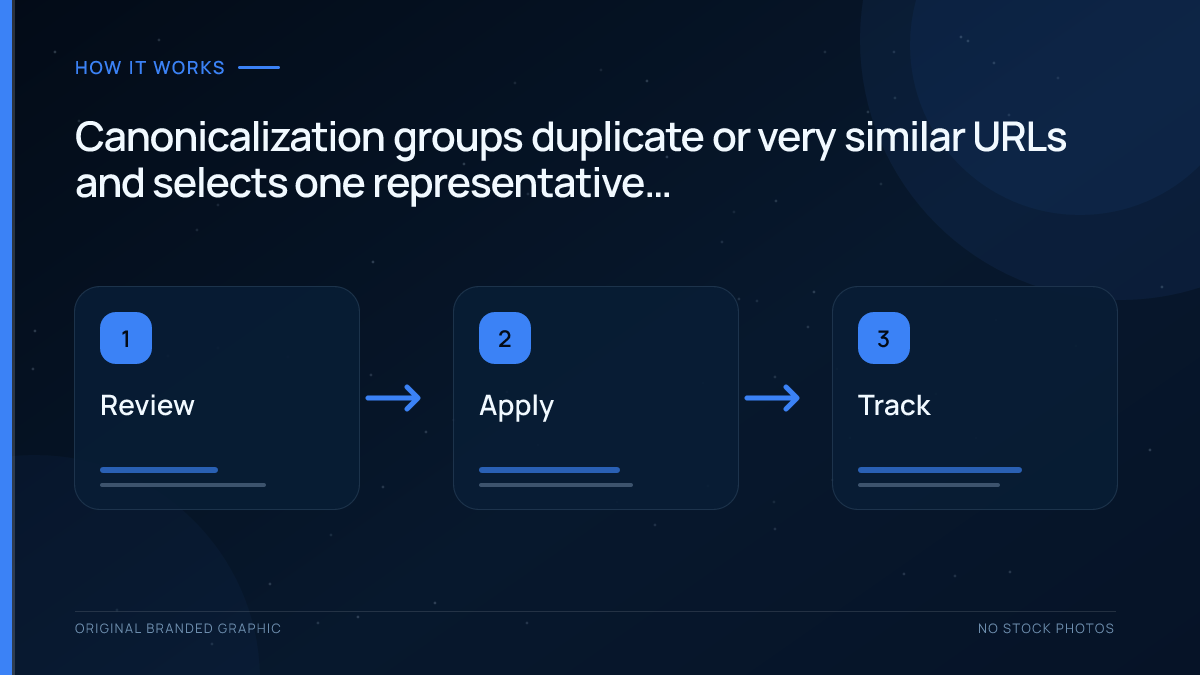
Canonicalization is the process of selecting one representative URL from a group of duplicate or highly similar URLs. It usually happens in three broad stages:
- Discovery: a search engine finds multiple URLs through links, sitemaps, redirects, feeds, or other sources.
- Clustering: it determines that the main content on those URLs is duplicate or substantially similar.
- Selection: it evaluates the available signals and chooses a canonical URL to represent the cluster.
This process is part of the wider way search engines crawl, index, and rank pages. The selected canonical is generally the version shown in search results, while duplicate versions may be crawled less frequently and may not appear separately.
User-Declared Canonical vs Google-Selected Canonical
The canonical tag states the URL that the site owner prefers. This is sometimes called the user-declared canonical. Google can accept that preference or choose another URL, known as the Google-selected canonical.
A different selection does not necessarily mean the tag is broken. Google may find that another page is more complete, receives more consistent internal links, is served securely, appears in the sitemap, or better matches the content cluster. When Google repeatedly ignores a declared canonical, review the whole signal set instead of changing the tag alone.
What Is a Self-Referencing Canonical?
A self-referencing canonical points to the page on which it appears. For example, the canonical tag on https://example.com/seo-guide/ points back to that exact preferred URL. This may look redundant, but it establishes a clear default if tracking parameters or alternative paths create additional versions later.
Self-referencing canonicals are a sensible standard for indexable pages. They also make templates easier to audit because every eligible page should output one deliberate canonical value rather than relying on search engines to infer the preferred URL.
Why Are Canonical Tags Important for SEO?
They Consolidate Duplicate-URL Signals
Different versions of a page may earn links or receive other signals independently. If the duplicate pages are correctly clustered, a canonical preference helps search engines associate those signals with one representative URL. This does not guarantee a particular ranking, but it reduces unnecessary fragmentation.
They Influence Which URL Appears in Search
A clean, descriptive URL is usually more useful in search results than a long parameter-based version. Canonical tags help indicate the version you want searchers to see, although the search engine makes the final decision.
They Simplify Measurement and Maintenance
When teams consistently use one preferred URL, reports are easier to interpret, internal links are easier to manage, and technical audits contain fewer competing page versions. Canonical tags are not an analytics tool, but a consistent canonical strategy supports cleaner site operations.
They Can Reduce Duplicate Crawling
Search engines may crawl noncanonical duplicates less frequently after understanding the relationship. That can reduce some unnecessary crawling on large sites. A canonical tag is not a crawl-blocking instruction, so it should not be treated as an instant crawl-budget fix.
Canonical Tag vs Redirect, Noindex, Robots.txt, and Sitemap
Several SEO controls affect URL discovery and indexing, but they solve different problems. Choosing the correct one depends on whether users should still be able to access the duplicate URL.
| Method | Best Used When | What Happens |
|---|---|---|
| Canonical tag | Multiple accessible URLs must remain available but contain the same or very similar content. | The page stays accessible, while the tag signals a preferred representative URL. |
| Permanent redirect | An old or duplicate URL no longer needs to remain separately accessible. | Users and crawlers are sent to the destination URL, creating a strong consolidation signal. |
| Noindex | A page may be crawled but should not appear in search results. | The page is excluded from the index after the directive is processed; this is not a substitute for grouping duplicates. |
| Robots.txt disallow | You need to restrict crawling of a path or resource. | Crawling is restricted, but the URL can still be known or indexed without its content. It is not a canonicalization method. |
| XML sitemap | You want to list the URLs you consider important and indexable. | Sitemap inclusion supports canonical preference, but it is weaker than a direct canonical annotation or redirect. |
Do not block a duplicate page in robots.txt if you need Google to crawl the page and read its canonical tag. Likewise, avoid sending mixed messages—for example, declaring one URL canonical while consistently linking to a different duplicate.
When Should You Use a Canonical Tag?
A canonical tag is most useful when duplicate or near-duplicate pages have a valid reason to remain accessible. Typical situations include:
- Campaign URLs: preserve tracking parameters for measurement while canonicalizing to the clean landing-page URL.
- Filtered and sorted listings: point low-value parameter combinations to the main category when the primary content is essentially the same.
- Product variants: canonicalize near-identical variants to a main product URL when separate variants do not deserve independent search visibility.
- Printer-friendly pages: point the alternate format to the main article.
- Duplicate paths: consolidate pages created by CMS routing, session parameters, or navigation paths.
- A/B test URLs: indicate the original page as preferred while temporary test variations are accessible.
- Non-HTML documents: use an HTTP
Linkheader when a PDF or another supported file should identify a canonical URL.
Do not canonicalize pages merely because they share a template or discuss related topics. A canonical relationship is appropriate when the primary content is duplicate or substantially similar. If two pages satisfy different search intents or offer meaningfully different information, each should normally have its own self-referencing canonical.
How to Add a Canonical Tag Correctly
1. Choose the Preferred URL
Select the version that is most useful, stable, and suitable for search. In most cases, it should use HTTPS, return a successful 200 response, be indexable, contain the complete content, and use the URL format you want people to share.
2. Add the Link Element to the HTML Head
Place one canonical link element inside the <head> of every duplicate page and point it to the preferred version:
<link rel="canonical" href="https://example.com/canonical-page/" />Add a self-referencing version to the canonical page as well. Do not place the tag in the visible body, where it may not be accepted as a canonical annotation.
3. Use an Absolute URL
Use the full address, including the protocol and hostname. Although relative canonical paths can be interpreted, absolute URLs reduce ambiguity and lower the risk of a staging domain, incorrect base URL, or template error producing the wrong target.
4. Align Other SEO Signals
Link internally to the canonical URL, include that version in the sitemap, and use the same version in structured data and alternate-language annotations where relevant. Consistent signals make the preference easier to understand. A strong internal linking setup should point to canonical URLs instead of repeatedly sending crawlers through duplicates.
5. Configure the CMS Carefully
WordPress and many SEO plugins generate self-referencing canonicals automatically. That is helpful, but automation should still be audited. Category filters, pagination, ecommerce variants, staging copies, and custom templates can produce values that do not match the intended URL.
6. Use an HTTP Header for Non-HTML Files
An HTML canonical element cannot be inserted into a PDF. When a non-HTML document needs canonicalization, the server can return an HTTP response header such as:
Link: <https://example.com/preferred-resource/>; rel="canonical"This setup normally requires server or application configuration rather than a standard page editor.
How to Check Whether a Canonical Tag Is Working
- Inspect the source: view the original HTML and confirm that one canonical element appears inside the
<head>. - Check the final target: open the canonical URL and confirm that it returns the intended content without an unnecessary redirect or error.
- Test representative templates: review products, categories, articles, paginated pages, and filtered URLs rather than checking only the home page.
- Use URL Inspection: in Google Search Console, compare the user-declared canonical with the Google-selected canonical.
- Review surrounding signals: verify that internal links, sitemaps, redirects, HTTPS, and language annotations support the same preferred URL.
Changes require recrawling and processing. The indexed inspection describes Google’s last processed state, while a live test checks the page currently served. A self-canonical in today’s HTML is not proof that Google has accepted that preference. Our Search Console guide explains the underlying inspection and reporting tools.
Illustrative Canonical Troubleshooting Example
A fictional shop serves the same category at /shoes/ and /shoes/?sort=price. Both return 200, and the sorted version declares /shoes/ as canonical. Google previously selected the parameter URL. The example below shows what to check; it does not report a real site’s results.
| Evidence to collect | What a conflict may show | Next check |
|---|---|---|
| Raw and rendered canonical on both URLs | A script or second plugin changes the target | Confirm one consistent target across source, rendered HTML and headers |
| Visible main content | A filter changes the product set substantially | Decide whether the pages are genuinely duplicate before grouping them |
| Sitemap and internal links | The site repeatedly promotes the parameter URL | Align the preferred URL where the pages are equivalent |
| Indexed inspection and crawl date | Google’s stored state predates the correction | Wait for processing and monitor the selected canonical |
Do not change the canonical of a distinct page merely because it is unindexed. Establish the content relationship first, then fix a confirmed conflict. Ordinary Request Indexing is a manual Search Console action, not a command provided by the standard URL Inspection API.
Common Canonical Tag Mistakes
Declaring More Than One Canonical
Multiple canonical elements—or one in HTML and a conflicting one in an HTTP header—create ambiguity. Standardize how canonicals are generated and make sure every response communicates one preferred URL.
Pointing to a Redirect, Error, or Noindex Page
The target should normally be a live, indexable page. Canonicalizing to a URL that redirects, returns an error, or cannot be indexed adds another decision for crawlers and weakens the clarity of the signal.
Creating Canonical Chains
If page A points to page B and page B points to page C, update page A to point directly to page C. Direct relationships are easier to maintain and less likely to break when URLs change.
Blocking the Duplicate Before Its Canonical Can Be Read
A robots.txt disallow may prevent a crawler from seeing the canonical annotation on the duplicate page. Use robots.txt for crawl management, not as a replacement for canonicalization.
Canonicalizing Pages That Are Not Equivalent
Do not point every thin, outdated, or low-performing page to a popular page. Canonical tags are not a way to transfer value between unrelated content. Merge and redirect truly redundant pages, improve pages that should stand alone, or use an appropriate indexing directive.
Sending Conflicting Internal Signals
A canonical tag may point to URL A while navigation, sitemaps, and structured data promote URL B. Search engines can reasonably decide that URL B is the better representative. Consistency across the site matters more than repeatedly rewriting the tag.
Canonicalizing All Paginated Pages to Page One
Paginated URLs often expose different products, articles, or comments. If each page contains distinct items that users need to discover, each page generally needs its own self-referencing canonical rather than a canonical pointing every page to the first.
Canonical Tag Best Practices Checklist
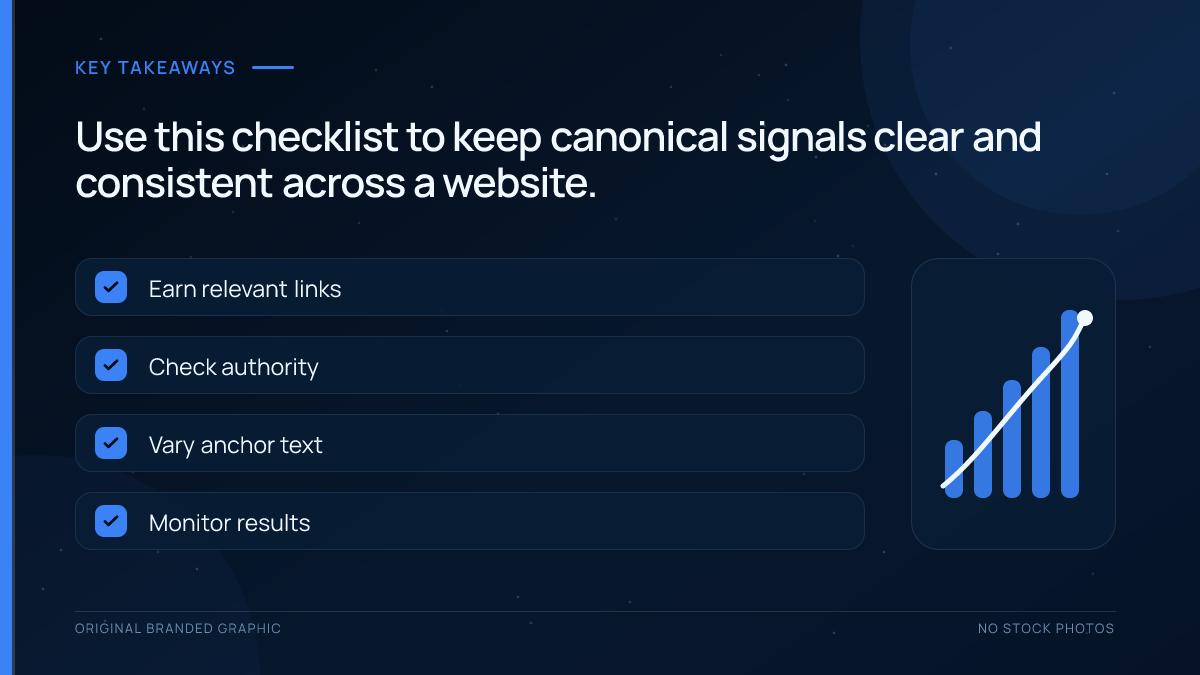
- Use one deliberate canonical value per page.
- Prefer an absolute HTTPS URL.
- Point to an indexable page that returns a successful response.
- Add a self-referencing canonical to indexable pages.
- Canonicalize only duplicate or substantially similar content.
- Keep internal links, sitemaps, redirects, and canonicals consistent.
- Avoid canonical chains and targets that redirect.
- Do not use robots.txt or URL removal tools as canonicalization methods.
- Audit templates after migrations, redesigns, and CMS or plugin changes.
- Check Google-selected canonicals in Search Console for important pages.
Frequently Asked Questions
Is a canonical tag required on every page?
No. Search engines can choose canonical URLs without a tag, but self-referencing canonicals provide a clear, consistent preference and help manage unexpected parameter or path variants. For most indexable HTML pages, including one well-formed self-referencing canonical is a sensible default. The important part is ensuring that the generated value matches the URL you actually want indexed.
Does a canonical tag pass link equity?
A canonical tag can help Google consolidate signals, including links associated with duplicate URLs, into the selected canonical cluster. It should not be treated as a guaranteed transfer mechanism or a shortcut for unrelated pages. Use a permanent redirect when a duplicate URL should be retired, and use canonicals when alternate versions must remain accessible.
Can a canonical tag point to a different domain?
Yes, a cross-domain canonical can identify an equivalent page on another domain as the preferred version. Use it only when the content is genuinely duplicate or substantially similar and the relationship is intentional. Because the other domain may become the representative URL in search, confirm ownership, publishing agreements, and desired visibility before implementing it.
Should a canonical URL be absolute or relative?
An absolute canonical URL is the safer choice. It includes the full protocol, hostname, and path, such as https://example.com/page/. Relative paths may work, but they are easier to misconfigure when a site uses staging environments, multiple hostnames, or an incorrect base URL. Absolute URLs make audits and troubleshooting clearer.
What should I do if Google ignores my canonical tag?
Compare the user-declared and Google-selected canonicals in URL Inspection, then review the full signal set. Check content similarity, internal links, sitemap entries, redirects, HTTPS, response codes, and language annotations. Google may prefer another URL when it appears more complete or receives stronger consistent signals. Fix conflicts and allow time for recrawling.
Can I use noindex and a canonical tag together?
Avoid combining them as a routine duplicate-management strategy because they express different goals. A canonical asks a search engine to group similar URLs under a preferred representative, while noindex asks it to exclude a page from search. Choose the method that matches your intent. For accessible duplicates, use canonicalization; for pages that should not appear, use noindex.
Conclusion
A canonical tag gives search engines a clear preference when duplicate or highly similar content is available through multiple URLs. The strongest implementation is simple: choose a useful indexable URL, reference it directly with one absolute canonical, and support that choice through redirects, internal links, sitemaps, and consistent site templates.
Remember that canonicalization is a signal-based process, not a forced command. Regular audits and Search Console checks will reveal whether search engines agree with your preferred URL. When they do not, investigate the surrounding technical signals and the actual similarity of the pages instead of treating the tag in isolation.