AI-assisted content changes can look correct in a browser yet leave Google with an incomplete page. When a rewrite relies on JavaScript to insert the main answer, a blocked script or rendering error may hide that answer from Google’s rendered HTML. This tutorial provides a reproducible rendered HTML investigation: identify one expected phrase, compare three sources of evidence, choose a repair and preserve a rollback option.
Quick Answer
Choose a distinctive sentence from the rewritten public page. Check whether it exists in the initial HTML response, the current rendered HTML from Search Console’s live URL Inspection test, and the previously crawled indexed HTML where available. If the sentence is absent from the live result, investigate HTTP status, blocked resources and JavaScript failures. If present live but absent in an old indexed snapshot, compare dates before concluding that rendering is broken.
Key Takeaways
- Normal browser visibility alone does not prove what Google’s rendering system received.
- Live test output and indexed crawl data represent different moments.
- A distinctive phrase plus response and resource evidence reveals the likely failure stage.
- Use a reversible repair and verify access before making claims about indexing or rankings.
Start With a Specific Symptom
This diagnostic is for a developer or site owner who has deployed an AI-proposed rewrite on a JavaScript-powered public page. Prepare the exact URL, Search Console access, a release timestamp, the last known-good version, and one unique sentence that should appear in the primary content. The deliverable is an evidence record showing where the sentence disappeared and what happened after repair.
Do not start by interpreting a traffic chart as proof of a rendering problem. Google lists many potential causes of search changes in its traffic-drop troubleshooting guide. This diagnostic instead tests one verifiable release requirement: does Google’s current render contain the intended answer?
Keep the expected phrase short enough to search accurately but distinctive enough that it is unlikely to occur in navigation or footer text. Record the old page version before changing any resources. The JavaScript SEO beginner guide explains why a page’s initial HTML response can differ from what is assembled after scripts execute.
Compare Response, Live Render and Indexed Snapshot
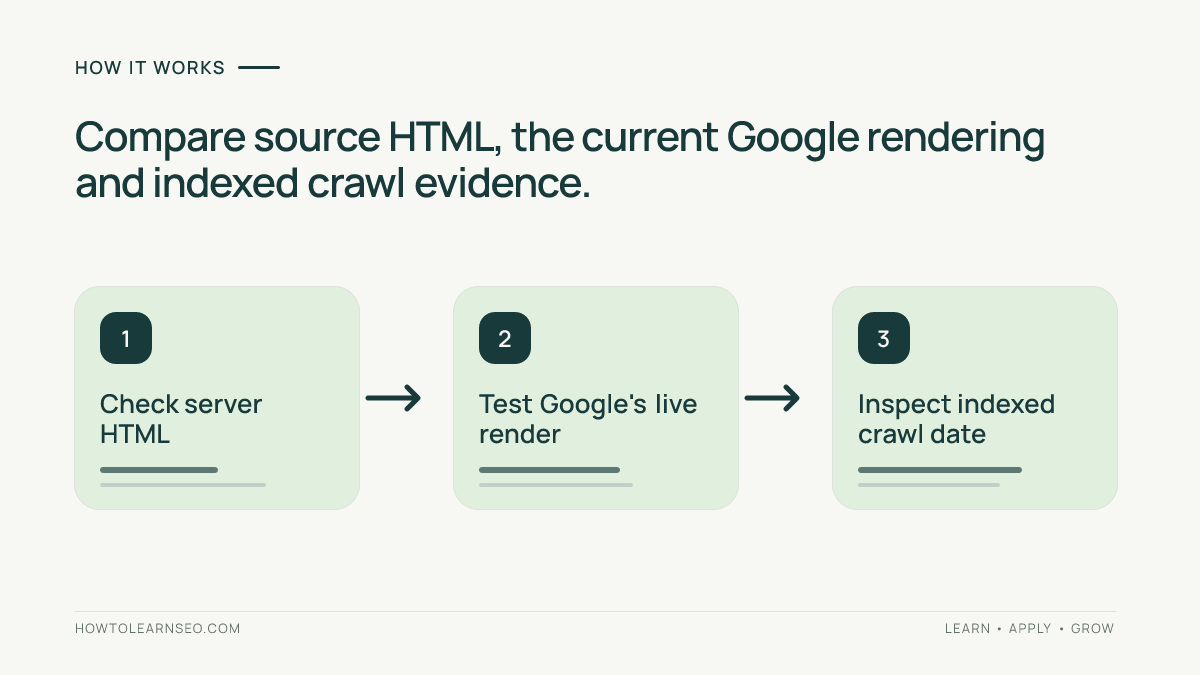
First open the public URL in a signed-out browser session. Confirm that it does not redirect to an unrelated page or display a login requirement. Use View Source or an authorized response inspector to find the chosen sentence in the server-delivered HTML. Write down its presence or absence rather than assuming a browser’s visual display is equivalent to the source.
Second, enter the exact URL in Search Console and select Test live URL. Examine the tested page’s HTML and the available JavaScript or resource diagnostics. Google’s URL Inspection help documents how to inspect live output and explains why a positive test does not guarantee inclusion in Search. If a screenshot is accessible, it can support the investigation, but the HTML presence test answers the content question more directly.
Third, check the indexed report’s last crawl and the saved crawled HTML when available. Indexed data can be older than your deployment. A new live test is not evidence that Google has already indexed the rewrite; keep the two timestamps in separate columns. Avoid reporting a delayed crawl as a confirmed current rendering failure.
Worked Example: A Script Error Hides an AI-Rewritten Answer
Consider an illustrative help page at https://example.com/help/aurora-lamp. An AI rewrite is intended to publish the sentence “Aurora Lamp orders include a thirty-day return window.” The previous version included this answer in the initial HTML. The revised page instead has an empty content container and expects a JavaScript bundle to insert the sentence.
Imagine that the required bundle returns HTTP 403 in a live inspection. The target sentence is missing from both the raw response and rendered output. These are hypothetical findings for teaching the method; no real account or customer page was inspected.
| Evidence | Illustrative observation | Interpretation |
|---|---|---|
| Response HTML | Answer absent | Rendering needed |
| Live tested HTML | Answer absent | Technical release check fails |
| Resource diagnostics | Script returns 403 | Investigate access failure |
| After repair | Answer present live | Technical text check passes |
A repair could restore essential copy in server-delivered HTML and correct the blocked resource. Reinspect the page: the expected result is the exact answer present in the live rendered text and a normal response status. If the indexed snapshot still lacks it but was crawled before the repair, document the lag. That older observation does not negate the corrected live test.
A crucial edge case is a login wall: an inaccessible public-facing page can fail regardless of JavaScript implementation. Server rendering cannot fix content behind private authentication. Confirm that the page is intentionally public before changing delivery technology or SEO tags.
Follow the Evidence to the Right Repair
Absent from source but present in the live render: the content can be rendered in this test. Assess reliability across public sessions and devices, and consider delivering critical answers in initial HTML to reduce dependency on delayed scripts. Do not describe the source-only absence as proof that Google cannot process the text.
Absent from both source and live render: investigate failed scripts, blocked endpoints, console errors, unintended access controls and the returned status. Google’s JavaScript SEO documentation describes Google’s rendering process and its use of rendered HTML. The repair should restore the missing content, not merely add keywords or metadata.
Present live but absent in indexed HTML: check whether the indexed crawl predates the deployment. Continue monitoring after Google revisits the page. If appropriate, use a limited indexing request; repeated requests will not speed up or guarantee a decision. Search Console’s live test cannot predict rankings or inclusion in AI-generated answers.
Text accessible only after a click or scroll: the problem may be interaction design rather than a failed script. The accordion content test and infinite-scroll audit cover those more specific reader and crawler behaviors.
Recheck the Fix Without Risking the Existing Page
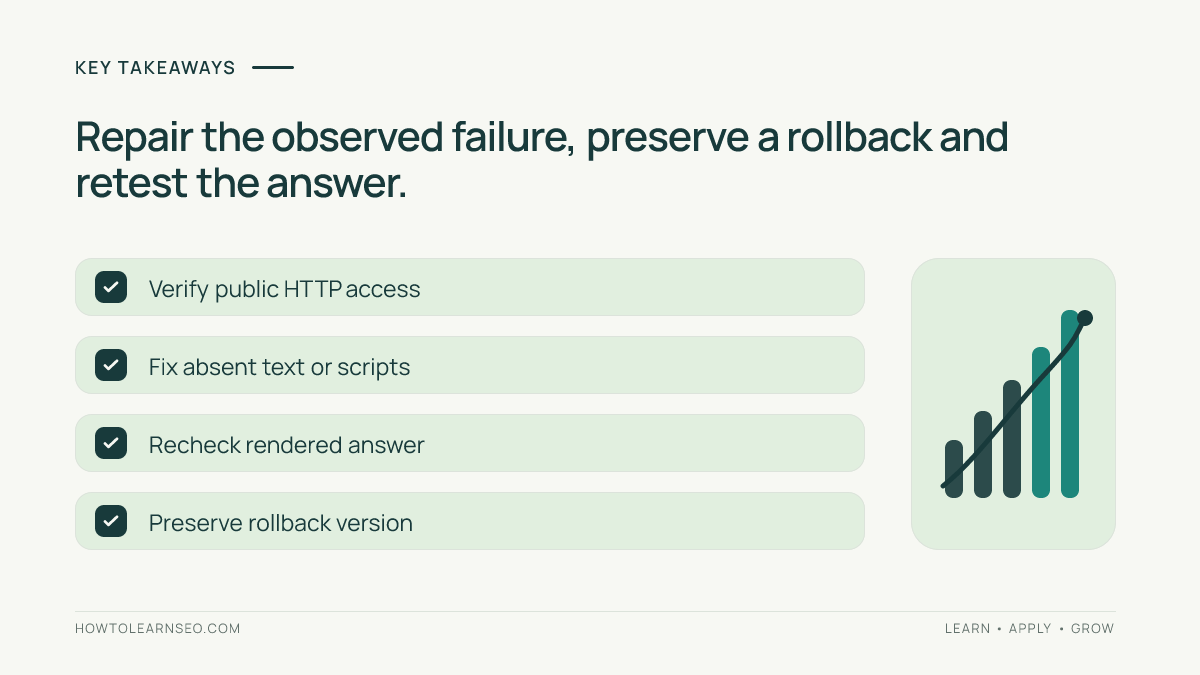
After a repair, confirm the page’s intended URL, public response, expected text, ordinary links and indexability directives. Maintain a change log showing the broken deployment, the exact correction and the version you can restore. If the public site came from a staging environment, consult the staging-site SEO audit before release.
If a subsequent change removes the answer or breaks navigation, roll back to the recorded version and rerun the same text check. Store the initial HTML result, live rendered output, resource error and test timestamps. Your sign-off should say that the content was accessible to the inspection tool at the tested time, not that rankings, crawling frequency or AI citations are guaranteed.
Frequently Asked Questions
Does visible text in my browser prove Googlebot can read it?
No. Your browser may have cached resources, an authenticated session or different network access. Compare the expected sentence against the public response and Google’s live rendered HTML. Browser visibility is useful for testing the visitor experience but is not complete crawler evidence.
Why does a live test show content absent from the indexed report?
The indexed view can reflect an earlier crawl and the live test examines the current page. Compare timestamps before diagnosing a failure. A correct live result does not guarantee when Google will revisit the URL, choose its canonical or show the page in search results.
Must I convert every JavaScript page to server rendering?
No. Google supports rendering JavaScript content. Server rendering can reduce dependency on client scripts for essential copy, but migration has maintenance and performance costs. Select the simplest reliable fix after identifying which resource or rendering stage caused the actual omission.
Can repeated indexing requests solve a missing JavaScript answer?
No. An indexing request does not fix unavailable resources, errors or hidden content. First verify that a fresh live inspection can access the text and that other indexability conditions are appropriate. Request indexing only when justified, acknowledging that Google controls subsequent processing.
What if the inspection tool cannot fetch my page?
Check server response, access controls, robots availability, DNS and temporary failures before interpreting content presence. A failed fetch does not establish how a successful render would look. Preserve the error details, restore public access where intended and repeat the test after resolving the fetch problem.
Conclusion
A sound diagnosis follows one expected sentence through the original response, live rendered HTML and historical indexed version. That separates script failures from ordinary crawl delays. Make a reversible repair based on the evidence, retest the page and report the technical outcome without promising search exposure.