
WordPress accordion content can look complete in the editor while important answers remain unavailable to readers or search crawlers. Test whether the answer exists before interaction, whether Google receives it when rendering the page, and whether people can open and read it accessibly.
This guide tests one expandable section on a public WordPress page. It includes an illustrative native disclosure and a practical way to record the evidence without mistaking technical availability for rankings or AI citations.
Quick Answer
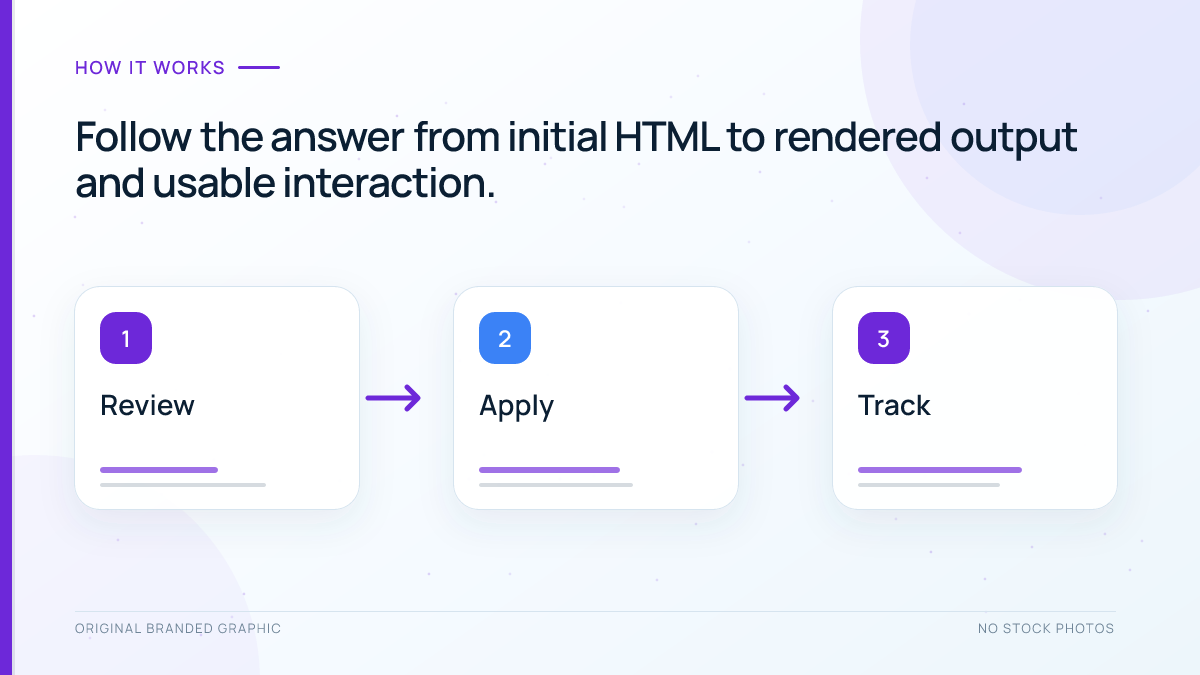
Choose a distinctive sentence inside an accordion answer. Check for that sentence in the initial page source and Google’s rendered HTML without opening the panel first. Then test the control with a keyboard, a screen reader, and a narrow viewport. If the answer loads only after a click, change the implementation so important text is available without that interaction. Retest the saved public page.
Key Takeaways
- Collapsed text and text that has not been loaded are different conditions.
- A successful click test does not establish what Google received.
- Native disclosures and custom accordions need checks appropriate to their implementation.
- Keep essential decisions and the page’s main answer easy to find.
Prerequisites and Test Scope
You need the exact public page URL, a browser with developer tools, access to that page’s Search Console property, and permission to edit the relevant WordPress block. Use a preview or staging copy for implementation experiments and keep a copy of the original content.
Record the page URL, test date, accordion label, and selected sentence. Start with one representative panel; then repeat the checks for other panels, especially those using different templates or plugins.
Identify How the Accordion Works
Google’s spam policies distinguish legitimate expandable content from text hidden solely to manipulate search engines. A reader-operated accordion can serve a useful purpose. Its presence alone does not demonstrate a policy violation.
| Implementation | What to inspect | Main risk |
|---|---|---|
| Native Details block | Summary and answer inside the details element | Theme styling or confusing labels |
| Scripted accordion with existing text | Answer already present in the document | Broken interaction or inaccessible controls |
| Answer fetched after clicking | Network request and newly inserted text | Important answer missing before interaction |
The distinction matters because a hidden panel can already contain its answer, while an empty panel may need another request to obtain it. Google states in its lazy-loading guidance that Search does not interact with pages by clicking to load content.
Test WordPress Accordion Content in Four Checks
1. Compare the initial HTML with the opened panel
Load the public page in a fresh tab and leave the accordion closed. Use View Page Source and search for a distinctive full sentence from its answer. Check that the match belongs to the actual answer markup, not a script, metadata field, escaped code sample, or unrelated duplicate.
Next, inspect the panel in developer tools and open it. If the sentence appears only after opening, inspect the Network panel for a request made at that moment. Record what you observed rather than assuming every plugin uses the same approach.
2. Inspect Google’s rendered page
Open URL Inspection for the exact page in Search Console and run Test live URL. When available, open View tested page, then HTML, and find the chosen sentence in its answer context. Google’s JavaScript SEO documentation explains how rendering differs from fetching initial HTML.
If the live test cannot complete or its HTML is unavailable, mark this check unverified. A browser screenshot cannot substitute for the missing evidence. Our Search Console guide explains inspection, while the JavaScript SEO guide provides broader rendering diagnostics.
3. Test the interaction and exposed state
Use Tab to reach the accordion control. Confirm a visible focus indicator, open and close it with the supported keyboard action, and check that expanded links are reachable. For a native details disclosure, MDN documents keyboard activation with Space. Verify the behavior in the browsers your readers use.
For a custom accordion, the W3C accordion pattern describes button semantics, expanded state, and keyboard operation. Check the announced label and state with a screen reader. Do not add custom roles or state attributes to native controls without understanding their existing semantics.
4. Check usability and the answer itself
Expand the panel on a narrow screen and with enlarged text. Check for clipped paragraphs, overlapping controls, inaccessible links, and text that becomes unreadable. Use the mobile SEO guide for the wider page review.
Finally, read the answer independently of its label. It should resolve the stated question, retain necessary qualifications, and identify relevant entities clearly. Being technically available does not make a vague or outdated answer useful.
Illustrative Native Disclosure
The following practice panel is a teaching example. Its sentence is an audit marker, not a claim about a business or a measured search result. Open it, then locate the actual paragraph inside its details element in the page source.
What is inside the fictional practice parcel?
The practice parcel contains a blue notebook and a return slip.
To reproduce the structure on your own test page, insert a Details block with /details, enter a descriptive summary, and place a Paragraph block inside it. The WordPress Details documentation describes the Open by default setting and grouping related blocks with a shared Name attribute. Leaving that name blank allows independent opening.
In the test record, note whether the initial answer markup was found, whether the rendered answer was found, whether the keyboard test passed, and the exact problem observed. These are fields to complete with your own observations.
Choose a Repair From the Evidence
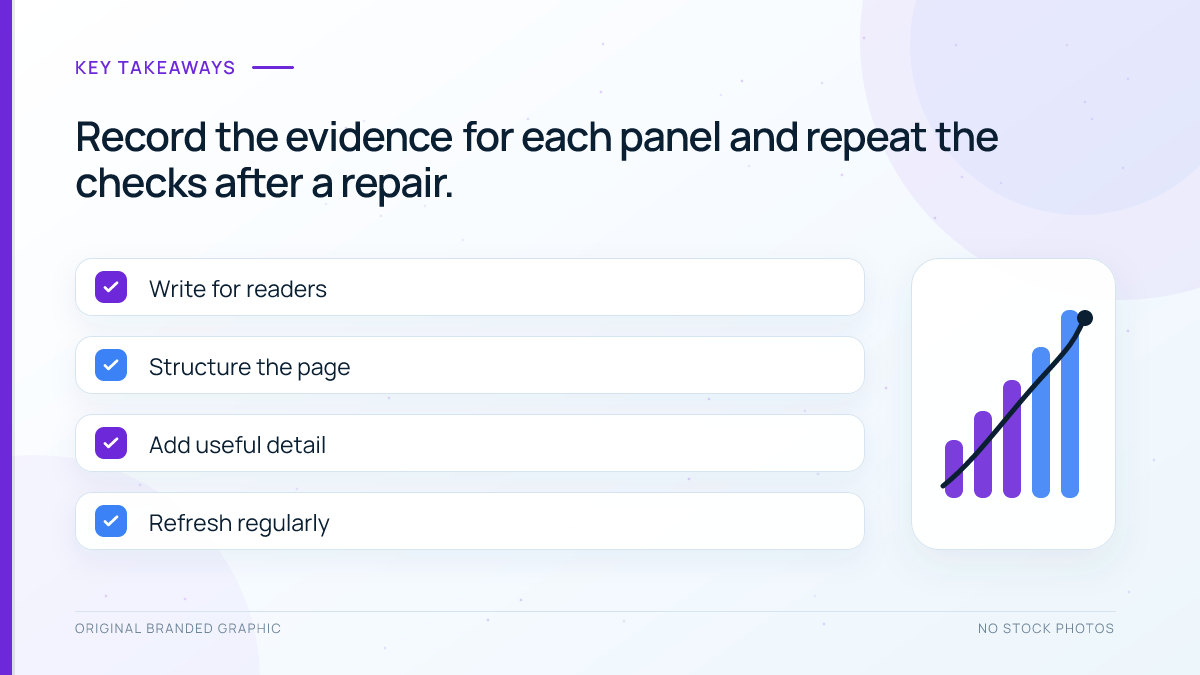
- Text arrives only after clicking: Ask the developer to include important answers in the delivered or automatically rendered document, while preserving the reader’s expand-and-collapse control.
- Text exists but controls fail: Fix the interaction, focus styling, or exposed state. Adding more content will not repair the control.
- Words are clipped on phones: Correct the layout and retest expanded panels at different widths.
- The main answer is hard to find: Move essential information into the main reading flow and reserve panels for supporting detail.
After any change, repeat all four checks on the public URL and record the result. Google’s AI search guidance calls for foundational SEO and useful content, with no special AI schema required. A passing accordion test cannot guarantee indexing, a citation, or increased traffic.
Frequently Asked Questions
Should every accordion be open by default?
Choose the default state for the reader’s task. Keeping the main answer visible can reduce unnecessary interaction, while optional detail may work well in a collapsed panel. Opening everything is not a substitute for testing content availability, keyboard access, clear labels, and usable expanded layouts.
Is finding the answer in the page source enough?
It establishes that the text arrived in that response, but does not complete the audit. Scripts or styles may still affect the resulting page, and the control may be inaccessible. Inspect the answer in its proper markup context, test Google’s rendered output, and verify the reader interaction.
Can a custom accordion be used safely?
A custom component can work when its content delivery and interaction are implemented correctly. Review its actual output rather than relying on a plugin’s marketing description. Check button semantics, state changes, focus, keyboard behavior, and content availability after theme or plugin updates as well as at launch.
Does an accordion automatically create FAQ schema?
The visual interaction and structured data are separate features. Inspect the page’s actual markup to see what a block or plugin generates. Any structured data should accurately represent its content and meet the applicable requirements. Do not assume an expandable answer creates a special AI visibility signal.
How should I evaluate results after a repair?
First confirm that the documented technical or accessibility problem is resolved. Later compare relevant search performance and reader outcomes over a suitable period, allowing for other changes and small samples. A crawler visit or an assistant referral does not establish how often the answer was cited.
Conclusion
Test WordPress accordion content as both delivered information and an interactive control. Check its initial markup, Google’s rendered page, keyboard and screen-reader behavior, and the usefulness of the expanded answer. Repair the specific failure you observe, then verify the saved page before drawing conclusions about search or AI visibility.