AI-generated meta descriptions can quietly turn a large website into a collection of near-identical search summaries. A useful audit compares descriptions across URLs, separates legitimate repetition from generic boilerplate, and verifies replacements against the actual page. This practical workflow produces a reviewable spreadsheet rather than a mysterious AI quality score.
Quick Answer
Export each page’s canonical URL, title, and meta description. Normalize the descriptions, flag exact duplicates and recurring templates, inspect each page’s unique purpose, and rewrite only the summaries that fail the accuracy test. Finally, verify the new description in the live HTML after deployment.
Key Takeaways
- Duplicate strings are evidence for review, not automatic permission to rewrite.
- Use a reproducible normalization rule and preserve the original export.
- Every replacement must describe something that genuinely exists on its page.
- Google can generate query-specific snippets instead of displaying the supplied description.
Build an auditable export
Collect one row per canonical, indexable URL. Include the URL, page title, meta description, page type, and a short note about the page’s primary reader task. Deduplicate alternate tracking URLs by canonical destination before grouping descriptions. Keep redirects, noindex pages and missing descriptions in a separate exceptions sheet so they do not distort the main findings.
For general principles, consult the site’s meta title and description guide. Save the original crawl as a read-only tab, record the extraction date, and preserve the source tool and crawl configuration. Without that baseline, reviewers may mistakenly compare two exports collected under different site conditions.
Do not assume that a blank description is the same problem as repeated text. Blank fields need their own flag. Also, a URL path is not sufficient proof of the page topic: a migrated page may serve a different task than its old slug suggests. Inspect the title and main content whenever the intent is uncertain.
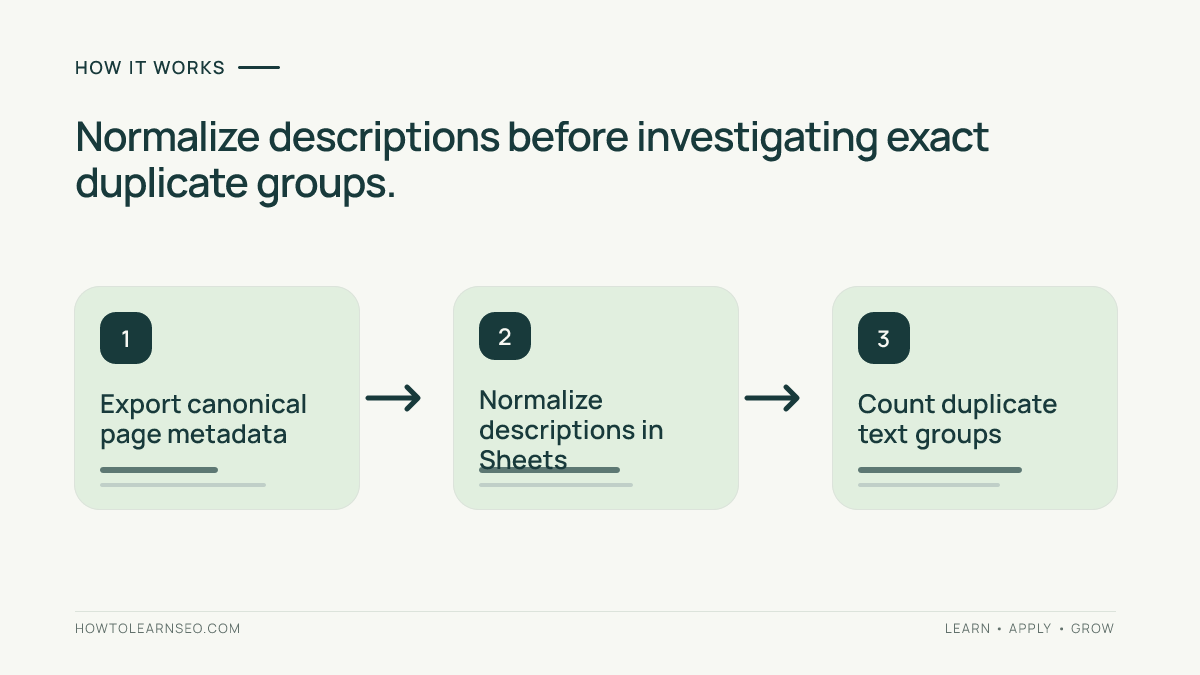
Normalize and count exact duplicates
In Google Sheets, place canonical URLs in column A, titles in B, descriptions in C and page types in D. Put the following formula in E2 and fill down. It lowercases the text, trims surrounding spaces and replaces repeated whitespace with single spaces. This makes harmless capitalization or spacing differences comparable while retaining meaningful words.
=LOWER(TRIM(REGEXREPLACE(C2,"\s+"," ")))In F2, count matching normalized descriptions, but leave the result blank for missing descriptions. This avoids incorrectly treating every empty field as one enormous duplicate group. Filter column F for counts above one to create an exact-duplicate review queue.
=IF(E2="","",COUNTIF($E$2:$E,E2))A duplicate count is not a quality grade. Two distinct pages may temporarily use a shared campaign summary, and a unique description may still be vague or misleading. The next step is to compare the page-specific meaning and determine whether a rewrite improves the reader’s understanding.
Worked example with explicit expected results
This dataset is illustrative, not a real crawl or measured experiment. Imagine three educational pages: /seo-audit/, /keyword-map/ and /crawl-errors/. The first two share the description ‘Learn useful SEO tips for better results.’ The third uses ‘Find crawl errors and verify fixes using URL tests.’ The normalization formula produces identical keys for the first two rows and a different key for the third.
| URL | Duplicate count | Review outcome |
|---|---|---|
| /seo-audit/ | 2 | Rewrite for audit workflow |
| /keyword-map/ | 2 | Rewrite for mapping workflow |
| /crawl-errors/ | 1 | Check accuracy independently |
The expected outputs are 2, 2 and 1. To verify them, paste the three descriptions into column C, fill E2:F4, and compare the displayed counts with the table. The third row is not automatically approved; a human still needs to confirm that the page actually explains URL-level crawl tests.
For /seo-audit/, a more useful illustrative candidate is: ‘Learn how to audit a website, record technical findings, prioritize fixes and verify the results.’ For /keyword-map/, a different candidate is: ‘Map search queries to relevant pages using intent groups and a spreadsheet that highlights overlapping targets.’ These are proposed examples, not verified descriptions of real pages.
An edge case is a description with mixed capitalization or extra spaces: the normalization rule groups it correctly. A description with an inserted keyword remains a different exact-match key even if it follows the same generic template. That requires a separate manual pattern check, not a claim that COUNTIF catches semantic similarity.
Find near-duplicate AI templates
Look for repeated opening or closing phrases such as ‘Discover our guide to’ or ‘and improve your SEO today.’ Group these candidate rows by template family, then compare their unique page purposes. Do not automatically rewrite every member: similar wording can be reasonable when the pages are genuinely related and the descriptions still convey distinct value.
Use the keyword mapping workflow to identify the intended query group for each page. If two URLs answer essentially the same question, follow the keyword cannibalization guide before treating metadata as the entire problem. Two pages with overlapping search intent need a content-level decision, not merely new wording.
For each flagged URL, inspect the visible main heading, introductory answer, substantive example and conclusion. Write a one-sentence summary of the unique task supported by that evidence. Reject descriptions that promise a downloadable template, benchmark, ranking gain or interactive tool that the page does not actually provide.
Review replacements against the source page
Create columns for old description, proposed description, supporting page section, reviewer decision, and final deployment state. Mark each row PASS, REVISE or HOLD. A PASS requires accuracy, distinctiveness, readability and an honest description of the content. A REVISE means the wording is repairable. HOLD means the page itself may need a content decision first.
Apply the evidence discipline from the AI SEO report verification tutorial. Do not treat an AI model’s confidence as proof of accuracy. If a proposed description contains unsupported claims about outcomes or features, remove them rather than inventing evidence.
Approve one sample page before a large batch. Record the original text and the new text, use your normal publishing controls, and avoid making unrelated changes. This tutorial does not assume a specific WordPress plugin or a universal metadata-editing interface. Different themes and SEO plugins can output head markup in different ways.
Verify the live result, not the editor screen
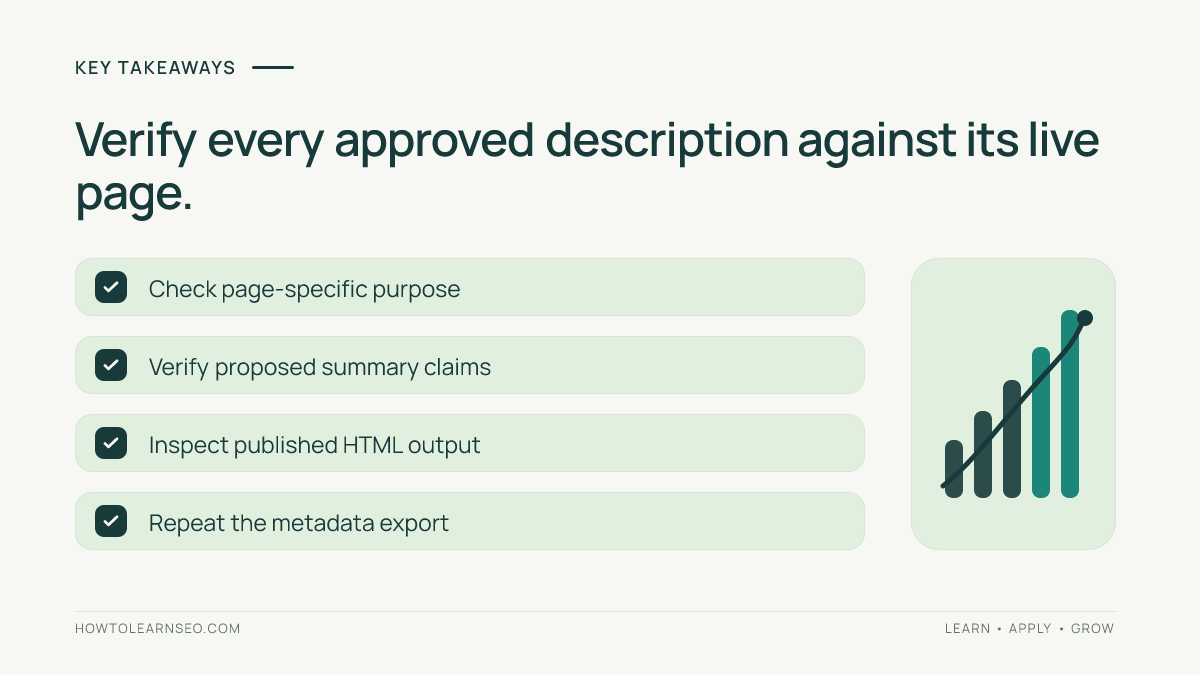
After publication, retrieve the live HTML and inspect the meta description element. Confirm it matches the approved replacement and that the canonical URL still points to the intended page. Rerun the same export using comparable crawler settings, then check whether the exact-duplicate group shrank for the correct reason.
Google explains that search snippets are generated primarily from page content and may use the meta description when it better describes the page. See Google Search Central’s snippet documentation. Therefore successful deployment does not mean the exact supplied description will appear for every query or every searcher.
Troubleshoot discrepancies and avoid false positives
If the crawler reports duplicates that are absent from live HTML, check cached responses, stale CSV files and alternate URL variants. If the content editor shows a new description but the page source still shows an old one, investigate which component generates the final head markup and whether a cache is serving an older response. Reproduce the discrepancy on one safe URL before changing production settings.
If the page has been substantially refreshed, compare the actual changed sections before rewriting metadata. The content-refresh validation workflow provides a related evidence-first approach. Do not assume a description must change solely because an AI tool suggests new phrasing.
A successful audit ends with a documented decision for each flagged page: retained with reason, rewritten and verified, or held for content review. That decision log prevents future editors from repeatedly changing intentional exceptions and makes the next audit more reliable.
Frequently Asked Questions
What does this audit detect?
It identifies repeated or generic meta descriptions and checks whether each summary accurately describes the unique reader task on its page.
Does Google always use my meta description?
No. Google may choose text from the page instead when it better matches the search query, so an approved description is not guaranteed to display.
Is every duplicate description a critical SEO error?
No. Duplicates are a review signal. Inspect the actual pages and their purposes before deciding whether a rewrite is justified.
Can AI generate all the replacements?
AI can draft candidates, but a reviewer must confirm that each statement is supported by the live page and that the text is specific.
What if two pages target the same intent?
Investigate the content overlap and canonical strategy first. Changing descriptions alone does not resolve two competing pages.
How do I confirm the fix worked?
Retrieve the live HTML after deployment, check the meta description element and canonical URL, then rerun the export to compare approved and live values.
Conclusion
A duplicate meta description audit is useful when it connects spreadsheet evidence to each page’s reader purpose. Normalize consistently, investigate real overlap, approve accurate page-specific replacements, and verify the deployed HTML. Treat search snippets as query-dependent output, not guaranteed copies of your metadata.