Two pages on your website appear for the same Google search query. Should you delete one? Not necessarily. Sometimes those pages serve different readers, and both deserve to exist. In other cases, they compete for the same search intent, leaving visitors unsure which page offers the complete answer. That second situation deserves closer investigation.
This guide explains how to recognize keyword cannibalization, investigate it with Google Search Console, choose the right fix, and check whether the change helped. You do not need a paid SEO tool to begin.
Quick Answer: What Is Keyword Cannibalization?
Keyword cannibalization occurs when multiple pages on one website target substantially the same search intent and undermine a clear content strategy. The issue is not simply that two URLs rank for a keyword. Their purpose, information, and internal signals overlap enough that neither offers a distinct reason to exist. Diagnose intent before merging, redirecting, or rewriting anything.
Key Takeaways
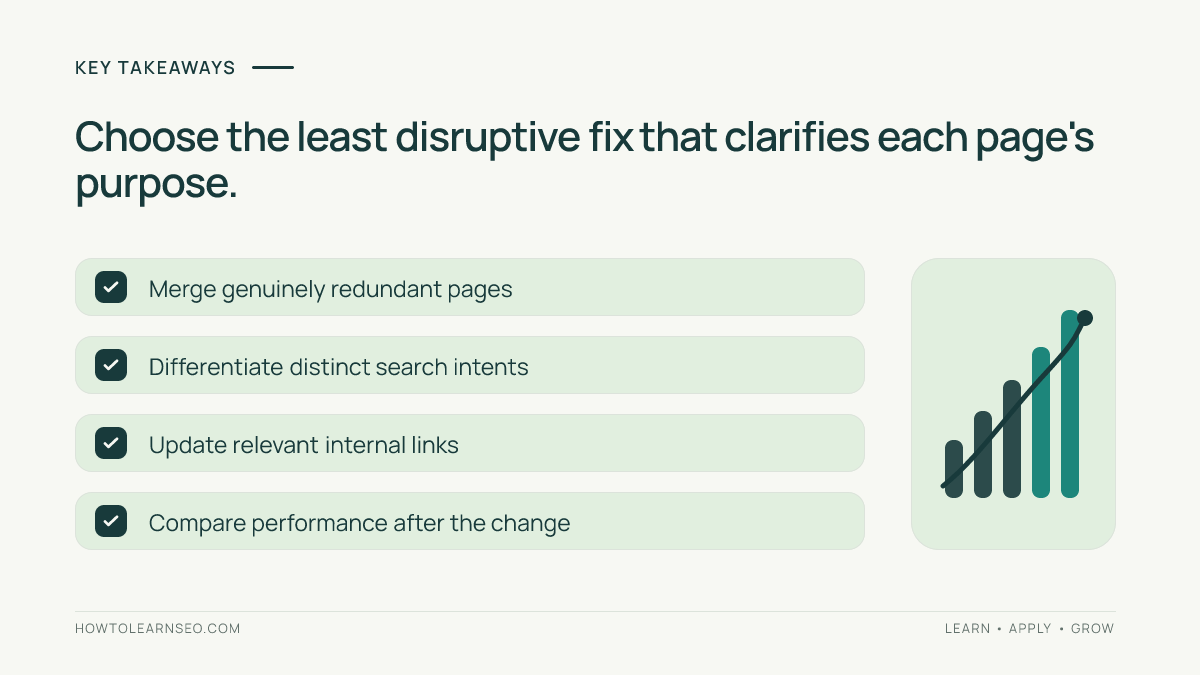
- Several pages appearing for one query is a clue, not proof of a problem.
- Compare search intent and usefulness before making changes.
- Consolidate true duplicates; differentiate pages that answer different questions.
- Use internal links to make the preferred page’s role clearer.
- Track affected URLs after changes, not just the site’s average position.
How to Recognize Keyword Cannibalization
Imagine a cooking website has “Beginner Sourdough Guide” and “How to Start Sourdough Baking.” If both teach the identical beginner process, they may unnecessarily split the topic. But “Sourdough Starter Troubleshooting” answers a different need and may reasonably appear for some of the same searches.
Look for overlapping titles, nearly identical outlines, and the same question answered at the same depth. Compare what the reader wants, not only the keywords. A clear search intent distinction can justify keeping both articles.
Google may show different URLs because wording, location, device, or timing changes. That alone does not prove harmful competition.
How to Find Competing Pages in Google Search Console
Start with the Google Search Console beginner guide if you have not connected a verified property. Examine real search performance instead of assuming similar page titles prove a problem.
- Open Performance: Select the Search results report and choose a meaningful date range, such as the previous three months. For seasonal topics, compare similar periods where possible.
- Choose a query: In the Queries table, select a term important to your content. This filters the report to that query.
- Inspect Pages: Open the Pages tab to see which URLs received impressions or clicks for the selected query. Record each URL.
- Compare candidates: Review each page’s title, headings, audience, content, and next action. Ask whether both deliver the same core answer.
- Repeat for related queries: One phrase is not the entire topic. Include close variants and inspect whether the same overlap emerges.
Important limitation: Search Console omits some anonymized queries and may truncate table data. Its chart and page tables can use different aggregation rules, so totals do not always match. Treat the report as diagnostic evidence, not a perfect list of ranking URLs. Google explains these limitations in its Performance report documentation.

Decide Whether the Overlap Is Actually Harmful
Ask three questions: Do the pages answer the same primary question? Would readers benefit from both? Is one page more complete and current? If each serves a distinct task, preserve both and sharpen their titles, headings, and internal links.
For example, “keyword mapping template” can deserve its own page alongside “what is keyword mapping.” One provides a working resource; the other teaches the concept. A keyword mapping workflow helps define separate page purposes.
A warning sign is when two thin articles repeat nearly every section while neither provides a complete answer. Still, do not attribute falling traffic to cannibalization without checking seasonality, technical problems, and changing demand.
How to Fix Keyword Cannibalization
Option 1: Merge pages that duplicate the same intent
Choose the stronger URL using usefulness, relevant links, and existing performance. Combine unique, accurate material into one coherent resource. When retiring a redundant URL, use an appropriate permanent redirect to the retained page if it is genuinely equivalent. Review the site’s 301 redirect guidance before implementing changes. Do not redirect unrelated pages just to preserve traffic.
Option 2: Differentiate pages with separate purposes
Keep both when each serves a real audience need. Rewrite vague titles, introductions, and headings so their distinction becomes obvious. Add information that makes each resource useful. Give every page a defined primary topic instead of merely swapping synonyms.
Option 3: Improve internal links
Link supporting articles to the central resource with descriptive, natural anchor text. Effective internal linking helps users navigate a topic and gives crawlers context about relationships between pages.
A canonical tag is not a substitute for an editorial decision. It is most relevant to duplicate or near-duplicate URL variants where you want to signal a preferred version; do not apply it indiscriminately to useful, substantially different pages.
A Practical Example: Two Articles About Meta Descriptions
Suppose a blog publishes “How to Write Meta Descriptions” and “Meta Description Writing Tips.” Both target beginners and contain almost the same checklist. The first offers examples; the second adds a brief discussion of truncation.
A sensible plan is to retain the more helpful URL, incorporate useful advice from the other article, and redirect the redundant one when the destination satisfies its purpose. Update internal links that still point to the retired page.
Now consider “Meta Description Audit Template.” If it provides a reusable worksheet, it serves a distinct task. Keep it, clarify the purpose in its title, and link it to the main tutorial. This is differentiation, not deletion.
Measure the Results Without Jumping to Conclusions
Before editing, save the affected URLs, target query groups, clicks, impressions, and change dates. After publication and recrawling, compare affected URLs over an appropriate period. Watch for changes in total relevant clicks and whether users reach the most helpful page.
Do not judge a fix after a day or two. Search performance fluctuates, and major changes can take time to process. Keep a change log so other SEO work is not mistaken for the result of your edits.
Common Mistakes to Avoid
- Deleting by keyword alone: Shared queries can reflect legitimate overlap between useful pages.
- Redirecting everything home: The replacement must satisfy the original page’s purpose.
- Misusing canonical tags: They cannot make unrelated resources a meaningful duplicate set.
- Changing many pages at once: Simultaneous edits make diagnosis and measurement harder.
- Ignoring readers: A tidy spreadsheet is no reason to remove information people need.
Frequently Asked Questions
Can two pages rank for the same keyword without a problem?
Yes. Google can show different pages from one website for the same query, particularly when they serve distinct intents or offer complementary information. Compare what each page provides and how readers might use it. Shared impressions alone are not a reason to delete, merge, or redirect content.
Should I delete the weaker article?
Not automatically. First check whether the weaker article serves a distinct purpose, attracts useful traffic, or has information worth preserving. If it is redundant, incorporate its unique value into the stronger article and consider a suitable redirect. If it serves a different intent, improve its differentiation instead.
Will a canonical tag fix keyword cannibalization?
Not in every case. Canonical tags help signal a preferred URL among duplicate or very similar alternatives. They are not a substitute for separating distinct topics, improving their content, or consolidating redundant articles. Review the actual page relationship before adding one.
Can I diagnose cannibalization without paid tools?
Yes. Google Search Console provides query and page performance data, and you can compare pages manually for intent overlap. The report is not exhaustive because some queries are hidden or truncated, but it offers a useful starting point. Maintain a worksheet for candidate URLs, evidence, and decisions.
How long does it take to see results after a fix?
There is no universal deadline. Search engines need to discover and process changes, while clicks and impressions naturally vary over time. Monitor several comparable weeks where possible, and check indexing and redirects when relevant. Evaluate overall topic performance, not a single day’s ranking movement.
Conclusion
Fixing keyword cannibalization begins with understanding what each page should accomplish. Use Search Console to find overlap, compare reader intent, and choose between consolidation and differentiation. Preserve useful information, guide visitors with clear internal links, and measure patiently. The best result is not fewer URLs; it is a website where every important page has a clear job.