An SEO change log records what actually changed on a website, when it became public, and how you will evaluate it. For AI-assisted edits, it also separates a model’s suggestion from the version a person approved and deployed. That distinction prevents a proposed improvement from becoming a falsely reported result.
Quick Answer
Keep a detailed evidence register outside Search Console and add a short chart annotation for each meaningful deployment. Connect both records with a stable change ID. Save the original state, verify the live change, and compare consistent reporting periods before deciding what the outcome means.
Key Takeaways
- Log deployed work separately from proposals and failed attempts.
- A chart annotation supplies context, not proof of causation.
- Keep exact URLs, evidence and review dates in the detailed register.
- AI may summarize verified facts; it must not invent implementation or uplift.
Prepare Your SEO Change Log
You need access to the affected public pages, a spreadsheet or approved project system, and the matching Search Console property. Adding custom annotations requires owner or full-user access; restricted users can view them. Start with the Search Console guide if you need help identifying the correct property.
Give each change a durable ID such as SEO-017. Use one row per coherent deployment, with a separate URL list for larger batches. Record exact URLs rather than “blog pages,” and identify a responsible team role without exposing private contact details in shared notes.
| Field | What to record |
|---|---|
| Scope and hypothesis | Exact URLs, affected element and expected reader benefit |
| Before evidence | Saved text, source reference, export or approved screenshot |
| Approval and deployment | Approved version, actual public timestamp and timezone |
| Live verification | Observed output, check time and unresolved errors |
| Measurement plan | Property, filters, baseline, follow-up windows and limitations |
| Status | Proposed, approved, deployed, verified, held or reverted |
For a content correction, record the changed claim and supporting source. For an internal-link repair, record both source and destination. A vague “AI SEO optimization completed” entry cannot support later investigation. Use the site’s editorial-policy workflow to define approval responsibilities.
Capture Evidence Before Asking AI to Summarize
Save a settled baseline before deployment. A practical starting point is the preceding 28 complete days, with page, search type, country and device filters written down. This is a review convention, not a Google-prescribed experiment length. Small sites or seasonal topics may require longer context.
Then preserve the approved edit and check the public page after release. A saved WordPress setting does not prove that visitors receive the new output. Check the public response after any relevant cache refresh. Record failures honestly: a rejected request remains held, and an uncertain write stays unresolved until reconciled.
For crawl-sensitive changes, distinguish the public page from Google’s stored information. The URL Inspection documentation separates indexed information from the live test. Neither a successful live check nor a deployment timestamp proves Google has processed the revised page.
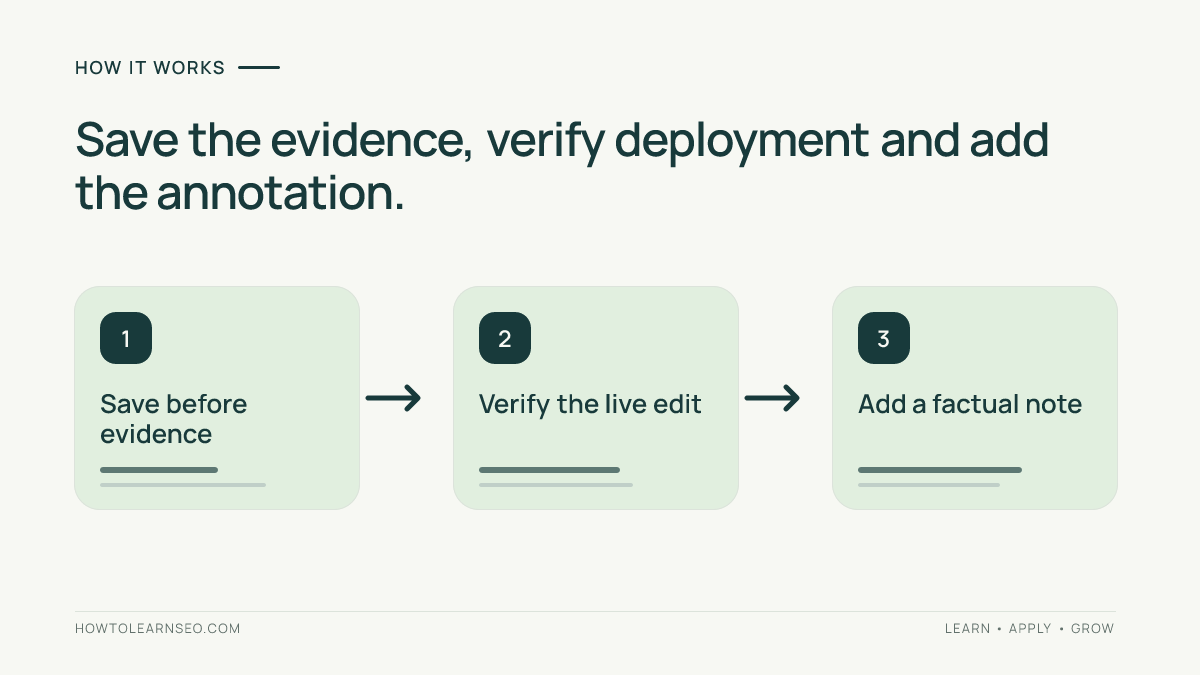
After verification, an assistant can compress your evidence into a note. This illustrative prompt avoids asking it to infer results:
Using only this approved change record, draft a Search Console annotation of at most 120 characters. Include the change ID, scope and deployed action. Do not claim ranking gains, AI citations or successful deployment unless explicitly verified. Return Missing evidence when required facts are absent.
Check the summary against the register yourself. Keep the original facts and approval record even when the generated sentence reads well.
Add a Search Console Annotation
Google’s annotation instructions describe the current process:
- Open the intended property’s Performance report.
- Right-click the chart on the deployment date.
- Confirm the date in the picker.
- Enter a factual note within the 120-character limit.
- Click Add, then open the marker to verify its text and date.
Use the deployment date, not the day the assistant wrote its proposal. Keep the precise timestamp and timezone in your register; a chart marker is only a dated reference. Annotations are shared across the property and remain visible under different filters, so include enough scope to avoid implying that a page-specific change affected the whole site.
A suitable illustrative note is: SEO-017: /robots-guide/ replaced outdated bot instructions; live output checked. It identifies an action without claiming a performance improvement. The example path is fictional and is not evidence that this website received that edit.
Worked Example: Proposal Versus Verified Deployment
Suppose an assistant recommends replacing an obsolete crawler instruction on a tutorial. The following is a fictional evidence trail, not a report of an actual test or measured traffic gain:
| Stage | Register entry | Decision |
|---|---|---|
| Proposal | SEO-017 suggests correcting one paragraph | Keep status Proposed; no deployment annotation |
| Review | Editor verifies the official documentation and approves replacement text | Save approved version and source |
| Deployment | Public article shows the approved paragraph after cache refresh | Record timestamp and add factual annotation |
| Follow-up | Comparable-period clicks rise while query mix also changes | Record the observation and uncertainty; do not declare causation |
If the update never reaches the public page, the record stays held. If another release changes titles across the site during the review window, add that event too. Concealing overlapping work makes even an accurate performance comparison harder to interpret.
Review Outcomes Without Inventing Attribution
Plan checks after 14 and 28 complete days following deployment, using equivalent preceding windows. Record exact boundaries and exclude partial data. Treat these as checkpoints rather than deadlines for improvement. Google’s guidance on measuring page changes warns that competing sites, demand and other events can influence performance.
Compare clicks, impressions, CTR and average position for the same page and filters. Inspect query mix and useful business outcomes separately. Average position is an aggregate, not a fixed rank. Preserve exports because reporting limits and aggregation can affect visible totals, as explained in Google’s data-discrepancy guidance.
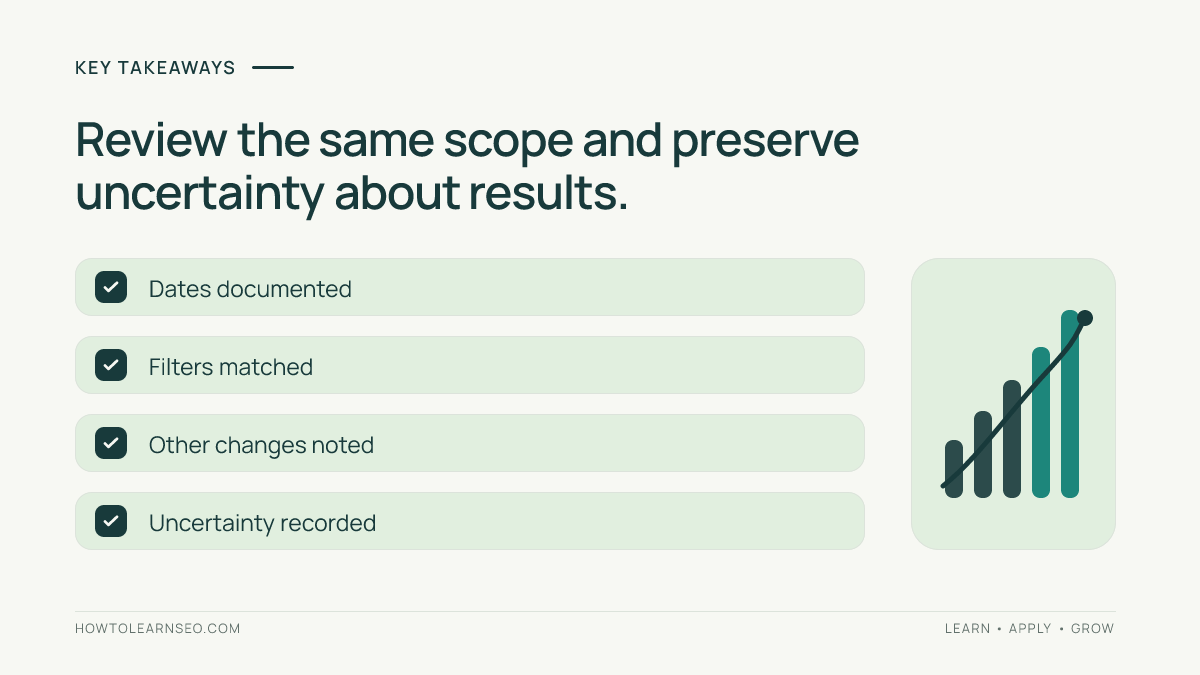
Write conclusions such as “clicks increased in the reviewed period; contribution from the edit remains uncertain.” Use the content-refresh workflow for deciding whether another substantive revision is warranted. Do not repeatedly edit a stable page just to create more activity in the log.
Troubleshoot Missing or Misleading Records
Annotations do not appear in comparison mode or the 24-hour view. If a marker seems missing, return to a standard date view and confirm the property. Search Console currently allows 200 annotations per property, removes annotations older than 500 days, and does not offer editing. Keep the detailed register as your durable history.
For an incorrect note, verify the underlying facts before replacing it through the available delete-and-add workflow. Record the correction in the register. Avoid sensitive personal information because other property users can read the notes.
For traffic follow-ups, consult the current GA4 channel definitions and keep assistant-referred visits separate from crawl evidence.
Frequently Asked Questions
Should every small edit receive an annotation?
No. Reserve chart markers for changes that help explain a later investigation, such as a meaningful content correction or a template release. Keep minor edits in the detailed register when useful. Excessive markers can hide important events, while the register can preserve the full operational history without crowding the chart.
Can an annotation prove an AI-assisted edit improved rankings?
No. It records timing and context, not a controlled experiment. Performance can change because of demand, competitors, other releases or reporting conditions. Preserve the hypothesis and compare consistent periods, but describe results as observations unless the evidence supports a stronger conclusion. AI involvement does not change that standard.
What if I discover an old deployment with no record?
Reconstruct only what you can verify from revision history, deployment records and public evidence. Mark uncertain dates or missing baseline data explicitly. Do not ask an assistant to guess what happened. A partial historical entry is useful when its limits are clear; a confident invented timeline can mislead every later review.
Does a crawler visit count as an AI referral outcome?
No. A crawler request is separate from a person arriving through an assistant link. GA4 identifies AI Assistant traffic using the ai-assistant medium under its current rules, while Google Organic Search can include AI Overviews and AI Mode. Neither crawler requests nor those broad traffic categories establish comprehensive AI mentions or citations.
How should I document a rollback?
Create a linked entry with the original change ID, rollback reason, actual deployment time and live verification. Preserve the earlier record instead of rewriting it as though the change never happened. Mark measurement windows containing both versions as mixed, and avoid attributing their results entirely to either version.
Conclusion
A useful SEO change log connects approved work, verified deployment and cautious measurement. Use Search Console annotations as short signposts to that evidence. When the history is precise, AI-assisted editing remains reviewable and later performance discussions become easier to trust.