
Quick answer: A WordPress editorial policy should tell readers who owns the publishing process, how authors and reviewers work, which sources are acceptable, how corrections are handled, when content is updated, and where AI tools may assist. Publish the policy as a permanent page, link to it from relevant author or site-information pages, and follow the process it describes. The page can improve transparency, but it cannot guarantee rankings or AI citations.
What you need before writing the policy
Collect the real workflow first. Identify who approves articles, how facts are checked, what happens when an error is reported, how older pages are reviewed, and whether generative AI assists with research, outlining, editing, images, or publication.
Google recommends evaluating content through “Who, How, and Why” in its people-first content guidance. A useful WordPress editorial policy turns those questions into a public, verifiable explanation.
WordPress editorial policy checklist
| Section | What it should answer | Evidence to confirm |
|---|---|---|
| Scope and owner | Which content the policy covers and who is accountable | Site name, editorial role, contact route |
| Authorship | How writers are credited and profiles are verified | Bylines and public author pages |
| Sources | Which evidence is preferred and how claims are checked | Primary-source links and review notes |
| Review | What an editor checks before publication | Documented checklist or approval step |
| Corrections | How readers report errors and how fixes are disclosed | Working contact route and correction practice |
| Updates | When older content is reviewed or retired | Review triggers and accurate modified dates |
| AI assistance | Where automation is used and where humans remain responsible | Truthful workflow description |
Step 1: Define the policy’s scope and owner
Start with one direct paragraph naming the website and the material covered. State whether the policy applies to tutorials, reviews, news, user submissions, or every published article. Then identify the accountable editorial role. Use a real person or team name that the site can support publicly; do not invent an editorial board to appear larger.
Connect this section to accurate site information. The entity consistency audit helps compare the organization name, description, and contact details across important pages.
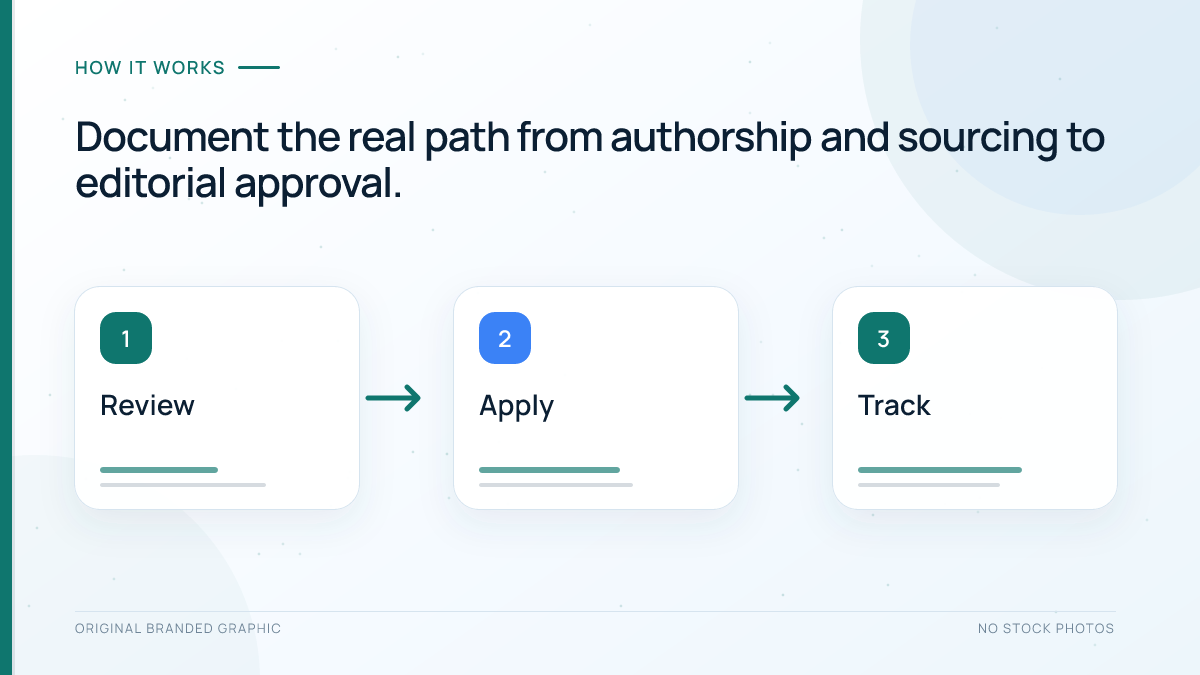
Step 2: Explain authorship and review responsibilities
Describe how writers are selected, how bylines are assigned, and what an editor verifies. A practical review can check factual claims, sources, examples, links, accessibility, and accurate metadata.
Link author names to profiles only when those profiles are truthful and useful. The site’s WordPress author page audit provides the matching checks for bylines, biographies, archives, and Article author markup. Do not claim that every article receives specialist review unless a qualified reviewer actually examines it.
Step 3: State the sourcing standard
Explain which sources take priority. For technical guidance, that might mean official documentation, standards bodies, original research, platform announcements, and direct data before secondary summaries. Note how the team handles conflicting information, anonymous claims, affiliate relationships, and statistics that cannot be reproduced.
The policy should define the decision rule while articles link evidence near relevant claims. Use the source audit workflow to inspect a page’s citations and replace outdated, circular, or unsupported references.
Step 4: Write an honest AI-assistance statement
Describe the tasks AI may assist with and the human checks applied afterward. A truthful statement could say that tools help with outlines or language editing while a named editor verifies facts, sources, examples, links, and final wording. If a workflow is fully automated, do not disguise it as manual expert review.
Google’s guidance on generative AI content says that using such tools to create many pages without adding value may violate its scaled-content policy. Google’s spam policies define scaled content abuse by the purpose of manipulating rankings rather than helping users.
Step 5: Define corrections, updates, and removals
Provide a working way for readers to report a factual error. Explain who reviews reports, how material corrections are shown, and when a page is updated, consolidated, redirected, or removed.
Use genuine review triggers, such as changed documentation, a broken procedure, or new evidence. Do not change a publication date merely to make old content look new. The AI search content refresh workflow shows how to separate substantive improvements from cosmetic date changes.
Step 6: Build and publish the page in WordPress
- In WordPress, open Pages and create a new page titled Editorial Policy.
- Use clear H2 sections for scope, authorship, sourcing, review, corrections, updates, and AI assistance.
- Add the approved contact route without exposing private information.
- Link to relevant author, About, corrections, or contact pages that already exist.
- Preview the page while logged out and test every link on mobile and desktop.
- Publish it, then add a discoverable link from the footer, About page, or another appropriate navigation area.
WordPress’s official page documentation explains how persistent pages differ from chronological posts and how parent pages can organize supporting information. No special editorial-policy schema, plugin, or llms.txt file is required for this task.
Illustrative policy example
Imagine a small SEO education site with one writer and one editor. This fictional example shows useful specificity:
- Ownership: The site owner approves the editorial policy and correction decisions.
- Authorship: Each tutorial names the writer and links to a verified profile.
- Sources: Technical claims prioritize official platform documentation and original data.
- Review: The editor tests steps, checks links, and compares important claims with primary sources.
- AI assistance: AI may support outlining and copyediting, but the editor verifies and approves the final article.
- Corrections: Readers can report errors through the published contact page; material fixes are noted.
Replace every example statement with the site’s actual process.
Troubleshooting common policy problems
- The policy sounds generic: replace broad claims with specific roles, checks, and decisions the team can demonstrate.
- No one owns corrections: assign one accountable role and a working reporting route.
- The AI statement is vague: name the assisted tasks and the human verification that follows.
- The page conflicts with author profiles: reconcile names, roles, and responsibilities before publishing.
- The process changes frequently: write stable principles and update operational details when they materially change.
Limitations of an editorial policy
A policy is not proof that every article follows it, so the visible content must provide supporting evidence through accurate bylines, relevant sources, honest examples, and correction behavior. Google’s current AI search optimization guidance continues to emphasize foundational SEO and useful, non-commodity content; it does not offer a special editorial-policy shortcut.
Do not treat the page as legal advice or as a substitute for privacy, advertising, affiliate, medical, or other regulated disclosures that may apply to the site. Obtain qualified advice when the publication operates in a regulated field.
Frequently Asked Questions
Does every WordPress site need an editorial policy?
No. It is most useful for sites that publish recurring informational content, use several contributors, review sensitive claims, or want readers to understand how articles are produced and corrected.
Should the editorial policy mention AI tools?
Mention AI assistance when that information helps readers understand how content was produced. Describe the real tasks involved and the human checks instead of using a vague badge or claiming manual work that did not occur.
Does an editorial policy improve Google rankings?
There is no guaranteed ranking benefit. A truthful policy can support reader trust and clarify the publishing process, but content quality, technical eligibility, relevance, and many other factors still matter.
Do I need special schema for an editorial policy page?
No special editorial-policy schema is required. Use normal page markup, clear headings, accurate links, and only structured data that truthfully matches visible content and supported use cases.
Where should the editorial policy be linked?
Use a discoverable location such as the footer, About page, author pages, or relevant article templates. Choose placements that help readers rather than repeating the link unnaturally across every paragraph.
How often should the policy be updated?
Review it whenever the real publishing workflow, ownership, correction process, sourcing rules, or use of automation changes. Update it promptly when the public description no longer matches practice.
Conclusion
A useful WordPress editorial policy is short enough to follow and specific enough to verify. Publish only the processes the team genuinely uses, connect them to visible evidence, and revise the page when responsibilities or tools change. Transparency supports better decisions for readers, but it never guarantees search visibility or AI citations.