Ecommerce category page SEO helps shoppers browse a meaningful collection and find products that match their needs. A good category page is more than a grid of items: it has understandable navigation, useful selection information, crawlable product links and sensible filter behavior. This guide focuses on category-level decisions rather than repeating product description advice or a general ecommerce SEO checklist.
Quick Answer
Optimize an ecommerce category page by defining its distinct browse intent, writing a helpful category introduction, connecting it to related categories and real product URLs, and controlling unhelpful filter combinations. Make sorting and filters work for humans without generating endless duplicate indexable URLs. Google’s ecommerce navigation guidance explains why links from menus to categories and products matter for discovery.
Key Takeaways
- Category pages target browse and comparison intent, not a single model’s details.
- Build an accessible path from the homepage to categories and products.
- Explain selection criteria using verified facts and customer language.
- Choose indexable filter pages selectively instead of publishing every combination.
- Measure both search visibility and product discovery after changes.
Define the category’s job before adding copy
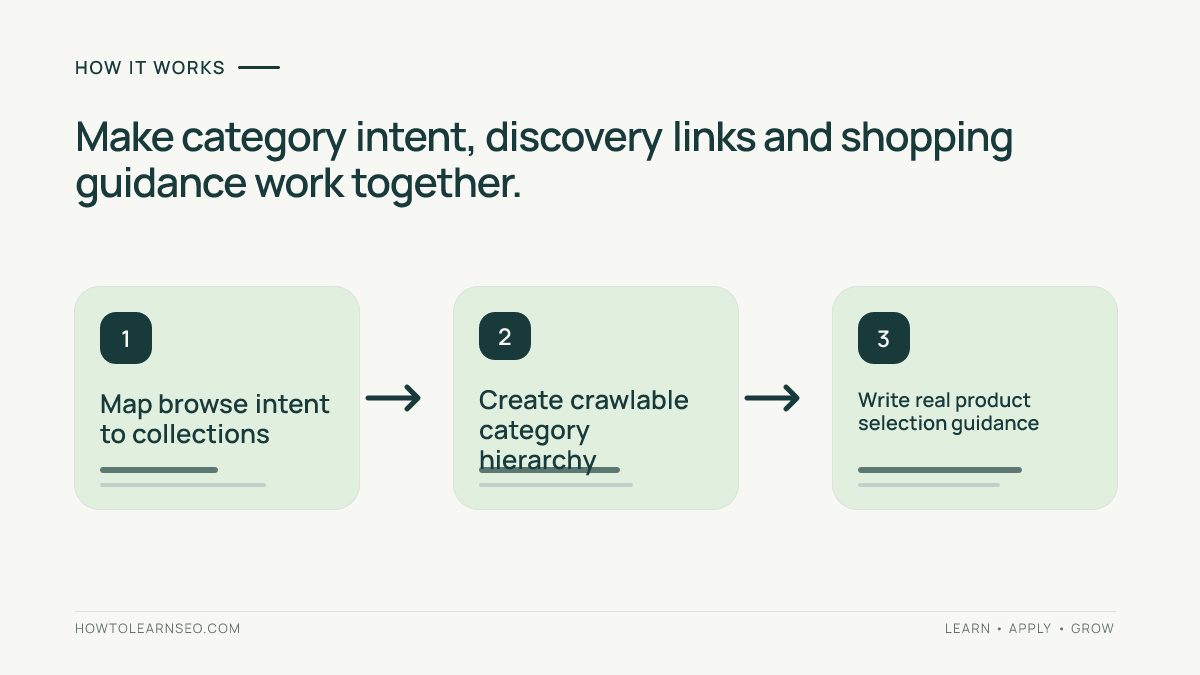
Decide what a visitor expects when searching for the category term. Someone searching “waterproof hiking backpacks” may want to compare capacity, fit and rain protection across multiple options. Someone searching a named 22-liter backpack probably wants an individual model page instead. Use this distinction to assign one primary search intent to a collection while linking down to products and up to broader collections.
Review the actual inventory. If a category includes school bags, travel duffels and camping packs without a coherent theme, refine the assortment before adding paragraphs about hiking. Our ecommerce SEO overview explains the broader site structure, while the keyword mapping guide helps distinguish categories, subcategories and product pages by intent.
Plan a navigation path search engines can follow
A shopper should be able to move from a main category to a relevant subcategory, then to actual products without guessing a keyword or using an inaccessible search box. Use ordinary HTML links where practical, informative anchor labels and a helpful breadcrumb trail. If an item exists only behind a JavaScript interaction that crawlers cannot discover, it may be harder to find. Google specifically emphasizes linking from menus to categories, subcategories and products.
Do not overwhelm every collection with hundreds of unrelated internal links. Prioritize useful related collections and best-fitting products; a page for running shoes might link to trail shoes, road shoes and a shoe-size guide. Our website architecture guide
Write category copy that improves product selection
The opening paragraph should identify what is included and the most important distinction within the assortment. A category for office chairs may explain adjustable lumbar support, seat dimensions and materials rather than making an unsupported promise about comfort. Add a concise buying guide or comparison table if shoppers repeatedly ask similar questions. Avoid inventing awards, rankings, customer-test data or certifications.
Place helpful context where it supports the shopping task. If a long essay delays product discovery, keep the opening concise and position detailed guidance lower on the page with clear navigation. Make headings reflect meaningful choices, such as size or material, rather than repeating the category phrase. Product cards should accurately show available options, price and distinguishing attributes, not vague labels like “Top Item.”
Handle faceted navigation without a crawl trap
Filters for color, size, brand or price are useful for shoppers, but combinations can produce many URLs containing essentially the same items. Google’s URL structure guidance warns that excessive combinations can waste crawling resources. Decide which filter pages answer a distinct query and provide stable, valuable results; don’t assume every filter deserves its own indexed landing page.
Make filter states clear and reversible, and preserve a coherent canonical strategy. Whether a filter URL should be indexable depends on inventory depth, distinct search demand and the implemented URL patterns. Document examples rather than applying a blanket canonical rule. If a filtered collection shows zero products, explain that state and offer a useful route back to available items instead of publishing misleading page copy.
Worked example: an outdoor backpack collection
Input: Imagine a fictional retailer with 36 hiking backpacks. Its broad “Backpacks” category includes school models, and every combination of color, capacity and price becomes an indexable URL. Shoppers searching for waterproof hiking backpacks struggle to identify rain-protected products. These figures are illustrative and are not taken from a live ecommerce site.
Action: Create a well-defined hiking backpack collection linked from the existing navigation, using only real relevant products. Explain capacity, fit and weather-resistance criteria based on verified specifications. Keep ordinary filter options usable for shoppers, then evaluate whether any stable filtered subset genuinely needs a separate search landing page. Link the category to the most relevant product details and a useful capacity guide.
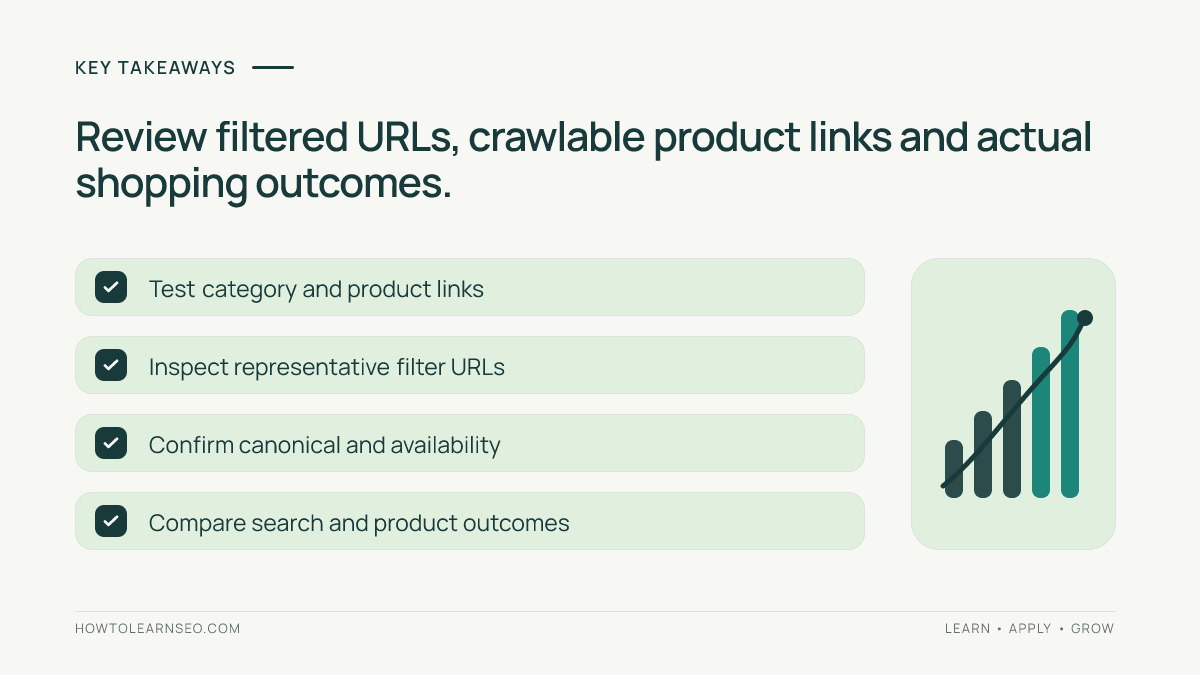
Expected output: Visitors can browse hiking packs, compare important attributes and reach product pages without scanning irrelevant school bags. Verify: Follow navigation links, inspect a sample of filtered URLs and canonicals, confirm product availability and test filters on mobile. Edge case: If only one waterproof model remains, a separate waterproof-category page may be too thin; improve the main collection experience instead of manufacturing a new landing page.
Check technical and merchandising consistency
Inspect the initial HTML, pagination behavior, product links, canonical signals and category title. Important product discovery should not depend solely on scrolling far enough to trigger hidden JavaScript. Product availability and pricing should agree with the cards; out-of-stock merchandise should not dominate a category that claims to display immediately available items. Our product page SEO guide covers the details shoppers need after selecting an item.
Review page performance with real devices and slow connections. Large category images and complex filter scripts can make navigation frustrating. Compress images, reserve layout space and avoid blocking initial product links while decorative widgets load. Keep a technical checklist for a representative broad category, a filtered state and a small category; those examples can expose different problems before a template rollout.
Measure category outcomes with relevant intent
In Search Console, analyze impressions and clicks for the canonical category URL and the queries that genuinely describe its products. Pair the data with useful onsite behavior such as filter use, product detail views and orders, but do not claim that each organic click caused a purchase. Compare similar time periods, especially if the catalog is seasonal. A category may improve usability before rankings change, and that improvement still deserves attention.
Keep a change log with the content, navigation and filter rules updated. Avoid changing titles, assortment and indexation simultaneously if you want to understand outcomes. Check the planned URLs after implementation and keep a small list of unresolved issues for engineering. For baseline copy and headings, the on-page SEO guide provides a complementary approach that should be adapted to shopping intent.
Frequently Asked Questions
What is ecommerce category page SEO?
It is the optimization of a browse or collection page so shoppers and search engines can understand the product group, navigate to real items and find useful category-level information.
Should a category page contain written content?
Yes, when it helps shoppers choose products. A clear introduction, selection guidance or useful comparison is more valuable than generic keyword-filled paragraphs.
Can filtered category URLs be indexed?
Some filters may support distinct valuable search intent, but indiscriminately indexing every filter combination can create duplicate pages and excessive crawl demand.
Are product links important on collection pages?
Yes. Crawlable links between categories, subcategories and product pages help customers navigate and let search engines discover available products.
Should out-of-stock products be removed from categories?
That depends on availability, alternatives and merchandising. Ensure the category reflects real options and does not mislead shoppers about what can be purchased.
How do you measure category SEO improvement?
Compare category-specific impressions, clicks and relevant queries with engaged sessions, product selections and purchases, while considering promotions and seasonality.
Conclusion
An effective ecommerce category page combines a clear product group, useful navigation, accurate inventory and selective search visibility for filtered pages. Start with customer intent and real products, then test links and URL behavior before expanding. A collection that helps shoppers choose the correct product is more valuable than dozens of thin, keyword-stuffed pages.