Knowing how to track organic search conversions in GA4 helps you connect SEO traffic with meaningful outcomes, such as qualified enquiries, purchases or completed sign-ups. The useful question is not simply how many visitors arrived from search, but what those visitors accomplished. A defensible setup starts with a reliable success event, then uses GA4’s traffic dimensions to analyze it.
Quick Answer
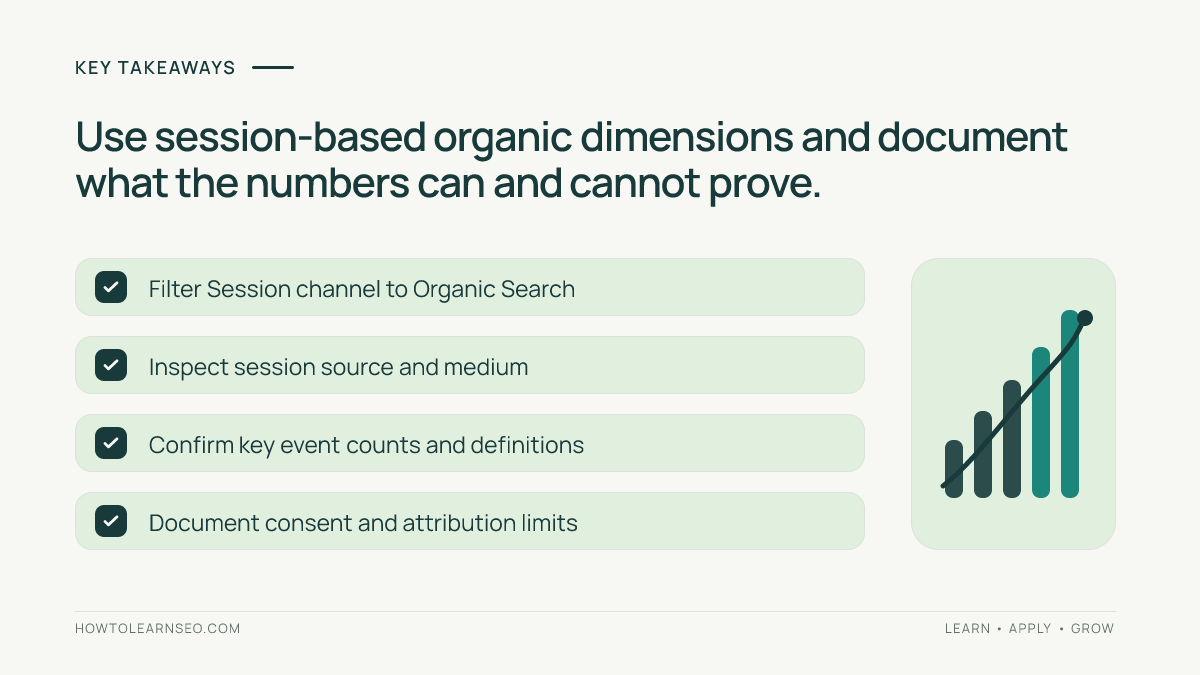
To track organic search conversions in GA4, choose a genuine success action, implement and test its event, mark that event as a key event, and review key events alongside the Session default channel group set to Organic Search. Check source and medium when needed. Treat the results as GA4 measurements, not as identical to Search Console clicks. Our GA4 for SEO guide introduces the platform.
Key Takeaways
- Track completed business actions, not button clicks that may fail.
- Use a clear, consistently named GA4 event for each important outcome.
- Test data collection before marking an event as a key event.
- Analyze session-based organic traffic separately from attribution-credit reports.
- Document consent, cross-domain and reporting differences before drawing conclusions.
Step 1: Define an outcome worth measuring
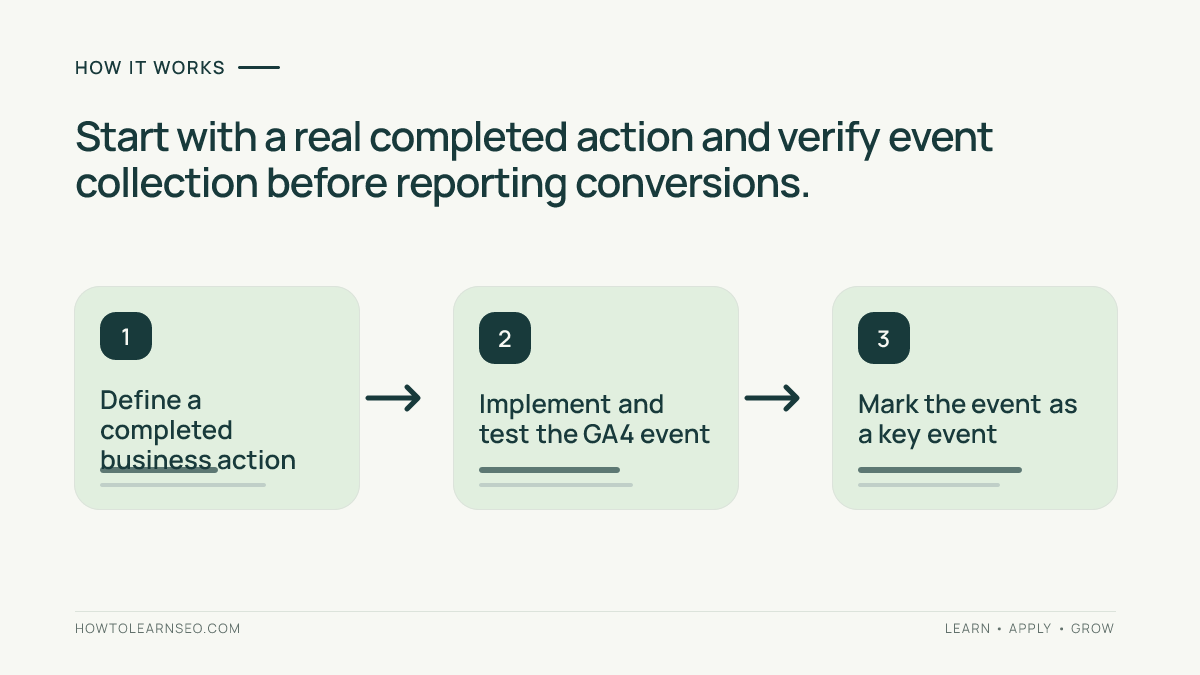
Begin with the business goal. A service company might count a successfully submitted enquiry; an online store may use the purchase event; a publisher could track a completed newsletter sign-up. Write a one-sentence definition of success, including the exact point when the action is complete. This prevents a misleading dashboard in which opening a form and sending it are counted as equivalent achievements.
Choose one primary outcome for the first implementation. Secondary actions can be added later, but do not mark every scroll, click or page view as equally important. Google’s key events guidance explains that key events identify actions especially important to the business. Record the event owner, triggering condition and any known limitations.
Step 2: Check the GA4 property and event implementation
Confirm that the correct GA4 property and web data stream are collecting events from the intended site. Check that a successful action produces one appropriately named event, with only necessary parameters. Google documents recommended and custom event collection. Use a recommended event when it fits the action, rather than inventing a new name for something GA4 already defines.
For a form, a successful server acknowledgement or confirmation screen is stronger evidence than a click on the submit button. A user may click submit repeatedly while required fields are missing. If your website uses a third-party form provider, coordinate with the developer to confirm where the final success signal originates and whether consent settings affect collection.
Step 3: Test the event before marking it important
Perform one legitimate test action on a test account or with non-sensitive data. Check Realtime or DebugView, as appropriate, for the expected event name and parameters. Google’s DebugView instructions describe how to inspect events from a debug-enabled device. A missing event is an implementation issue; do not compensate by changing a report filter.
Repeat the action once to see whether one completion generates exactly one intended event. If a thank-you page reload causes another event, investigate deduplication before publishing performance claims. Be careful with purchase events: the transaction identifier and ecommerce parameters should reflect actual orders. Never use real customer information in a public test log.
Step 4: Mark the verified event as a key event
Once the event is collected correctly, use GA4’s Admin event controls to mark it as a key event. Interface labels and permissions can vary, so follow the current key event documentation rather than assuming an old menu screenshot is still accurate. This classification is not retroactive in the same way as reconstructing every historical event, so document the activation date and avoid comparing periods that used different definitions without a note.
Give the event a name that clearly identifies the completed action, such as generate_lead for a confirmed enquiry where the recommended event fits. Do not mark both a generic form_submit and a separate generate_lead event as primary conversions if they represent the same completion; doing so can inflate your operational total. Define whether you are counting events or unique users before presenting results.
Step 5: Isolate organic search traffic correctly
In GA4, open the Traffic acquisition report and inspect the Session default channel group dimension. Select or filter Organic Search to understand sessions classified into that channel. Add the key event metric or use a suitable exploration when the default report layout does not display the exact breakdown you need. Google’s Traffic acquisition documentation explains its session-scoped traffic dimensions.
For troubleshooting, review Session source / medium, which can distinguish google / organic from other sources when the attribution data is available. Avoid mixing session-scoped acquisition dimensions with first-user dimensions and assuming they answer the same question. A returning visitor may first discover the business through search but convert in a later session through a different channel.
Step 6: Interpret the metric before reporting SEO value
Key event totals are not necessarily unique leads or orders. A visitor may submit two forms, and event-based reports can count both. For revenue, prefer properly implemented ecommerce purchase tracking and validated transaction values. If stakeholders want a conversion rate, state its denominator: session key event rate and user key event rate answer different questions.
Do not equate Google Search Console clicks with GA4 organic sessions. Search Console measures interactions with Google Search results; GA4 depends on website event collection, consent, identity and attribution. Our Search Console guide explains the search-side metrics. The two systems are complementary, not interchangeable ledgers.
Worked example: measuring a completed consultation enquiry
Illustrative input: A fictional consultancy has a /consultation/ page and a successful-submit confirmation. Its form currently records every submit-button click, including failed validation attempts. The business wants to know whether organic search sessions lead to completed enquiries. No actual analytics account or customer records were used for this example.
Action and rule: Replace the click-only measurement with a confirmed-success generate_lead event, where appropriate. Test one valid submission and one invalid submission. Only the valid submission should generate the event. After the test passes, mark it as a key event and inspect the Organic Search row in the session acquisition report for a complete reporting period.
Expected result: The report shows the number of recorded lead-completion events associated with sessions classified as Organic Search, subject to GA4’s reporting rules. Verification: Check DebugView, confirm the event definition and compare the resulting report with a small, privacy-safe count of actual completed forms. Edge case: If the form redirects to another domain, review cross-domain measurement and consent before assuming the acquisition channel remains intact.
Step 7: Create a repeatable SEO reporting note
Record the event name, activation date, chosen dimension, reporting period, key event count and known data limitations. Compare like-for-like periods, and flag major website, consent or attribution changes. If the business also tracks paid search, distinguish those sessions explicitly rather than attributing every search-originated lead to SEO.
Use the result to improve pages that attract relevant organic visitors but do not help them complete the next step. For example, a service landing page may need clearer eligibility information or a simpler enquiry form. Our on-page SEO guide covers page usefulness, while the SEO audit tutorial offers a wider diagnostic framework. A conversion report supports decisions; it does not by itself prove why a change worked.
Frequently Asked Questions
Does GA4 automatically count every SEO lead as a key event?
No. GA4 collects supported events, but you must identify and mark the events that represent valuable business actions. Test each event before relying on reports.
Is a GA4 key event the same as a Google Ads conversion?
Not necessarily. GA4 key events measure important website or app actions. Google Ads conversions are configured for advertising measurement and may use different attribution settings.
Why do GA4 and Search Console organic numbers differ?
Search Console measures Google Search clicks and impressions; GA4 measures website interactions and sessions under its own collection, attribution and consent rules.
Can I track form submissions without a thank-you page?
Often yes, by implementing a successful-submit event. Avoid counting clicks on the submit button as completed leads when validation or server processing can fail.
Should I use the default channel group or source and medium?
Start with the Session default channel group for a broad organic-search view, then inspect Session source / medium for more detail and channel-classification checks.
How do I verify an organic conversion report?
Test the event, confirm it appears in Realtime or DebugView, mark it as a key event, then compare a complete reporting period and document consent or attribution limitations.
Conclusion
To track organic search conversions in GA4 reliably, start with a real completed action, validate its event, classify it as a key event and examine the appropriate session acquisition dimensions. Keep your definitions and limitations visible. The outcome is a measurement process that connects SEO with business actions without claiming more precision than the data supports.