
Quick answer: A Meta-ExternalAgent WordPress setup should separate automated AI indexing from user-requested retrieval and social link previews. Meta-ExternalAgent can crawl for foundation-model training and product improvement; Meta-ExternalFetcher handles user-requested fetches and may bypass robots.txt; FacebookExternalHit retrieves shared-page content for previews. Audit the live file, choose rules by purpose, preserve preview functionality when needed, and validate requests in server logs.
Key Takeaways
- Meta uses multiple crawler identities rather than one universal Meta bot.
- Meta-ExternalAgent is the clearest robots.txt control for automated AI-related crawling.
- Meta-ExternalFetcher is user-triggered, so a robots.txt block is not a dependable enforcement boundary.
- FacebookExternalHit supports shared-link retrieval and should not be blocked accidentally.
- Allowing any agent creates access, not guaranteed Meta AI inclusion, citations, referrals, or traffic.
What Each Meta Crawler Does
Meta’s official web-crawler documentation lists separate agents for separate product functions. That distinction should drive the policy.
| User agent | Primary documented role | Practical implication |
|---|---|---|
| Meta-ExternalAgent | Indexes web content for uses such as training foundation AI models or improving products | Use an explicit group when choosing whether to permit automated AI crawling |
| Meta-ExternalFetcher | Fetches pages in response to user requests | Meta says it may bypass robots.txt, so protect private material with access controls |
| FacebookExternalHit | Retrieves content shared across Meta applications | Blocking it can interfere with titles, descriptions, and images shown in link previews |
These agents are not the Meta Pixel, Conversions API, an analytics session, or proof that a page appeared in Meta AI. A crawler request records retrieval; it does not measure mentions or citations.
Prerequisites for a WordPress Meta Crawler Audit
- Access to the live robots.txt response on every relevant host.
- A copy of the current file and knowledge of which system generates it.
- Permission to edit the hosting file, SEO plugin setting, or WordPress filter.
- Server, CDN, firewall, or hosting logs containing user agent, IP address, URL, timestamp, and status.
- A policy decision covering AI training, user-requested fetches, and social previews.
If crawler groups are unfamiliar, review the robots.txt beginner guide before changing the live file.
Step 1: Find the Robots.txt Source
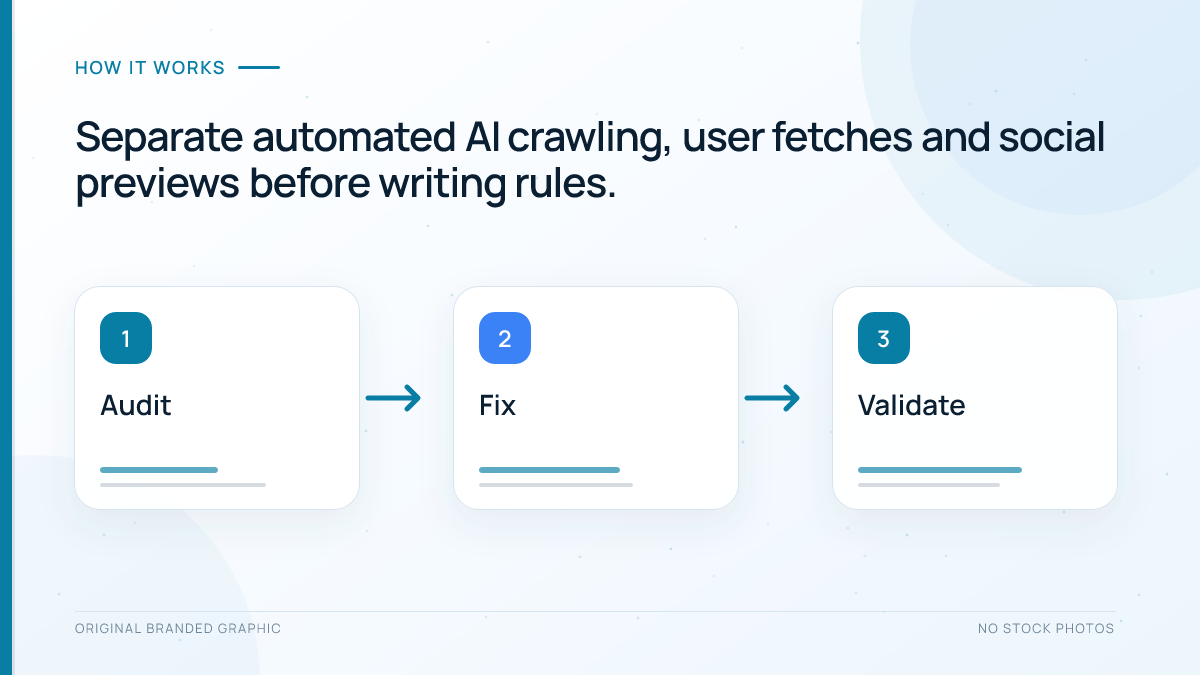
Open your domain followed by /robots.txt in a private window. WordPress can produce a virtual response, while a physical root file, an SEO plugin, a security plugin, or the hosting platform may override it.
- Save the current response before editing.
- Search for Meta-ExternalAgent, Meta-ExternalFetcher, FacebookExternalHit, and wildcard groups.
- Confirm that the file returns a successful plain-text response.
- Check both www and non-www hosts if both serve pages.
- Identify the one layer that controls the public response.
WordPress documents a robots_txt filter for changing virtual output. Do not add a filter when a physical file is the authoritative source, because the live result may never include the code-generated rules.
Step 2: Choose a Purpose-Based Policy
| Publisher goal | Meta-ExternalAgent | Meta-ExternalFetcher | FacebookExternalHit |
|---|---|---|---|
| Permit all documented functions | Allow | Allow, without assuming enforcement | Allow |
| Decline automated AI crawl but keep user fetches and previews | Disallow | Decide separately | Allow |
| Restrict public bot access broadly | Disallow | Use server controls where justified | Expect reduced preview functionality |
The middle option is a common worked policy, but it is not a universal recommendation. A publisher with licensed material, a community forum, or public documentation may reach different decisions. Record who approved the policy and what business outcome it protects.
Step 3: Add Explicit Rules Without Breaking Previews
For a site that declines Meta-ExternalAgent while keeping Facebook link previews available, the relevant groups are:
User-agent: Meta-ExternalAgent
Disallow: /

User-agent: FacebookExternalHit
Allow: /
You may also add a Meta-ExternalFetcher group to express a preference, but Meta warns that the fetcher may bypass robots.txt because a user requested the retrieval. Do not rely on that group to secure account pages, staging sites, paid content, customer records, or confidential files. Require authentication or deny access at the server for material that must remain private.
Do not replace the agent names with a guessed group such as MetaBot. Keep Googlebot, Bingbot, sitemap, and unrelated rules unchanged unless a separate audit supports modifications. The purpose-based structure resembles the decisions in the OAI-SearchBot versus GPTBot guide, but the identifiers and behavior are not interchangeable.
Step 4: Test the Published File
- Reload the public robots.txt URL and confirm every intended group appears once.
- Check spelling, hyphens, colons, paths, and blank-line separation.
- Verify that the file is plain text rather than a WordPress error page.
- Confirm that the XML sitemap reference and existing search-engine rules remain present.
- Purge only the relevant cache if the old file is still being served.
Robots.txt manages cooperative crawling; it is not a security mechanism and does not guarantee removal from search. Google’s documentation explains that disallowed URLs may still be discovered and that private content needs stronger protection.
Step 5: Verify Meta Requests in Logs
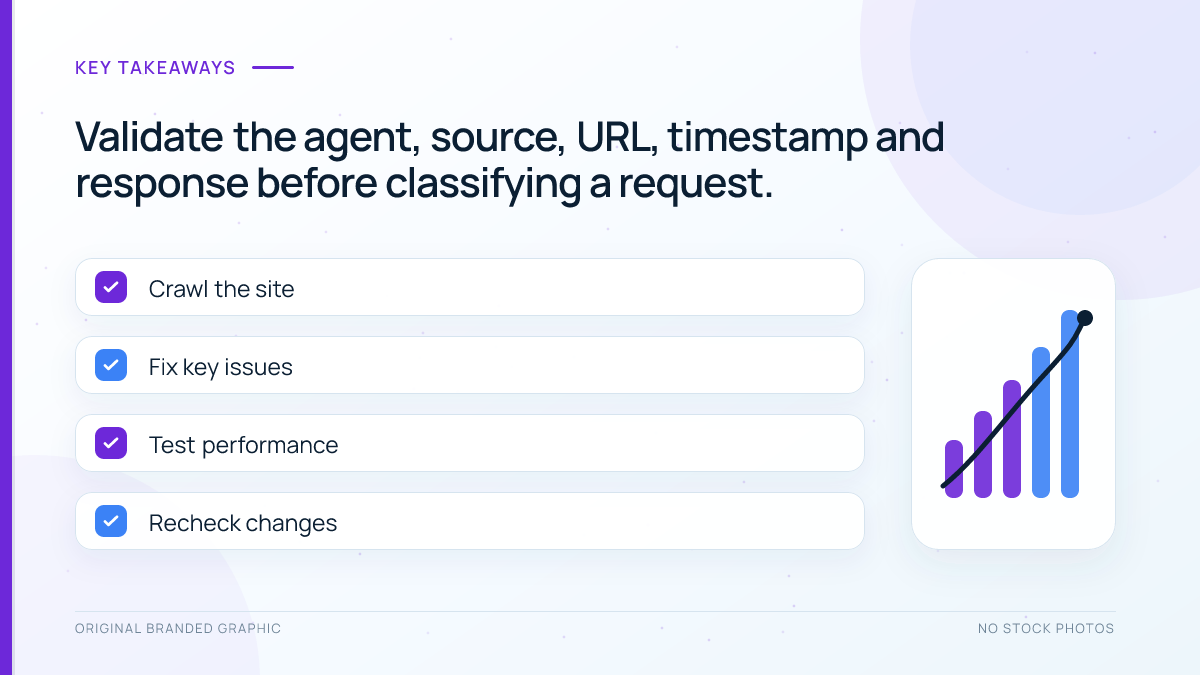
Filter a recent log export for the exact three agent names. Record the source address, timestamp, requested URL, response status, bytes transferred, and cache result. Then use the current verification information linked from Meta’s crawler documentation to assess whether the source belongs to Meta.
A matching user-agent string alone is insufficient because any client can copy it. Avoid hard-coding an old third-party IP list into a firewall. If your CDN labels a request as a verified bot, keep the underlying evidence and review how that classification is maintained.
The WordPress crawler-log verification workflow provides a reusable method for separating claimed bots, validated requests, and actual human referrals.
Worked Example: Block Training Crawl and Preserve Sharing
Imagine a WordPress publisher that permits public sharing but declines automated collection for foundation-model training. The owner blocks Meta-ExternalAgent, explicitly allows FacebookExternalHit, and keeps private reports behind authentication. Meta-ExternalFetcher is monitored rather than treated as fully controllable through robots.txt.
After the change, the owner opens the live file, tests a representative public post, and shares its URL through an approved Meta preview tool or normal sharing workflow. Logs later show successful FacebookExternalHit responses for the public post. That confirms retrieval for a preview; it does not prove AI inclusion, a Meta recommendation, or audience growth.
Troubleshooting Checklist
| Symptom | Likely cause | Next action |
|---|---|---|
| New rules do not appear | A physical file, plugin, host, or cache controls output | Trace the live response to its authoritative layer |
| Shared links show old text or images | Preview cache, blocked asset, or stale Open Graph data | Verify public metadata, image access, and preview refresh behavior |
| Fetcher requests continue after a block | User-triggered behavior or a spoofed agent | Validate the source and use suitable server controls if necessary |
| Site load rises sharply | Repeated fetches, uncached pages, or expensive parameters | Measure affected URLs and apply narrow caching or rate controls |
Limitations and Measurement
Crawler access is only technical eligibility. It does not reveal whether Meta AI mentioned the brand, cited a URL, or influenced a user. Analytics records a visit only when a person reaches the site with measurable referral information, while server logs record eligible bot requests. Keep those datasets separate.
Recheck the policy when Meta changes its documentation, your content licences change, or WordPress replaces the component generating robots.txt. Save dated before-and-after copies so later investigations have a trustworthy baseline.
Conclusion
A sound Meta-ExternalAgent WordPress setup separates automated AI indexing, user-requested fetching, and shared-link previews. Publish exact groups through the layer serving robots.txt, preserve FacebookExternalHit when previews matter, and protect sensitive resources with authentication rather than crawler preferences. Verify requests carefully and avoid treating access as guaranteed visibility.
Frequently Asked Questions
What is Meta-ExternalAgent used for?
Meta says the agent indexes web content for purposes such as training foundation AI models or improving products.
Does Meta-ExternalFetcher obey robots.txt?
Not in every situation. Meta says the fetcher may bypass robots.txt because its requests can be initiated by a user.
Will blocking Meta-ExternalAgent stop Facebook link previews?
Not necessarily. FacebookExternalHit is the separate crawler whose primary purpose is retrieving content shared across Meta applications.
Does allowing Meta crawlers guarantee a Meta AI citation?
No. Allowing access provides technical permission only and does not guarantee retrieval, indexing, selection, citation, referral traffic, or rankings.
How can I verify a Meta crawler in WordPress logs?
Check the exact user agent, source address, requested URL, timestamp, and response status against Meta’s current verification guidance. Never trust the user-agent string alone.