
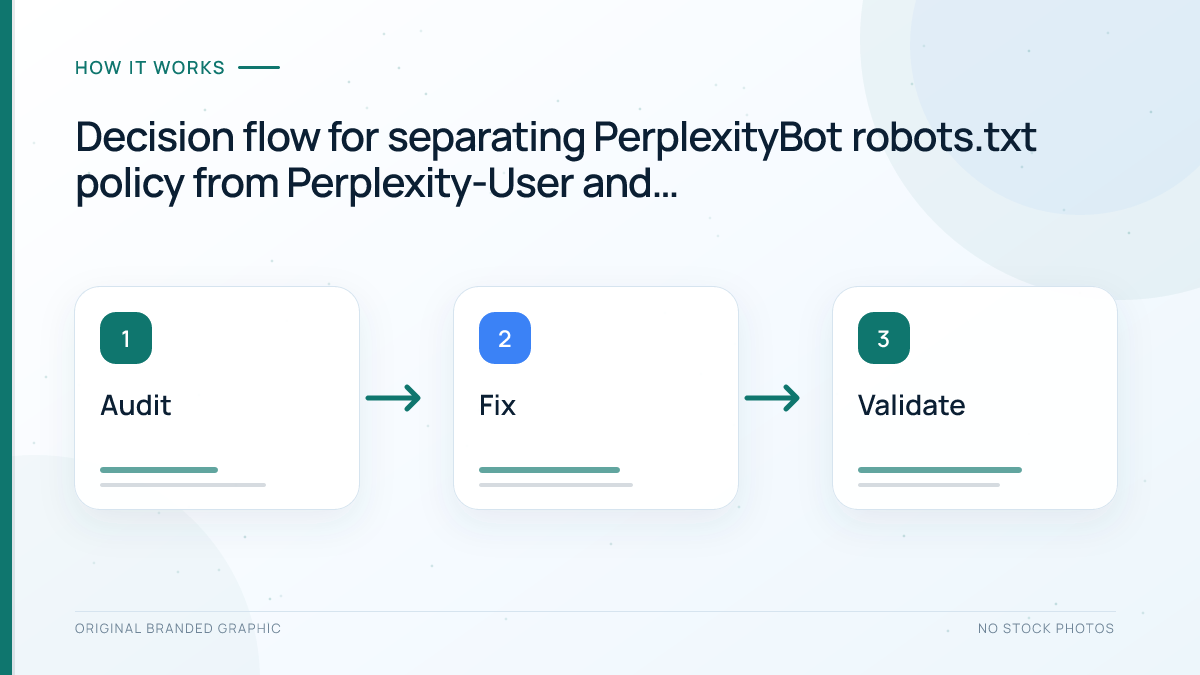
PerplexityBot and Perplexity-User are separate fetchers with different purposes and controls. PerplexityBot automatically gathers pages so Perplexity can surface and link them in search results, and publishers can manage it with robots.txt. Perplexity-User fetches pages in response to a person’s request and generally ignores robots.txt. A safe WordPress setup treats robots.txt, firewall access, and server-log verification as three separate checks.
Quick Answer
Allow PerplexityBot if you want eligible public articles to be discoverable in Perplexity search. Block it only when that matches your publishing policy. Do not assume the same robots.txt rule blocks Perplexity-User, because Perplexity documents it as a user-triggered fetcher that generally ignores those rules. For either identity, verify both the user-agent string and the current IP ranges published by Perplexity before changing a firewall rule.
Key Takeaways
- PerplexityBot is an automated crawler for surfacing and linking websites in Perplexity search results.
- Perplexity says PerplexityBot is not used to crawl content for AI foundation-model training.
- Perplexity-User supports user-requested page visits and is not an automated web crawler.
- Robots.txt is the appropriate control for PerplexityBot, but Perplexity-User generally ignores it.
- A matching user-agent alone does not prove a request is genuine because headers can be spoofed.
- Allowing either fetcher does not guarantee a mention, citation, visit, ranking, or business result.
PerplexityBot vs Perplexity-User
| Check | PerplexityBot | Perplexity-User |
|---|---|---|
| Trigger | Automated crawling | A user action inside Perplexity |
| Main purpose | Surface and link websites in search results | Visit a page to help answer a current question |
| Robots.txt behavior | Managed with the PerplexityBot token | Generally ignores robots.txt |
| Distinct HTTP identity | PerplexityBot user-agent string | Perplexity-User user-agent string |
| Official IP source | PerplexityBot JSON endpoint | Perplexity-User JSON endpoint |
| Training claim | Not used to crawl for foundation-model training | Not used for web crawling or foundation-model training |
These distinctions come from Perplexity’s current crawler documentation. The names look related, but their operational roles are not interchangeable. A robots.txt audit alone therefore cannot establish whether user-triggered access is possible.
Prerequisites for a WordPress Audit
- Access to the live root robots.txt file for the exact hostname.
- Read-only access to recent web-server, CDN, or Web Application Firewall logs.
- Permission to review firewall rules without weakening unrelated security controls.
- One public article URL and one intentionally restricted test path.
- A saved copy of the current robots.txt and firewall configuration.
If WordPress displays a virtual robots.txt file, determine whether a physical file, SEO plugin, host feature, or CDN rule controls the public response. Always verify the file at the domain root rather than trusting a dashboard preview.
Step 1: Decide the Access Policy
Start with the business decision. If your goal is discoverability in Perplexity search, Perplexity recommends allowing PerplexityBot. If your organization does not want its content crawled for that purpose, a sitewide block is a valid policy choice. Neither option should be described as an SEO ranking trick.
For a public educational site that allows PerplexityBot, the explicit group is:
User-agent: PerplexityBot
Allow: /
To block its automated crawl across the site, use:
User-agent: PerplexityBot
Disallow: /
Preserve the rest of the file, including existing crawler rules and Sitemap declarations. Review the robots.txt guide before changing a complex configuration.
Step 2: Avoid a False Perplexity-User Rule
A block addressed to Perplexity-User may look tidy, but Perplexity says this user-triggered fetcher generally ignores robots.txt. Do not present the following as a dependable access control:
User-agent: Perplexity-User
Disallow: /
If user-triggered retrieval conflicts with a legal, privacy, licensing, or security requirement, enforce the requirement at the content or access-control layer. Authentication, authorization, and server policy protect restricted material; robots.txt does not. Keep confidential files outside public access rather than expecting a voluntary crawler directive to secure them.
Step 3: Check Firewall and CDN Behavior
A correct robots.txt file does not help if a Web Application Firewall blocks legitimate requests before they reach WordPress. Perplexity publishes separate JSON lists for PerplexityBot IP addresses and Perplexity-User IP addresses. Its guidance recommends checking both the appropriate user-agent and the published IP source.
- Search logs for the exact PerplexityBot and Perplexity-User strings.
- Record the timestamp, requested URL, status code, IP address, and firewall action.
- Compare the source address with the current official JSON endpoint.
- Review whether rate limits, bot challenges, or managed rules caused the response.
- Create a narrow exception only when the verified request should be allowed.
Never allow all traffic merely because it claims a familiar user-agent. A spoofed header is not proof of crawler identity.
Step 4: Verify the Live WordPress Result
Open the public robots.txt URL in a private window and confirm it returns plain text from the correct hostname. Test both an ordinary article path and any deliberately blocked directory. Then review fresh logs instead of assuming a saved plugin setting reached the edge cache.
Use the server-log verification workflow as a model for capturing request evidence, but apply Perplexity’s own user-agent strings and IP files. The concepts are transferable; the identities are not.
| Evidence | Healthy observation | Repair if wrong |
|---|---|---|
| Root robots.txt | Successful plain-text response | Fix routing or cache behavior |
| PerplexityBot rule | Matches the chosen policy | Correct the exact group |
| Public article request | Expected HTTP status | Review WAF and origin logs |
| Claimed crawler source | Matches current official IP data | Do not trust the header |
| Sitemap line | Preserved and reachable | Restore the verified URL |
Illustrative Worked Example
A WordPress tutorial site wants PerplexityBot to discover public lessons, while its member library remains behind authentication. The editor explicitly allows PerplexityBot, keeps the existing sitemap, and confirms that the member URLs return an authentication response for ordinary visitors and bots alike.
Logs show one claimed PerplexityBot request receiving a firewall challenge. The administrator compares its IP against Perplexity’s current list. Only after both identifiers match does the administrator create a narrow allow condition for public paths. The member library remains protected by authentication rather than robots.txt. This example demonstrates a verification process, not a promise that Perplexity will cite the site.
Troubleshooting Common Problems
PerplexityBot is allowed but receives a forbidden response
Check CDN, host, security plugin, and origin logs in order. Identify which layer produced the response before changing rules.
The user-agent matches but the IP does not
Treat the request as unverified. Do not weaken the firewall based on a header that any client can copy.
A category rule did not block individual posts
WordPress category archives and post permalinks can use different paths. Map the actual URLs covered by a directive before relying on it.
Perplexity-User still accessed an allowed public page
This can be consistent with Perplexity’s documented behavior because the fetch is user-triggered and generally ignores robots.txt.
The site is crawlable but never appears in an answer
Access is only a prerequisite. Relevance, indexing, source selection, response generation, and the user’s question still affect whether a page appears.
Limitations and Maintenance
Server logs show requests, not every mention or citation inside an answer. Referral analytics record only visits that reach the site and retain identifiable attribution. Neither source provides a complete Perplexity visibility score. Avoid relabeling Direct, Google organic, or unknown traffic as Perplexity exposure.
Recheck the official crawler page and IP endpoints after firewall migrations, plugin changes, or unexplained access failures. Perplexity says policy changes may take up to 24 hours to be reflected. Keep dated evidence so future reviewers can distinguish a deliberate policy from an accidental block. The OpenAI crawler comparison is useful for a separate provider, but its tokens and rules must not be copied into this setup.
Frequently Asked Questions
Does PerplexityBot respect robots.txt?
Yes. Perplexity provides the PerplexityBot token so publishers can manage its automated crawling through the root robots.txt file.
Does Perplexity-User respect robots.txt?
Perplexity says Perplexity-User generally ignores robots.txt because it fetches a page in response to a user request.
Is PerplexityBot used to train foundation models?
Perplexity states that PerplexityBot is not used to crawl content for training AI foundation models.
Can I verify Perplexity traffic by user-agent alone?
No. User-agent strings can be spoofed. Compare the claimed identity with Perplexity’s current published IP ranges before trusting it.
Will allowing PerplexityBot guarantee citations?
No. Allowing access can support discovery, but it does not guarantee a citation, mention, referral visit, ranking, or conversion.
Conclusion
A correct Perplexity crawler setup begins with the distinction between automated discovery and user-triggered retrieval. Configure PerplexityBot in robots.txt according to your policy, treat Perplexity-User separately, verify claimed identities with current IP data, and protect restricted content with real access controls. That workflow improves crawl governance without making unsupported promises about AI visibility.