
A WordPress SEO glossary should explain unfamiliar terms and lead readers to the right detailed guide. Build one index with concise definitions, descriptive internal links, and a maintenance owner. Create separate term pages only for distinct, substantial reader tasks. A glossary can improve navigation, but it does not guarantee rankings or AI citations.
What You Need Before Building the Glossary
Start with a list of terms that your real audience encounters. Useful sources include your published articles, site search queries, Search Console queries, support questions, course notes, and editorial briefs. Do not begin with a scraped dictionary or hundreds of generated terms. Google recommends people-first content, so every entry should solve a genuine comprehension problem.
You also need a responsible editor, preferred term spellings, and review dates. One standard page is usually enough for a modest glossary. WordPress supports hierarchical pages and custom post types; choose the simplest structure your team can maintain.
Plan the Glossary Structure Before Publishing
| Element | Recommended role | Avoid |
|---|---|---|
| Main glossary page | Alphabetical index with short definitions and links | A thin list of keywords |
| Term entry | Plain-language meaning plus practical context | Copied dictionary wording |
| Detailed guide | Completes a distinct learning task | A separate page for every synonym |
| Related links | Connect definitions to useful lessons | Generic anchors such as read more |
| Review field | Records owner, source, and review date | Unmaintained evergreen claims |
Choose one preferred term per concept and place variants in the same entry. Define generative engine optimization once, then mention GEO as its abbreviation. Do not create competing pages for the same intent. Use your topic-cluster plan to identify the guide each definition should support.
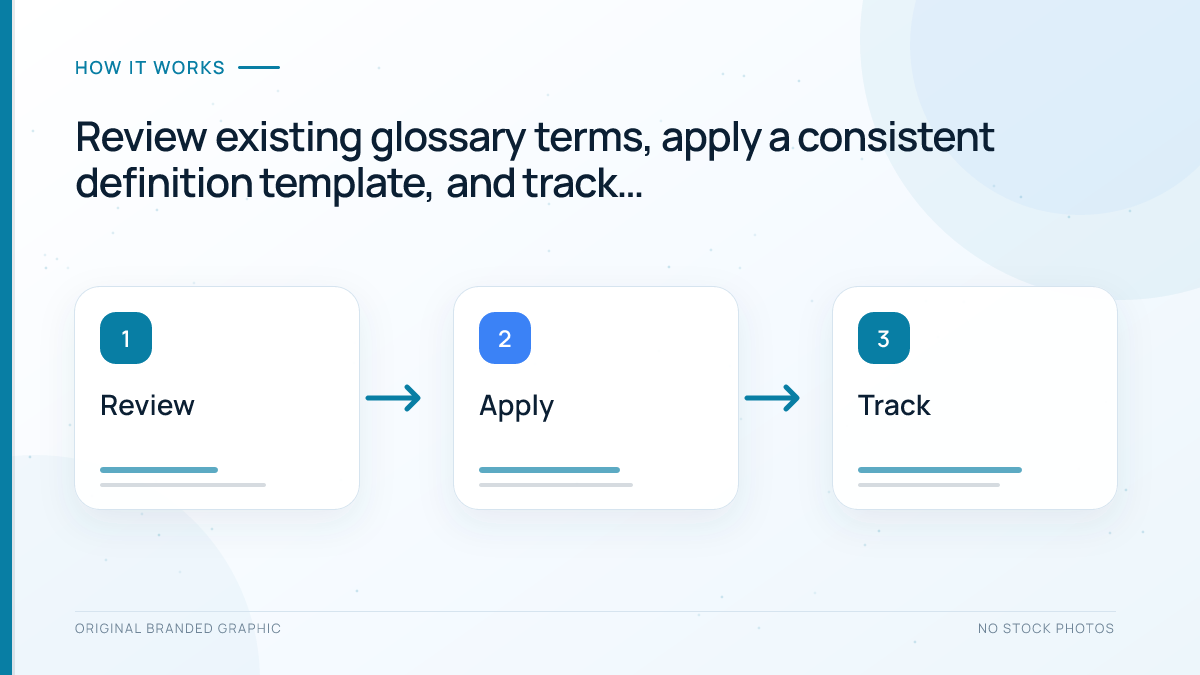
Use a Review, Apply, Track Workflow
1. Review terms and existing coverage
Inventory terms already explained across your site. Record each preferred term, variant, definition, destination URL, audience level, and source. Merge duplicates, remove unnecessary jargon, and give changing product or reporting terms shorter review cycles.
2. Apply one definition template
Write the term first, followed by a one-sentence meaning in ordinary language. Add why it matters, a short example, and one relevant next step. Link to a deeper article only when that article adds value. Google advises using crawlable links with concise, descriptive anchor text, so the link itself should explain where it leads. The site’s internal-linking guide covers the wider structure.
3. Track usefulness and maintenance
After publication, verify index status and links. Use Search Console, site search, or analytics to learn which entries people find and where they go next. These signals guide editing; they do not prove the glossary caused a ranking change or AI citation.
Write Definition Cards That Answer a Real Question
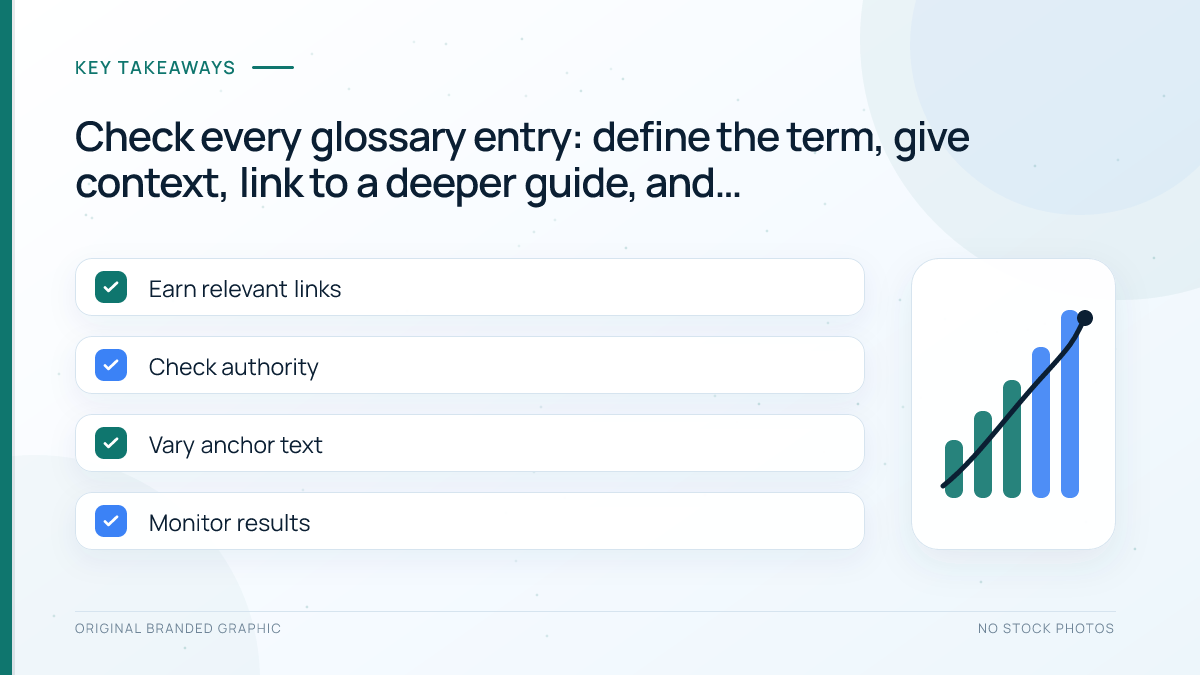
Each definition should stand on its own without becoming a miniature article. A useful card normally contains:
- Term: the preferred name and a common abbreviation if needed
- Direct definition: one sentence that answers what it is
- Context: why the reader encounters it and what it affects
- Example: an illustrative use, decision, or mistake
- Next step: one descriptive link to a relevant guide
- Reviewed: a private editorial date and source record
Keep definitions visible in HTML rather than only inside images. Accordion content should exist in the rendered page and remain keyboard usable. For answer-friendly writing, follow the guide to structuring content for Google AI features.
Worked Example: Canonical Tag
Consider this illustrative entry: “A canonical tag is an HTML signal that identifies the preferred URL among duplicate or very similar pages.” The context can explain that shops, tracking parameters, and alternate paths may expose similar content. The example can compare a clean product URL with a parameter version, then link the words canonical tag guide to the detailed lesson.
This entry answers the immediate question without copying the full guide. It also avoids promising that a canonical tag forces Google to choose the declared URL. If the detailed article already covers implementation, keep code and troubleshooting there instead of duplicating them in the glossary.
Add WordPress SEO Without Creating Thin Pages
Give the glossary a clear title, purpose, useful alphabet navigation, and self-referencing canonical. Write accurate metadata using the metadata guide. Link from a relevant learning hub with a crawlable, descriptive internal link.
Do not create a separate indexable page for every short definition unless it offers a distinct, substantial answer. A glossary with 100 near-empty URLs creates maintenance work and may compete with your stronger guides. Expand a term into its own page only when readers need steps, comparisons, evidence, examples, or troubleshooting that cannot fit cleanly in the index.
Understand Schema and AI Search Limitations
There is no special Google glossary schema or AI-search markup. Google says no special schema is needed for generative-AI features. Use only supported structured data that matches the visible page. A plugin cannot turn thin definitions into useful content.
Likewise, a glossary does not guarantee inclusion in AI Overviews, AI Mode, or another assistant. Google emphasizes useful original content, crawl and index eligibility, and clear site structure. Measure the glossary as a learning and navigation asset first. Treat search impressions, internal journeys, and assisted conversions as separate observations rather than one combined success score.
Troubleshoot Common Glossary Problems
- Too many entries: remove obscure jargon and combine synonyms under one preferred term.
- Definitions compete with guides: shorten the glossary answer and give the detailed page the complete task.
- Terms are hard to find: add alphabet navigation, useful grouping, or on-page search without hiding the HTML.
- Links feel repetitive: link once where the next step is most helpful and use descriptive wording.
- Definitions become outdated: assign an owner, source, and review cadence based on volatility.
Frequently Asked Questions
Should a WordPress glossary be a page or a post?
A standard page works well for a stable glossary because it can sit outside the chronological blog feed and support a clear hierarchy. A post or custom post type may suit a large editorial collection with many managed entries. Choose the option your team can maintain without generating duplicate archives or unnecessary URLs.
Does a glossary help a website appear in AI search?
A useful glossary can clarify terminology and connect related resources, but it does not guarantee an AI mention or citation. The pages still need to be crawlable, indexable, accurate, and valuable to readers. Measure any Google generative-AI visibility separately from ordinary search impressions and identifiable assistant referral visits.
Is there a special glossary schema for Google?
No special glossary schema is required or documented for Google Search. Add structured data only when Google supports the feature, it matches the visible content, and it helps describe the actual page type. Do not use FAQ or other markup merely to label every definition.
How long should each glossary definition be?
Use enough words to give a clear meaning, practical context, and useful next step. Many entries can remain concise, while unfamiliar or easily confused terms may need an example. If an entry requires implementation steps or extensive troubleshooting, move that material to a dedicated guide and link to it.
Should every glossary term have its own URL?
No. One index page is usually better when definitions are short. Give a term its own URL only when it serves a distinct search intent and contains substantial original guidance. Creating separate pages for abbreviations, synonyms, and thin variations can fragment internal links and compete with stronger content.
How often should an SEO glossary be updated?
Review stable concepts at least annually and fast-changing product or reporting terms more often. Update an entry when official terminology changes, a linked guide moves, or readers repeatedly misunderstand the wording. Keep a private record of the source, owner, and last review date for each entry.
Conclusion
A useful WordPress SEO glossary is a maintained learning map, not a pile of keyword definitions. Review the terms your audience encounters, apply a consistent definition template, and track how people use the links. Keep short answers on the index, reserve separate URLs for substantial tasks, and treat AI visibility as a possible outcome rather than a promise.