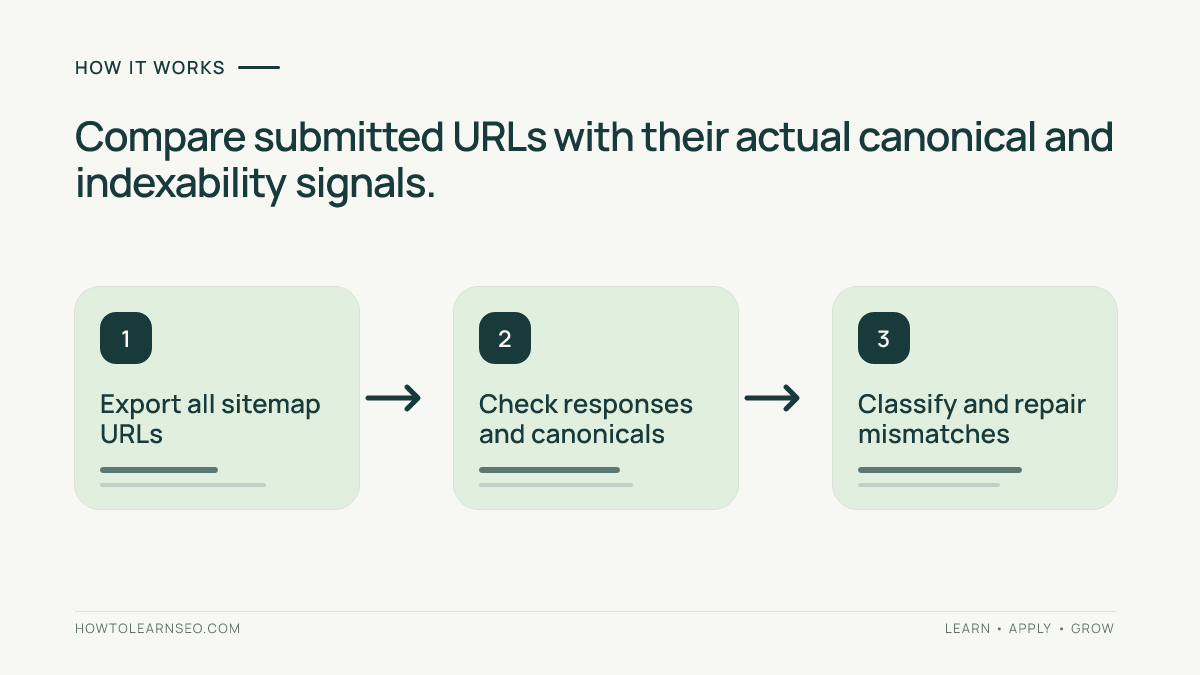
To audit XML sitemap URLs, compare every submitted address with its live response, indexing directives and preferred canonical. Fix inconsistencies in the sitemap generator, then regenerate and verify the XML. This workflow helps website owners distinguish real discovery problems from intentional exclusions without assuming that sitemap submission guarantees indexing.
Quick Answer
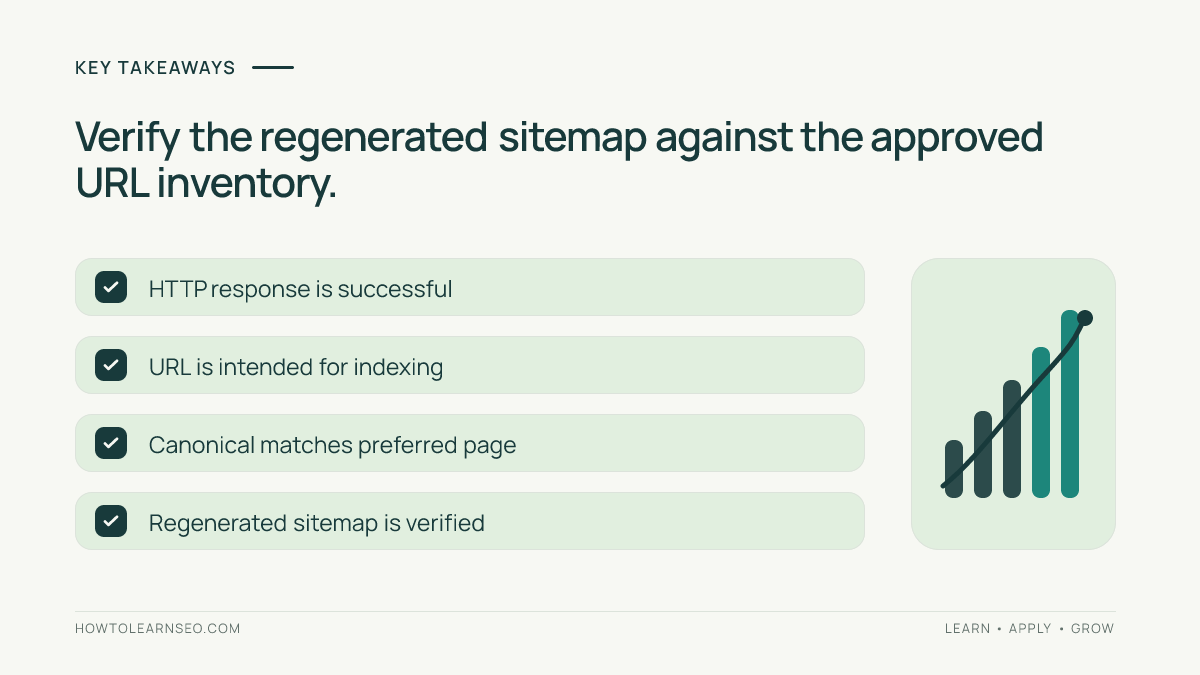
To audit XML sitemap URLs, export the sitemap inventory, check each URL’s HTTP response, indexability and canonical target, then correct mismatches at the source. A clean sitemap should primarily list the preferred, indexable URLs that you want search engines to discover. A successful audit produces a reviewed exception list, documented fixes and a fresh sitemap verification—not a promise that every listed page will be indexed.
Key Takeaways
Start with the sitemap index and all child sitemaps, not just the first file. Separate intentional exclusions from real mistakes. Check redirects, 404 responses, noindex directives and canonical targets. Treat a canonical declaration as a signal, not a command to Google. Fix the CMS rule that generates repeated errors before editing URLs individually. Resubmit only after the published sitemap accurately reflects the intended site inventory. Keep a dated record so later changes can be distinguished from older problems.
What you need before the audit
You need access to the live sitemap URL, a spreadsheet, and a way to inspect URL responses and canonical declarations. A website crawler is helpful for large sites, but a smaller site can be sampled manually with a browser and HTTP inspection tool. Obtain an approved list of important pages from the CMS or site owner. Confirm whether the site has separate language, product or news sitemaps. Record the production hostname and whether www, non-www and HTTPS variants redirect consistently. Do not assume that every URL visible in a sitemap must be indexed: the site may intentionally exclude duplicates, utility pages or temporary campaigns.
Step 1: Inventory the entire sitemap set
Open the sitemap referenced in robots.txt, if one is declared, and inspect whether it is a sitemap index or a URL set. Follow every child sitemap in an index, including paginated files. Record the source sitemap for each URL so you can identify a template responsible for a repeated issue. Check that the XML is accessible and parseable; a sitemap URL returning a login page or server error is not usable. Google’s sitemap guidance explains supported formats and submission options. For foundational context, read our XML sitemap beginner guide. Avoid counting only the first 1,000 rows of a large export.
Step 2: Build a working URL sheet
Use one row per unique sitemap URL, preserving the exact submitted address. Add columns for source sitemap, response status, final destination, indexability, declared canonical, expected canonical, issue type, owner and verification date. Keep a separate column for whether a URL is important enough to investigate now. Normalize values for comparison only; do not silently erase case, trailing slash or parameter differences because the server may treat them differently. Duplicate entries across child sitemaps are worth reviewing even when the URLs are otherwise valid. If your site uses multilingual URLs, preserve language and region codes exactly. A good worksheet is a reproducible audit trail rather than a list of warnings without context.
Step 3: Check response codes and redirect destinations
Request each sitemap URL and record its actual response. A preferred sitemap entry should normally resolve successfully without a redirect. A 301 or 302 response may indicate that the sitemap is still listing an old address. Follow redirects to the final URL and note chains, loops or destinations that are unrelated to the original page. Investigate 404 and 5xx responses before assuming they are permanent. For a temporary outage, coordinate with the site owner rather than immediately deleting valuable URLs. If a permanent redirect is intentional, replace the submitted URL with the preferred destination when appropriate. Do not use a redirect merely to conceal a broken template.
Step 4: Compare robots and noindex signals
Check whether the URL can be crawled under the site’s robots rules and whether a robots meta tag or HTTP X-Robots-Tag directs search engines not to index it. A URL listed in the sitemap but intentionally marked noindex is usually a candidate for removal from the sitemap. However, blocking crawling in robots.txt can prevent Google from seeing a page’s noindex directive, so the signals are not interchangeable. Google’s noindex documentation explains this distinction. For related technical background, our canonical tag guide describes how duplicate signals differ from indexing directives.
Step 5: Audit canonical targets
Inspect the canonical URL declared in the page’s rendered HTML or HTTP headers when applicable. Compare that declaration with the sitemap entry and the site’s intended preferred URL. If a category page declares a different canonical, investigate whether it is a duplicate or a misconfigured template. A canonical target should be accessible, appropriate and consistent with internal links where possible. Google may select a different canonical than the one declared, so do not claim that matching tags guarantee selection. The official canonicalization guide describes how Google interprets signals. For campaign parameters, see our UTM canonical validation tutorial.
Step 6: Classify issues before changing anything
Assign each exception a reason and action. A redirected URL generally calls for updating the sitemap source. A missing product may require a replacement, restoration or deliberate removal. A noindex utility page probably should not appear in the sitemap. A canonical mismatch requires checking whether the submitted URL or canonical target is the real preferred page. Do not bulk-rewrite every mismatch to the homepage. Group issues by CMS template or URL pattern, because one rule may affect hundreds of entries. Distinguish critical business pages from harmless duplicates, and record uncertainty rather than guessing. Fixing the underlying generation rule is usually more durable than editing a static XML file that will be regenerated tomorrow.
Worked example: a fictional furniture store
Imagine a store exporting 240 sitemap URLs. A sample review finds 12 old product addresses returning 301 redirects, four filter URLs canonicalized to their parent categories, and two temporarily unavailable pages returning 503. These figures are illustrative, not actual audit results. Input: the sitemap export, HTTP checks and declared canonicals. Decision rule: submit the preferred indexable destination, not obsolete or intentionally noncanonical variants. Action: update the product sitemap feed for the 12 redirects, exclude the four filter variants after confirming the intended category canonical, and investigate the two 503 responses before making a permanent change. Expected result: fewer inconsistent entries and a documented unresolved outage. Verification: regenerate the sitemap and recheck the 18 exceptions. Edge case: one redirected product may point to an unrelated category; review its destination instead of automatically accepting the redirect.
Step 7: Repair at the source
Find which system creates each incorrect entry: a CMS plugin, ecommerce feed, custom sitemap generator or deployment script. Update the source data or configuration and regenerate the sitemap. Avoid editing a generated XML file manually unless that file is genuinely maintained by hand. For large catalogs, test changes on a small sample of each affected template before rolling them out. Coordinate with merchandising or editorial teams when URLs are intentionally retired. If a page should remain accessible but not indexed, document that decision and keep it out of the preferred sitemap inventory. Our orphan-page repair guide explains how sitemap discovery and internal links serve different purposes.
Step 8: Verify the new sitemap and monitor
After regeneration, confirm the sitemap and its child files load successfully, contain the intended preferred URLs and no longer include resolved exceptions. Recheck representative status codes, directives and canonicals. Submit or monitor the sitemap in Search Console where appropriate, remembering that submission is a discovery aid rather than an indexing guarantee. Compare the site’s important URL inventory with the published sitemap and log any remaining exceptions. Our Search Console review covers indexing report limitations. Schedule a new audit after migrations, major taxonomy changes or CMS upgrades. A repeatable check catches regressions earlier than a one-time cleanup.
Common mistakes and limitations
Do not assume a valid XML file means every URL is healthy. Do not treat a sitemap as a replacement for internal navigation. Do not force every duplicate page to be indexed. Do not confuse robots blocking with noindex. Do not automatically delete URLs after one transient server failure. Do not claim a canonical tag forces Google to choose that address. Do not use sitemap submission as proof of rankings. A crawler can report technical signals, but it cannot guarantee Google’s eventual indexing choice. Keep a short list of uncertain cases for human review instead of turning every warning into a bulk change.
A practical recurring checklist
For each release, check sitemap accessibility, child sitemap coverage, redirect counts, error responses, noindex entries, canonical consistency and the approved important URL inventory. Record the number of exceptions by type, the owner, the fix and the date rechecked. For high-change ecommerce sites, review after major inventory or platform updates; for stable sites, a less frequent cadence may suffice. Compare like-for-like inventories so a seasonal product removal does not look like an unexpected technical failure. The objective is a trustworthy discovery inventory, not an artificially perfect score.
How to prioritize a large exception backlog
Start with the pages that matter most to users and the business. A broken sitemap entry for a core service page usually deserves attention before a duplicate filter URL that is intentionally excluded. Sort exceptions by response type, template and likely root cause, then assign one owner to each group. Confirm the proposed repair against a few representative URLs before applying it across thousands of pages. Keep an explicit status for deferred cases, including temporary server errors and disputed canonical targets. When the site owner changes a URL intentionally, record the replacement and check whether internal navigation, redirects and sitemap generation agree. This prevents the team from treating every warning as equally urgent and reduces the risk of bulk edits that make discovery worse.
Frequently Asked Questions
Should every website page appear in an XML sitemap?
No. Prioritize preferred, indexable pages that should be discoverable. Duplicate, utility and intentionally excluded URLs generally do not belong in the main inventory.
Can a sitemap contain redirected URLs?
It can, but replacing old redirecting entries with their preferred final URLs usually makes the sitemap clearer and more useful.
Does a canonical mismatch always mean an SEO error?
No. It may reflect an intentional duplicate relationship. Investigate the page’s purpose and intended preferred URL before changing it.
Should noindex pages be included in a sitemap?
Generally no. If a page is intentionally excluded from indexing, remove it from the preferred indexable URL list after confirming the decision.
Will resubmitting a sitemap force Google to index pages?
No. Submission helps discovery, while Google independently decides whether and when to crawl and index URLs.
How often should I audit XML sitemap URLs?
Review after major CMS, URL or inventory changes and use a recurring cadence appropriate to how frequently the site changes.
Conclusion
An XML sitemap audit is complete when the published inventory accurately represents the site’s intended, accessible canonical pages and unresolved exceptions have owners. Verify fixes against live URLs, not just the XML syntax, and repeat the process after major site changes. A clean sitemap supports discovery but cannot guarantee indexing or rankings.