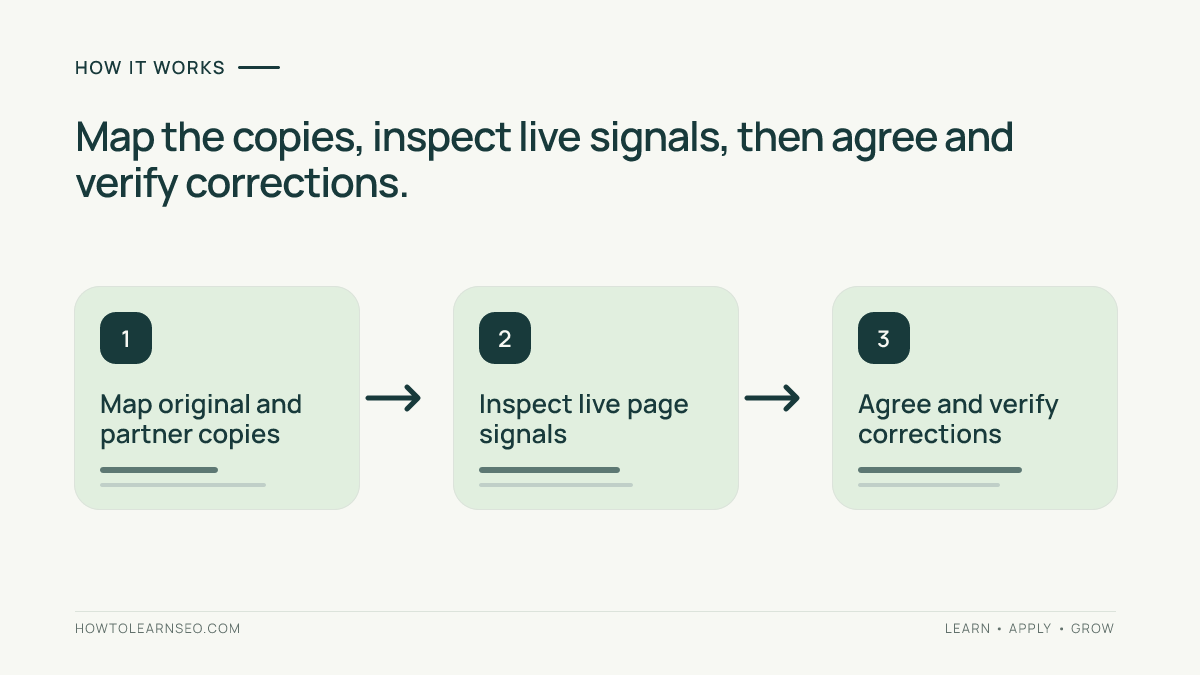
A WordPress content syndication audit checks where an article has been republished, whether each copy identifies its source, and whether the live search controls match the publishing agreement. Map the original and partner URLs, inspect their public signals, then agree and verify corrections. Do not assume an attribution link or cross-domain canonical guarantees that Google or an AI assistant will prefer your original.
This workflow covers authorized republication of your articles. A quotation, independent review, translated adaptation and unauthorized copy need different decisions; record which relationship you are actually examining.
Prerequisites and an Audit Register
Gather the original public URL, known partner URLs, republication permission, named editors and the intended distribution goal. You need access to your WordPress article and Search Console property. Partner-side changes require the partner’s authorized administrator; your SEO plugin cannot control another website.
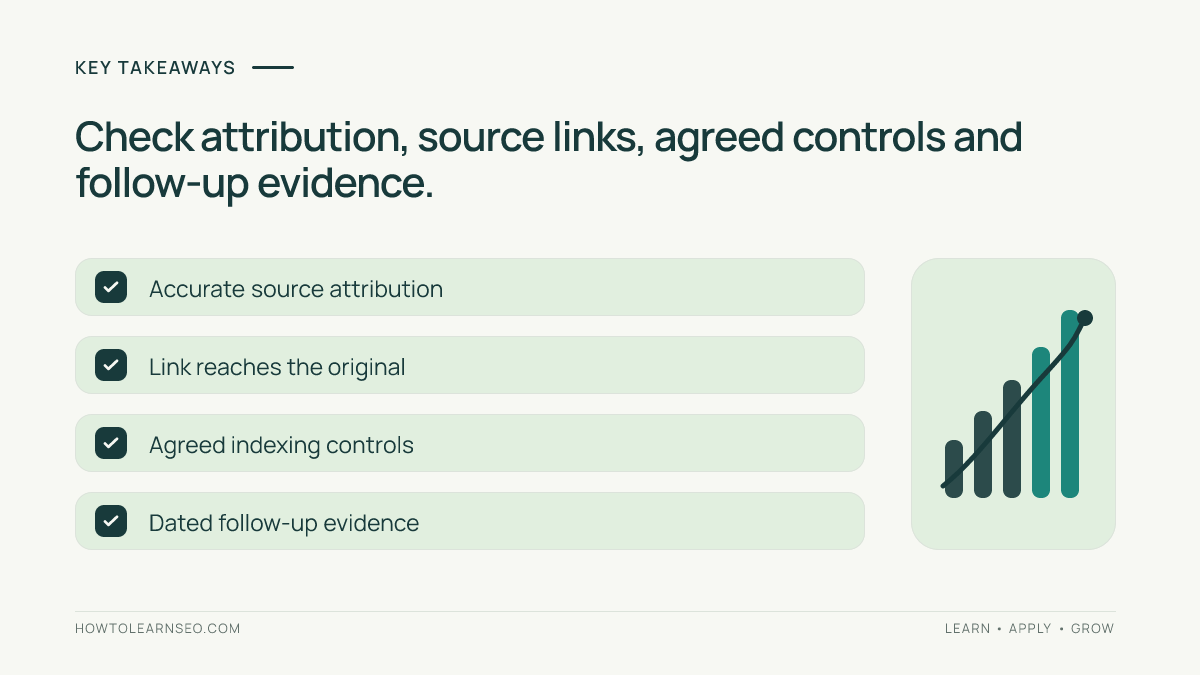
Create one register row per original-and-copy pair. Include content scope, attribution wording, source-link destination, declared canonical, robots directives, last checked date, owner and agreed action. Save brief evidence notes without collecting private reader or account information. Your source-audit process can help verify factual references that traveled with the article.
Decide What the Partnership Should Achieve
| Distribution type | Reader value | Audit question |
|---|---|---|
| Short excerpt | Introduces the article and sends readers onward | Does the link reach the complete original? |
| Full republication | Lets the partner’s audience read the article there | Are credit and indexing expectations agreed? |
| Substantial adaptation | Adds analysis for a different audience | Is its independent contribution clear? |
Reach and search exclusivity can conflict. If the partner expects its full copy to appear in Search, record that trade-off before distribution. Do not promise exclusive visibility while leaving both versions eligible and assuming a credit line will resolve everything.
Run the WordPress Content Syndication Audit
1. Map the original and every known copy
Start with your partner list and publishing records. Supplement them with searches for a distinctive sentence and the article title. Search results are discovery leads, not a complete list of copies. Open each result and confirm the text, publisher and final URL before adding it.
On your original, confirm that readers can access the intended article, its byline is accurate and the publication date is genuine. Check that internal links point to your preferred URLs. Use the canonical-tag guide for ordinary duplicate-URL mechanics; this audit adds the separate partner-policy decision.
2. Inspect the actual public signals
Open the partner page while signed out. Check the visible credit and follow its source link. It should reach the relevant original article, not just a homepage or an expired preview. Compare bylines, dates, tables, qualifications and references so copied formatting has not changed the meaning.
Use View Page Source and search for canonical and robots to inspect declared HTML signals. In browser developer tools, open Network, reload the page, select its main document and inspect response headers for X-Robots-Tag. Record the exact values; a screenshot of an editor setting is not proof of the delivered response.
For your own URL, Search Console URL Inspection reports indexed information, including Google’s selected canonical. The live test checks current accessibility but cannot predict canonical selection. Ask the partner for equivalent indexed evidence when needed; you cannot inspect its private property merely because its article is public.
3. Agree the correction and recheck
If avoiding syndicated duplication in Google Search is the goal, Google recommends partners block indexing of the syndicated content, rather than relying on the canonical element. Its guidance notes that partner pages often differ substantially. An attribution link remains useful for readers, but performs a different job.
Have the partner apply the agreed page-level control. Google supports noindex through a robots meta tag or HTTP response header; Googlebot must be able to crawl the page to see it. Blocking the URL in robots.txt is not an equivalent implementation. Avoid accidentally applying the partner-copy policy to your original article.
Illustrative Example: One Guide, Two Partners
Imagine a WordPress publisher distributing a maintenance guide. These are illustrative audit findings, not observed results from a real campaign.
| Version | Illustrative finding | Agreed next step |
|---|---|---|
| Original article | Public, self-canonical, accurate author credit | Preserve the original URL and content |
| Partner A’s excerpt | Short summary links to the wrong destination | Correct the link to the complete guide |
| Partner B’s full copy | Agreement requires exclusion, but noindex is absent | Partner adds the control and verifies delivery |
The audit fixes two different failures: a reader-navigation problem and a distribution-policy mismatch. It does not label every partner page a competitor or predict a ranking recovery. If Partner B instead insists on search eligibility, the publisher must reconsider the agreement rather than treating a canonical hint as guaranteed protection.
Verify Corrections and Track Separate Outcomes
Reopen each changed page and repeat the source-link, content and directive checks. Record the date, delivered value and responsible editor. Request indexed-status follow-up from the property owner after recrawling; a live noindex check does not prove Google has already processed it. Keep unresolved cases visible in the register.
Track partner referrals, useful reader actions and organic landing-page performance separately. Use your Search Console workflow to review the original’s search outcomes without attributing every change to syndication.
GA4’s current channel definitions include AI Assistant, whose medium is ai-assistant; recognizable assistant referrers can receive that classification. Do not assume all assistant visits are Referral. Neither sessions nor crawler requests count comprehensive citations, and unidentified Direct or Google Organic Search visits must not be relabeled as measured AI exposure.
Troubleshooting and AI Search Limits
- The control disappears: check caches, headers and conflicting plugin output with the administrator.
- A corrected copy remains in Search: distinguish the current response from Google’s last crawled version.
- A partner refuses the policy: resolve the agreement before sending more full articles.
- A copy changes your conclusions: prioritize the factual correction and source credit, then repair technical signals.
Google’s generative-AI guidance retains foundational search eligibility requirements and does not guarantee inclusion. Other assistants use their own systems. Google canonical or noindex behavior must not be presented as a universal cross-platform citation control. Use the AI visibility measurement workflow for separately documented observations.
If RSS supplies your partners, review Settings, then Reading in WordPress. The Reading settings documentation distinguishes full-text and excerpt feed output. Check the resulting feed before changing an established distribution arrangement; this setting does not retract previously copied articles.
Frequently Asked Questions
Does publishing first guarantee Google chooses my original?
No. A genuine publication date helps describe the history, but it does not force canonical selection or rankings. Check the original’s accessibility and indexed signals, document distribution terms, and verify the controls actually delivered by each partner.
Is a link saying originally published enough?
It provides useful attribution and a route for readers, but it is not an indexing exclusion. Inspect where the link goes and separately check the partner page’s directives against the agreed policy. Keep reader credit and search controls as different audit fields.
Should I noindex my original WordPress article?
Do not apply that change merely because another site republishes the article. If your original should remain available in Google Search, preserve its eligibility. The syndication exclusion discussed here belongs on the partner copy when that is the agreed distribution policy.
Does switching my RSS feed to excerpts fix existing copies?
No. WordPress can expose full text or excerpts through its Reading settings, but changing that output does not rewrite articles already saved on another website. Verify the actual feed and coordinate future distribution changes with legitimate subscribers and partners.
Can this audit prove that syndication improved AI visibility?
No. It verifies attribution, delivered controls and agreed responsibilities. A separately recorded assistant response can show a particular citation at a particular time, while analytics measures identifiable visits. Neither establishes that syndication caused broader visibility gains.
Conclusion
A WordPress content syndication audit turns informal republication into a documented arrangement. Map copies, inspect live signals, agree the appropriate policy and verify corrections. Preserve accurate attribution and measure referrals, search performance and observed citations separately, without promising control over every platform.