AI internal linking can help an editor find relevant connections, but every suggestion needs verification before it enters WordPress. Give the model a controlled list of published destinations, request exact passage-level proposals, then check the destination, anchor and reader benefit yourself. Insert only approved links and verify them on the public page.
This tutorial handles suggestions for one article. For the broader foundation, see our internal linking guide. The goal here is an auditable decision list, not an automated sitewide rewrite.
Quick Answer
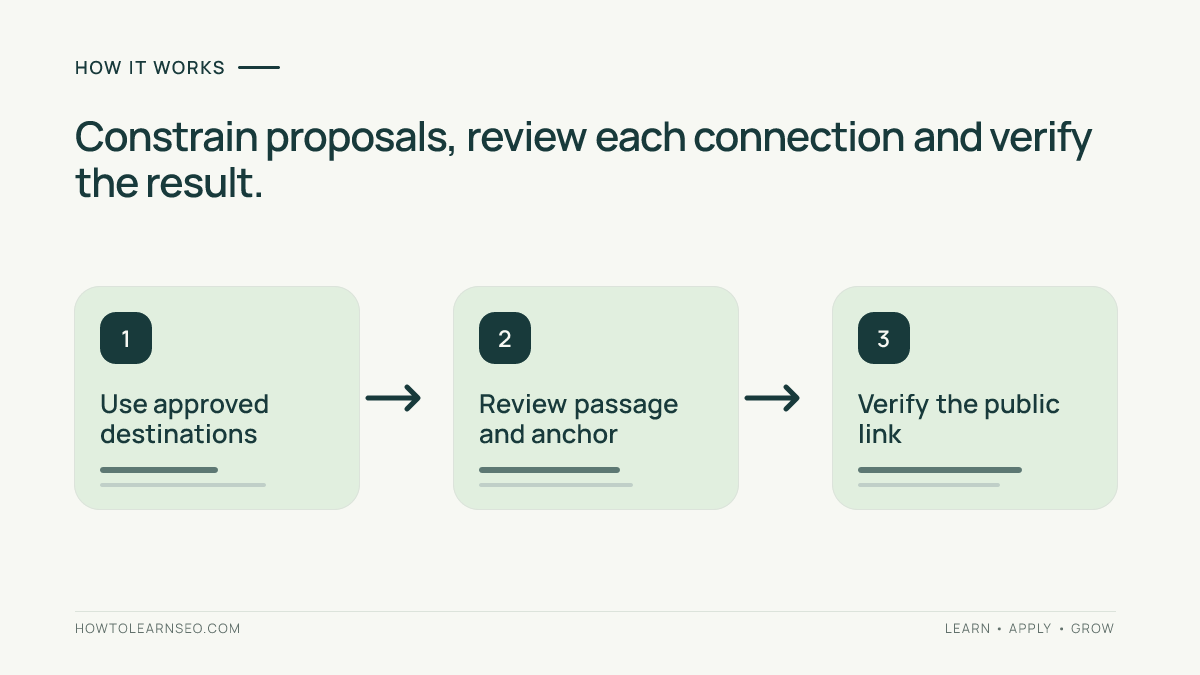
Use AI to propose inventory IDs rather than invent URLs. Match each ID back to the approved public URL, read the destination, confirm that the proposed anchor exists in the source passage and reject weak connections. A plausible title or a valid-looking address does not establish that a useful published page exists.
Key Takeaways
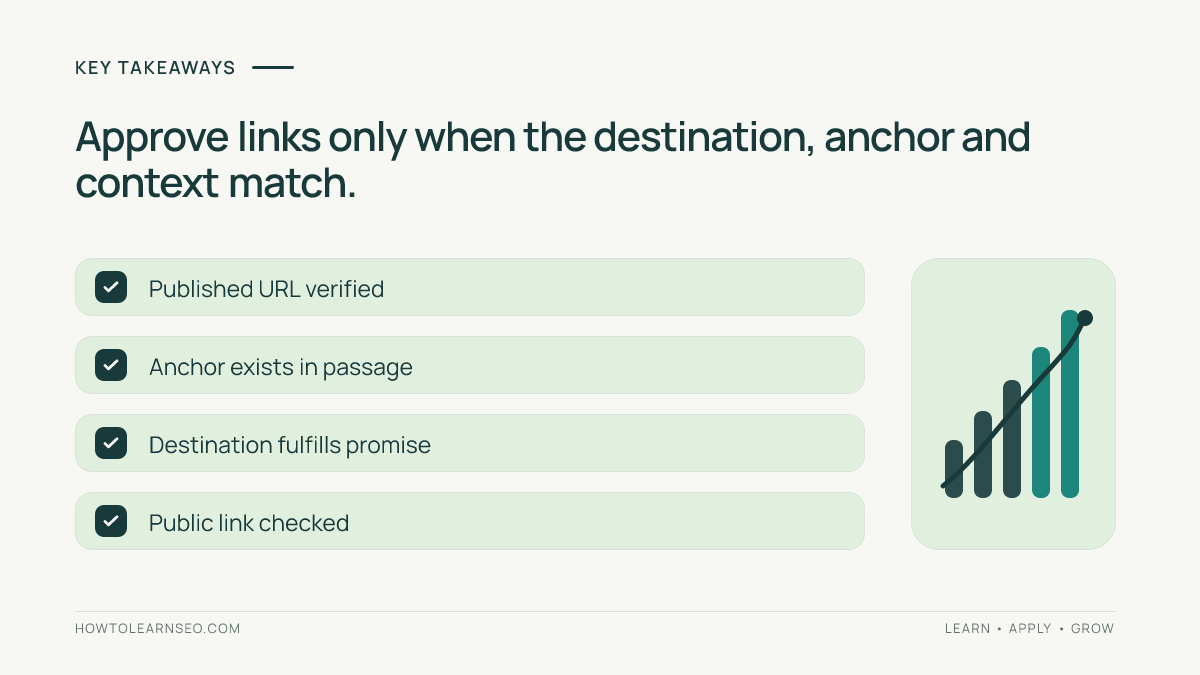
- Published URLs and destination summaries are inputs, not facts the model should guess.
- Approve links for the reader’s next question, not shared keywords alone.
- Keep proposed links separate from accepted WordPress changes.
- Public verification completes the task; generating suggestions does not.
Prepare the Article and Approved Inventory
Collect the final source article, its current links and a recent inventory of published destinations. Include an ID, exact public URL, title and short summary of what each destination actually teaches. Exclude draft previews, private resources, scheduled posts and pages that should not receive contextual links.
Record the inventory date. Open uncertain pages before summarizing them; the title alone may not reveal the task they cover. For a large site, start with a relevant topic subset instead of pasting thousands of unrelated entries. Use your keyword map to distinguish pages serving different tasks.
Create review columns for source passage, proposed anchor, destination ID, reason, decision, final URL and verification date. Use an approved AI tool and share only content authorized for that service. No paid plugin or API is necessary for this review method.
1. Request Constrained AI Internal Linking Suggestions
Assign simple IDs such as P1 and P2 to your destination records. Keep the ID-to-URL mapping outside the model’s final output so you can copy the approved address from your inventory. This reduces opportunities to accept a guessed slug, but it does not make a model’s choices reliable automatically.
Paste the article and inventory summaries with a prompt like this:
Review this article for useful contextual internal links. Choose only supplied destination IDs. For each proposal, return the exact source sentence, an existing anchor phrase, destination ID and the reader question it answers. Do not invent URLs, titles, passages or destination claims. Skip equivalent links already present. If no useful connection exists, return no suggestion. Propose changes only; do not rewrite the article.
Ask for a small reviewable batch. If a passage needs new wording to support a useful link, handle that as a separate editorial change rather than pretending the proposed anchor already exists.
Google’s generative AI guidance emphasizes accuracy and manual review. Treat the output as proposals that require evidence, including when the model sounds certain.
2. Validate Every Proposed Connection
First confirm that the destination ID exists in the supplied inventory. Copy its exact public URL from that record and open it while logged out. Check the final destination after any redirect. Reject preview URLs, missing pages, login walls and redirects to unrelated content. If the inventory is stale, refresh the record before proceeding.
Next read the destination section that supposedly answers the reader’s question. Ask whether the suggested link delivers what the anchor promises. A general SEO guide may mention crawling without teaching a robots configuration task. Prefer the page that completes the specific next step.
Then find the exact proposed sentence and anchor in the source article. Reject invented passages and anchors that alter the sentence’s meaning. Avoid vague wording, excessive repetition and clusters of adjacent links. Our anchor text guide explains the reader-facing choices.
Google’s link guidance recommends descriptive contextual links and says there is no ideal universal link count. Evaluate usefulness instead of filling a quota. A model’s confidence score is not a measured probability that the link will improve rankings.
Illustrative Accept-and-Reject Review
Imagine an unpublished crawlability tutorial contains “Check whether robots.txt blocks the article” and “A blocked request is not proof that Google indexed the page.” The suggestions below are fictional examples, not observed model output or a traffic experiment.
| Proposal | Review finding | Decision |
|---|---|---|
| Link “robots.txt” to the supplied robots guide. | The destination explains crawler access rules. | Accept if that exact passage and no equivalent link already exist. |
| Link “indexed” to an invented indexing shortcut. | No matching destination ID exists. | Reject; do not reconstruct a guessed address. |
| Link “blocked request” to an unrelated backlink guide. | Shared SEO vocabulary does not satisfy the task. | Reject the intent mismatch. |
| Add a link inside a sentence absent from the article. | The source passage was invented. | Reject or review a separate wording change. |
For the first row, a real eligible destination in this site’s inventory is our robots.txt guide. Another site must use its own verified inventory. The example does not authorize changes to any existing article.
3. Insert Approved Links and Verify WordPress
In the source article’s editor, select the approved anchor. Press Ctrl+K on Windows or Command+K on Mac, paste the verified URL and apply the link. Follow the official WordPress Link control instructions. WordPress checks address formatting; it does not confirm that the page exists or loads.
Preview the article and open each new link. After saving or publishing through your normal approval process, repeat the check on the public page. Confirm the visible anchor, final destination and surrounding sentence. Inspect the link element if necessary: Google’s crawler guidance expects an anchor element with an href address.
Keep the approved source text and URL in your register. If an editor later changes the passage or destination, reopen that entry for review. Do not bulk-apply rejected suggestions or alter unrelated drafts.
Troubleshooting and Follow-Up
- The model keeps inventing destinations: reduce the inventory and require IDs only.
- Suggestions are broadly related: improve destination summaries and require a specific reader question.
- A redirect appears: verify the final page and update the inventory before linking.
- The source changed: regenerate proposals only for affected passages, then repeat review.
Record the change date and check for broken links after publication. Review source and destination performance after 14 and 28 days if data is sufficient, while accounting for other changes. Neither a traffic fluctuation nor a crawler request proves that an individual link caused improvement or earned an AI citation.
Frequently Asked Questions
Can I let AI choose URLs from memory?
That is unsuitable for this workflow. Use a fresh inventory of exact public addresses and map approved IDs back to it. A model may suggest a plausible address that is unpublished, outdated or unrelated.
Should every suggestion become an internal link?
No. Reject links that do not answer a useful next question, repeat an equivalent existing link or misrepresent the destination. The review can legitimately finish with no new links.
Does an inventory prove that a page is currently available?
No. Status and destinations can change after export. Open the proposed public URL and check its final content before insertion, then verify it again from the published source page.
Can AI confidence scores prioritize SEO gains?
They are not measured forecasts of ranking or traffic improvement. Prioritize reader usefulness, accurate destination coverage and unresolved navigation needs. Use actual site data separately when available.
Will AI-assisted links guarantee citations?
No. Verified links can improve navigation and clarify relationships, but AI selection is not controlled by this workflow. Keep technical eligibility, observed citations, identifiable assistant visits and business outcomes separate.
Conclusion
Use AI internal linking as a proposal process: constrain destinations, verify each passage and insert only approved connections. The finished result is a useful public link with a recorded decision, not simply a model-generated recommendation.