Branded query analysis separates searches associated with your own brand from other searches that bring visibility to your site. AI can suggest labels for a query export, but a useful report also needs a clear brand definition, human review and an honest account of the queries you cannot see.
This workflow creates a repeatable classification register. It does not identify individual customers, prove brand awareness or measure comprehensive AI citations.
Quick Answer
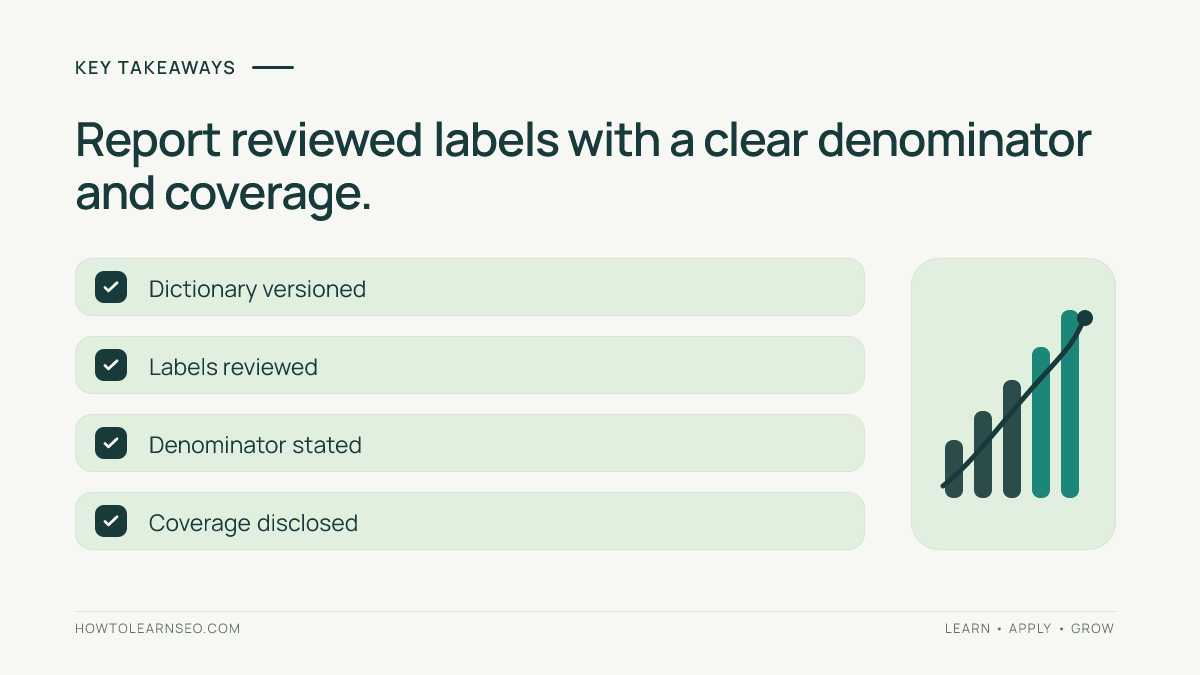
Check Search Console’s native branded filter first. For a custom analysis, export queries under a fixed scope, document your own-brand rules and ask AI to label supplied IDs only. Review uncertain cases yourself, sum clicks by approved label and report both the visible-query denominator and coverage limits.
Key Takeaways
- Google’s branded classification and your custom labels are separate methods.
- Keep ambiguous queries unresolved instead of forcing a binary answer.
- Another manufacturer’s brand is not automatically your own brand.
- A share calculated from exported queries is not necessarily a share of all Search traffic.
Start With Search Console’s Branded Filter
In the intended property’s Search results Performance report, choose the Query filter and look for Branded or Non-branded. Set the reporting period and other filters before examining results. If the option is absent, check eligibility rather than assuming the site has no branded searches.
Google’s branded-filter documentation explains that its internal AI-assisted classification includes brand variations and uniquely associated products or services. It is not a regex match. Availability depends on property eligibility and sufficient data, and classifications can be incorrect.
Save this native view as its own report. A reviewed custom export can help explain ambiguities or apply a business-specific definition, but it does not overwrite Google’s classification. The Search Console guide covers the report foundations.
Prepare the Query Export and Brand Dictionary
You need Performance access, a spreadsheet and an approved AI assistant if you want classification help. No paid API is required. Choose a settled period, such as 28 complete days, and record the exact property, dates, search type, country, device and active filters. Avoid preliminary data for comparisons.
Export the Queries table without a brand query filter for the custom workflow. Preserve its original text, clicks and impressions. Record the matching unfiltered chart clicks separately. Do not combine a query-only export with query-by-page rows and count both; those are different datasets.
Create a brand dictionary containing the official name, domain wording, verified spelling variants and unique product names. Record why each term qualifies. Exclude generic category words and other brands unless the reporting purpose explicitly includes them. For a retailer, tracking manufacturer names can be useful, but keep that as a separate field.
Use columns for ID, original query, clicks, impressions, proposed label, reason, reviewer label and dictionary version. Keep raw data unchanged. Share only information authorized for your AI service, and remove unnecessary private context.
Run Branded Query Analysis With AI Assistance
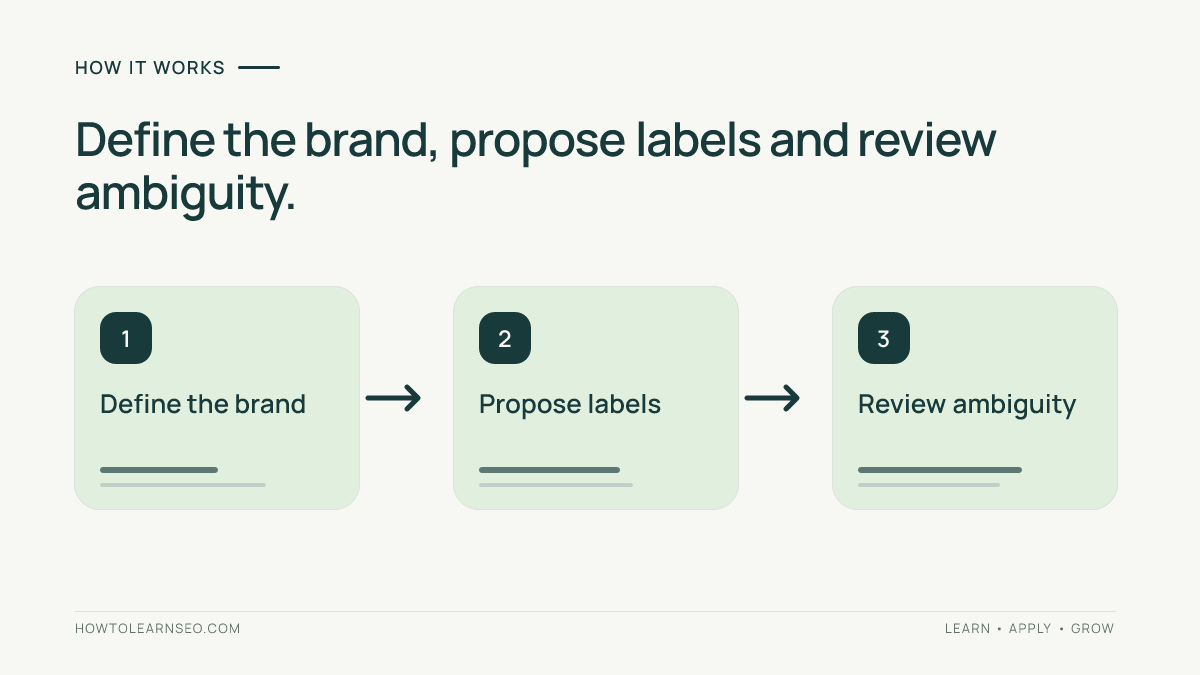
Define three final labels: Own brand, Non-brand and Needs review. A comparison containing your brand can also carry a separate Comparison flag. This keeps a query’s brand membership distinct from its task or tone.
Give the assistant a small batch of IDs, queries and the dictionary. Keep numerical metrics outside its labeling input when they are unnecessary. This reduces opportunities for a persuasive traffic total to influence a semantic decision.
Classify only the supplied query IDs using this brand dictionary and these three labels. Return ID, proposed label and the exact dictionary entry or ambiguity supporting it. Do not invent spelling variants, product ownership, customer intent or missing queries. Keep uncertain generic names as Needs review. Do not alter the queries or calculate traffic totals.
This is an illustrative prompt, not a tested model result. Review every ambiguous label and inspect both accepted groups, prioritizing high-click rows, misspellings and common-word names. Record which rows were checked; sampling does not certify every classification. A model’s confidence is not independent evidence. Record your final decision separately from its proposal.
Worked Example: Keep Ambiguity Visible
Imagine a fictional store called Willow Gear. Its verified dictionary includes Willow Gear and Willowgear, but not Willow alone. These synthetic queries and clicks demonstrate the method; they are not findings from this site or observed AI output.
| ID and query | Clicks | Reviewed label | Reason |
|---|---|---|---|
| Q1: willow gear returns | 120 | Own brand | Verified full brand name |
| Q2: willowgear boots | 80 | Own brand | Verified joined spelling |
| Q3: waterproof walking boots | 250 | Non-brand | Generic product category |
| Q4: willow boots | 50 | Needs review | Short name has unresolved meaning |
The export contains 500 clicks: 200 own-brand, 250 non-brand and 50 unresolved. Own-brand share of visible query clicks is 200 divided by 500, or 40%. The unresolved share is 10%. Do not hide that uncertainty by silently excluding Q4 from the denominator.
If the matching unfiltered chart shows 700 clicks, visible-query click coverage is 500 divided by 700, or approximately 71.4%. The remaining 200 clicks are not assigned to a brand class by this export. They must not automatically become non-brand.
Google’s performance-data explanation describes privacy omissions and row limits. These can prevent query rows from reconstructing chart totals. Confirm matching scope and aggregation before interpreting any difference as missing coverage.
Turn the Labels Into a Useful Report
Use a spreadsheet pivot table with the reviewed label as Rows and the sum of clicks as Values. Add impressions separately if useful. Check that all label totals sum to the exported click total. For calculation checks, use the AI SEO report audit.
Compare two periods with the same dictionary version and scope. If you add a newly verified spelling, reclassify both periods consistently. Otherwise a definition change can masquerade as growth. Report clicks and share together: brand share can rise because non-brand clicks fell.
Investigate changes using actual queries and landing pages. A rise in return-policy searches may warrant clearer customer support, while generic product queries may expose content or assortment opportunities. Neither pattern proves that a visitor was new, loyal or ready to purchase.
Troubleshooting and Measurement Limits
- Native and custom labels disagree: inspect the query and definitions; preserve both methods.
- A common word dominates: require contextual evidence or retain Needs review.
- Totals fail to reconcile: check duplicate rows, filters and dataset grouping.
- Results shift after relabeling: rerun the baseline and disclose the definition change.
Save the dictionary, export and reviewer decisions. If you later implement lexical filters, validate them using the regex-checking workflow. Query wording alone does not reveal AI exposure. Keep assistant-referred visits, crawler requests, sampled citations and business outcomes separate.
Frequently Asked Questions
Does a branded search prove prior customer awareness?
No. The query contains or implies a brand association under the chosen method, but that does not establish the searcher’s history. Someone may have just encountered the name in an advertisement or recommendation. Describe the measured query category rather than asserting loyalty, purchase intent or a specific acquisition journey.
Should competitor comparisons count as branded?
When a query explicitly includes your own brand, it can belong to your own-brand group while also receiving a comparison flag. Document that policy. A query naming only a competitor belongs outside your own-brand group, even if it leads to a comparison article on your website.
Can AI reconstruct anonymized queries?
No reliable reconstruction is possible from the missing total alone. It does not reveal the original query strings or their brand membership. Keep the unclassified coverage gap separate from visible ambiguous rows. Do not publish model-generated guesses as recovered Search Console data or use them to complete a traffic split.
What if a product name is also a generic word?
Require evidence that the wording refers to your unique product in that context. A dictionary entry is a decision rule, not proof of every searcher’s meaning. Add verified contextual variants, document exceptions and retain unresolved rows when the available query wording cannot support a defensible label.
Will custom labels change Google’s ranking or classification?
No. Labels in your spreadsheet change your analysis, not Google’s systems or the website. They do not train Search Console’s native classifier, alter crawl access or submit content for indexing. Any later site change needs its own evidence, approval and verification rather than following automatically from a query label.
Conclusion
Reliable branded query analysis combines an explicit definition, reviewable AI suggestions and transparent denominators. Keep native and custom methods distinct, preserve ambiguity and compare like-for-like periods. The result should explain what the available queries support without inventing the searches or customers behind missing data.