
AI-generated product variant URL maps can look tidy while sending shoppers to the wrong color, assigning contradictory canonical tags or inventing paths your store does not serve. Before implementing a proposed map, test how each variant URL behaves when opened directly and how it relates to the store’s canonical product pages. This tutorial builds an approval table for a small sample rather than assuming every AI-suggested URL is valid.
Quick Answer
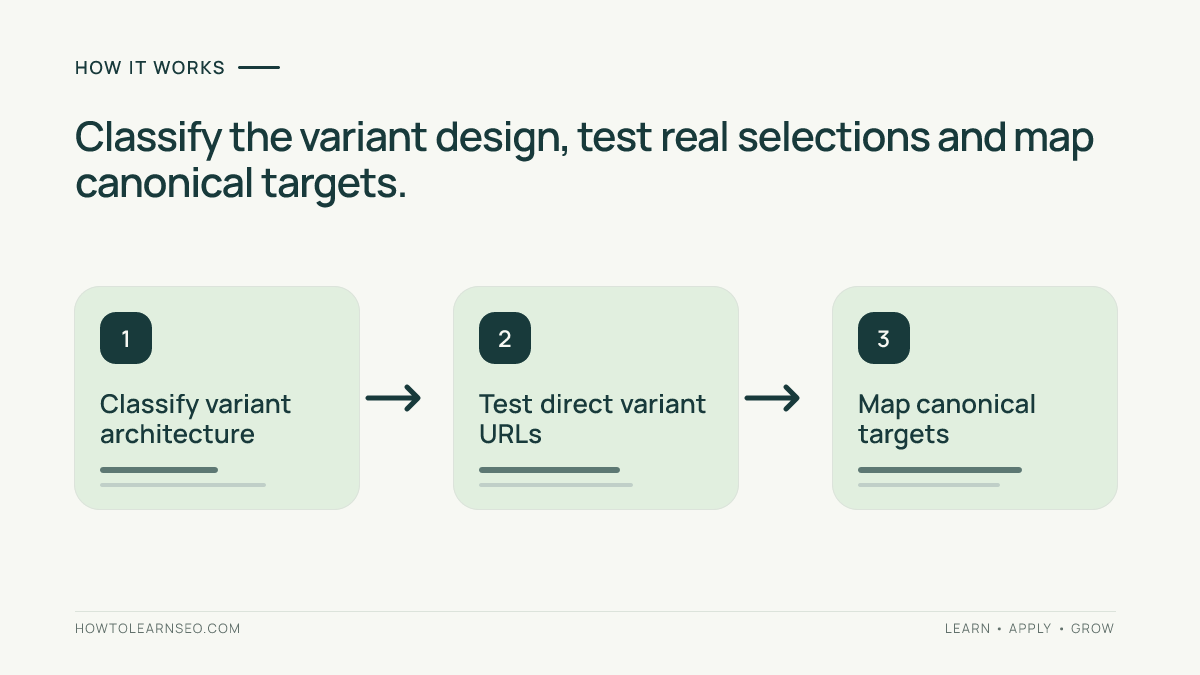
First identify whether your store uses one product page with selectable variants or several independently accessible variant pages. Record each proposed URL, the variant it must preselect, its actual response, intended canonical URL and supporting product data. Open each URL without prior browsing state. Approve the map only when real variant behavior, canonical signals, internal links and relevant product markup agree with the documented architecture. Reject fragment-only URLs and unsupported paths before launch.
Key Takeaways
- Distinct, directly accessible URLs help identify sizes and colors; an invented path does not.
- Single-page and multi-page variant architectures have different canonical implications.
- Test selected SKU, image, price and availability, not merely the displayed URL.
- A canonical is a preference signal; Google can select another representative page.
Classify the Variant Architecture Before Generating URLs
This workflow serves ecommerce site owners reviewing an AI-proposed URL and canonical plan. You need a list of real products and variants, access to the public store, knowledge of its platform’s canonical settings and a spreadsheet. The deliverable is a row-by-row release decision with a repair owner and retest evidence. The existing ecommerce SEO guide explains broader site structure; this exercise checks the more precise variant mapping contract.
Google’s product variant documentation distinguishes a single-page design, where variants are selected on one page, from a multi-page design with separate variant pages. In the first case, the ProductGroup has one canonical URL, usually the base product page. For a multi-page design there may be no single canonical URL representing the entire product group.
Create a Variant-to-URL Acceptance Matrix
Use three input columns: product or SKU, requested URL and expected selected variant. Add output columns for actual response, visible selected option, canonical target and release decision. Treat each row as a test case with expected outputs, not as a decorative collection of plausible-looking paths. A baseline and two contrasting variants make the test reproducible.
The table below is illustrative. Assume a fictional single-page linen shirt whose base URL is https://shop.example/p/linen-shirt. Color selectors use optional query parameters, and the base page is the planned canonical. Actual store settings must be verified; these are not observations from any merchant.
| Requested URL | Expected state | Expected canonical |
|---|---|---|
| /p/linen-shirt | Default shirt | /p/linen-shirt |
| /p/linen-shirt?color=blue | Blue SKU selected | /p/linen-shirt |
| /p/linen-shirt?color=green | Green SKU selected | /p/linen-shirt |
| /p/linen-shirt#color=green | Invalid variant identifier | Hold for redesign |
Open the blue and green URLs in fresh sessions. The correct color, image, price and availability should appear for each requested variant without relying on a previous selection. If the green URL silently loads blue, the row fails even if the canonical tag appears correct. Google advises using a path or query parameter to identify variants and notes that fragments do not create distinct indexable URLs in its ecommerce URL guidance.
Decide Canonical Targets Without Flattening Every Variant
For this sample’s optional query selectors, the base URL is the intended canonical, consistent with Google’s guidance for that architecture. Make sure the variant page does not emit several conflicting canonical elements. The canonical tag guide explains the underlying signals, while Google’s canonical methods documentation clarifies that these signals do not force Google’s ultimate choice.
For a store with separate, meaningfully distinct variant pages, inspect each page’s purpose and planned indexability rather than importing the single-page canonical pattern automatically. A product variant page intended as an independent search result should have consistent signals appropriate to its own canonical URL. A page that merely duplicates another may need consolidation instead. Document the decision in the map, including which URL is used for internal links and sitemaps.
Verify Variant Information and Product Markup Together
URLs also need to identify actual products. Record the expected SKU, color, size, displayed offer price and stock state for each tested variant. Product data that says “green” while the page renders “blue” is an actionable mismatch. Do not publish invented SKUs or placeholder offers just to make an AI-generated schema example pass a validator.
Google’s ProductGroup guidance explains variant IDs, group IDs and differences between single-page and multi-page markup. Use the relevant version for the chosen architecture. For multi-page stores, markup on each page must be sufficiently self-contained; assuming a remote page defines the entire group is unsafe. The site’s structured data audit covers a broader validation workflow.
Check Links, Indexability and Failure Cases Before Release
Follow a product link from an ordinary catalog or category page to each approved variant URL. Confirm that it points to the intended product and uses a crawlable HTML link where possible. Test a direct page reload, the canonical target and the sitemap entry if the URL is meant to be indexed. The faceted navigation audit is separate: filter combinations are not automatically the same thing as purchasable product variants.
Next test a non-existent color or size. The store should not pretend that an unavailable variant is in stock or display an unrelated SKU. Depending on the site’s routing, a clear unavailable state, a valid canonical fallback or an appropriate error response may be required. Record the actual behavior and involve the store developer when the AI plan assumes a route the platform cannot implement.
If a proposed variant URL redirects, follow its destination and repeat the selection check. If its canonical points somewhere else, compare the mismatch against the architecture decision. Never approve a row solely because a URL is syntactically well formed; its content and signals must agree.
Release, Verify and Keep a Rollback
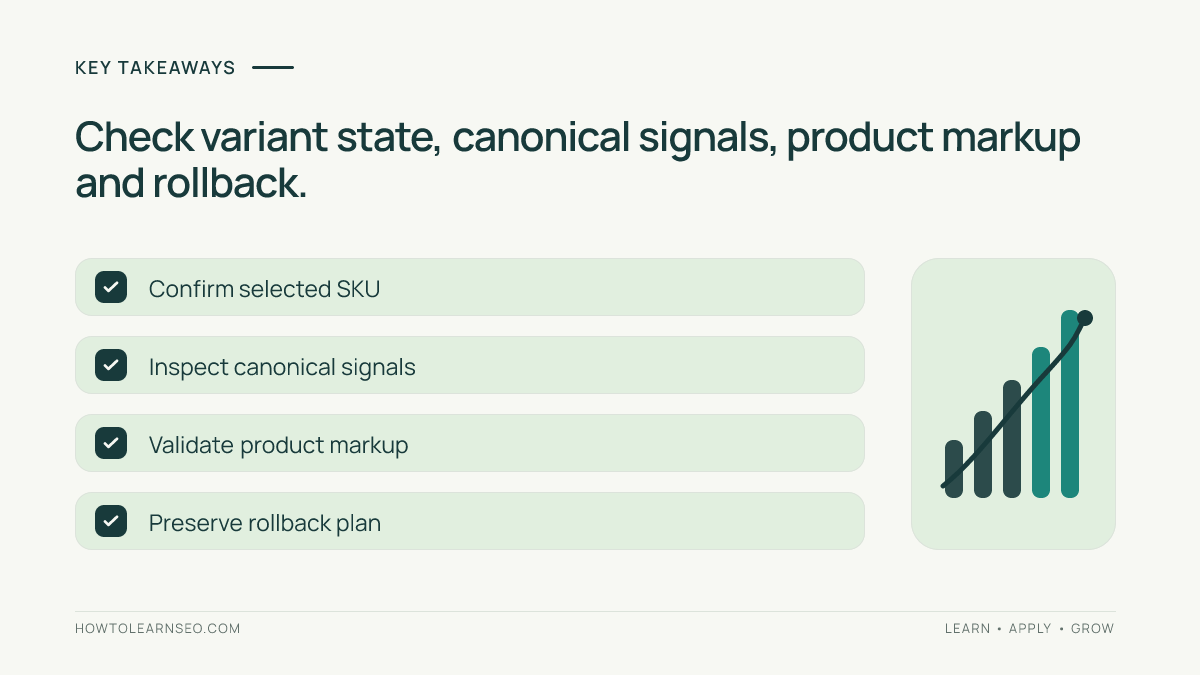
Approve only rows where the requested URL opens the correct variant, canonical targets are intentional, product details agree, and relevant internal links work. Save the matrix and the old URL configuration before changing templates or routing. Start with a limited production sample rather than applying an unchecked AI-generated rewrite catalog-wide.
If a rollout selects the wrong SKU, introduces a redirect loop or creates contradictory canonicals, revert the affected routing or template change and reopen the same test URLs. Note the repair and retest results. An accepted matrix supports safe implementation, but it cannot guarantee rankings, shopping visibility or AI citations.
Frequently Asked Questions
Do product variants always need separate indexable pages?
No. A single-page product can expose variants through selectable URLs while retaining one canonical base page. Multi-page stores may have separate important variant pages. Choose the architecture based on the actual shopper experience and Google’s documented patterns rather than assuming every SKU needs an independently indexed URL.
Should query-parameter variants point to the base canonical?
For the common single-page design using optional query parameters to choose a variant, Google recommends the URL without the variant parameter as canonical. Confirm that the site truly uses that architecture. Do not apply this rule blindly to separate, independently meaningful product pages.
Can a URL fragment identify a variant for Google indexing?
Do not rely on fragments as separate indexable product URLs. Google generally treats fragments as client-side page identifiers rather than distinct crawlable documents. Use a meaningful path or query parameter that directly selects the intended variant, and test it without prior browser state.
What if the selected variant and structured data disagree?
Hold the proposed change. Check the source SKU, selected color or size, price and stock state before changing markup. Correct the mismatch in the product catalog, routing or template, then validate the rendered page and markup again. A passing schema test cannot excuse false product information.
Will correct canonical tags guarantee the preferred variant ranks?
No. Canonical annotations indicate a preferred representative URL but Google ultimately determines canonical selection. They also do not guarantee indexing, rankings, rich results or AI citations. Use the matrix as an implementation quality check and monitor Search Console after the store is recrawled.
Conclusion
A useful product variant URL map connects each requested URL to a real selected SKU, deliberate canonical target and verifiable product state. Check single-page versus multi-page behavior first, then test real URLs and exceptions. That turns AI suggestions into a documented release decision instead of a risky catalog-wide guess.