Faceted navigation lets WordPress visitors filter products or resources by attributes such as size, color, brand and price. An AI-generated faceted navigation plan can look useful while accidentally creating thousands of similar URLs. An audit checks which filters serve readers, which URLs should be crawled and what happens when a combination has no matching items.
This tutorial is relevant to ecommerce shops and listing directories, not every ordinary WordPress blog. Review your real website configuration before acting on generated SEO advice. A filter is not automatically bad, and a reduction in URL variations is not automatically evidence of more organic traffic.
Quick Answer
Inventory the filter parameters and URLs, classify combinations by search value, inspect canonical and robots signals, test invalid or empty selections, and verify links to valuable products. Apply controls only after documenting the expected behavior and repeat the same URL tests on the public website after implementation.
Key Takeaways
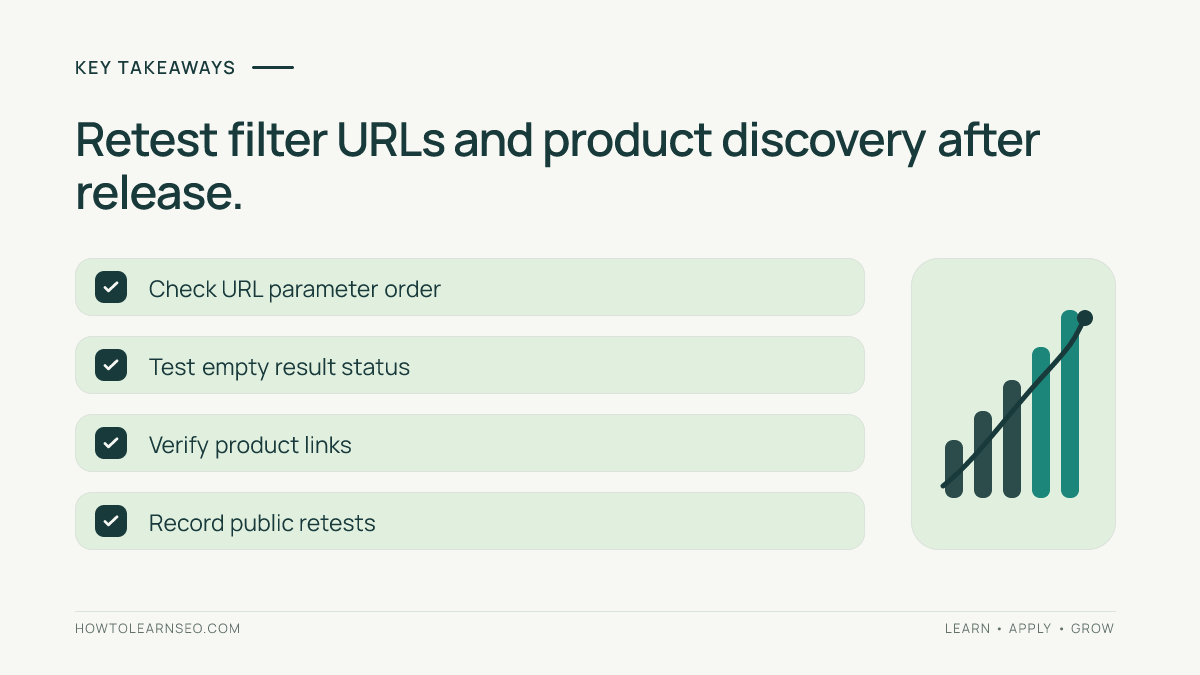
- Every new filter can expand the number of crawlable URLs.
- Useful visitor filters are not necessarily distinct search landing pages.
- Robots rules, canonicals and noindex directives perform different jobs.
- Empty combinations require deliberate response handling.
- Important product and category pages must remain discoverable.
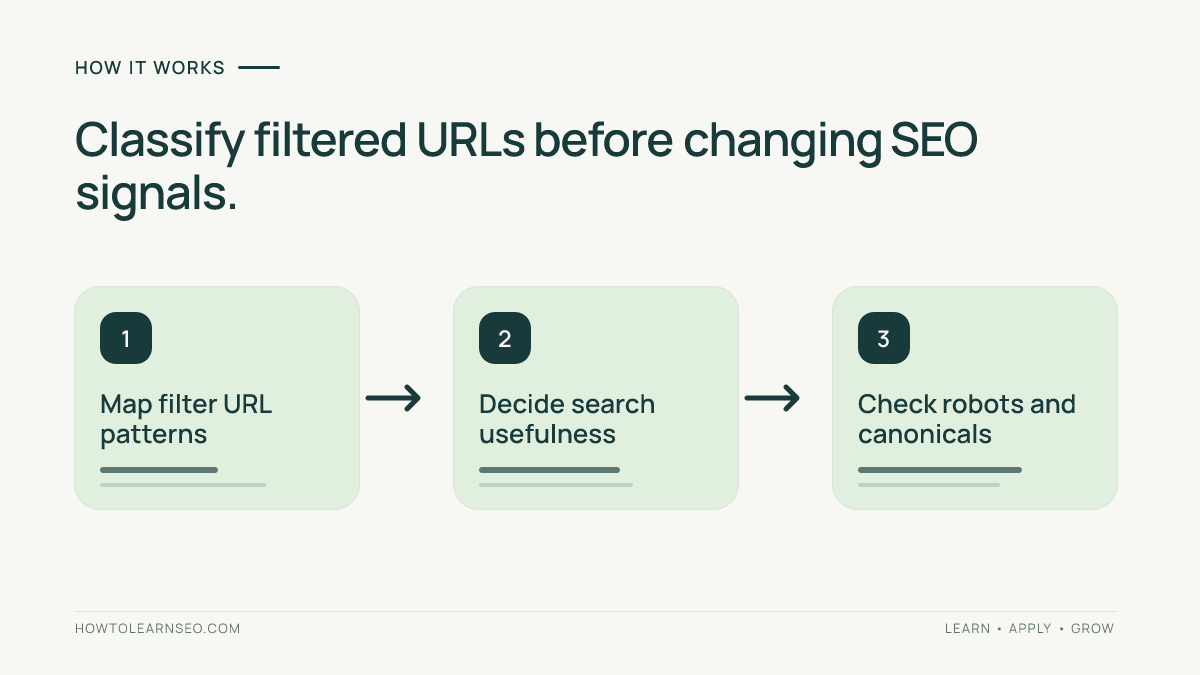
Prepare an Inventory of Real Filter URLs
Record the unfiltered category URL and every filter supported by the site. Test color, size, sort order and a combination that returns no results. Note whether parameters appear in the URL query string, in path segments or through a client-side interface. Each implementation has different crawling implications.
Use a small table with columns for requested filters, actual URL, content displayed, intended search visibility, canonical target and response status. Include the same selection in different parameter orders where possible. This reveals accidental duplication without making assumptions about search volume or server activity.
Read our ecommerce SEO guide for product and category strategy, and the crawl budget tutorial for crawler resource concepts. Do not say Googlebot fetched every theoretical URL merely because a spreadsheet can enumerate those combinations.
Step 1: Find Duplicate and Expanding Combinations
Open each sample and compare the actual items. A generated filtering interface might represent blue shoes in size ten using color first on one URL and size first on another. Both pages may display identical listings. Added sort or session parameters can create more apparent variations without changing the useful content.
Google’s faceted navigation guidance warns that large filtered URL spaces can lead to overcrawling and slow discovery of useful pages. The correct first step is to identify actual patterns and requests. An AI estimate of possible URLs is not the same as measured crawler demand.
Some duplicated filters also create inconsistent navigation. Test whether changing an option preserves valid selections, drops invalid ones and leads to a predictable address. Document the pattern rather than trying every theoretical combination by hand.
Step 2: Decide Which Combinations Deserve Search Visibility
A stable collection with a distinct product range and useful description may serve a real search intent. A sort-by-price link usually only changes the order of the same results. Decide which URLs need to be accessible to search crawlers before choosing robots or canonical settings.
Google recommends preventing crawling of faceted URLs that are not intended for search visibility where appropriate. That does not mean copying a broad Disallow rule without testing exceptions. Such a rule could inadvertently block a valuable category or product link path.
For filtered pages that should remain crawlable, use consistent URL conventions. Google’s URL structure documentation recommends understandable URLs and conventional parameter formatting. Avoid multiple parameter orders for the same result and validate the final visitor page.
Step 3: Inspect Canonicals, Robots and Noindex
Canonical tags suggest a preferred representative among similar URLs; they are not immediate crawl restrictions. Robots.txt controls whether compliant crawlers request a URL, while a noindex directive must be fetched and read to take effect. Blocking a URL in robots can prevent a crawler from seeing its noindex instruction.
Our canonical SEO guide and robots.txt guide explain these differences. A filtered category should not automatically canonicalize to an unrelated homepage. Review the content relationship before selecting the representative address.
Inspect the live page and response after configuration changes. Caches, templates and plugins can affect the final output. Do not treat a screenshot of a plugin option as proof that search engines receive the expected signal.
Worked Example: A Fictional Shoe Catalog
Imagine a WordPress shoe store with filters for color, size and sorting. A generated menu creates different addresses for the same blue size-ten shoes depending on parameter order. The audit reveals equivalent product listings, several empty combinations and a sort-only URL that adds no unique products.
The shop owner maps useful categories, standardizes filter ordering and chooses crawl controls based on intended search value. The main category continues to link directly to its important products. These are illustrative decisions, not an observed test of a specific store or an endorsement of a particular plugin.
For impossible combinations, Google’s faceted navigation guidance recommends a genuine HTTP 404 response in applicable implementations rather than redirecting every empty combination to a generic error page. Test the real status along with the text shown to visitors.
Step 4: Test Empty States and Parameter Consistency
Check invalid values, repeated parameters, combinations with no items and pagination beyond the final results page. A pleasant empty-results design does not prove that the server returned the intended response code. Record both the HTTP status and the message visible to the user.
Use predictable parameter names and ordering. For filters represented by path segments, avoid alternate orders that produce equivalent content at many URLs. If fragments are used for filter state, note that Google generally does not treat fragment variations as independent indexable pages.
Review behavior after cache purges or commerce-plugin updates. A fix made to one template can be reversed elsewhere if multiple scripts build the filter URLs. Keep a record of which configuration generates each URL pattern.
Step 5: Preserve Product Discovery and Retest
After changing crawler instructions or navigation links, follow ordinary anchors from an unfiltered category to important product pages. Check that needed categories and individual items remain accessible without relying on blocked filtering routes. Crawling efficiency is not useful if valuable content becomes harder to discover.
Maintain an audit record with sample URL, expected crawler treatment, observed response, canonical target, responsible owner and retest date. Compare actual server logs and Search Console observations over time when available. Do not invent an instant traffic gain or claim the website was tested if you only reviewed examples.
Common Mistakes to Avoid
- Blocking all filter URLs: some collections may have search value.
- Assuming canonical means no crawl: the mechanisms differ.
- Ignoring empty pages: verify real response codes.
- Claiming search volume without data: use measured evidence.
- Removing product links: maintain clear paths to key items.
Frequently Asked Questions
Should every WordPress store block faceted navigation?
No. Some filtered collections have distinct useful content and may deserve search visibility. Audit real URL patterns and decide which combinations to retain, restrict or consolidate based on the actual site and visitor needs.
Do canonical tags stop Google from crawling filtered URLs?
Not reliably. A canonical is a signal about preferred URLs, not a direct crawler restriction. Choose the appropriate mechanism after defining whether each filtered combination should be crawled or potentially indexed.
Should an empty filter combination return a 404 status?
Google recommends 404 responses for empty combinations in applicable faceted navigation implementations. Verify the server status as well as the visible empty-state message instead of assuming a friendly design alone is sufficient.
Are URL parameters always harmful for SEO?
No. Parameters can support practical sorting and filtering. Problems occur when they produce excessive duplicate URLs, conflicting search signals or invalid combinations. Consistent configuration and representative testing are more useful than blanket assumptions.
How can I verify the audit changes worked?
Retest sampled filter URLs, canonicals, response codes, crawler instructions and links to important product pages. Compare the observations with your documented policy and monitor real crawl evidence when available without promising immediate ranking changes.
Conclusion
Audit AI-generated faceted navigation with an evidence-based URL inventory and clear search goals. Preserve useful filters and product discovery, control unnecessary combinations, test empty responses and verify the released WordPress configuration on real pages.