To validate AI-generated HTTP 410 recommendations in WordPress, confirm that a URL was permanently retired, check whether a useful replacement exists, and test the actual server response. A 410 Gone status communicates deliberate, likely permanent unavailability. It is not an automatic SEO improvement.
Quick Answer
Return HTTP 410 only for intentionally removed URLs without a suitable replacement. Use a permanent redirect when an equivalent page has moved. Verify the final response with a GET request and review the sitemap and internal links.
Key Takeaways
- Never accept an AI-generated removal list without editorial review.
- Test exact paths and nearby live URLs to prevent accidental removals.
- Check real HTTP status codes rather than relying on the text of an error page.
- Document the decision, evidence and rollback procedure.
Understand HTTP 410 Before Making Changes
HTTP 410 Gone means that access to a resource is no longer available and the condition is likely permanent. The HTTP Semantics specification distinguishes this deliberate permanence from the less specific 404 Not Found response. Neither status promises immediate search-result removal.
Google explains its treatment of HTTP errors in its HTTP status guidance. The practical decision is about the resource lifecycle, not a claim that 410 inherently boosts rankings. A temporarily unavailable guide, renamed article or moved product should not receive 410 merely because a model calls it obsolete.
Ask three questions before configuring anything: Is the resource intentionally and permanently retired? Is there an equivalent page that meets the same visitor need? Who approved the change? If you cannot answer all three, hold the URL for review.
Prepare an AI Removal Recommendation Audit
Build a spreadsheet with the columns URL, original purpose, removal reason, replacement candidate, expected status, observed status, internal-link count, sitemap presence, reviewer and date. Include a small control group of active pages that must stay accessible. This makes the output reproducible and protects against broad server rules.
Review the source content in WordPress and verify the destination independently. A language model may not know that an old article has been consolidated into a newer guide. If a relevant successor exists, use the redirect-map validation workflow to evaluate the move. For genuinely missing pages, consult the 404 troubleshooting guide.
Keep removal decisions separate from canonicalization decisions. Two accessible URLs with equivalent content are not necessarily candidates for deletion. The canonical validation guide explains how to examine duplicate URL variants.
Test an AI-Generated HTTP 410 Rule
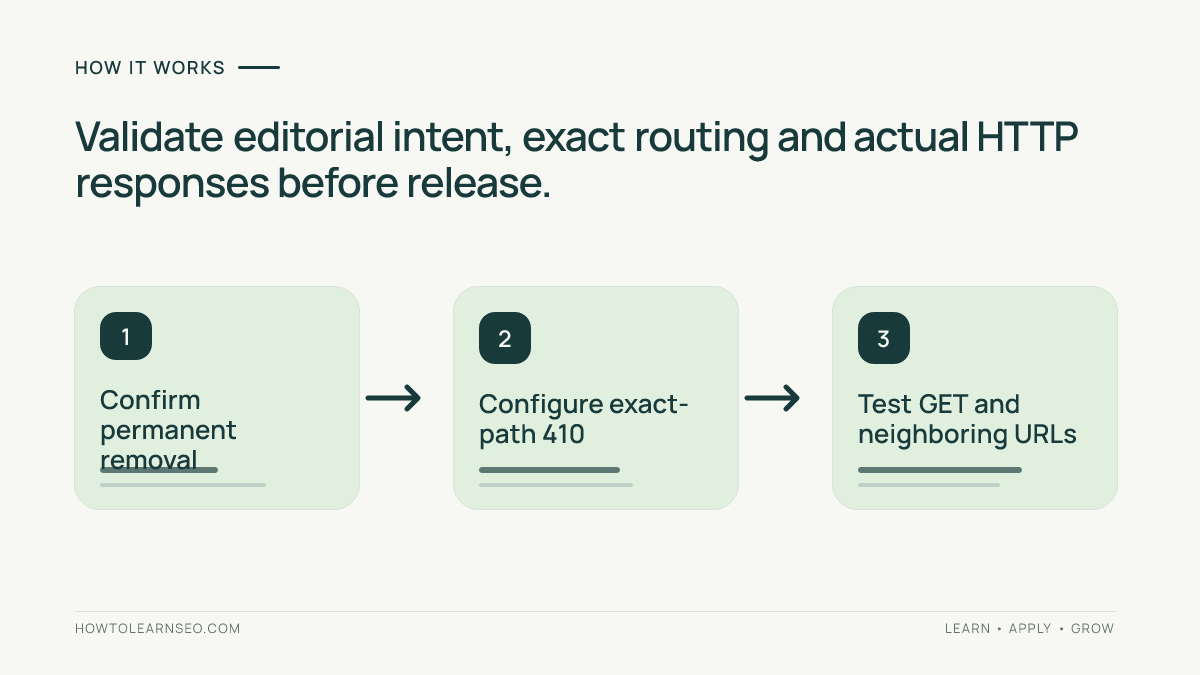
Step 1: Confirm the Page Is Permanently Gone
Open the candidate page and search the WordPress inventory for its title, slug and successor. Check whether it is unpublished temporarily, hidden behind authentication or removed intentionally. Review important backlinks and internal navigation for context. Obtain explicit approval from the content owner before changing the response.
Step 2: Implement an Exact-Path Rule
Configure the response through the server, hosting layer or a reviewed WordPress routing mechanism. Syntax varies by environment, so do not paste a generic server directive without checking your stack. Match the complete intended path, not a partial phrase that might catch current articles. Back up configuration and prepare a rollback. Where possible, test the rule on staging first.
Step 3: Verify GET and Redirect Behavior
From a terminal, run curl -sS -o /dev/null -w '%{http_code}\n' https://example.com/retired-page/. This sends a GET request and prints the returned status. The intended result is 410. Test trailing-slash variants and inspect redirects separately rather than assuming every URL variant behaves identically.
Do not rely solely on curl -I: HEAD behavior may differ from GET on some systems. Check that a custom “page removed” design does not accidentally return 200. A cache, CDN, security layer or plugin might also replace the intended response. Record the observed code and the test time.
Illustrative Example: Retiring an Old Tool List
Input: An AI audit recommends HTTP 410 for https://example.com/old-ai-tools/. An editor confirms that this fictional list was permanently withdrawn, has no useful equivalent and should not remain accessible. This is an illustrative test, not a claim about a real website.
Rule and action: Configure an exact match for /old-ai-tools/ returning 410. Leave /old-ai-tools-archive/ untouched. Remove the retired URL from the public sitemap and update any navigation links pointing to it.
Expected output: A GET request to the retired path returns 410. The similarly named live path retains its original status, normally 200 if accessible. Neither a redirect nor a generic success page masks the removal.
Verification: Run curl against both URLs, save the response codes, inspect the sitemap XML and search WordPress content for the retired link. Repeat after clearing relevant caches. Log any difference between staging and production as an unresolved issue.
Edge case: If an equivalent replacement is discovered later, reconsider the decision. A 301 redirect may better serve users seeking the original information. Do not automatically redirect every deleted URL to the homepage, because that destination often fails to satisfy the original intent.
Clean Up Sitemaps and Internal Links
A correctly configured 410 can still create a poor experience if visitors reach it through your own navigation. Search menus, related articles, footers and content blocks for the retired URL. Replace links with a relevant destination or remove them. The internal-link verification tutorial provides a method for reviewing suggested edits.
Remove intentionally retired URLs from XML sitemaps. Google’s sitemap guidance recommends listing canonical URLs you want shown in search results. Regenerate or purge cached sitemap output, then inspect the publicly served XML rather than trusting a plugin settings screen.
Avoid adding a robots.txt block simply to conceal the removed page. A crawler prevented from fetching the URL may not observe its 410 response. Google’s robots.txt documentation explains that robots rules control crawling rather than directly removing indexed content.
Release Checklist and Monitoring
Before rollout, test every exceptional path and a representative sample of normal pages. Check the intended 410, nearby paths, redirect chains, sitemap entries, internal links and CDN behavior. Preserve a dated record of what was tested, including the exact command and observed output.
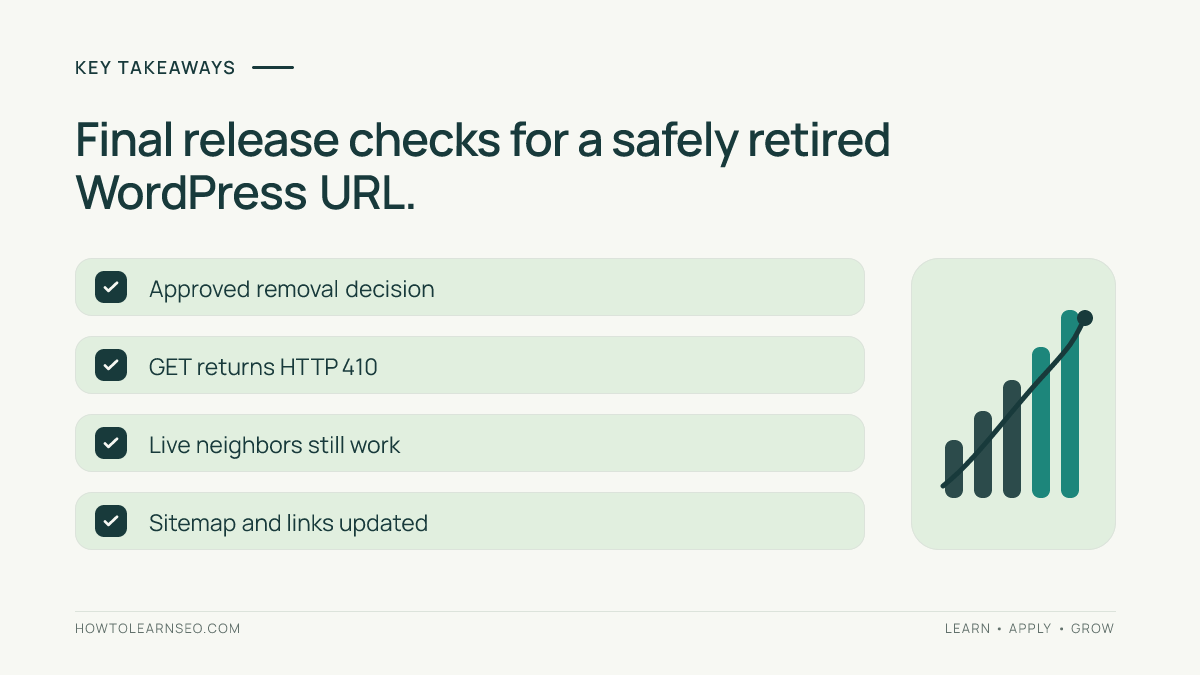
- Permanent removal has an approved business reason.
- No suitable equivalent destination was overlooked.
- Actual GET response is 410 for the exact path.
- Neighboring live paths still work correctly.
- Internal links and sitemap references are corrected.
- Rollback instructions and test evidence are saved.
After deployment, monitor logs and Search Console for unexpected errors or changes. Search systems recrawl at different times, so the HTTP response can be correct before reporting catches up. Do not claim a fixed indexing or removal deadline. If many URLs are involved, roll out a small verified batch before expanding.
Common Mistakes and Limitations
The biggest mistake is allowing AI to decide that “low traffic” means “permanently removed.” A page may be valuable to users, have a successor, or be temporarily broken. Another mistake is a wildcard rule that accidentally removes live content. Test both positive and negative cases to detect it.
A visible error message is not proof of an HTTP error; inspect the network response. Likewise, a 410 does not guarantee immediate disappearance from Google or AI-generated answers. Treat it as one technically accurate signal within a broader content-maintenance workflow.
If your hosting environment cannot reliably serve a 410, document the limitation and investigate an appropriate server-level implementation. Do not fabricate test results or publish an unverified bulk rule. The objective is a defensible decision for each URL, not a larger count of deleted pages.
Frequently Asked Questions
Is 410 always better than 404 for SEO?
No. Use 410 for known permanent removal and 404 when a resource is not found without a confirmed permanent decision.
Should I redirect removed pages to my homepage?
Only if the homepage genuinely satisfies the original visitor intent, which is uncommon for specific retired articles.
Can a browser confirm an HTTP 410 response?
Use the browser network panel or an HTTP client to inspect the actual status, not just the displayed message.
Should 410 URLs remain in an XML sitemap?
No. Remove permanently retired URLs from sitemaps intended to list canonical pages available for search indexing.
Does a 410 remove a URL from Google instantly?
No. The response communicates unavailability, while recrawling and search-result updates occur on their own timelines.
Can AI safely generate 410 rules without review?
No. Verify editorial intent, replacement options, exact path matching and control URLs before implementing any recommendation.
Conclusion
Validating AI-generated HTTP 410 recommendations requires more than checking a spreadsheet. Confirm permanent removal, select the correct response, test the live GET result, protect neighboring pages and clean up internal references. Keep evidence and rollback steps so every decision can be reviewed later.