To validate AI-generated noindex rules for WordPress search results, inspect real search-page responses, compare them with published articles, and test redirects and caches. Do not publish AI-generated indexing code merely because it looks plausible. The rule succeeds only when the intended search pages expose a noindex directive without accidentally affecting ordinary content.
Quick Answer
Collect representative WordPress search URLs and one normal article URL. Check HTTP headers and HTML for robots directives, then repeat after the proposed configuration is applied. Search results should show the intended noindex policy; published articles should not inherit it. Keep the search URLs crawlable so a search engine can discover the directive.
Key Takeaways
- Test actual responses rather than plugin settings.
- Compare search pages against a published article.
- Inspect both HTTP headers and HTML robots meta tags.
- Record redirects, cache differences, and unexpected noindex directives.
- Noindex does not guarantee immediate removal from search results.
Why Search Pages Require a Specific Policy
Internal WordPress search pages are generated from user queries. They can create many low-value URLs, including empty searches, spelling variants, and queries with no matches. Many publishers prefer to keep these pages useful to visitors without having them indexed. This is a policy choice, however, rather than a rule for every website. Curated search landing pages can deserve a different treatment.
Google explains that a noindex directive must be discovered by crawling the page. Blocking the same URL in robots.txt can prevent the crawler from seeing the instruction. Google’s robots meta tag and X-Robots-Tag documentation distinguishes HTML directives from HTTP headers. Both can express noindex, but you need to inspect the actual response to know which mechanism is operating.
Prepare a Reliable Test Set
Before changing production, use staging or arrange a controlled deployment with backup and rollback access. Identify the SEO plugin, theme, caching layer, and any server configuration that already affects robots directives. Avoid adding custom code on top of an existing search noindex setting until you know which component controls the output.
Create a worksheet with five columns: URL, expected behavior, observed HTTP status, observed robots directive, and verdict. Include a search with matches, a search with no matches, a paginated search if available, and a normal published article. Capture URLs from the site’s search form rather than assuming a particular route. A common WordPress format is ?s=term, but custom configurations can differ.
Run the Validation Procedure
Step 1: Capture the baseline
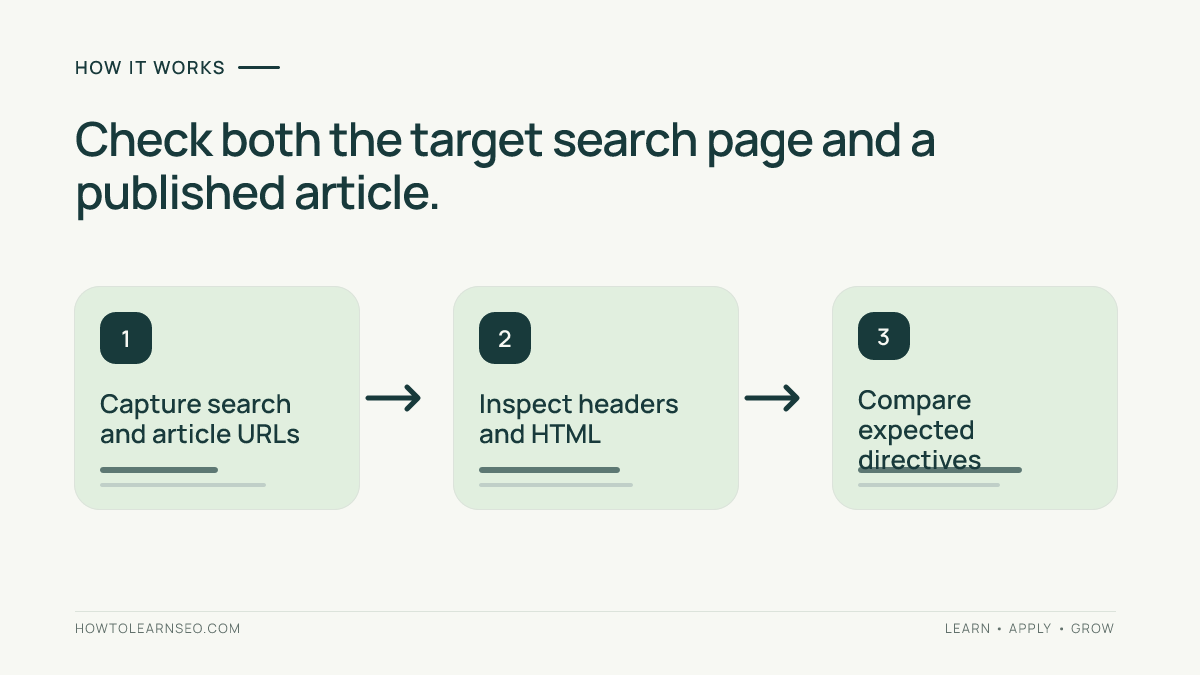
Submit a distinctive search query, copy the final browser URL, and record whether it redirects. Inspect its HTML head and response headers before changing anything. Repeat for a published article. If search pages already have noindex, find the existing configuration instead of installing a redundant rule. Baseline observations help distinguish old behavior from changes caused by the AI suggestion.
Step 2: Inspect HTTP headers and HTML
Use curl -L -I 'https://example.com/?s=sample' to inspect the final response headers. Use curl -L -s 'https://example.com/?s=sample' to retrieve HTML and inspect the head for a robots meta element. A header-only request cannot reveal HTML tags. Record redirects separately because a redirect destination may have a completely different indexing policy from the original search page.
A typical HTML instruction is <meta name='robots' content='noindex,follow'>. An HTTP response can instead include X-Robots-Tag: noindex. The presence of follow is not a guarantee that links will be crawled or ranked. What matters for this test is that the intended page provides a discoverable, unambiguous noindex instruction.
Step 3: Test the negative control
Repeat the inspection on a normal published article. It should not accidentally inherit the search-page directive. A broad conditional in generated code can target more templates than intended. For related testing of site navigation, see the WordPress navigation audit. The negative control is as important as proving the search-page rule works.
Illustrative Example: Search URL Versus Article
Input: A sample WordPress site has https://example.com/?s=blue+widgets and a published article at https://example.com/blue-widgets/. These addresses are illustrative, not a claim of testing a real website. The proposed AI-generated change targets only internal search results.
Rule and action: Configure the existing SEO controls, or review the proposed WordPress condition on staging, to emit noindex for the search template only. Leave the published article template unchanged. Avoid directly editing production theme files without a child theme or deployment plan. Save the original configuration before applying the change.
Expected output: The search page responds with the intended noindex directive. The article responds without noindex. Both URLs remain accessible for inspection. An empty-results search should follow the same policy if the site intends to exclude all internal search pages. This expected outcome is a test target, not an observed result.
Verification: Fetch both URLs, inspect their final status codes, headers, and HTML, and enter the results in the worksheet. Clear relevant caches and repeat as an anonymous visitor. If Google Search Console is available, use URL Inspection as an additional diagnostic, recognizing that Google’s indexed view may lag behind current site responses.
Edge case: If the search URL redirects to the homepage, inspecting the homepage’s robots directive does not prove the search template is configured correctly. Resolve unexpected routing before approval. Another edge case is a caching layer serving different HTML to logged-in and anonymous users; test the public response.
Avoid Three Common Mistakes
First, do not substitute robots.txt disallow for noindex. A blocked URL may not be fetched, so the crawler may not see the directive. For a related header-testing pattern, read the X-Robots-Tag PDF audit. The mechanism differs, but the discipline of checking the real response remains useful.
Second, avoid sitewide noindex conditions. Review the exact WordPress conditional used by generated code and test multiple public templates, especially articles and categories. If a plugin and custom code both emit robots instructions, resolve conflicting settings. The order of tags is not a safe deployment strategy.
Third, do not confuse canonicalization with noindex. Canonical tags indicate a preferred URL among duplicates, while noindex tells a crawler not to index a page. See the canonical header validation guide for a separate example of testing a distinct indexing signal. An AI answer that treats the two as interchangeable needs correction.
Record the Release Decision
Document the changed setting or code location, test URLs, observed directives, responsible reviewer, and rollback procedure. Note which plugin, theme, or server layer generated the directive. A record helps investigate later indexing changes without assuming every fluctuation came from this release. The SEO change log workflow provides a related tracking approach.
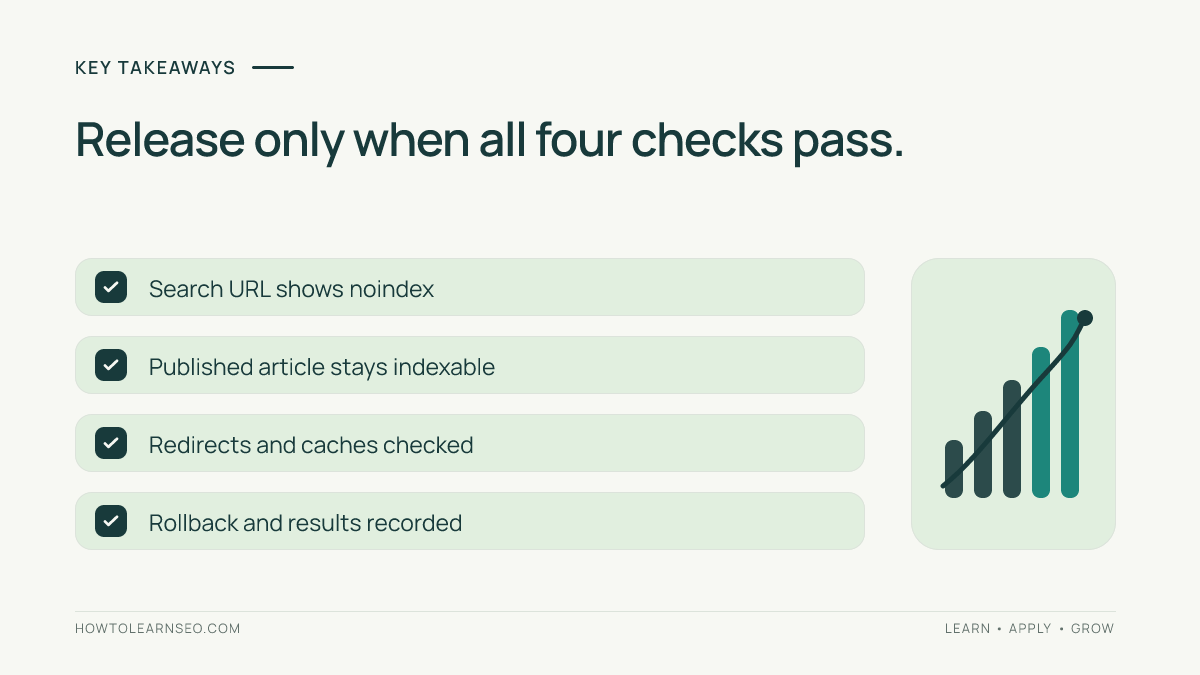
Approve only when representative search pages show the intended noindex, ordinary articles remain unaffected, and redirects and caching behave consistently. Hold the release if the indexing policy is unresolved or if the tests contradict each other. Passing a syntax check is not enough: the observable behavior must match the intended policy.
Frequently Asked Questions
Can robots.txt disallow replace noindex for search pages?
No. Disallow restricts crawling, whereas noindex instructs a crawler not to index a fetched page. If the crawler cannot fetch the URL, it may not see noindex. Choose the mechanism according to the desired result.
Should every WordPress search page be noindexed?
Not necessarily. Many sites exclude automatically generated search results because they can be repetitive or low value. Deliberately curated search landing pages may warrant different treatment. Decide based on purpose, quality, and site policy.
Does noindex remove a result from Google immediately?
No. Search systems need to crawl and process the directive. Existing results may remain visible for a period. Confirm the live response first and monitor indexing separately rather than expecting instant removal.
What if the search URL redirects elsewhere?
Record the redirect and inspect the final destination, but do not treat that destination’s directives as proof the original search template works. Diagnose unexpected routing before approving the change.
Can an SEO plugin conflict with custom noindex code?
Yes. Both may produce robots directives, sometimes with conflicting values. Identify which component controls each directive and prefer a single maintained configuration. Recheck the final public HTML and HTTP headers.
How can I confirm published articles remain indexable?
Use published articles as negative controls. Inspect their response headers and HTML before and after the change. Confirm they do not unexpectedly emit noindex, and extend testing to other important templates if conditions are broad.
Conclusion
Validating AI-generated noindex rules for WordPress search results requires inspecting real responses and comparing search pages with unaffected content. Test headers, HTML, redirects, and caches; record the outcome; and release only when the intended policy is observable. Generated instructions are a starting hypothesis, not proof.