A downloadable AI-produced PDF can duplicate an HTML guide without indicating which version should represent its content in Google Search. A PDF cannot carry the ordinary HTML canonical element in a page head. This tutorial teaches you to test a PDF canonical HTTP header, confirm its destination and document an evidence-based publishing decision.
Quick Answer
Request the public PDF URL using HTTP GET and inspect the final response headers. If the PDF duplicates an HTML resource you prefer, its response can carry a Link header with the absolute HTML URL and rel="canonical". Confirm the file loads as a PDF, the target is accessible and no conflicting directives undermine your choice. The canonical is a preference, not a Google indexing guarantee.
Key Takeaways
- Google supports canonical instructions in HTTP
Linkheaders for PDFs and other non-HTML files. - Validate the final response after redirects, not only a plugin setting or file name.
- A noindex header is a separate indexing instruction, not a replacement canonical.
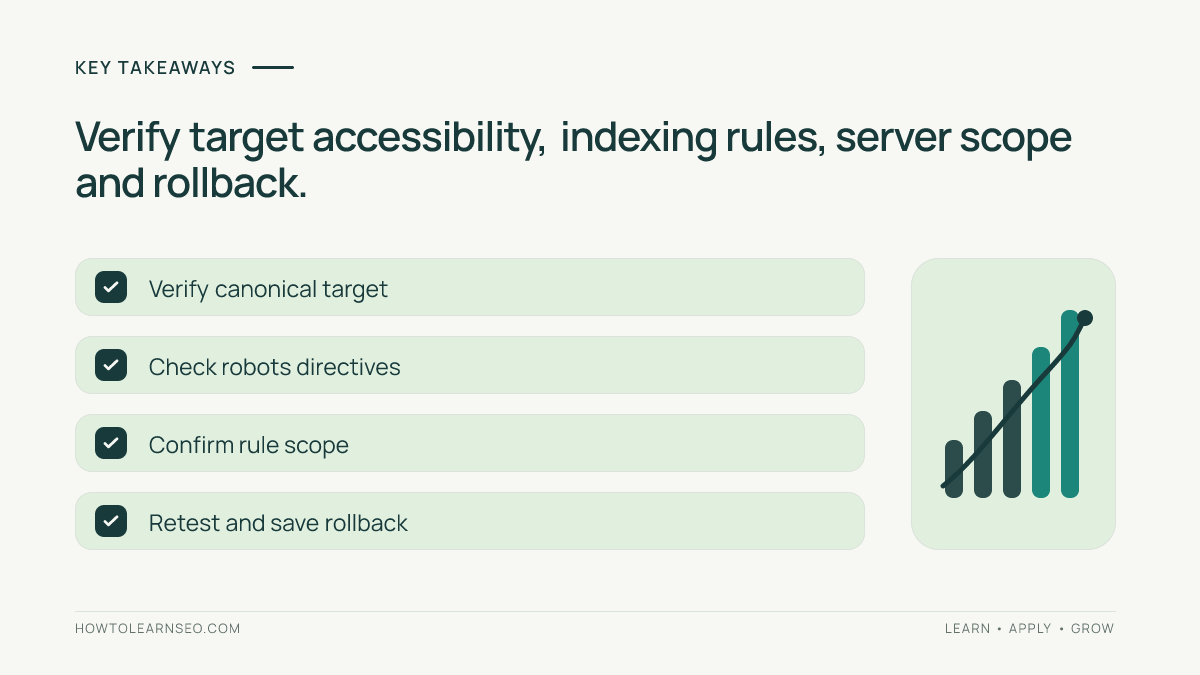
- Verify the target URL and keep the previous server configuration for rollback.
Decide Which Document Should Represent the Content
The intended reader is a technical SEO analyst signing off on a printable AI-generated report or checklist. Prepare the PDF’s public URL, the comparable HTML URL, an HTTP header viewer such as curl and permission to request server or CDN changes. Your deliverable is a release sheet with expected and observed HTTP responses, canonical destination, exceptions and a final approval decision.
First establish whether the PDF is substantially similar to the HTML page. A printable copy of the same checklist may reasonably point to the HTML version; a unique annual report may warrant its own canonical URL instead. Google’s canonicalization guidance supports HTTP canonical headers for PDFs and explains that such annotations express a preference. Do not point unrelated files to one popular landing page.
Open the preferred URL directly and record its status before anyone changes server rules. The site’s PDF SEO guide addresses document accessibility and discovery; the task here is verifying the response-level canonical mapping rather than repeating those recommendations.
Inspect the Actual PDF Response
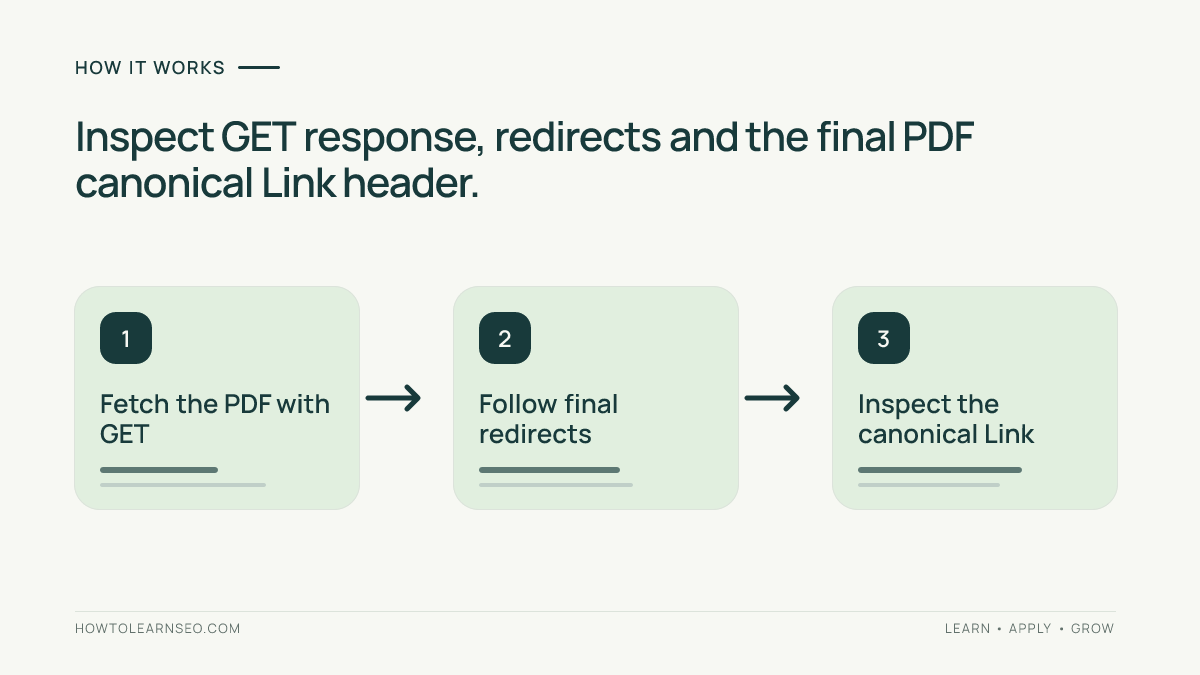
Use a GET request to inspect the public file. The illustrative command below captures response headers without saving the file body. Replace the example domain with your own PDF address. Do not add private access tokens to a command you plan to share.
curl -sS -D - -o /dev/null "https://docs.example.org/files/seo-checklist.pdf"Check the status, Content-Type, Link and X-Robots-Tag values. A public PDF normally returns 200 with application/pdf. Google lists PDF among its indexable formats and uses content type when interpreting files. If the URL redirects, repeat the command with -L so curl follows redirects, then examine the final response block rather than confusing an intermediate redirect header with the PDF’s own header.
HEAD requests using curl -I can be convenient, but some servers handle HEAD differently from GET. Confirm the final GET response to avoid signing off on a header exposed only by an inconsistent HEAD handler. If you get a login page, a 403 response or a CDN challenge, hold publication review: an apparent header value does not establish that Google can fetch the document.
Illustrative Worked Example: PDF Versus HTML Checklist
Imagine a printable SEO checklist at https://docs.example.org/files/seo-checklist.pdf that duplicates the public HTML guide https://docs.example.org/guides/seo-checklist/. These are illustrative addresses, not live sites that were tested. The HTML page is the chosen canonical preference because it provides the same core checklist in an easier-to-update format.
For this decision, the PDF’s final response should resemble the following example, using the syntax described in Google’s canonical documentation and RFC 8288 on HTTP Link headers:
HTTP/1.1 200 OK
Content-Type: application/pdf
Link: <https://docs.example.org/guides/seo-checklist/>; rel="canonical"| Check | Expected output | Result |
|---|---|---|
| GET /files/seo-checklist.pdf | 200, application/pdf, intended Link | Continue |
| GET /guides/seo-checklist/ | 200 HTML, relevant matching content | Accept target |
| PDF canonical points to /missing/ | 404 at target | Hold: fix URL |
| PDF redirects to a login | Final HTML login response | Hold: restore access |
Treat the matrix as a test: substitute your own URLs and record the actual HTTP values next to every expected result. The canonical target must be a full, valid URL enclosed in angle brackets. If the HTML guide declares its own canonical, verify that it does not point back to the PDF. The canonical tag guide explains how to assess such conflicting preferences.
One useful edge case is a PDF whose initial URL redirects to another PDF filename. The redirect does not automatically invalidate the setup. Verify the final file is genuinely served and carries the intended canonical response. If the final destination unexpectedly differs, send the route back for correction instead of approving a header on the first hop.
Check Indexing Instructions and Hosting Configuration
A PDF response can contain the intended canonical but also send X-Robots-Tag: noindex. Google’s robots header documentation describes how indexing directives apply to non-HTML documents. Noindex is a separate policy that can prevent the file appearing in Search. If it is intentional, document that choice; do not assume a canonical annotation overrides it.
If the canonical header is absent, check which service actually returns the file: web server, CDN, object storage or WordPress media endpoint. An SEO plugin that adds canonical tags to HTML pages may not affect the separate binary file response. Ask the responsible developer to scope a change to the selected file or relevant class of duplicates. Do not deploy a generic AI-written configuration rule across every PDF without testing its effects.
Also check whether redirects introduce inconsistent destinations. If a historical file URL redirects to a new download, keep that relationship distinct from the terminal PDF’s canonical target. The 301 redirects guide explains what to consider before changing paths that visitors and third-party websites already use.
Release With Evidence and an Easy Rollback
Save the complete command, response timestamp, final PDF status and MIME type, canonical Link value, target’s response and any robots restrictions. Review the HTML target’s relevance, internal links and self-canonical preference. If you can inspect the affected URLs in Search Console after Google processes them, compare Google’s selected canonical with your preference. Google’s canonical troubleshooting guide covers disagreements; a successful header check alone does not prove the selection.
Before deployment, save the previous CDN or server rule, its scope and a known-good download URL. After changes, repeat the same GET requests and test an unrelated PDF to ensure that your rule was scoped correctly. If the update breaks downloads or points many files at the wrong page, revert it and verify the original behavior. The site’s Google indexing guide provides context for subsequent monitoring without implying guaranteed rankings or AI citations.
Frequently Asked Questions
Can an HTML canonical element be inserted inside a PDF?
No. The HTML link element belongs to an HTML document, not the body of a PDF. Google supports a canonical preference for non-HTML files through an HTTP Link response header. Confirm the header on the real PDF URL, because a WordPress plugin setting for web pages may not alter a file response.
Should every PDF point canonically to an HTML page?
No. Decide whether the PDF and HTML page substantially duplicate the same main content. A unique PDF report can reasonably remain its own preferred document. Do not send every file to a generic landing page simply to reduce the number of URLs. Such a rule can create misleading preferences across unrelated documents.
What if HEAD and GET return different canonical headers?
The server or a cache may handle those HTTP methods differently. Inspect a GET response with its headers, following redirects when needed, and record the final file-serving response. Ask the server administrator to resolve a mismatch before approval. A HEAD-only success does not reliably verify the document’s actual response.
Does X-Robots-Tag noindex change my canonical decision?
Noindex is a distinct indexing directive, not a canonical-target declaration. Determine whether it was intentional and whether the resource can be crawled so Google sees the header. If the goal requires Google to process the PDF and its canonical hint, resolve unintended access and indexing restrictions before releasing the document.
Will a valid PDF canonical header force Google to select my URL?
No. Google uses canonical annotations as preference signals and may choose a different representative. Verify the HTTP headers and target first, then check Search Console where available after processing. Do not promise indexing, search rankings, AI citations or a specific recrawl date based on a valid canonical header.
Conclusion
A PDF canonical check succeeds only when the served headers and the actual content relationship agree. Establish which page truly represents the content, test the final PDF response, verify the target and resolve contradictions before publishing. Keep a record and a rollback plan so future server changes do not silently undo the decision.