
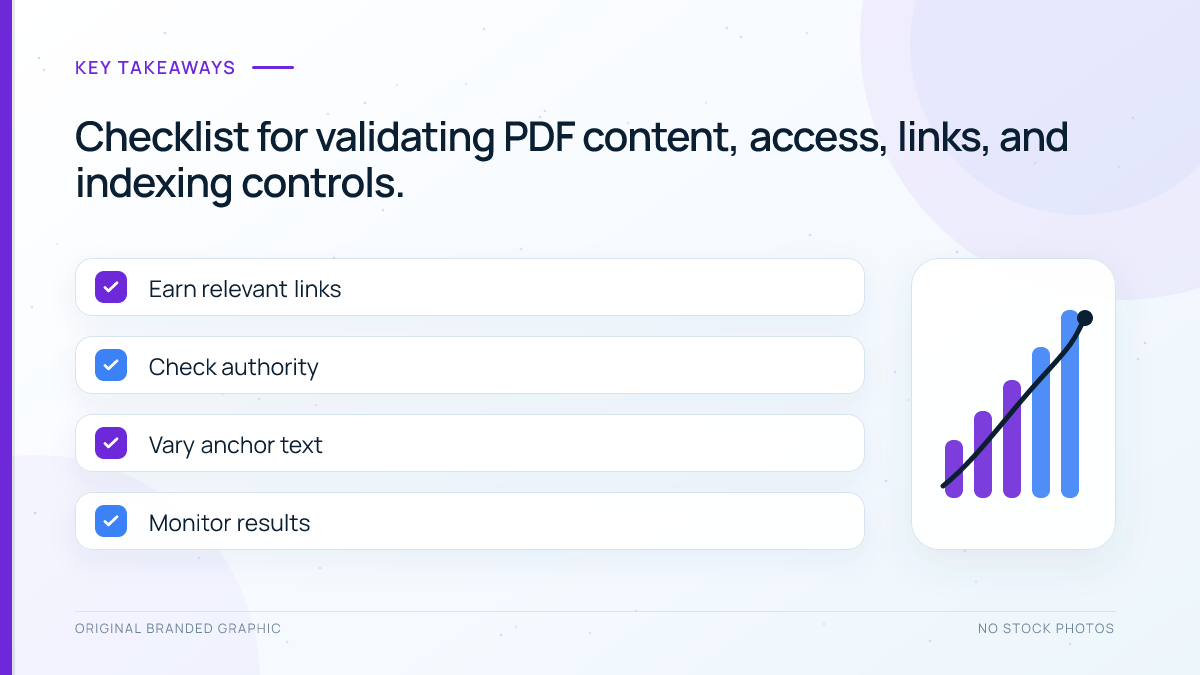
Quick answer: PDF SEO for AI search starts with a useful, accessible document that crawlers can fetch and people can read. Give the file a stable public URL, searchable text, a descriptive filename and document title, then link to it from a concise HTML landing page. These steps improve discovery and eligibility; they do not guarantee indexing, rankings, or an AI citation.
Key Takeaways
- Google can index PDF files, but the server must return the correct file and allow crawling.
- A tagged, text-based PDF is easier for readers and machines to interpret than an image-only scan.
- An HTML landing page adds context, navigation, measurement, and a clear route to the download.
- Indexing controls for PDFs belong in HTTP headers, especially the X-Robots-Tag header.
- AI crawler access and Google Search eligibility are separate decisions, and neither promises visibility.
What You Need Before You Start
Prepare the final PDF, WordPress Media Library access, permission to edit its landing page, and a way to inspect HTTP headers. Keep the source document because accessibility problems are easier to correct before export. Decide whether the PDF is the primary resource or a downloadable companion.
Google lists Adobe PDF among the file types it can index and primarily identifies files through the Content-Type header. Its generative Search guidance requires content to be indexed, snippet-eligible, public, and crawlable. Meeting those requirements does not guarantee indexing or visibility.
Choose the Right Role for the PDF
| Format | Best role | Main advantage | Main limitation |
|---|---|---|---|
| HTML page | Explanation, navigation, and conversion | Easy to update, link, and measure | Less convenient for offline use |
| PDF file | Printable checklist, report, template, or reference | Preserves layout and travels easily | Harder to update and use on small screens |
| Both | Summary page plus downloadable resource | Combines context with portability | Needs a clear primary version and maintenance plan |
Publish the core answer in HTML when a fixed layout adds no value. Use a PDF for a practical download, and avoid duplicating an entire article because parallel versions split links and increase maintenance.
How to Optimize a PDF for Search and AI Discovery
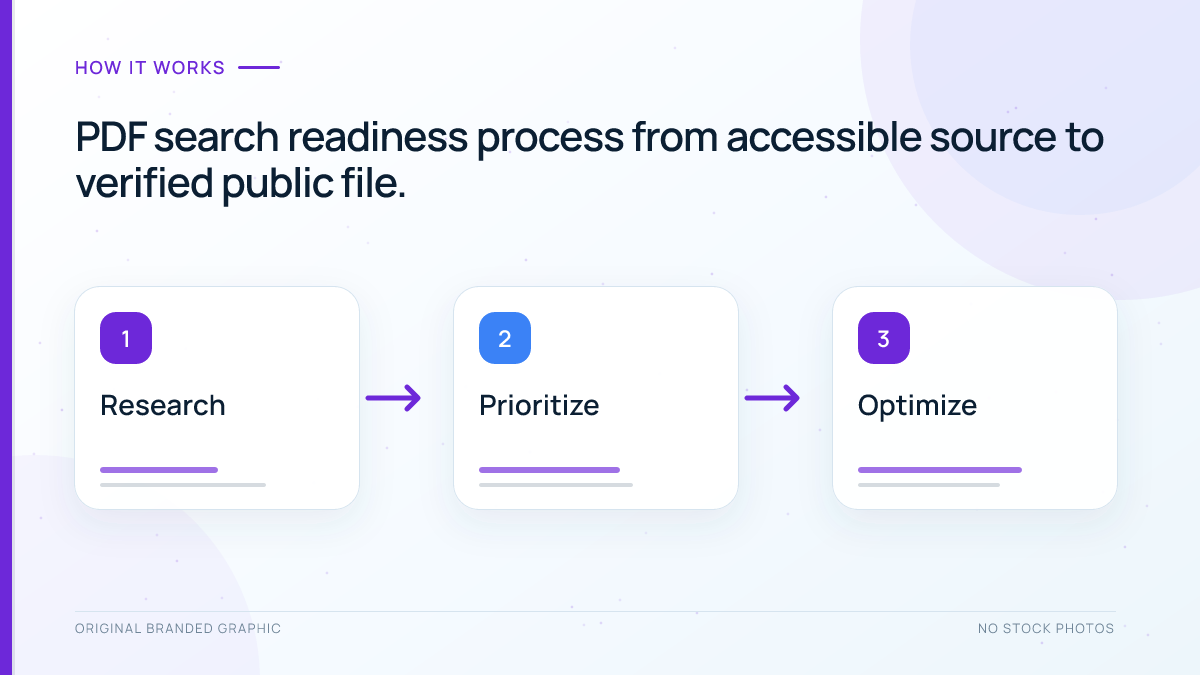
1. Export Real Text, Not a Page Image
Try to select, copy, and search for a sentence. If that fails, run optical character recognition and compare the output with the original. Correct headings, punctuation, columns, tables, and misread words. Clean source text gives crawlers and assistive technology a stronger foundation.
2. Add Structure and Accessibility
Set a logical heading hierarchy, reading order, document language, meaningful link text, and clear title. Tag informative images with concise text alternatives. The W3C explains that alternatives in tagged PDFs can convey image meaning through text-to-speech technology. Test the export with keyboard navigation and an accessibility checker, then spot-check it with a screen reader when possible.
3. Use a Descriptive Filename and Document Title
Use a lowercase, stable filename such as ai-search-measurement-checklist.pdf instead of final-v7.pdf. Set a natural document title and a truthful author. The filename explains the URL while the title gives software a useful label; neither replaces strong content.
4. Serve a Clean, Public File URL
Open the direct media URL in a private browser window. It should load without login, return HTTP 200, use HTTPS, and send the application/pdf content type. Do not block it in robots.txt. Confirm security or download rules are not returning an error or HTML challenge.
5. Build a Useful HTML Landing Page
Create a page stating what the PDF contains, who it helps, its current version, and how to use it. Add a descriptive download link. Provide useful context and navigation to related material such as Google indexing and internal linking.
Keep the page and file distinct. For example, the page can explain how to use a checklist while the PDF provides the printable checklist. This gives each URL a clear job and reduces unnecessary duplication.
6. Add Contextual Internal Links
Link from relevant published pages with anchor text that describes the resource. This helps readers and gives crawlers a path to the URL. Avoid unrelated placements. For diagrams, follow image SEO principles: explain essential information in text.
7. Check Indexing and Snippet Controls
A PDF has no HTML head for a robots meta tag, so Google documents X-Robots-Tag headers for non-HTML resources. Confirm the response does not contain noindex. Review restrictive snippet directives because nosnippet prevents direct use in AI Overviews and AI Mode. A sitewide server rule may affect every PDF.
8. Review AI Crawler Access Separately
OpenAI documents OAI-SearchBot for search and GPTBot for possible model training. Allowing OAI-SearchBot supports search eligibility but does not guarantee a citation. Review the OAI-SearchBot versus GPTBot guide and verify actual requests instead of assuming access from robots.txt.
Worked Example: Repairing a Downloadable Checklist
Consider an illustrative “AI Search Measurement Checklist.” Its first version is a scanned PDF named checklist-final2.pdf with no tags, document title, landing page, or relevant internal links.
| Finding | Repair | Verification |
|---|---|---|
| Image-only pages | Run OCR and correct the exported text | Search for three sample sentences |
| Missing structure | Add headings, reading order, language, and image alternatives | Run accessibility checks and keyboard review |
| Weak filename | Publish ai-search-measurement-checklist.pdf | Confirm the final public URL |
| No web context | Create a short HTML usage guide with a descriptive download link | Open the page and link in a private window |
| No discovery path | Add links from two relevant published articles | Crawl or manually inspect those source pages |
The repaired resource is easier to use and eligible for discovery, but indexing, rankings, and citations still require measurement after publication.
Troubleshooting Common PDF SEO Problems
- The PDF is not discovered: confirm at least one crawlable page links to the exact file URL. Then check robots.txt, response status, and server logs.
- The wrong title appears: correct the document title in the source file, export again, and keep the public URL stable where practical.
- Text cannot be selected: use OCR, proofread the output, and replace the file with an accessible text-based export.
- The HTML page and PDF compete: give them different jobs. Keep the useful overview on the page and the printable asset in the PDF. Use canonical HTTP headers only with technical review.
- An AI crawler is allowed but visibility is absent: verify the crawler, content usefulness, and public access. Access is one requirement, not evidence of a citation.
Limitations and Measurement
Search Console may show little data for a new PDF. Inspect the landing page and file URL, review crawler logs, and annotate changes. AI referral sessions show visits, not every mention or citation. Maintain the source document and review references using the AI search source audit.
Google says no special AI markup or llms.txt file is required for its generative Search features, and special schema is not required. An accessible PDF, a useful HTML page, clear discovery paths, and accurate technical controls are the durable priorities.
Frequently Asked Questions
Can Google index PDF files?
Yes. Google lists Adobe PDF as an indexable file type, provided the file is accessible and its content can be processed. Indexing is still not guaranteed.
Does a PDF need an HTML landing page?
No. A PDF can be indexed directly, but a useful landing page can add context, navigation, internal links, update information, and a clearer experience before download.
Can an image-only PDF rank in search?
It may be processed, but an image-only scan creates accessibility and extraction problems. A proofread text-based export is a stronger and more usable foundation.
Should I add schema markup to a PDF?
A PDF cannot carry normal page-level JSON-LD in an HTML head. Add truthful structured data to a relevant HTML page only when it follows Google guidelines and matches visible content.
Does allowing AI crawlers guarantee citations?
No. Crawler access can support eligibility and discovery, but it does not guarantee that an AI system will mention, quote, or link to the PDF.
Conclusion
Effective PDF SEO for AI search is a practical publishing process: create a useful text-based document, add accessible structure, serve it from a stable public URL, explain it on an HTML page, link to it contextually, and verify the response headers. Measure discovery and traffic honestly, and treat any Google or AI citation as an outcome rather than a promise.