An AI-generated redirect map can speed up a WordPress migration, but it remains a proposal until each destination is checked. Before publishing redirect rules, verify that every old URL points to a relevant replacement, the HTTP response is correct, and the destination works for visitors. This tutorial provides a practical review process and an illustrative example.
Quick Answer: Validate an AI-Generated Redirect Map
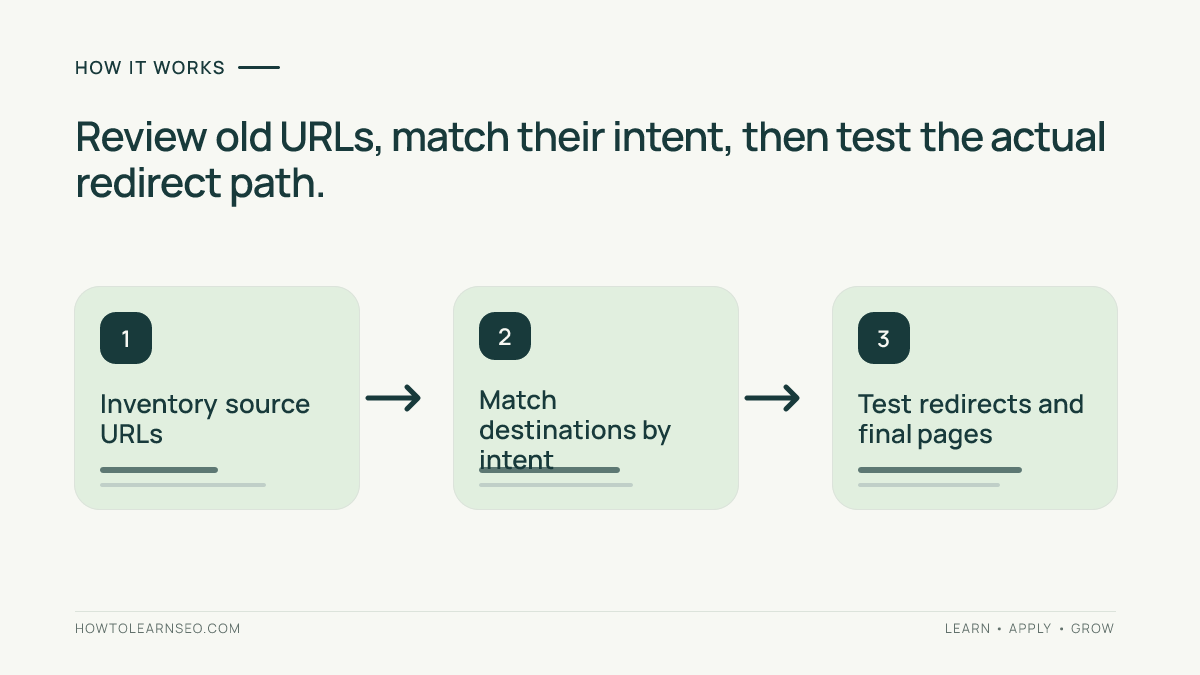
Export old and new URLs, review each AI-suggested match against the page’s actual purpose, flag uncertain mappings, and test redirects on staging. Approve only rows with a documented decision. Permanent moves generally call for a server-side 301 or 308 redirect, not a rule that sends every retired page to the homepage.
Key Takeaways
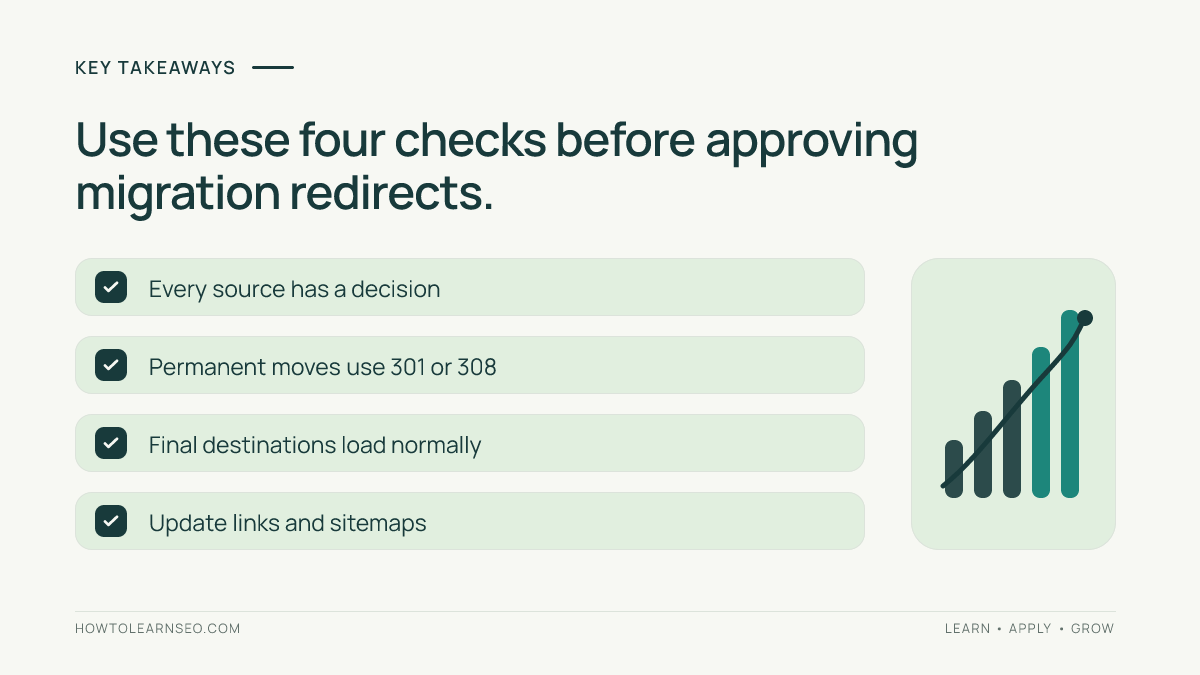
- Use AI for suggestions, not automatic approval.
- Compare reader intent rather than slug similarity alone.
- Check the full redirect path and final page response.
- Keep a review log and a rollback plan.
Prepare Your Source URLs and Destination Inventory
List old WordPress posts, pages, category archives, and valuable media URLs. Combine available crawl results, analytics, server logs, and XML sitemaps. An XML sitemap can omit historical URLs that still receive links or visitors. Include important historical URLs before asking an AI assistant to propose matches.
Export destination URLs from the replacement site, noting each page’s title, purpose, language, and canonical address. Keep old and new URLs in separate spreadsheet columns. If no equivalent page exists, mark the row for review instead of inventing a replacement. Google’s site-move guidance recommends an old-to-new mapping and updates to internal links.
Useful spreadsheet fields are old URL, suggested destination, intent, redirect status, reviewer decision, test outcome, and notes. This record helps content editors and developers agree on the release plan.
Check AI Suggestions Against Page Intent
AI may match similar phrases while overlooking what the pages actually offer. A discontinued pricing page should not automatically point to an unrelated product description because both contain the same brand name. Compare the original page’s content with the suggested replacement. Would a visitor following an old bookmark find what they expected?
Classify mappings as approved, needs review, or no equivalent. Two genuinely consolidated articles may share one destination, but distinct topics should not be forced into a generic page. When content is permanently removed without a meaningful replacement, an appropriate 404 or 410 can be more truthful than an irrelevant redirect. See our guide to broken pages.
Review high-value URLs first, including pages with conversions, backlinks, or substantial traffic. Then examine ambiguous rows in the remaining groups. Even a high AI match score is not evidence that two pages satisfy the same reader need.
Illustrative Redirect Map Review
Imagine a WordPress training website reorganizing its library. The following paths and decisions are examples, not observed test results.
| Old path | Suggested destination | Review |
|---|---|---|
| /seo-course-start/ | /learn-seo/ | Approve if the new guide covers the same beginner task. |
| /technical-audit/ | /seo-audit-checklist/ | Review both pages because their scope may differ. |
| /retired-webinar/ | / | Reject the automatic homepage match; find a relevant page or return a removal status. |
The second row shows why a confident AI suggestion still needs editorial judgment: a technical audit may discuss server responses while a general checklist may not. The third shows how a technically valid redirect can create a poor experience when the destination is unrelated.
Test HTTP Responses Before the Migration
After editorial approval, load a representative batch into staging that mirrors the production redirect configuration. Use an HTTP inspection tool or crawler that records status codes and Location headers. A browser generally displays the final page; capture intermediate HTTP hops to reveal hidden errors.
- Inspect the initial response. Verify the planned status code. Google’s redirect guidance distinguishes permanent 301 and 308 from temporary 302 and 307 responses.
- Follow the destination. Confirm the final page matches the approved mapping and normally returns HTTP 200 rather than an error or login screen.
- Find loops and chains. A loop sends visitors back toward an earlier URL. Simplify avoidable chains to a direct destination.
- Check indexability. Inspect destination canonicals, robots restrictions, and accidental noindex directives. Our canonical tag guide explains related signals.
Test meaningful URL variants, including trailing slashes, query strings, and HTTP versus HTTPS. Their handling depends on server configuration; one successful request does not validate every variant.
Deploy the Redirect Rules Safely in WordPress
WordPress redirects can be managed through hosting configuration or an appropriate maintained plugin. The exact interface depends on your setup. Test on staging rather than pasting unreviewed AI rules into production. For custom code, the WordPress wp_redirect documentation notes that its default response is 302 unless another status is specified.
Back up existing rules, deploy a small representative batch, and check responses before the full release. Maintain a rollback plan. After launch, retest production URLs independently and log the date, reviewer, expected destination, actual status, and corrective action. A passing staging result does not guarantee production is configured identically.
Monitor Redirects After Launch
Update internal links to point directly to new URLs, refresh sitemap entries, and check destination canonical tags. Use Google Search Console to monitor indexing and coverage issues while reviewing crawl exports for old addresses that still fail.
Keep the mapping sheet available for future corrections. When a popular old URL lands on the wrong page, revise the rule and retest the entire HTTP path. Traffic may fluctuate during a site move while search systems recrawl; do not attribute every change to one redirect without evidence.
Common Redirect Mapping Mistakes
- Keyword-only matching: similar titles may serve different needs.
- Homepage catchalls: unrelated destinations can mislead visitors.
- Browser-only testing: record status codes and intermediate hops.
- Ignoring the final page: a correct 301 is useless if the target is missing.
- Trusting AI reports without proof: retain evidence for every claimed test; see our AI SEO report audit.
Frequently Asked Questions
Can AI safely create a complete redirect map without review?
AI can suggest candidate matches, but it cannot reliably judge every page’s current purpose, conversion value, or replacement quality from slugs alone. A reviewer should approve uncertain rows, and an HTTP test should verify deployed behavior. Treat the generated spreadsheet as a starting point rather than a finished migration plan.
Should every deleted WordPress page redirect to the homepage?
No. Redirect to a relevant replacement when one exists. If a page is permanently gone and no suitable equivalent remains, a proper 404 or 410 response may be more accurate. A blanket homepage rule can hide missing resources while giving visitors an unexpected destination that does not answer their original question.
How is a 301 redirect different from a 302 redirect?
A 301 signals a permanent move, while a 302 signals a temporary move. Google treats these differently when evaluating which URL should be canonical in search results. Choose the status based on the actual purpose of the change and inspect the live HTTP response rather than trusting a plugin label.
How can I find redirect chains during a migration?
Use a crawler or HTTP tool that follows redirects and records every response and Location header. Check whether an old URL passes through several intermediate addresses before reaching its final page. When possible, update the rule so the old URL goes directly to its approved destination without unnecessary hops.
Do internal links need updating after redirects are installed?
Yes. Internal links should point directly to the new URLs rather than relying indefinitely on redirects. Update navigation, article links, relevant media references, and sitemap entries where appropriate. This keeps the new URL structure consistent with the migration map and reduces unnecessary requests for visitors and crawlers.
Conclusion
An AI-generated redirect map audit is complete when editorial matching and technical testing agree. Review page intent, verify destinations, inspect HTTP paths, and record the final decision for each old URL. This evidence makes a WordPress migration easier to manage and gives your team a practical way to diagnose problems after launch.