Quick answer: Audit AI-generated structured data in WordPress by comparing every claimed fact with the visible page, confirming the schema type fits the content, checking rendered markup for conflicts, and validating the result before publishing. AI can draft JSON-LD, but it cannot prove that a rating, price, author, or other property is true.
This workflow is for site owners using an SEO plugin, theme, or AI assistant. Its purpose is accurate markup, not a guarantee of rich results or AI citations.
Why an AI-generated schema draft needs review
Structured data describes a page in a format search engines can process. Google’s structured data introduction explains how markup may support richer search appearances, but it does not guarantee them. An AI assistant might produce valid syntax while inventing a review count or selecting an irrelevant schema type.
Ask three questions separately: Is the syntax valid? Does the markup meet the applicable Google feature rules? Does the visible page support every claim? Validators help with technical errors, but editorial checks remain necessary. Start with the site’s schema markup beginner’s guide if these concepts are unfamiliar.
Collect the page and identify who owns its markup
Record the exact WordPress URL, page purpose, visible headline, credited author, publication date, and other facts the markup should describe. Identify whether an SEO plugin, theme, custom code, or several systems generate structured data. Save the AI proposal separately; do not add it to a live template simply to test it.
- Check whether the intended URL is public and indexable.
- List the plugin or template responsible for each existing schema block.
- Record any proposed property whose source cannot be verified.
- Keep the original output for comparison after the change.
The Google indexing guide explains why crawl access matters independently of schema.
Step 1: Choose a schema type that fits the page
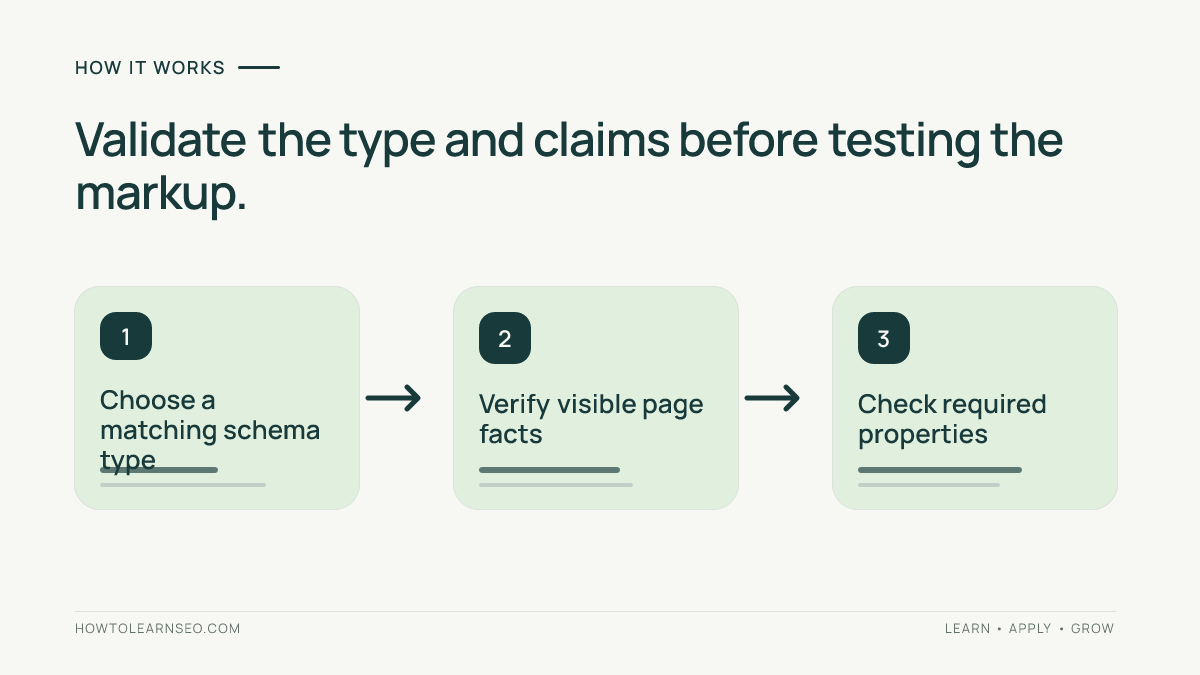
Look at what visitors can actually read or do. A genuine tutorial article may support Article markup. A product detail page may qualify for Product markup when the required facts and feature rules apply. A generic comparison post is not automatically a product listing, and a cooking story is not necessarily a complete recipe.
Use Google’s structured data guidelines and the specific feature documentation. Not every schema.org type has a Google rich-result feature. Never add fake properties merely to satisfy a test. If the page lacks evidence for a feature, use accurate markup or omit the unsupported feature.
Step 2: Match each proposed property to visible evidence
Read the AI draft property by property. Match the headline to the displayed title, dates to the WordPress record, author to the visible credit, and images to real accessible assets. Verify prices, availability, ratings, and reviews against authoritative page data. Do not substitute guesses or illustrative values for real facts.
Google warns against misleading markup and information hidden from readers. If the page changes after generating the draft, repeat this review. The JSON-LD may still parse successfully while describing an outdated page. Mark uncertain claims for removal or source verification, not automatic approval.
Step 3: Inspect the structured data WordPress actually serves
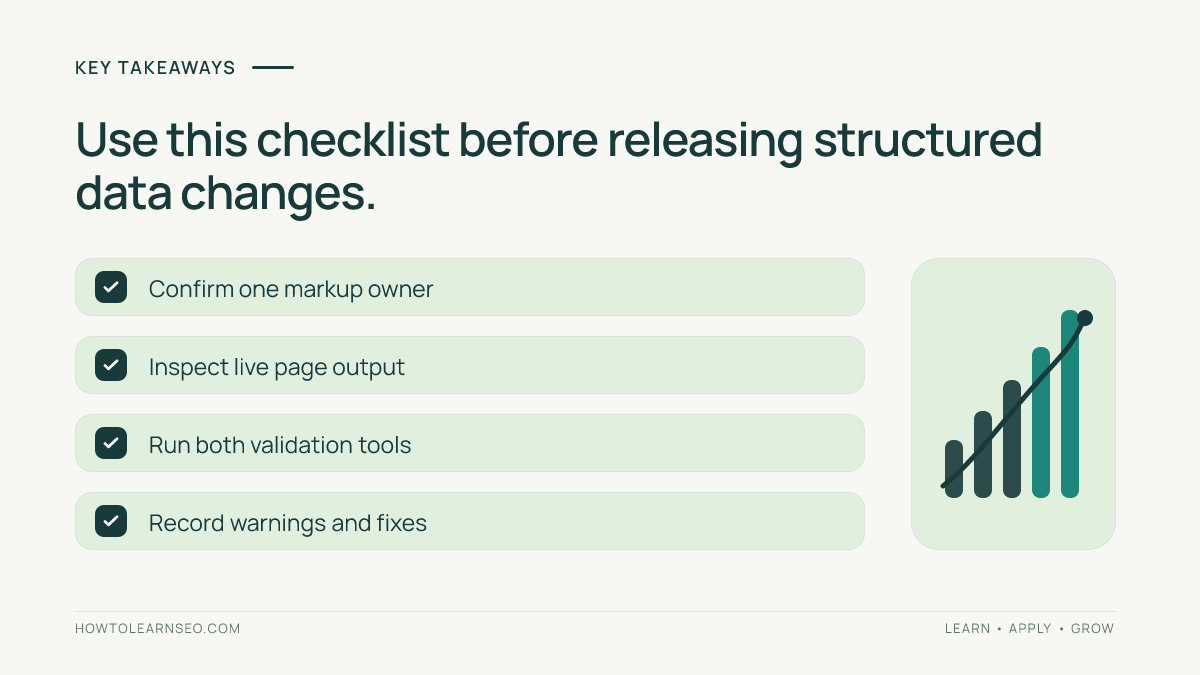
A WordPress plugin may already output Article, Breadcrumb, or Organization data. A theme can add another block. Inspect the public page’s source or rendered HTML, find the structured data, and note the type and source of each block. Include Microdata or RDFa if present; not all sites use only JSON-LD.
Multiple items can be legitimate. Look specifically for contradictory dates, different URLs for the same entity, conflicting author names, or two systems describing the same article inconsistently. Resolve the responsible plugin or template setting rather than layering on another script. For a related navigation example, see the WordPress breadcrumb audit.
Step 4: Run the right tests on the actual output
Google’s Rich Results Test checks supported Google rich-result features and reports detected items, errors, and warnings. The Schema Markup Validator checks broader schema.org markup. Use both where relevant: valid schema vocabulary and Google feature eligibility are not identical.
Test the live URL after publication; a plugin or template may alter the submitted AI draft. Fix required-property errors with real information. Review recommended fields without inventing data. Passing a validator does not establish truthfulness, indexing, ranking gains, or a guaranteed rich result.
Worked example: correcting a fabricated rating
Imagine an AI assistant drafts Article markup for a WordPress tutorial credited to its editorial team. It correctly copies the headline and publication date, but also inserts a rating of 4.9 from 200 reviews. The page has no genuine review feature or verified ratings. This is an illustrative scenario, not a test performed on a real website.
| AI-proposed field | Visible evidence | Action |
|---|---|---|
| Headline | Matches article heading | Keep |
| Date published | Matches WordPress record | Keep |
| Author | Matches visible credit | Keep |
| Rating and review count | No genuine reviews exist | Remove |
After correcting the fields, inspect the page output again. If the SEO plugin already owns the Article entity, update its supported settings instead of adding competing markup. Aim for one coherent description supported by evidence rather than a large collection of properties.
Step 5: Record the release decision
Keep a short change log with the URL, markup owner, schema type, verified properties, test outcome, editor, and release date. Explain any warnings left unresolved. This helps prevent a later AI rewrite from reintroducing rejected claims. The same evidence-first habit appears in the site’s AI-generated SEO report audit.
Troubleshoot common problems
- No rich-result item: Check whether Google supports the chosen type for that feature and whether the tested page contains it.
- Required field missing: Consult the feature guide and add a field only when its underlying fact is real.
- Conflicting values: Trace the output to the responsible plugin, theme, or code and remove the conflicting source.
- Test passes but search display stays the same: Check crawl status and allow time for Google to process changes.
Google’s debugging guidance describes Rich Results Test, Search Console URL Inspection, and the delay before recrawled changes appear. Record observations without assuming schema caused a traffic change.
Measure outcomes without promising AI visibility
After publication, note the page’s Search Console baseline and relevant enhancement reports, if available. Review them after recrawling, not immediately after editing. Other factors can influence clicks, so a before-and-after comparison is not automatically proof that structured data caused a change.
Structured data does not guarantee ChatGPT citations, inclusion in AI answers, or rankings. Keep technical validation, observed search appearances, and business outcomes as separate measures.
Frequently Asked Questions
Can AI generate valid JSON-LD for WordPress?
Yes, AI can draft JSON-LD, but an editor must verify the type, required properties, visible evidence, and final output. Syntax validity alone does not establish truthfulness or eligibility.
Does passing the Rich Results Test guarantee a rich result?
No. The test checks supported technical conditions, while Google decides whether and how a result appears. The page must also follow relevant content and feature guidelines.
Should I add JSON-LD if my SEO plugin already generates it?
Inspect the existing output first. If it already describes the page accurately, avoid adding competing markup. Change the owning plugin’s settings where supported.
Can structured data guarantee citations in AI search?
No. Structured data does not guarantee citations, inclusion in AI answers, rankings, or traffic. Treat AI visibility as a separate measurement question rather than a markup promise.
When should I repeat a structured data audit?
Repeat the audit after meaningful content changes, plugin or theme updates, template migrations, or new validation warnings. Recheck the live page because its output may differ from the AI draft.
Conclusion
A reliable AI-generated structured data audit combines editorial fact-checking and technical validation. Begin with the visible WordPress page, confirm schema type and ownership, compare every property with evidence, test the rendered output, and document the release. Accurate, maintainable markup matters more than adding extra fields in the hope of special search treatment.