
A search engine can read the visible words on a page, but those words do not always explain what each piece of information represents. A name might belong to a person, product, organization, recipe, event, or place. Schema markup adds machine-readable labels that make those relationships clearer.
When implemented accurately, structured data can help search systems interpret a page and may make it eligible for enhanced search appearances known as rich results. It is not a shortcut to higher rankings, and valid code does not guarantee a special result. This guide explains the vocabulary, formats, implementation process, validation tools, and quality rules behind schema markup as a practical part of technical SEO.
Quick Answer: What Is Schema Markup?
Schema markup is structured data added to a webpage to describe its content using a shared vocabulary, most commonly Schema.org. It identifies entities and properties in a consistent format so search engines and other applications can understand that a page contains an article, product, organization, event, recipe, video, breadcrumb trail, or another defined type of information.
Google supports JSON-LD, Microdata, and RDFa and recommends JSON-LD where practical. Its structured-data guidelines separate technical validity from content and policy requirements. A syntactically valid block still needs to represent the page accurately.
Key Takeaways
- Structured data is the machine-readable information; Schema.org provides the vocabulary used to describe it.
- A schema type identifies the entity, while properties describe facts and relationships about that entity.
- JSON-LD is usually the easiest format to maintain and is recommended by Google when a site’s setup allows it.
- Schema markup can create eligibility for rich results, but it does not guarantee that a rich result will appear.
- The markup must match visible page content and follow the guidelines for the specific search feature.
- Not every Schema.org type has a corresponding Google rich result.
- Validation, template testing, and ongoing monitoring are part of implementation—not optional final steps.
Structured Data, Schema.org, and Rich Results: What Is the Difference?
These three terms are related but not interchangeable.
| Term | Meaning | Simple Analogy |
|---|---|---|
| Structured data | Information organized in a machine-readable format. | The completed form containing labeled information. |
| Schema.org | A shared vocabulary of types and properties used to label entities and relationships. | The standard list of field names available on the form. |
| JSON-LD, Microdata, or RDFa | The technical formats used to place structured data on a webpage. | The file format in which the form is delivered. |
| Rich result | An enhanced search appearance that a search engine may show for eligible content. | One possible way an application uses the completed form. |
Schema.org contains types used by many applications. Google supports a documented subset of Search features, listed in its current structured-data gallery. A Schema.org type can remain valid vocabulary even when Google does not offer a rich result for it.
How Does Schema Markup Help Search Engines?
Search engines already analyze page text, links, images, and layout. Structured data adds explicit clues. Instead of inferring that “Blue Trail Shoes” is a product name, “$79” is its price, and “In stock” is its availability, the markup can label those values directly and connect them to the same Product entity.
This supports three broad outcomes:
- Clearer entity understanding: machines can identify what the page is mainly about and how its information relates.
- Rich-result eligibility: supported, policy-compliant markup may qualify a page for enhanced search presentation.
- Consistent data relationships: shared identifiers and properties can connect an organization, author, article, product, image, and webpage.
Structured data supports the broader process of crawling, indexing, and presenting content, but it does not replace useful text, accessible HTML, internal links, or sound site architecture.
How Types and Properties Work
A type identifies what an entity is. Examples include Article, Product, Organization, and Event. A property describes something about that entity, such as its name, author, URL, image, price, start date, or location.
In JSON-LD, @context identifies the vocabulary, @type identifies the entity type, and the remaining fields express properties. A simplified Article example looks like this:
<script type="application/ld+json">
{
  "@context": "https://schema.org",
  "@type": "Article",
  "headline": "A Beginner's Guide to Schema Markup",
  "author": {
    "@type": "Person",
    "name": "Alex Morgan"
  },
  "datePublished": "2026-09-15"
}
</script>
The example is intentionally small. A production implementation should follow the current requirements for the relevant search feature, use accurate values from the page, and include every required property. Recommended properties should be added when the information is genuinely available.
What Is the Purpose of @id?
The @id property can give an entity a stable identifier, often expressed as an absolute URL with a fragment. Multiple structured-data blocks can refer to the same identifier so a search engine understands that they describe one organization, person, product, or webpage rather than separate entities.
For example, Article markup can reference an Organization entity as its publisher. That Organization can also be described elsewhere with the same @id, logo, name, and website. Consistent identity is more useful than creating slightly different versions of the same entity on every page.
Which Schema Types Should a Website Use?
Choose types based on the content that users can actually see, not on the search appearance you would like to receive. Common examples include:
| Schema Type | Appropriate Content | Useful Properties |
|---|---|---|
| Article | Blog posts, news stories, and editorial articles. | Headline, author, publication date, modification date, image, publisher. |
| BreadcrumbList | Pages with a visible hierarchical navigation path. | Item position, name, and URL. |
| Organization | The business, publisher, nonprofit, or institution behind a site. | Name, URL, logo, identifiers, address, and contact details when relevant. |
| LocalBusiness | A physical business serving customers at a location or service area. | Business type, address, hours, telephone, and location. |
| Product | A genuine product page containing product information. | Name, image, description, offers, availability, price, and authentic reviews. |
| Recipe | A complete recipe with visible ingredients and instructions. | Ingredients, instructions, preparation time, cooking time, image, and nutrition when available. |
| Event | A real event occurring at a stated time and place or valid online location. | Name, date, location, organizer, performer, image, and offers. |
| VideoObject | A page featuring an accessible video. | Name, description, thumbnail, upload date, duration, and content or embed URL. |
| ProfilePage | A page primarily about one person or organization connected with the site. | Main entity, name, description, image, date created, and date modified. |
Do not add every possible type to every page. Start with the page’s main entity, then add related types only when they represent meaningful visible content. One page can contain Article, BreadcrumbList, Organization, and VideoObject data when all four genuinely apply.
Does Schema Markup Improve Rankings?
Schema markup is not a guaranteed ranking boost. It can help a search engine understand a page and can make eligible content available for rich-result features. A more informative search appearance may affect how users interact with a result, but the markup itself does not rescue weak content, poor relevance, slow pages, or an inaccessible website.
Think of schema as a clarity layer. Strong on-page SEO communicates meaning to readers through useful content and clear HTML. Structured data communicates selected facts to machines in a standardized form. Both should describe the same reality.
Schema Markup Does Not Guarantee a Rich Result
A page can pass a validator and still appear as a standard text result. Validation confirms that code can be parsed and may meet technical requirements; it does not promise display. Search engines choose the most appropriate result format for each query, user, device, location, and context.
Rich-result eligibility may also be lost when:
- The page or marked-up content is blocked from crawling or indexing.
- Required properties are missing or use invalid values.
- The structured data does not represent the page’s main visible content.
- Reviews, ratings, prices, dates, or availability are misleading or outdated.
- The site violates general search policies or feature-specific guidelines.
- The schema type exists on Schema.org but is not supported for that search feature.
Current feature-support check: Google’s documentation changelog says FAQ rich results stopped appearing on May 7, 2026, and the documentation was removed on June 15, 2026. HowTo rich results had already been retired. Keep useful visible FAQs for readers, but do not expect either type to produce those discontinued Google features. Valid vocabulary and supported Google presentation are separate questions.
For AI Overviews and AI Mode, Google’s generative-AI optimization guide says structured data is not required and there is no special AI schema to add. Markup cannot guarantee an AI citation.
How to Choose the Right Schema Markup
- Identify the page’s main purpose: decide whether it is primarily an article, product, local business page, event, recipe, profile, video page, or another content type.
- Check current search-feature support: confirm that Google documents a relevant feature if rich-result eligibility is part of the goal.
- Read the type-specific requirements: separate required properties from recommended properties and quality policies.
- Map visible content to properties: every marked-up fact should be present and accurate on the page unless the documentation explicitly allows otherwise.
- Use the most specific valid type: a LocalBusiness subtype may communicate more than a generic Organization when it accurately describes the entity.
- Plan stable identity: use consistent URLs and identifiers for the same organization, author, product, or webpage across templates.
If no suitable supported type exists, do not force an unrelated type. Ordinary search results can perform well without rich-result markup. Accurate basic entity data is better than an elaborate but misleading implementation.
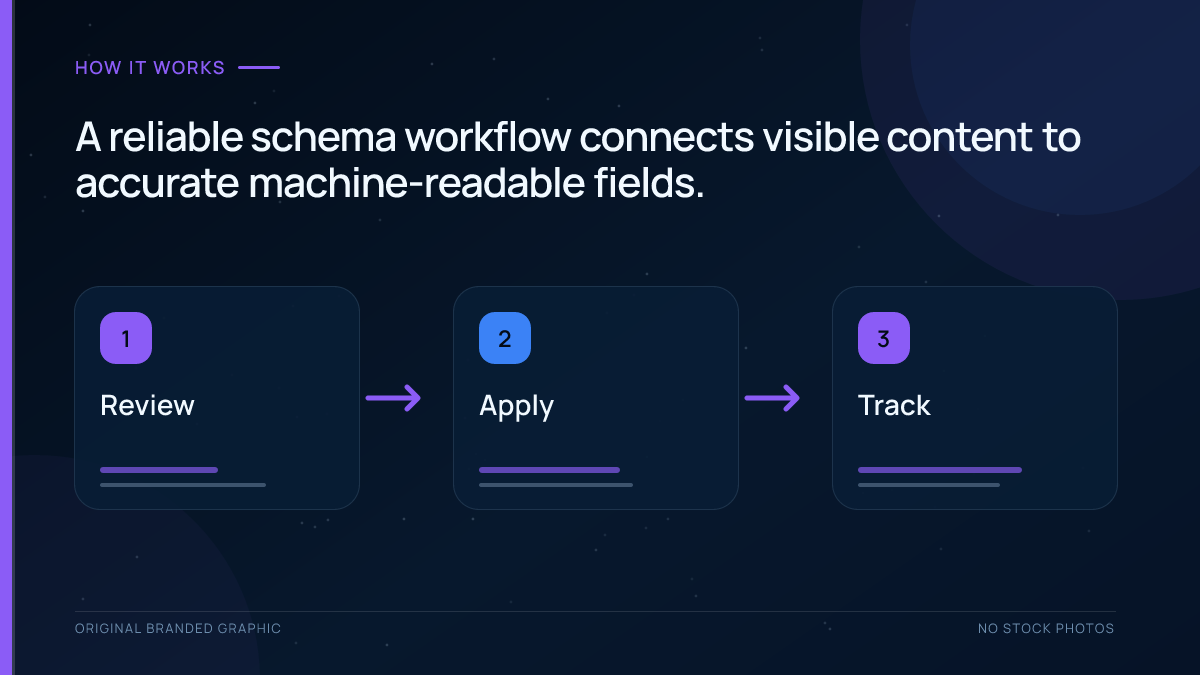
How to Add Schema Markup Step by Step
1. Audit Existing Markup
Before adding anything, inspect the page source, rendered HTML, theme output, plugins, tag manager, and server-side templates. Many CMS platforms already generate Organization, WebSite, Article, Product, or Breadcrumb markup. Adding another plugin can create duplicate entities or conflicting values.
2. Select a Supported Type and Its Properties
Use the documentation for the exact search feature, not a random generator’s checklist. Record the required properties, the useful recommended properties, the source of each value, and how often the information changes.
3. Generate Data From the Same Source as the Page
Dynamic fields such as title, author, price, availability, publication date, and image should come from the same database values that render the visible page. This prevents the markup from becoming stale when content changes.
4. Implement JSON-LD Cleanly
Place valid JSON-LD on the page it describes. A theme, custom template, CMS extension, or SEO plugin can generate it. Avoid manually copying static values across hundreds of pages when those values should be dynamic.
5. Validate Before Deployment
Use Google’s Rich Results Test to check eligibility for supported features. A general Schema.org validator can identify vocabulary and syntax issues beyond Google’s feature set. Fix errors, review warnings, and manually compare the structured data with the visible content.
6. Test a Representative Sample
Deploy on a small set of pages covering the main template variations. Inspect pages with missing images, multiple authors, sale prices, unavailable products, updated dates, optional fields, and other edge cases before rolling out sitewide.
7. Monitor After Search Engines Recrawl
Use URL Inspection to confirm that the rendered page contains the expected markup. Review relevant rich-result reports and enhancement reports in Search Console, and watch for changes after theme, plugin, product-feed, or template updates.
How to Add Schema Markup in WordPress
WordPress site owners normally have three implementation routes:
- An SEO or schema plugin: convenient for common types and dynamic template fields.
- Theme or block integration: useful when the theme already controls article, breadcrumb, product, or organization data.
- Custom development: appropriate for specialized entities, custom post types, complex relationships, or business-specific fields.
The main risk is duplication. A theme, ecommerce plugin, recipe plugin, and SEO plugin may all output structured data. More markup is not automatically better. Audit the rendered page and decide which component owns each entity.
A plugin setting is not proof of accurate output. Compare author names, publisher details, images, dates, prices, availability, and canonical URLs with the visible page. Valid markup cannot overcome an inaccessible or excluded page; use the indexing checklist to review eligibility separately.
Worked Example: Check the Page and the Markup Together
This fictional example concerns a tutorial with a visible title, a brand byline, and no customer reviews. It is a demonstration of a review process, not a report of testing this site.
| Field | Observed mismatch | Repair decision |
|---|---|---|
| Article headline | Old title remains in a static JSON-LD block | Generate the headline from the current visible title |
| Author | Markup invents a named specialist while the page uses a brand byline | Use truthful author/entity information; do not fabricate a person |
| Review rating | Five stars exist only in markup | Remove invented ratings; follow the relevant type’s requirements |
| FAQ answers | Markup contains answers absent from the article | Make every marked-up question and answer match visible content |
Inspect all generators before adding another block. Validate code, compare values with the page, and confirm that the deployed response contains the reviewed version. Passing a test establishes neither Google display nor AI visibility.
How to Validate and Monitor Structured Data
Rich Results Test
Use this tool to test whether a page or code sample is eligible for Google-supported rich-result types. It identifies detected items, errors, and warnings and can preview some result features. Passing the test means the technical markup is eligible for evaluation, not that Google will display it.
Schema Markup Validator
A general validator checks Schema.org vocabulary and syntax, including types that do not map to Google rich results. It is useful for entity modeling, but it does not replace Google’s feature-specific requirements.
URL Inspection
Use URL Inspection after deployment to see whether Google can access the page and whether the rendered HTML includes the intended structured data. A test using pasted code can pass even when the live site blocks resources, injects different data, or serves a broken template.
Search Console Reports
Enhancement and rich-result reports can reveal valid items, invalid items, warnings, and affected URLs at scale. After fixing a template issue, use the validation workflow and allow time for recrawling. Also monitor manual actions because spammy structured data can lose rich-result eligibility even when the page remains in ordinary web search.
Common Schema Markup Mistakes
Marking Up Content That Users Cannot See
Structured data should represent the visible page. Do not add ratings, questions, offers, events, or author details solely inside the markup to attract a richer result.
Choosing a Type Because It Looks Attractive
A recipe type belongs on a genuine recipe, an event type on a genuine event, and a product type on a genuine product page. The desired visual result does not justify an inaccurate classification.
Omitting Required Properties
Schema can be valid in a general vocabulary validator but incomplete for a particular Google feature. Follow the feature documentation and supply complete, accurate required fields.
Publishing Fake or Self-Serving Reviews
Ratings and reviews must reflect genuine user content and comply with the rules for the entity type. Fabricated ratings, copied reviews, or markup that misrepresents who created the review can lead to ineligibility or a manual action.
Letting Dynamic Values Become Stale
Product price, stock status, event dates, job availability, and article modification dates can change. Generate structured data from the same source as the visible content so both remain synchronized.
Allowing Multiple Plugins to Describe the Same Entity Differently
Duplicate Organization or Article blocks are not always invalid, but conflicting names, URLs, logos, authors, or identifiers create ambiguity. Assign clear ownership of each entity and merge relationships when appropriate.
Using Inconsistent Entity IDs
If the same organization has a different identifier on every page, search systems may interpret each block as a separate entity. Use stable absolute identifiers and reference them consistently.
Assuming a Passing Test Guarantees Display
Automated tests catch syntax and many technical requirements. They cannot guarantee policy compliance, relevance, indexing, quality, or the search engine’s display decision.
Failing to Recheck After Site Changes
Theme updates, plugin settings, URL migrations, product-feed changes, and redesigned templates can silently break markup. Structured data needs regression testing just like other technical website features.
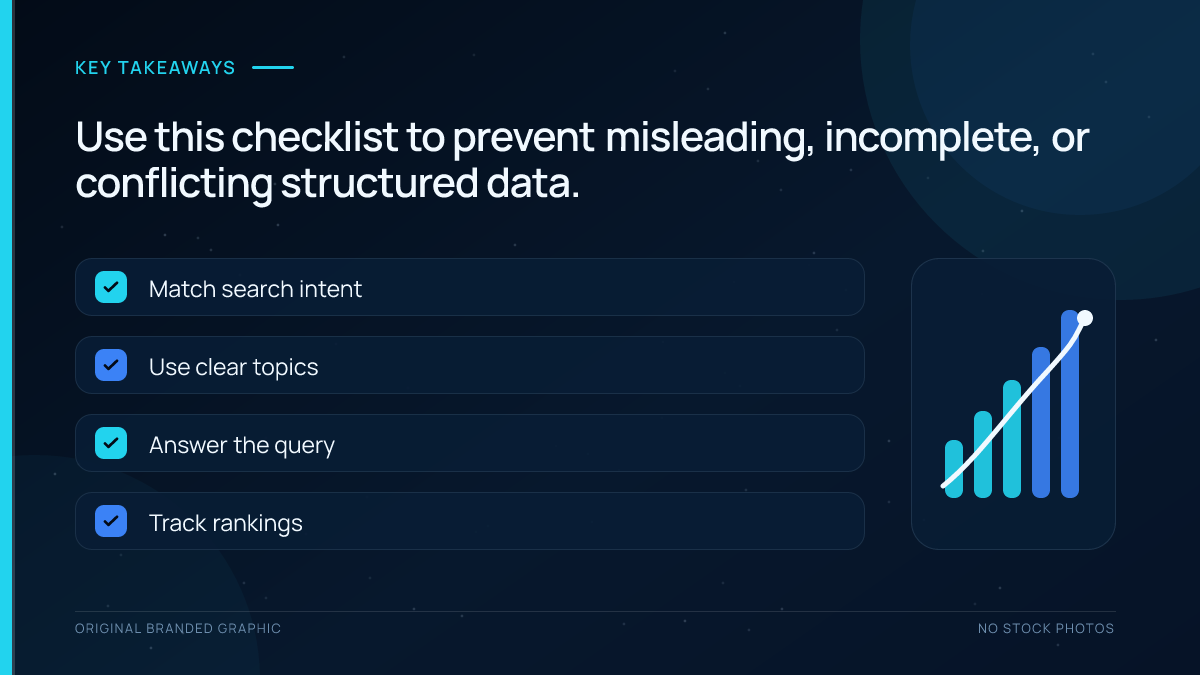
Schema Markup Best Practices Checklist
- Describe the page’s real primary content.
- Choose the most specific accurate Schema.org type.
- Follow the current documentation for the target search feature.
- Include every required property and accurate recommended properties when available.
- Prefer maintainable JSON-LD when the site supports it.
- Keep markup synchronized with visible content and dynamic data.
- Use stable absolute URLs and consistent entity identifiers.
- Avoid duplicate or conflicting output from themes and plugins.
- Keep pages, images, and required resources crawlable and indexable.
- Validate code, test rendered pages, and review edge cases.
- Monitor Search Console after deployment and template changes.
- Never fabricate reviews, ratings, prices, availability, or other facts.
Frequently Asked Questions
Does schema markup directly improve Google rankings?
No guaranteed direct ranking boost comes from adding schema markup. It can help Google understand a page and can make eligible content available for supported rich-result features. Better presentation may influence how searchers interact with a result, but rankings still depend on relevance, quality, accessibility, links, and many other signals. Schema cannot compensate for weak content or technical problems.
Is JSON-LD the best format for structured data?
JSON-LD is usually the best practical choice because Google recommends it when a site’s setup allows it, and it is easier to maintain without mixing markup into visible HTML. Microdata and RDFa are also supported when implemented correctly. Choose the format your team can generate accurately, keep synchronized with page content, validate reliably, and maintain across templates.
Can one page use multiple schema types?
Yes. A page may accurately contain several related entities, such as Article, BreadcrumbList, Organization, and VideoObject. The main type should reflect the page’s primary purpose, while additional types should describe genuine visible content. Related entities can be nested or connected with stable identifiers. Avoid adding types merely to increase the amount of markup.
Do all Schema.org types qualify for Google rich results?
No. Schema.org provides a broad vocabulary used by many applications, while Google supports a documented subset of structured-data search features. A type can be valid Schema.org markup without creating eligibility for a special Google result. Check Google’s current search gallery and the type-specific guidelines before planning around a particular rich-result appearance.
Can I add schema markup in WordPress without coding?
Yes. Many SEO, ecommerce, recipe, event, and schema plugins can generate JSON-LD from WordPress fields. The important work is choosing the correct type, completing accurate data, and preventing duplicate output from other plugins or the theme. Always test the rendered page rather than assuming that enabling a setting created correct markup.
How long does it take for rich results to appear?
There is no guaranteed timeline or guarantee that a rich result will appear at all. Google must crawl and process the updated page, and then decide whether the feature is appropriate for a particular search. Use URL Inspection to confirm discovery, monitor the relevant Search Console report, fix errors, and allow time for recrawling before evaluating the result.
Conclusion
Schema markup gives search engines explicit, standardized clues about the entities and information on a webpage. The best implementation is accurate, restrained, and maintainable: choose a type that matches the visible content, use complete properties, connect entities consistently, and validate both the code and the live page.
Treat structured data as part of the site’s content system rather than a one-time SEO trick. When templates, prices, authors, URLs, or policies change, the markup must change with them. Correct schema markup can improve understanding and create rich-result eligibility, but trustworthy content and a technically accessible page remain the foundation.