An AI-generated WordPress navigation audit checks whether a proposed menu uses real published URLs, creates crawlable links and works for people across devices. AI can invent convincing page paths or suggest a visually attractive clickable element that search crawlers cannot reliably follow. Verify the delivered menu, not the design mockup.
This guide is for a site owner updating a WordPress block menu, classic theme navigation or custom header. It focuses on specific release checks rather than promising better rankings merely because a menu changed.
Quick Answer
List approved menu links, confirm every destination is live, inspect rendered HTML anchors and href attributes, review labels and hierarchy, and test mobile and keyboard navigation. Fix incorrect items in the actual WordPress menu source and repeat the tests anonymously after publishing.
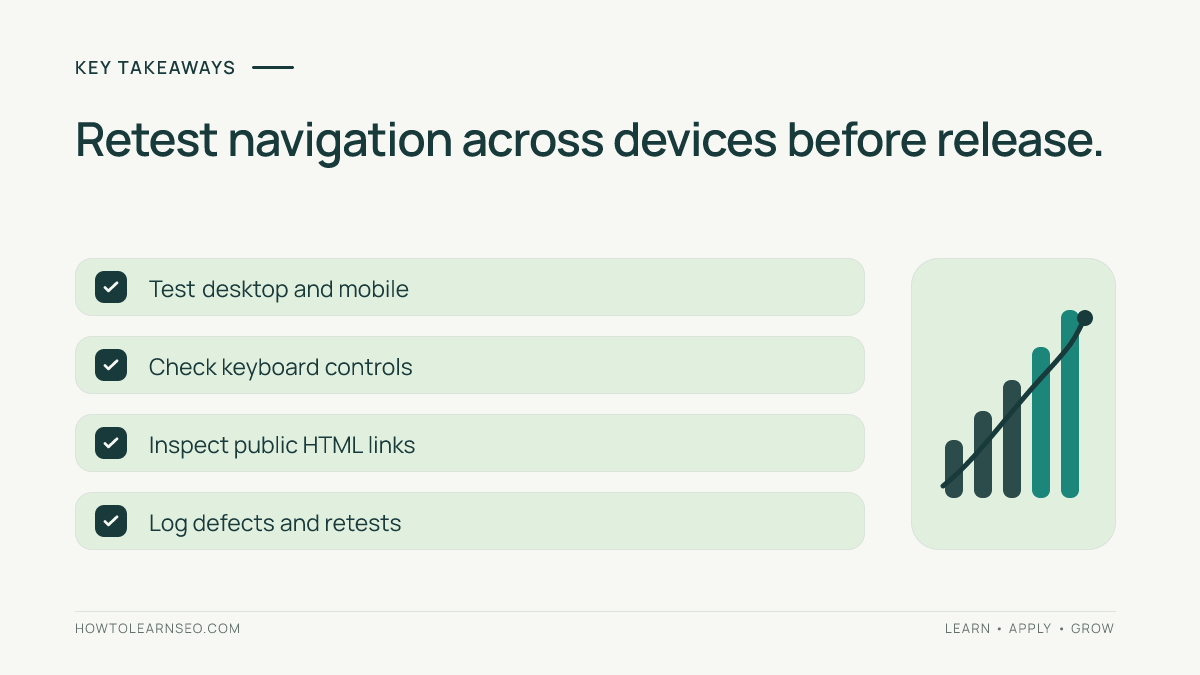
Key Takeaways
- A valid clickable menu item should generally use a resolvable anchor href.
- Every menu link should point to the intended published page.
- Descriptive labels make navigation easier for visitors and crawlers.
- Dropdown interactions must work beyond desktop mouse hover.
- Record the source of any repair and verify the public result.
Prepare an Inventory Before Editing
Export or list each current menu item with its visible label, URL, parent item and location. Note whether the site uses a block-theme Navigation block, a classic theme menu or a custom JavaScript component. The editing screen and markup differ among installations, so do not assume one universal WordPress setup.
Select representative paths: one top-level link, one dropdown child, an important article, a mobile-only menu item and a footer link. Mark the approved destination and whether it requires login. For the underlying hierarchy, consult our website architecture guide. A sensible hierarchy reflects real content groups rather than every keyword variation suggested by AI.
Keep draft and private URLs out of public navigation unless that visibility is intentional. A model can propose a plausible slug for an unfinished article, but a guessed path is not proof of a published resource. Compare the inventory with actual public pages before release.
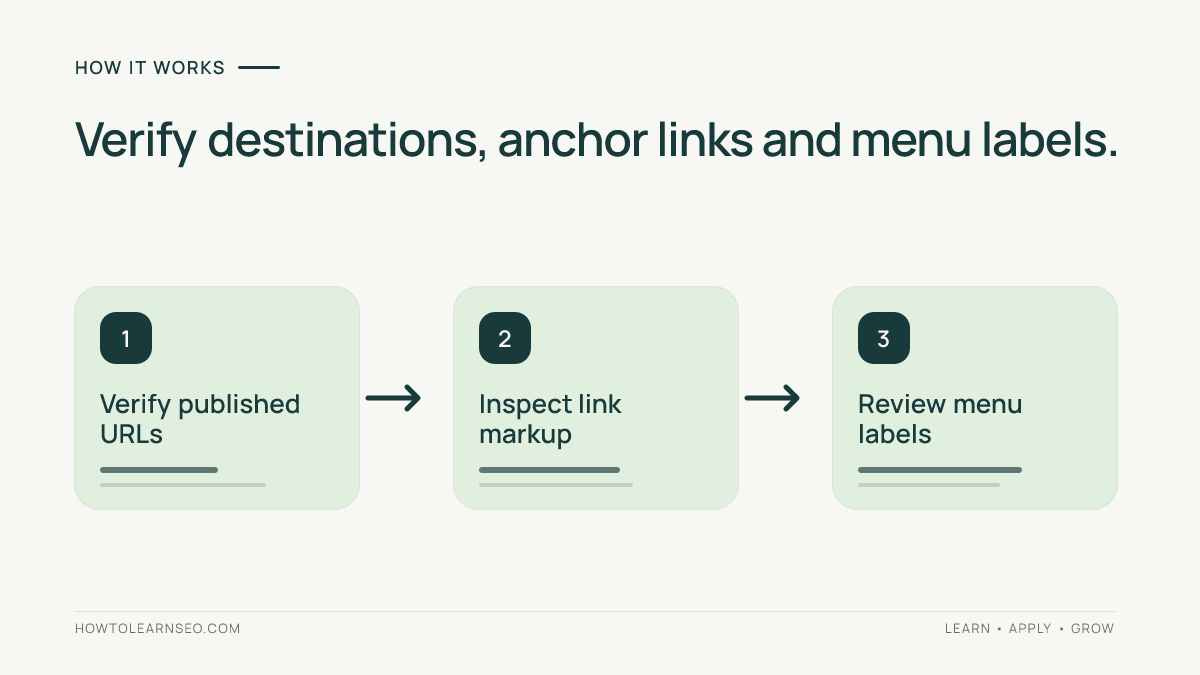
Step 1: Confirm Every Destination
Open proposed links in an anonymous browser session and compare the final URL with the intended page. Investigate 404 responses, redirects to unrelated resources, copied staging hostnames, wrong-language pages and loops. Some redirects are legitimate, but the destination still needs to match the menu label.
Check if multiple menu items lead to the same content. Repetition can sometimes help users, but needless duplicates make a menu confusing. An AI assistant might create separate menu groups named AI Search, GEO Basics and Generative Search even when the site has only one shared overview page.
WordPress’s Navigation block documentation describes how menu labels and destinations can be edited in supported block themes. In a classic theme, identify the actual menu source rather than searching for a setting that is not present.
Step 2: Inspect Crawlable HTML Links
Google’s link best practices explain that regular HTML anchors with href attributes provide reliable link destinations. A span or button that navigates only through a script event is not an equivalent guarantee for search crawlers.
Inspect a rendered menu and, when useful, the original HTML source. A proper link should contain a resolvable URL and behave as a link for users. JavaScript can insert valid anchors, but relying on rendering introduces additional dependencies. Google’s JavaScript SEO guidance describes link discovery before and after rendering.
Our JavaScript SEO guide explains why an attractive interactive menu may still deserve a technical audit. Do not accept an AI-generated replacement based only on screenshots; inspect the final public elements.
Step 3: Evaluate Labels and Menu Structure
Read each label without seeing the destination. It should help a new visitor understand the page they will open. Prefer concise descriptions such as Keyword Research over repeated vague text such as Learn More throughout a large menu. Remove labels that promise resources the website does not actually contain.
Keep the parent-child structure predictable. Some important pages need a place in global navigation, while others are better reached through relevant contextual links. The internal linking guide covers those deeper connections. A menu does not need to include every article to be useful.
Consider mobile space, language and user tasks. An enormous dropdown created to include every topic variant may frustrate readers even if its markup is valid. Prioritize clear editorial relationships rather than claiming a larger navigation automatically creates more SEO value.
Worked Example: A Clickable Span Instead of a Link
Imagine a fictional WordPress tutorial site where an AI-generated theme patch replaces dropdown anchors with clickable spans. The desktop menu still appears to work with a mouse, but an automated inspection finds no real href attributes on the child destinations. That is a problem worth fixing before publication.
Restore ordinary anchors with approved published URLs and retest both the rendered HTML and actual navigation behavior. Confirm that keyboard focus can reach the submenu items and that mobile users can open them. Record the observed results without pretending Google personally inspected the site or that rankings immediately changed.
In a separate illustration, a menu item named AI Search Reporting points to an invented preview slug. Replace it with the correct published URL or remove it until the page exists. A polished label is not enough when the destination has never been created.
Step 4: Test Devices and Input Methods
Open a narrow mobile layout and inspect how the dropdown expands, collapses and handles long labels. Test with a keyboard as well as a mouse. A submenu should not trap focus or depend exclusively on hover; check meaningful destinations rather than only the animation.
Look for links that appear only after a script loads. Rendering can expose JavaScript-generated anchors, but the final elements should still use appropriate href values. Where possible, choose robust markup that works without a fragile chain of UI events.
Check reusable header templates, archive pages and translated layouts after changes. Fixing the desktop header does not guarantee a separate mobile menu was updated. Keep a note of which WordPress block, template or component owns each repaired link.
Step 5: Retest the Released Menu
After saving changes, recheck a representative set of public pages anonymously. Record each menu label, target URL, final response, observed anchor markup, keyboard behavior and device state. A publication receipt should reflect the delivered website, not merely what an editor says was saved.
Consult the WordPress breadcrumb audit when a navigation change affects the relationship between parent and child pages. Breadcrumbs and menus are complementary, not interchangeable, and need to match the site’s actual hierarchy.
Keep a rollback path for major menu changes. Correct broken URLs and inaccessible controls first, then consider broader architecture changes based on reader needs and verified content coverage rather than generated suggestions alone.
Common Audit Errors
- Testing only desktop: inspect mobile and keyboard interactions too.
- Trusting AI-generated slugs: verify published URL destinations.
- Counting spans as anchors: check HTML href attributes.
- Using vague labels: explain the actual destination.
- Editing only one template: find every reused menu component.
Frequently Asked Questions
Can Google crawl navigation links generated with JavaScript?
Google can discover JavaScript-generated links when the rendered elements use ordinary anchors with resolvable href attributes. However, depending on script rendering adds complexity. Inspect the actual output rather than assuming every clickable menu element is crawlable.
Should I publish an AI-generated WordPress menu without link checks?
No. Confirm that every destination is live, relevant to its label and approved for public visitors. AI-generated site plans can contain plausible but nonexistent paths, including draft and staging links that do not belong in a public menu.
Are dropdown navigation menus bad for SEO?
No. A dropdown is not inherently harmful. Its destinations should be crawlable and appropriate, and the interface should work for people using different devices and input methods. Problems arise from broken links or unreliable interaction patterns.
Does the main menu need a link to every published page?
No. Global navigation usually works best when it emphasizes important sections. Contextual links, category pages and other discovery paths can help visitors reach additional articles without making the main menu excessively long.
How can I verify that a WordPress menu update succeeded?
Inspect published href destinations, open representative links without logging in and test desktop, mobile and keyboard behavior. Compare the observations with your approved menu inventory and record unresolved errors before signing off.
Conclusion
AI-generated WordPress navigation needs a real-world audit before release. Verify live destinations, anchor markup, labels and usable interactions, then correct the underlying menu source. A recorded public retest is stronger evidence than any generated design mockup.