Validate AI-generated canonical tags for UTM URLs by checking that each tracking link serves substantially the same content as its proposed clean destination, that its HTML contains a consistent canonical element, and that the destination is accessible. An AI-generated URL map is a proposal, not proof that search engines will select its preferred URL.
Quick Answer
Export campaign URLs, propose clean counterparts by removing only known attribution parameters, and test both versions. Compare content, HTTP status, redirects, canonical HTML, and indexability. Approve a mapping only when the evidence supports equivalence. Keep a separate review queue for altered offers, language variants, redirects, and conflicting canonical signals.
Key Takeaways
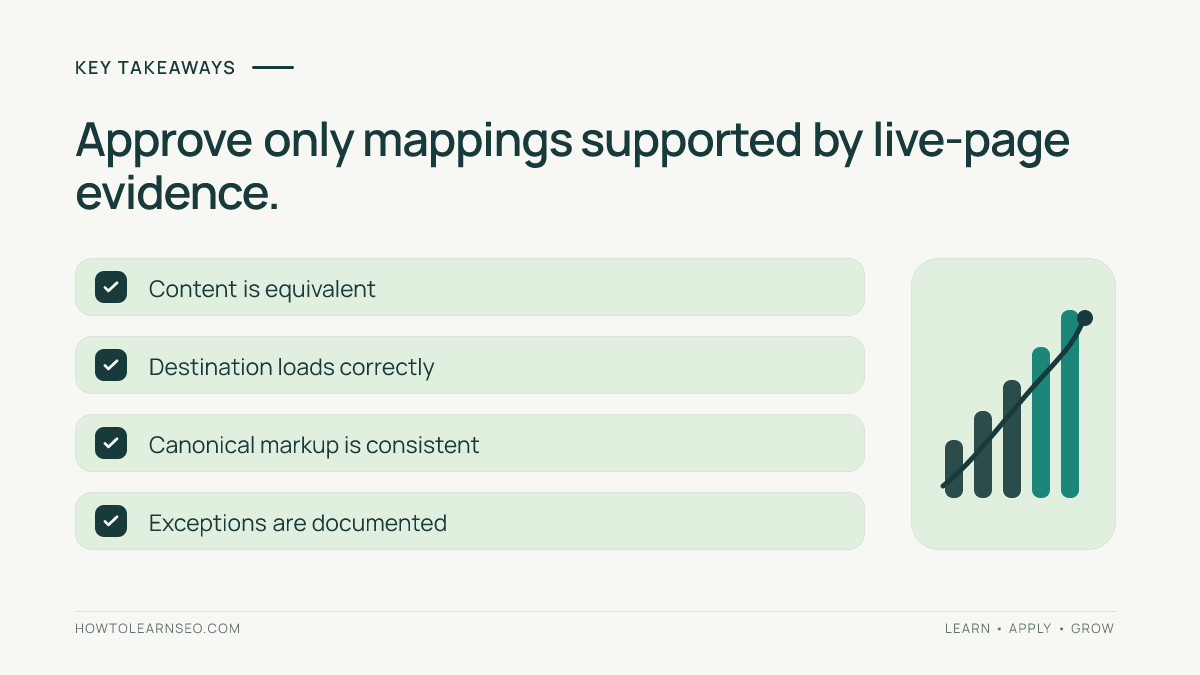
- UTM parameters identify marketing attribution; they do not automatically create distinct content.
- Never strip every query parameter without checking its purpose.
- Canonical markup is a signal, not a guarantee of Google’s selected canonical.
- Verify live responses rather than trusting an AI-generated spreadsheet.
- Retest after WordPress plugin, template, or campaign changes.
Why campaign canonical mappings need validation
A newsletter, paid advertisement, and social post can link to one WordPress article using different utm_source and utm_campaign values. AI can quickly propose a preferred URL for each variant. But its output may ignore redirects, custom landing pages, or a parameter that actually changes the displayed content. A single incorrect rule applied to hundreds of URLs creates a difficult cleanup task.
Google’s canonicalization guidance explains that Google chooses a representative among duplicate or very similar URLs. A rel="canonical" element is a supported signal, alongside other signals. This audit evaluates the implementation and evidence; it cannot promise Google’s final choice or AI-answer citations.
Prepare a small, representative URL sample
Gather campaign URLs from approved marketing records. Record each full URL, proposed canonical, owner, page purpose, observed redirect, and approval status. Avoid sharing private customer identifiers or sensitive tokens with AI systems. Start with four different cases: an ordinary newsletter URL, a redirecting campaign, a URL that changes the visible offer, and a broken destination. The variety is more valuable than testing four identical UTM links.
Use spreadsheet columns named campaign_url, candidate_canonical, content_match, http_status, canonical_html, and decision. Leave the decision blank until a person or an independently executed check supplies evidence. This approach also fits the site’s AI SEO report validation process, which distinguishes AI claims from observed facts.
Validate AI-generated canonical tags for UTM URLs
1. Classify parameters before removing them
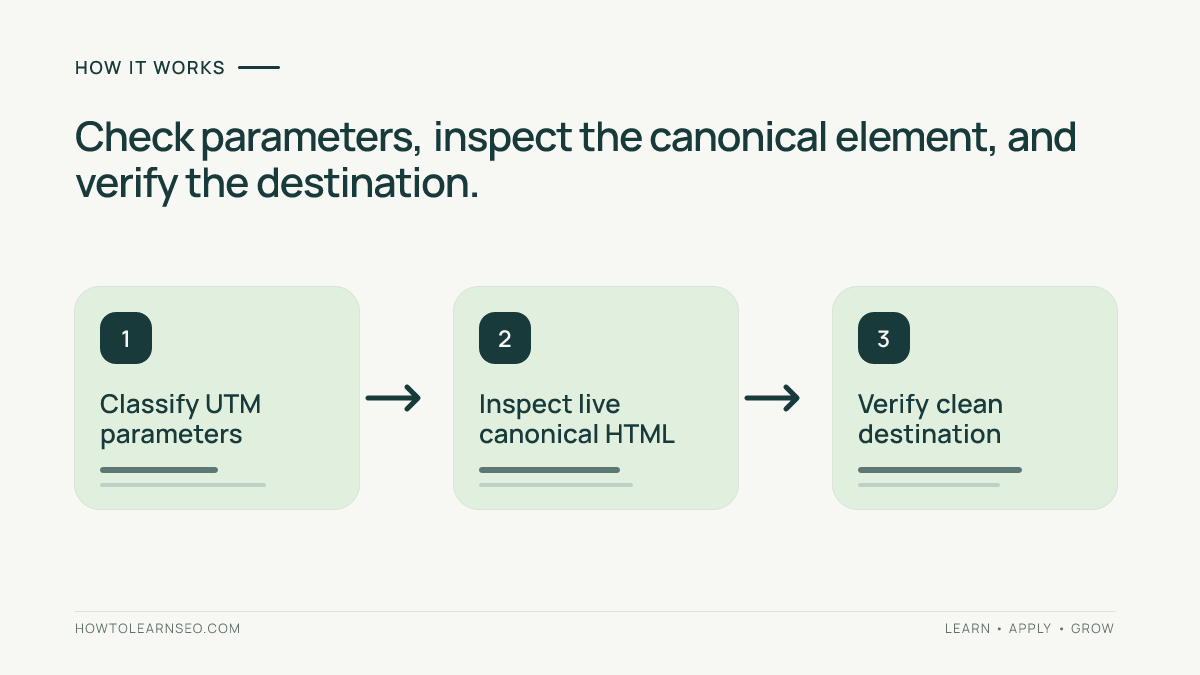
Recognize common attribution fields such as utm_source, utm_medium, and utm_campaign. Do not automatically remove language, color, size, search terms, or arbitrary parameters. Some control meaningful content. Compare page titles, primary text, products, prices, and calls to action after loading both versions. Mark a changed offer or different language as REVIEW, not PASS.
2. Follow redirects and inspect the actual HTML
Use a browser’s network and source inspection tools. Command-line users can also check the final URL and response status with:
curl -sS -L -o /dev/null -w '%{http_code} %{url_effective}\n' 'https://example.com/guide/?utm_source=email'Then inspect the campaign page’s HTML for a canonical element. A conventional example is <link rel="canonical" href="https://example.com/guide/">. Check whether the markup appears once and whether its target is the intended preferred page. Do not rely solely on a text search for one exact attribute order: HTML attributes can appear in different orders, and JavaScript may modify the DOM.
3. Inspect the preferred destination
Visit the clean URL directly. Confirm it resolves to the expected content and is not a login screen, soft error, or unintended redirect. Inspect its robots directives and canonical signals. An HTTP 200 response alone does not prove a page is suitable for indexing. Conflicting sitemap or internal-link signals should be reviewed as well; the site’s AI-generated sitemap validation guide explains how to check sitemap changes.
Do not use robots.txt blocking merely to force a canonical choice. Google explains in its robots.txt documentation that crawl restrictions and indexing controls are different. Blocking a variant may also prevent Google from seeing its canonical element.
Illustrative reproducible test: newsletter tracking URL
Input: A fictional WordPress guide lives at https://example.com/guide/. A newsletter uses https://example.com/guide/?utm_source=newsletter&utm_medium=email. Both URLs display the same guide, without personalized offers. An AI-generated table recommends the clean URL as canonical.
Rule and action: Remove only the recognized UTM fields from the proposed canonical target. Keep the original campaign link for attribution. In the WordPress SEO configuration, ensure the variant resolves to the clean guide canonical. If the plugin already outputs the correct element, do not add a second one.
Expected output: The campaign page loads and contains one canonical element pointing to https://example.com/guide/. The clean page loads successfully, displays equivalent main content, and has no contradictory canonical or noindex directive. The spreadsheet row can be marked PASS after those observations.
Verification: Fetch both URLs, record their final destinations, compare their main content, and inspect raw HTML for duplicate canonical elements. For an indexed URL, Google’s URL Inspection documentation explains how Search Console reports Google’s selected canonical when available. A recently changed page may not yet reflect the new signal in that report.
Edge case: A campaign URL redirects to a members-only offer rather than the guide. The pages are not equivalent, even though the query uses UTM parameters. Record REVIEW, inspect the redirect and content, and identify the actual preferred document before making any change.
Turn AI suggestions into reviewable decisions
Require a proposed target, the rule applied, and the evidence needed for approval. Avoid asking an AI assistant to mark URLs verified without fetching them. A practical decision table separates straightforward duplicates from exceptions:
| Observed case | Decision | Evidence needed |
|---|---|---|
| Identical content, UTM-only difference | Pass after checking | Live HTML and destination |
| Different offer or language | Review | Content comparison |
| Destination redirects or fails | Fail pending fix | Final response chain |
| Multiple canonical elements | Fail pending fix | Source and plugin settings |
Document who approved each row, what changed, and when the evidence was collected. The site’s SEO change-log tutorial provides a useful related workflow. Keep rejected rows for follow-up rather than silently discarding them.
Apply changes in WordPress without creating conflicts
Identify whether your SEO plugin, theme, custom code, or another service generates the canonical element. Test one low-risk URL before applying a template-wide rule. Adding a second canonical tag can create ambiguity; editing the responsible component is preferable. Verify that the resulting HTML is consistent in production, not just in the WordPress editor.
If testing on a staging site, keep staging URLs from becoming unintended public search results. The site’s WordPress staging audit covers that separate launch concern. After deployment, rerun the same sample, compare before-and-after results, and save response excerpts with timestamps. Recheck after a campaign redirect, SEO plugin update, or template change. Passing these checks does not guarantee higher rankings or generative-search visibility.
Common errors and practical limits
Removing all query strings is not a safe universal rule. A campaign link can resolve to unique content, and an apparent clean target can redirect somewhere unexpected. Likewise, a canonical tag does not repair an inaccessible page, a mistaken noindex directive, or conflicting page content. AI-generated suggestions can accelerate review, but they cannot replace inspection of the actual response.
For large campaigns, automate response collection while retaining manual checks for exceptions. Sample across templates, languages, and campaign owners rather than assuming one passing URL proves every variant is correct. Revisit the mapping when business rules change. The goal is a defensible, repeatable decision, not a claim that every tracked URL must disappear from search results.
Frequently Asked Questions
Should every UTM URL use a clean canonical?
Often, but only when it displays substantially equivalent content and the clean destination is suitable.
Does canonical markup delete tracking parameters?
No. Shared campaign links can retain UTM parameters while their pages indicate a preferred canonical URL.
Can Google choose another canonical URL?
Yes. A canonical element is a signal, and Google can select a different representative page.
Is HTTP 200 enough to approve the target?
No. Also check content equivalence, redirects, robots directives, and conflicting canonical signals.
Should robots.txt block all campaign variants?
No. Blocking crawling solely for canonicalization may prevent a crawler from observing the canonical element.
When should the audit be repeated?
Repeat it after plugin, template, campaign, or redirect changes and periodically sample important URLs.
Conclusion
Validating AI-generated canonical tags for UTM URLs means proving that each proposed preferred page is equivalent, accessible, and consistently identified in live HTML. Begin with a varied sample, record exceptions, verify the WordPress output, and preserve the results for later audits. That evidence-led process is safer than bulk-applying an attractive AI-generated URL list.