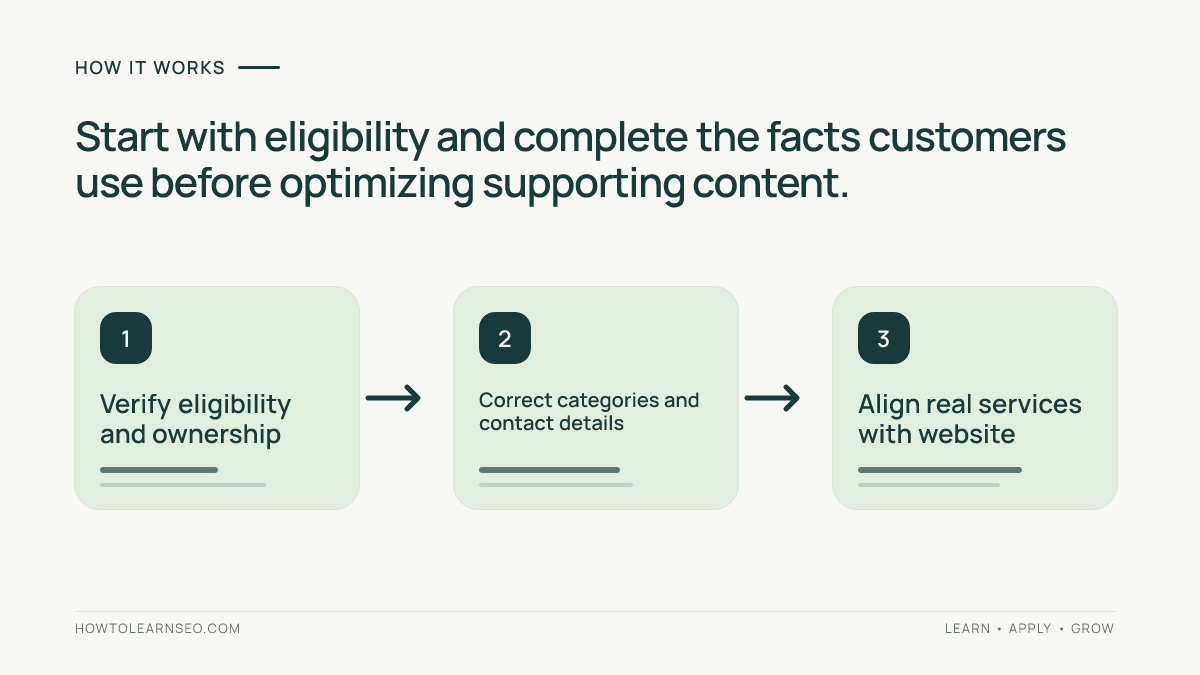
Google Business Profile optimization means keeping a business’s public information accurate, complete and helpful in Google Search and Maps. Start with eligibility and verification, select truthful categories, explain services, provide real photos, manage reviews and measure customer actions. This checklist provides specific checks and an example without promising higher rankings.
Quick Answer
Optimize a Google Business Profile by confirming the actual business identity, choosing the most accurate primary category, completing customer-facing details, sharing authentic photos, responding to reviews and monitoring results. Google’s local rankings mainly depend on relevance, distance and prominence; no profile edit guarantees a particular position. See our local SEO fundamentals guide for the broader context.
Key Takeaways
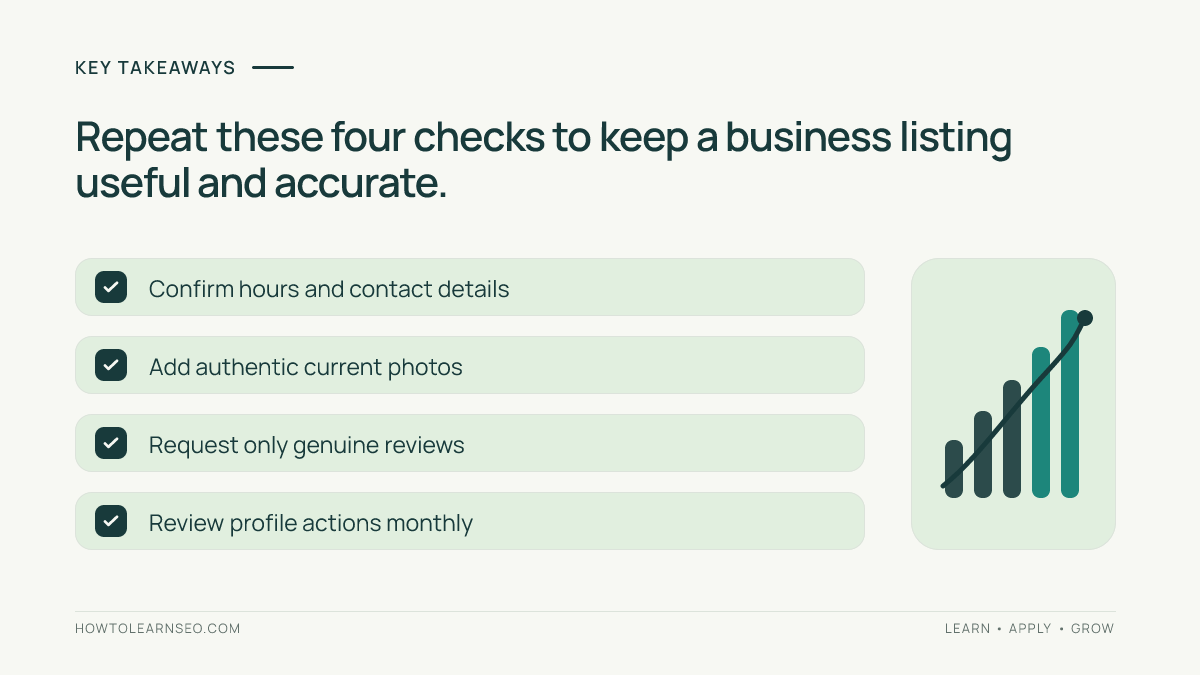
- Verify that the business qualifies for a profile and is controlled by an authorized owner.
- Keep names, locations, categories, phone numbers and hours truthful.
- Describe real services using customer-friendly language.
- Seek genuine reviews without incentives and respond thoughtfully.
- Measure useful enquiries rather than assuming profile views equal revenue.
Confirm eligibility, ownership and location rules
Begin by checking whether the business is eligible for its claimed listing and whether an authorized owner has verified it. Search the actual trading name and location to identify potential duplicates before creating another profile. Save a baseline record containing the public name, location, category, website link and hours. This gives the owner a reference point when confirming that later changes went live.
A storefront needs a genuine customer-facing location meeting Google’s criteria. A service-area business that visits customers without an eligible staffed storefront should hide its address and configure its service area. Do not create a virtual office, a fictional location or separate listings simply to target neighboring suburbs. Review Google’s business representation rules for eligibility and location details, which depend on how the organization actually operates.
Correct the information customers rely on
Examine the name, primary category, additional categories, phone number, linked website, displayed address or service area, regular hours and special hours. Compare each field with signage, customer communications and the website. The business name should reflect the real-world name, not extra services or locations inserted as keywords. Choose the closest truthful primary category; use secondary categories only when they describe genuine additional activities.
Test the website link on a phone and call the published number. Confirm that customers reach the correct location or booking process. Update holiday hours before they cause unnecessary journeys. A useful profile is operationally accurate: a high-visibility listing with outdated contact information can still frustrate interested customers. Keep a dated change log recording what was edited and who approved it.
Describe services and align the website
Add available services and attributes only when the business actually offers them. Write short, distinctive descriptions that explain the service, who needs it and the practical next step. For a bicycle workshop, brake servicing and puncture repair may be more helpful descriptions than a long list of repeated location keywords. Avoid claims about same-day appointments, accessibility or specialist qualifications that the business cannot consistently support.
Link to a page that matches what the profile promises, such as a service page with a location, hours and an enquiry method. Our on-page SEO guide explains how clear content supports search intent, while keyword mapping can distinguish a repair-services page from a general shop page. If the website is difficult to navigate, profile traffic may not turn into enquiries.
Use real photography and ethical review management
Upload current, legible photos that help someone recognize the location or understand the work: an entrance, workshop, genuine product display or example of a completed service. Prefer clear, naturally lit images over generic stock photos that imply a setting the customer will never see. Check that images remain accurate after renovations or changes in service. A good photo answers a practical question, such as where to enter or what a service looks like.
Invite customers to leave honest reviews through Google’s supported link or QR code. Never offer free products, discounts or other rewards in exchange for reviews. Google’s review guidance prohibits incentives. Thank satisfied customers in a natural way; when responding to a complaint, acknowledge the issue, protect private information and offer a legitimate resolution path. Do not copy the same promotional reply beneath every review.
Worked example: a local bicycle workshop
Illustrative input: Imagine a fictional business, Northside Bicycle Repair, with a staffed repair workshop. Its profile shows incorrect Sunday hours and links to an outdated page promoting bicycle sales, although repair appointments are now its main service. These details are hypothetical teaching inputs, not findings from a real audit.
Rule and action: Check the available category options and choose whichever best represents the real core business. Replace the misleading link with a functioning repair-services page, correct Sunday opening or appointment details, confirm ownership and add authentic photos. Keep the actual name unchanged rather than turning it into a keyword list. Record the old fields and the date of each update.
Expected result: Visitors should find more accurate information and a clear way to book; improved rankings are not assumed. Verify: Inspect the public listing in Search and Maps, open its link on mobile, check the displayed hours and test the contact route. Edge case: If the workshop actually operates only as a mobile service with no qualifying storefront, revisit the address-hiding rule rather than publishing a home address.
Measure outcomes without confusing correlation with cause
Before editing, record the profile’s available search terms, views and interactions along with actual leads or appointments. Google’s Business Profile performance guide describes these metrics for verified profiles; availability can vary, and some numbers include advertising activity. Compare equivalent periods rather than contrasting a busy holiday week with an ordinary week. Write down promotions, staffing changes and seasonal events that might explain a difference.
Check the linked website in Search Console, but do not confuse website organic impressions with Business Profile interactions. Use a simple business-owned enquiry log where appropriate, and avoid claiming every call was driven by Maps. For multi-service companies, relevant internal links can help visitors move from an individual service description to practical booking information.
Common pitfalls and a repeatable checklist
Do not buy reviews, invent offices, stuff keywords into the trading name or make unsupported opening-hour claims. A single ranking screenshot from your own device is also weak evidence: nearby search results depend partly on the searcher’s location. Google’s local ranking guidance identifies relevance, distance and prominence and explicitly states that better placements cannot be bought.
Assign one person responsibility for monthly accuracy checks and an additional review before holidays. Confirm the phone, link, categories, services, hours and photographs; respond appropriately to new customer feedback; and document significant updates. The aim is dependable information, not constant editing. Accuracy creates a better experience whether customers discover the business on a phone, on Maps or through its website.
Frequently Asked Questions
What is the first step in Google Business Profile optimization?
Confirm eligibility and verification, then check the real business name, category, address or service area, phone and opening hours.
Should keywords be added to the business name?
Only if they are genuinely part of the business name. Adding promotional phrases to a name violates Google’s representation guidelines.
How often should the profile be checked?
Review details after any operational change, inspect feedback regularly and verify special hours before holidays or seasonal periods.
Can a service-area business hide its address?
Yes. Eligible businesses that travel to customers without a qualifying customer-facing storefront should hide the address and configure their service area.
Do customer reviews guarantee better Google Maps rankings?
No. Reviews can support trust and prominence, but Google’s local results also consider relevance and distance. Paid or fabricated reviews violate policy.
How can profile improvements be measured?
Compare a recorded baseline with later profile interactions and actual enquiries during comparable periods, taking seasonality and advertising into account.
Conclusion
Google Business Profile optimization works best as a maintained business record. Verify eligibility, correct essential details, describe real services, showcase authentic work and respond to feedback responsibly. Measure customer actions with appropriate context, and revisit the checklist whenever locations, hours or offerings change. Those steps help people understand and contact the business without relying on ranking promises.