To join GSC and GA4 landing-page exports, connect records through a reviewed page key, then keep search metrics and on-site metrics in separate columns. AI can help draft the lookup formula, but it should not guess URL equivalence, fill missing traffic or assign conversions to search queries.
Quick Answer
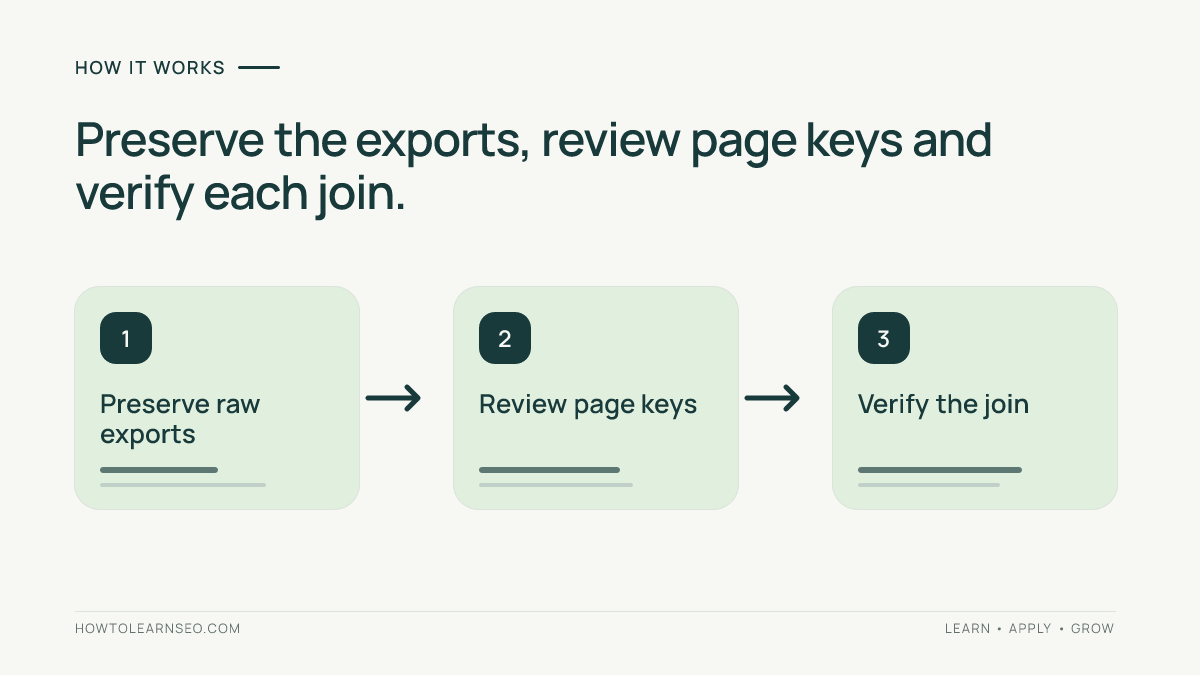
Export Search Console page data and GA4 Google organic landing-page data for a documented period. Preserve both raw exports, map their URLs to approved canonical keys, check for duplicate keys, and join only unique matches in Google Sheets. Label unmatched rows explicitly instead of replacing them with zero.
Key Takeaways
- A search click and an Analytics session are different measurements.
- Canonical URLs and visited landing paths may need manual reconciliation.
- Duplicate keys must be resolved before a lookup returns reliable totals.
- AI-generated formulas need positive, missing and duplicate test cases.
Prerequisites and Reporting Scope
You need read access to the matching GSC and GA4 properties, Google Sheets, and a verified list of published URLs. This walkthrough covers one hostname and ordinary lowercase article URLs. Keep complex query-string URLs, case-sensitive paths and cross-domain tracking outside this first join until their mappings are reviewed.
Choose a complete period and record each tool’s timezone, filters and export time. GSC daily reports use Pacific Time; GA4 may use another property timezone. Google’s data-discrepancy guidance explains processing and timezone differences. Equal date labels do not necessarily mean identical hourly boundaries. Exclude preliminary data and disclose any remaining alignment limitation.
If measurement terms are unfamiliar, review the site’s GA4 SEO guide and Search Console guide first. This join provides page-level context, not a user-level connection between the systems.
Export Two Compatible Page Tables
- In GSC, open Search results Performance, select the intended search type and dates, then export the Pages table with clicks and impressions. Record country and device filters.
- In GA4, open Traffic acquisition, choose Session source / medium, and add Landing page + query string as the secondary dimension.
- Restrict the GA4 rows to the exact Google organic source/medium pair, normally google / organic. Export sessions and relevant key events for the same intended period.
- Check that the export includes the required rows, not only a visible page of results. Keep totals, omitted rows and data-quality notices in your notes.
Google documents this landing-page breakdown in its Landing page report instructions. Use session-scoped acquisition rather than First user source. The Traffic acquisition documentation explains source/medium scope. Organic Search alone can include other search engines, so it is too broad for this comparison.
Create unchanged tabs called RawGSC and RawGA4. Copy working data into GSC and GA4 tabs. Remove export headings and total rows from the working tables, but preserve the original files. Confirm numeric columns contain numbers rather than formatted text.
Build a Reviewed Page Key
GSC generally assigns performance to Google’s canonical URL, while GA4 records the landing path and query string. Google’s performance metric documentation explains canonical attribution. A lookup cannot resolve that difference by itself.
For each working row, add an approved full-URL key. On a verified single-host site, a path such as /guide/ may map to https://example.com/guide/. Review redirects, trailing slashes and parameters against the actual destination and canonical evidence before grouping them. Keep the original input in a separate column.
Do not lowercase paths, delete every parameter or change slashes automatically. Those transformations can combine different pages. Use the canonical guide when the preferred destination is unclear. Unresolved mappings belong in an exceptions table.
Join GSC and GA4 With a Guarded Formula
Arrange GSC columns A–C as approved_key, clicks and impressions. Arrange GA4 columns A–C as approved_key, sessions and key_events. Each key must occur once per table. If several original paths legitimately map to one key, aggregate sessions and key-event counts first using a reviewed pivot table; do not sum percentages or average engagement times.
This illustrative AI prompt makes the contract explicit:
Write a Google Sheets formula for GSC D2. GSC A2 holds an approved page key. GA4 A holds unique approved keys, B sessions and C key events. Return Missing for no match, Duplicate for multiple matches, and sessions for exactly one match. Use exact lookup matching. Never invent data or turn missing rows into zero. Explain each function and give test cases.
For simple lowercase keys without query strings or wildcard characters, one candidate is:
=IF(COUNTIF(GA4!$A$2:$A,A2)=0,"Missing",IF(COUNTIF(GA4!$A$2:$A,A2)>1,"Duplicate",VLOOKUP(A2,GA4!$A$2:$C,2,FALSE)))Use D2 for sessions and fill down only the populated GSC rows. Copy the formula to E2 and change the VLOOKUP return index from 2 to 3 for key events. Google documents VLOOKUP exact matching and first-match behavior and COUNTIF criteria. COUNTIF recognizes wildcards and ignores case; this simplified formula therefore requires the restricted keys described above.
Illustrative Worked Example
These are synthetic teaching values, not measured traffic or observed AI output. Suppose GSC has three approved keys and GA4 contains the following corresponding records:
| Page key ending | GSC clicks | GA4 input | Expected sessions result |
|---|---|---|---|
| /guide/ | 100 | One row: 82 sessions, 3 key events | 82 |
| /checklist/ | 30 | No matching row | Missing |
| /tools/ | 45 | Two rows: 20 and 15 sessions | Duplicate |
Manually verify these three outcomes before using the formula on your export. Resolve the two /tools/ rows from their source: aggregate legitimate distinct inputs, or remove an accidental repeated import. The lookup must not silently keep only the first 20 sessions.
Check Coverage and Troubleshoot Exceptions
Count unique GSC keys matched, missing and duplicated. Check GA4-only keys in the opposite direction; a GSC-led table omits them. Reconcile joined metrics with the corresponding matched subset of each source, not automatically with a property-wide total. Retain excluded and unresolved rows.
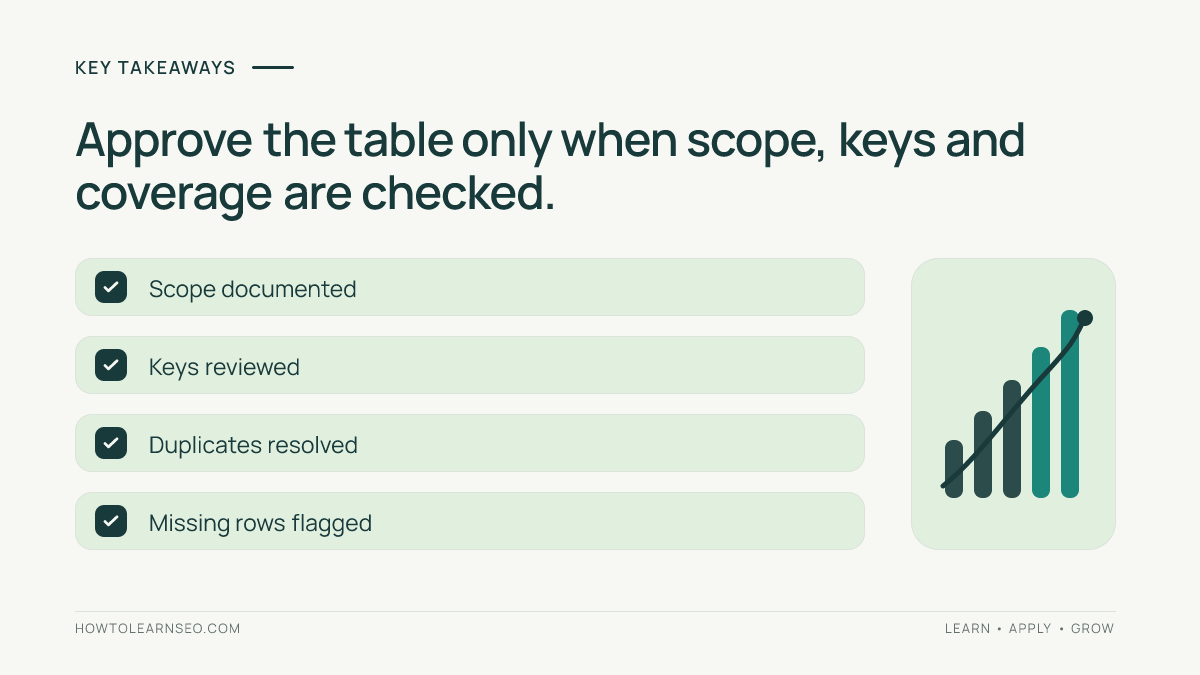
For Missing, inspect hostname, path, canonical mapping, date and acquisition filters before investigating tracking. For Duplicate, inspect extra dimensions and repeated imports. For formula errors, check tab names, numeric columns and spreadsheet locale separators. A missing Analytics row alone does not diagnose a broken installation.
Treat a page with many clicks but few recorded sessions as an investigation candidate. Consent, collection, definitions and scope can explain differences. Never calculate keyword conversion rates by distributing page-level key events across GSC queries. Join coverage measures your table’s completeness, not SEO success.
For AI-related reporting, use the current GA4 channel definitions rather than assuming all assistant visits are referrals. This landing-page join does not reveal comprehensive AI mentions or citations.
Frequently Asked Questions
Should I expect clicks and sessions to match?
No. They come from different measurement systems and count different interactions. Processing, attribution, collection and timezone boundaries can also differ. Use the combined table to compare page-level patterns while preserving the original metric names. A mismatch is a reason to investigate scope and data quality, not automatically evidence of lost visitors.
Can I replace Missing with zero?
Keep Missing until you understand why the row is absent. A missing key can reflect a mapping issue, export limitation or reporting scope rather than a measured zero. If you later apply a zero convention for a specific report, document that assumption separately and preserve the original missing-value flag.
Do I need to upload client exports to an AI assistant?
No. You can request a formula using column names and synthetic examples only. Keep client data in approved systems and follow the organization’s data-handling rules. The assistant’s useful role is proposing transparent logic; the source values, mapping decisions and final checks can remain entirely within your controlled spreadsheet.
Does this table measure AI search citations?
No. It combines search performance and landing-page activity. Google’s current GA4 definitions include AI Assistant, whose medium is ai-assistant, while Organic Search includes Google AI Overviews and AI Mode. This Google organic slice does not isolate those experiences, measure citations or identify visits with missing attribution. Keep dedicated visibility evidence separate.
What should I save before comparing next month?
Save the original exports, date boundaries, filters, approved mappings, formula version and exception counts. Apply the same rules to both periods. If the mapping changes, rebuild the earlier period consistently or disclose the break. Otherwise improved join coverage can be mistaken for better traffic or conversion performance.
Conclusion
Join GSC and GA4 through reviewed page keys, explicit exceptions and checked formulas. AI can assist with the mechanics; source reconciliation remains your responsibility. A trustworthy combined table preserves uncertainty and helps prioritize page investigations without inventing visitor journeys.