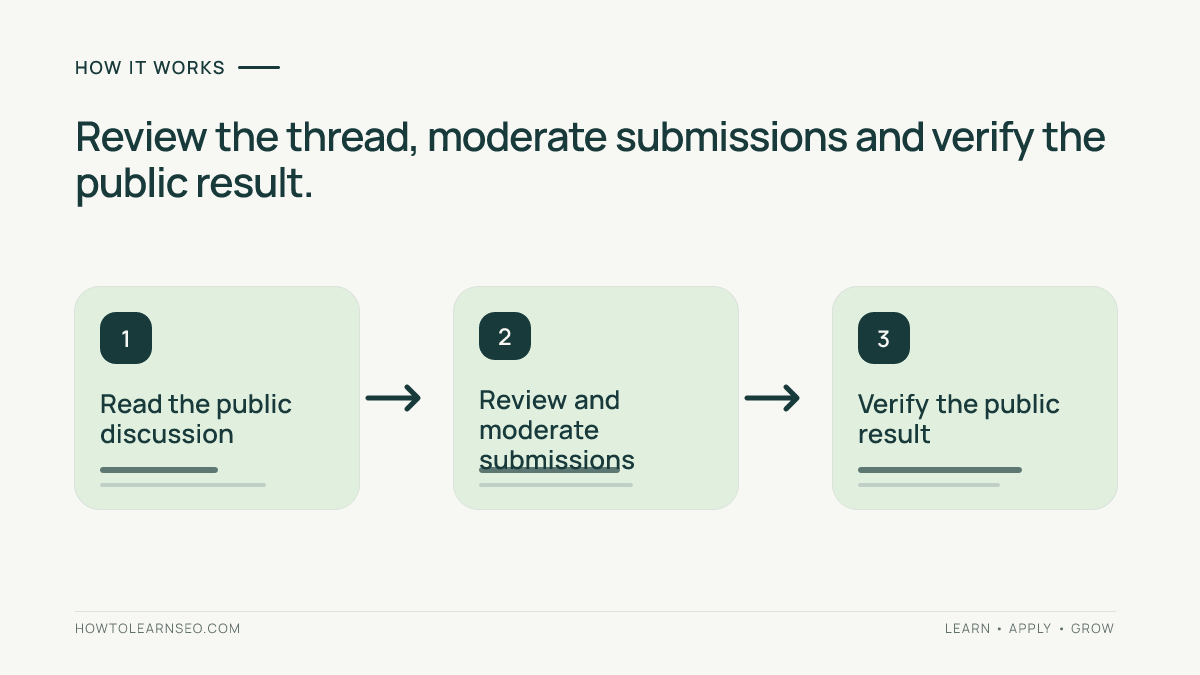
A WordPress comment audit checks public reader contributions, moderation settings and comment links so useful discussion remains distinguishable from spam and unverified advice. Start with one article, review its visible thread, classify each problem, then verify the public result after moderation. You do not need to close every discussion or rewrite readers’ words to make the page useful.
This tutorial focuses on comments beneath editorial articles. It does not cover standalone forums, product reviews or an entire site’s AI eligibility.
Quick Answer
Keep relevant questions and constructive disagreement. Hold uncertain submissions for review, reject promotional spam, verify proposed corrections against evidence and inspect the actual links readers see. Clear moderation improves the page’s usefulness; it does not guarantee rankings, AI mentions or citations.
Key Takeaways
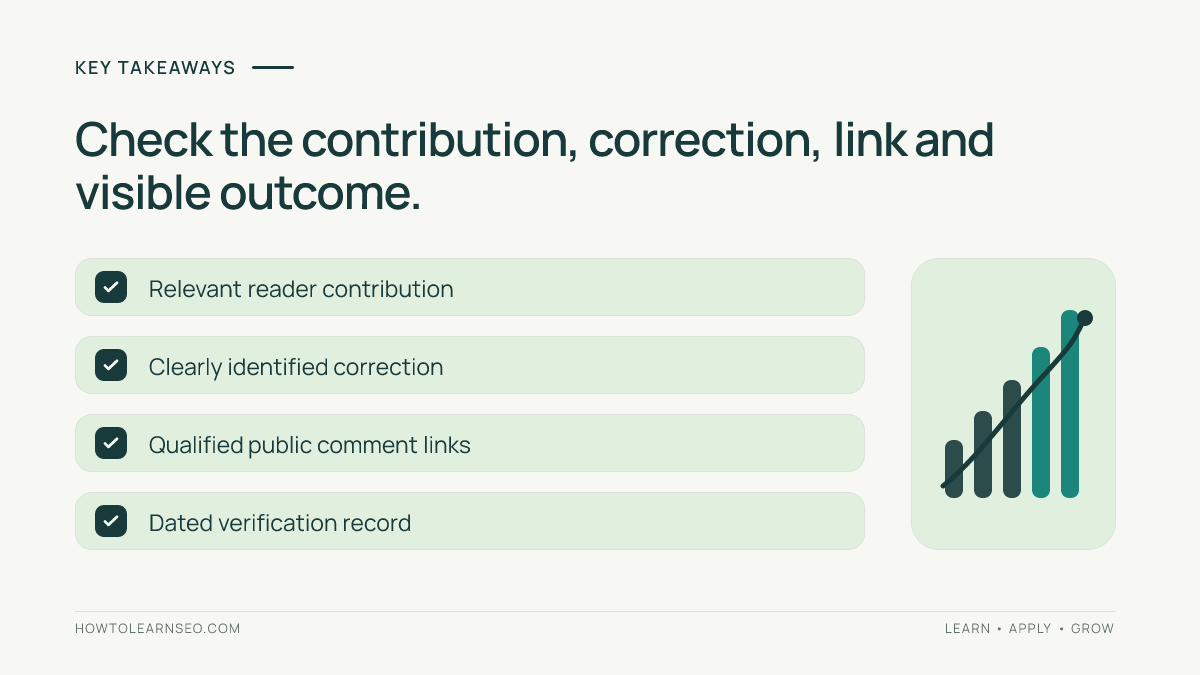
- Separate contributor statements from the publisher’s verified answer.
- Moderation rules prevent problems but do not replace reviewing existing threads.
- Check public comment links rather than assuming theme defaults are correct.
- Record decisions and recheck the same article after changes.
Prerequisites for a WordPress Comment Audit
You need permission to moderate comments, access to Settings and the public article, a backup or recovery procedure, and a short moderation policy. Use a staging copy for template changes. Never publish private email addresses, IP addresses or moderation-screen screenshots as evidence.
Create a register with article URL, comment identifier, issue, proposed action, reviewer and verification date. Include recent active articles and older threads with repeated questions. A small intentional sample is more useful than declaring every comment trustworthy because a spam filter approved it.
Connect the rules to your editorial policy: explain what counts as promotion, how corrections are reviewed and when comments are closed.
1. Read the Public Thread Before Changing Settings
Open the article while logged out. Read comments in context, including replies and later comment pages. Note whether contributor names, dates and publisher replies are distinguishable. Check mobile layout for clipped replies or collapsed text that readers cannot open.
Classify comments by their contribution: relevant question, supported correction, personal observation, unsupported assertion, promotion or abuse. Do not use disagreement, imperfect grammar or an unfamiliar name as a spam verdict. A personal observation can be useful without proving a general claim.
Google’s user-generated spam guidance recommends clear abuse policies, moderation and ongoing monitoring. Treat these as complementary controls. A link attribute cannot make harmful or misleading text worth keeping.
2. Set a Reviewable Moderation Rule
In WordPress, open Settings, then Discussion. Under Before a comment appears, enable Comment must be manually approved if you need review before publication. Save Changes. The official comment moderation instructions explain this approval queue.
Then open Comments and review pending submissions individually. Use Approve, Reply, Spam or Trash according to your policy. Preserve a genuine question while adding a clearly identified publisher reply; avoid silently rewriting a contributor’s position into agreement.
Under Comment Moderation, set a link threshold appropriate to your discussions and add narrowly chosen moderation keys. Prefer holding uncertain matches for review. Broad blocked words can catch legitimate contributions. Record the setting before changing it so another editor can understand the decision.
Check per-article Discussion settings too. WordPress’s Discussion settings documentation explains that individual articles can override defaults. Closing older comments stops new submissions while leaving previously approved comments visible; it is not a cleanup of the existing thread.
3. Verify Claims and Comment Links
When a reader reports an error, compare the exact claim with current evidence. Our source-audit workflow helps distinguish documentation from anecdotes. If the correction is valid, update the article through your editorial process and explain the correction in a publisher reply. Do not leave essential guidance buried in a thread.
For a public comment link, right-click it and choose Inspect in your browser. Find its anchor element and inspect the destination and rel attribute. Check both the comment body and linked contributor name, since templates or comment plugins may handle them differently.
Google recommends rel="ugc" for user-generated links and allows multiple values, such as ugc nofollow, in its outbound-link documentation. These values describe the relationship; they do not verify the destination or prevent it from being discovered elsewhere. If qualification is missing, ask the theme or comment-plugin maintainer to repair the relevant template or filter. Test on staging, then inspect the public result again.
Illustrative Worked Example
Imagine a WordPress indexing tutorial receives these comments. The entries below are fictional moderation decisions, not observed results from this website.
| Contribution | Decision | Verification |
|---|---|---|
| A reader asks where the current setting moved. | Approve and answer with the applicable version. | Check the documented setting and public reply. |
| A reader says every indexing delay proves a penalty. | Request evidence or publish a corrective reply. | Keep the unsupported assertion distinct from guidance. |
| An unrelated service advert repeats across articles. | Mark as spam after contextual review. | Confirm the public promotion is gone. |
| A useful technical comment includes a reference link. | Review relevance, then approve if suitable. | Check its destination and UGC qualification. |
The output is a dated decision register, not a score based on comment quantity. Keep legitimate criticism visible when it complies with the policy.
Troubleshooting and Follow-Up
- Spam remains visible: confirm the correct comment was moderated, clear relevant caches and recheck while logged out.
- Good comments disappear: review moderation and spam queues, then narrow overbroad rules.
- Links differ across threads: compare template or plugin output before changing sitewide settings.
- Long threads create navigation problems: review pagination accessibility and discovery rather than assuming the first screen contains everything.
Recheck the sampled URLs after implementation and again after two weeks. Track unresolved corrections, repeated spam patterns and review time. Search traffic changes alone cannot establish that moderation caused improvement.
AI Search Limitations
Google’s AI features guidance requires indexed, snippet-eligible supporting pages and recommends important information in text. It provides no comment-count target or special comment schema for inclusion. Readable discussion is not proof that an AI system used it. Keep crawler requests, observed citations and identifiable assistant visits separate.
Frequently Asked Questions
Should I disable every comment for SEO?
No. Decide whether discussion helps readers and whether you can moderate it. Closing comments can reduce incoming workload, but it does not automatically remove existing spam or improve search performance. Review the public thread before choosing a blanket policy.
Does approving a comment verify its claims?
No. Approval means it meets your moderation rules. A reader can share a limited personal observation or ask a question without establishing a general fact. Verify consequential corrections separately and clearly identify the publisher’s answer.
Do UGC link attributes stop comment spam?
No. They qualify the relationship with linked pages for Google. They do not remove spam text, check claims or protect readers from deceptive destinations. Combine link checks with moderation and ongoing review of public discussions.
Can I rely entirely on automated moderation?
No. Automated filters can help manage submissions, but false positives and missed spam remain possible. Review flagged legitimate contributions and sample approved threads. Assign a reviewer for technical corrections and other claims that require judgment.
Will better comments guarantee AI citations?
No. Relevant discussion can improve a reader’s understanding, but no comment format guarantees selection by an AI system. Measure actual observations separately and avoid treating an assistant visit as proof that a particular comment was cited.
Conclusion
A WordPress comment audit keeps useful discussion, checks uncertain claims and verifies moderation on the public page. Start with one thread, document the decisions and maintain a clear boundary between reader contributions and verified editorial guidance.