Content decay in SEO describes a sustained decline in a page’s useful organic search performance after it previously attracted relevant demand. It is easy to mistake seasonal changes, ranking volatility or measurement shifts for decaying content. A reliable diagnosis separates these causes before rewriting anything. This guide shows how to find candidates with Search Console, classify the cause and choose a defensible action.
Quick Answer
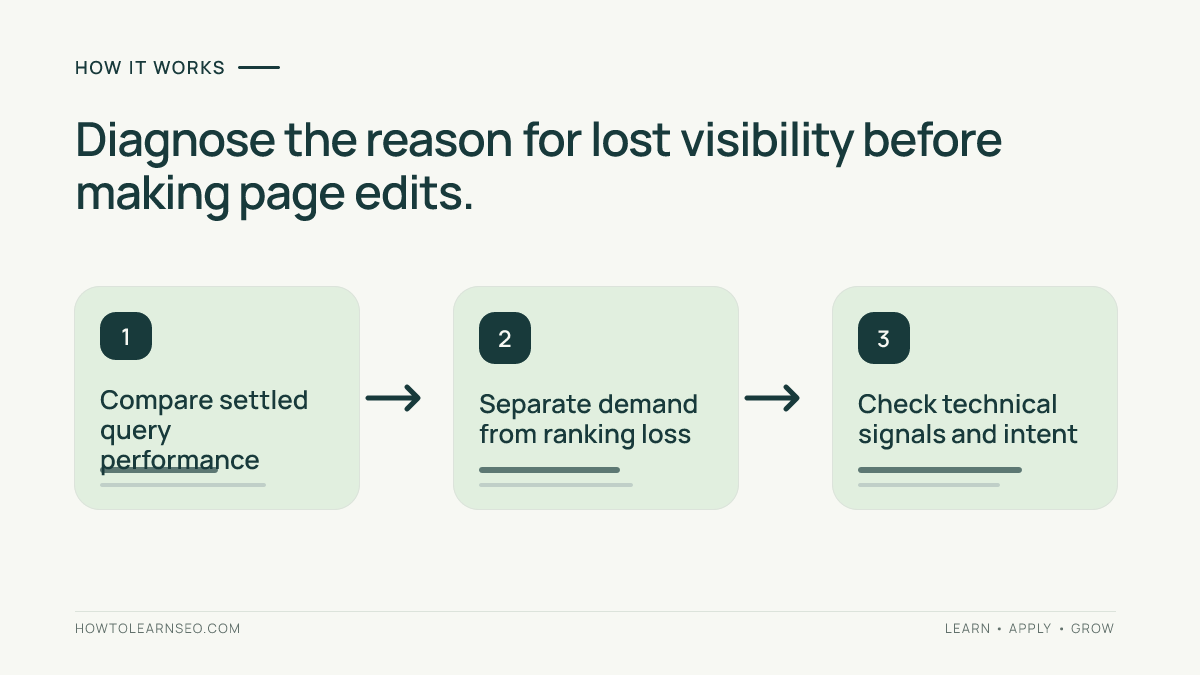
To investigate content decay in SEO, compare a page’s settled Search Console clicks, impressions, queries and average positions across equivalent periods. Check whether demand fell, ranking positions changed, the page was indexed differently or its intent became outdated. Refresh only when evidence suggests that an improved answer would help. The Search Console Performance report provides the underlying page, query and time dimensions.
Key Takeaways
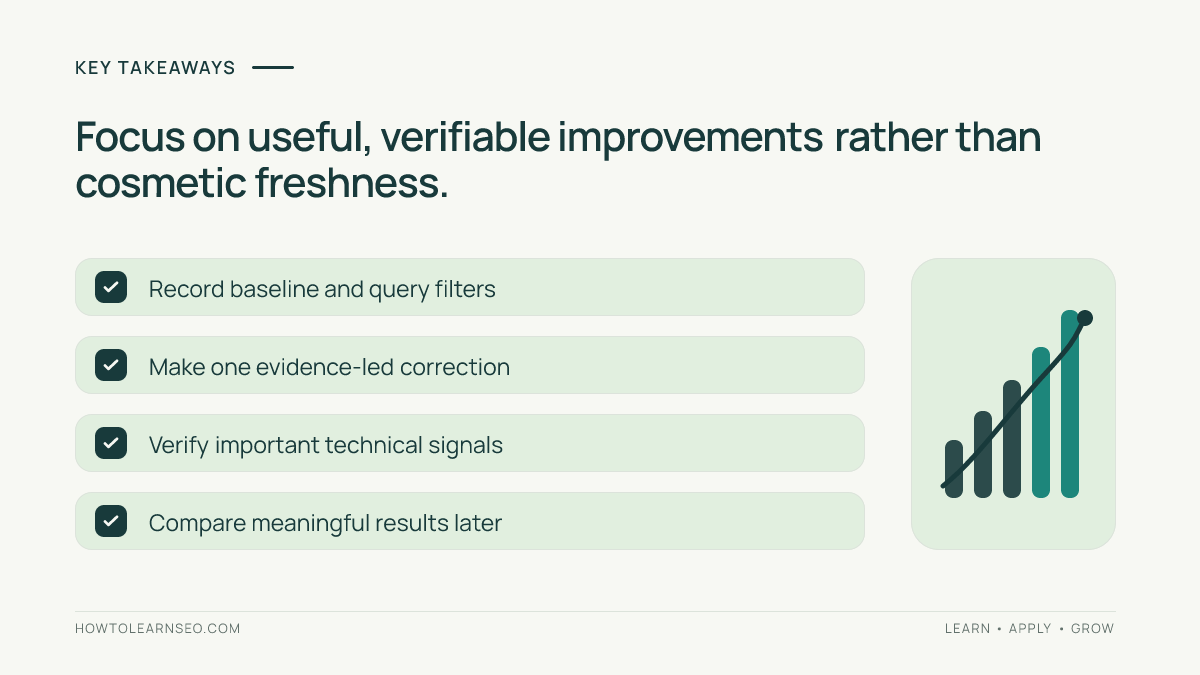
- Separate declining demand from lost ranking visibility and lost click-through.
- Compare the same page and relevant query group across suitable periods.
- Check indexing, canonical changes and competing URLs before rewriting.
- Make substantive improvements rather than changing dates for freshness.
- Reassess the outcome with a dated record and realistic attribution.
Define a useful decay candidate instead of a traffic loser
Begin with pages that once received meaningful organic traffic for queries relevant to their purpose. Do not prioritize a page merely because one week is lower than the previous week. A high-traffic evergreen guide that gradually loses search visibility may warrant attention; a holiday recipe or annual event page might simply follow expected seasonal demand. Identify the historical role of each page and the reader question it is supposed to answer.
Use Search Console’s Pages and Queries reports with settled dates, appropriate search type and filters. Compare a recent period with a corresponding prior period rather than mixing a short week with a full month. Our Search Console beginner’s guide explains the dimensions. For a large site, group candidates by topic and business importance instead of treating all URLs as equally valuable.
Separate demand, ranking and click behavior
Look at clicks, impressions, CTR and average position together. Falling impressions with stable query positions can suggest weaker demand or a different query mix. Falling positions for the same relevant queries may indicate stronger competing pages, changed search intent or site-level problems. Stable impressions with declining clicks may point to result appearance, position distribution or search features. These are hypotheses, not automatic diagnoses.
Inspect the dominant queries rather than only the page-level total. A page may attract more broad informational impressions over time, causing its overall CTR to fall while useful clicks remain steady. Conversely, the loss of one important query may be hidden by many irrelevant impressions. Our CTR analysis guide explains how to make page-query comparisons. Record the actual filters used so another reviewer can reproduce them.
Check technical causes before touching editorial copy
Review the live URL response, canonical signals, meta robots directives and important internal links. A mistaken noindex, redirect or broken template can suppress visibility even when the article remains accurate. Inspect representative URLs with Search Console’s URL Inspection tool and compare the declared canonical with Google’s selected canonical when reported. Do not rewrite 1,500 words to repair a technical misconfiguration that can be identified directly.
Investigate whether another page on the same website now addresses the same search intent. If two guides compete for similar queries, the right response may be clearer internal navigation or editorial consolidation rather than two parallel refreshes. Our keyword cannibalization guide provides the framework. Always review draft and published inventory before creating a replacement page, because titles can differ while the promised reader task remains the same.
Decide whether the answer itself is outdated
Read the page as a first-time user. Are screenshots describing a retired interface? Do instructions omit a current required setting? Are numbers, links, service details and examples still valid? Compare official documentation with the article’s claims, and separate factual corrections from stylistic preferences. A useful refresh might add a missing verification step or correct a discontinued feature rather than expand the article with unrelated sections.
Google’s helpful content guidance warns against altering dates just to appear fresh or generating many pages without added value. Preserve trustworthy parts of the article and identify exactly which reader need is unmet. An editor should be able to explain why the change improves the answer, not only why a metric declined.
Illustrative diagnosis: an old sitemap tutorial
Input: Imagine a fictional sitemap guide with 600 organic clicks in one comparable month last year and 360 this year. Its top query still appears, but impressions for that query declined while average position is roughly stable. A secondary query about a retired interface also lost clicks. These are illustrative numbers, not data from a tested property.
Rule and action: First split query groups and inspect position, impressions and click changes within each. Demand might have changed for the main query; the older interface instructions may genuinely need revision. Check the live product documentation, correct obsolete navigation labels and add a current verification example. Do not claim the full 240-click difference was caused by outdated instructions.
Expected output: The tutorial explains current supported steps more accurately even if search demand does not rebound. Verify: Follow its instructions in a supported environment where feasible, check links and compare equivalent query groups after enough settled reporting accumulates. Edge case: If the page lost clicks because a different URL became canonical, resolve that technical issue before judging the revised prose.
Choose the smallest valuable intervention
Possible decisions include keeping the page unchanged, fixing technical discovery, updating specific outdated claims, improving internal links or combining overlapping pages with a clear redirect plan. Do not use “refresh” as a synonym for expanding word count. If the page is accurate and demand is simply seasonal, an unnecessary rewrite can consume editorial time without helping anyone.
Write a change record with the current URL, suspected cause, supporting data, exact intervention and expected reader benefit. Prioritize pages that serve important evergreen intents and have a clear improvement opportunity. Our SEO change-log guide offers a way to document modifications, even when no AI tools are involved. Make the result reviewable by someone who did not perform the edit.
Measure the refresh without claiming causation
After publishing substantive changes, allow for crawling and reporting delays. Compare the original query group, page and search type over an appropriate period. Review impressions, position, CTR and useful business outcomes together, noting major competitor activity, seasonality and simultaneous site changes. A clear improvement in accuracy is valuable even when ranking data remains noisy or sparse.
If the page still loses visibility, revisit the diagnosis rather than repeatedly replacing titles. Check whether the intent has shifted, whether a better format is needed or whether the query no longer generates the same demand. Use a documented decision rule to stop work when further edits offer little reader benefit. A sustainable content strategy preserves effective material and invests attention where evidence supports a real need.
Frequently Asked Questions
What is content decay in SEO?
Content decay is a sustained loss of organic visibility or traffic for a page that previously attracted relevant searches. Not every temporary decline indicates content decay.
How do I find pages losing organic clicks?
Compare page-level Search Console clicks and impressions over comparable settled periods, then inspect queries, positions, seasonality and indexing before selecting a response.
Does a traffic drop mean I should rewrite the article?
No. Check whether demand declined, the page lost rankings, a technical problem appeared or another URL now serves the same intent before rewriting.
Can content decay happen when average position is stable?
Yes. Changes in demand, query mix, search features or click behavior can reduce organic clicks even without a substantial change in reported average position.
Should every older article get a fresh publication date?
No. Dates should reflect genuine publication or meaningful updates, and editing a timestamp alone does not improve the usefulness of content.
How can I verify a content refresh worked?
Record a hypothesis and specific changes, then compare equivalent search queries and periods after enough data is available, noting seasonality and unrelated site changes.
Conclusion
Content decay in SEO is a diagnosis, not a command to rewrite. Start with comparable search data, investigate demand and ranking causes, check technical signals and then assess whether the page still solves its reader’s task. Make evidence-led changes, verify them and acknowledge uncertainty. That approach improves useful pages without flooding the site with cosmetic refreshes.