Search Console CTR analysis is a way to identify when a page appears for relevant searches but attracts fewer clicks than its context might suggest. The useful question is not “Which URL has the lowest percentage?” but “Which page-query pairing deserves attention, and why?” This guide walks through a cautious diagnosis that separates snippet relevance from ranking position, demand changes and misleading averages.
Quick Answer
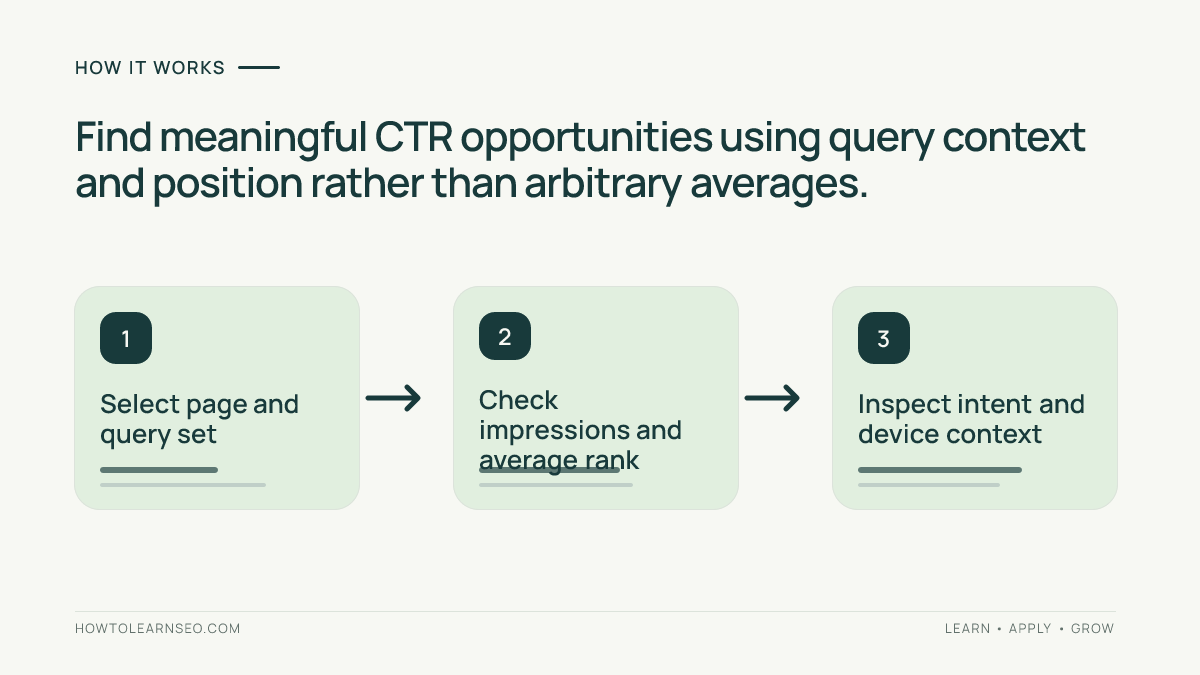
Open the Google Search Console Performance report, choose a comparable date range and enable clicks, impressions, CTR and average position. Inspect relevant pages and their queries together, then segment by device, country and search appearance where useful. Prioritize meaningful impressions and clear search intent rather than an arbitrary CTR benchmark. Google’s Performance report documentation explains these metrics and dimensions.
Key Takeaways
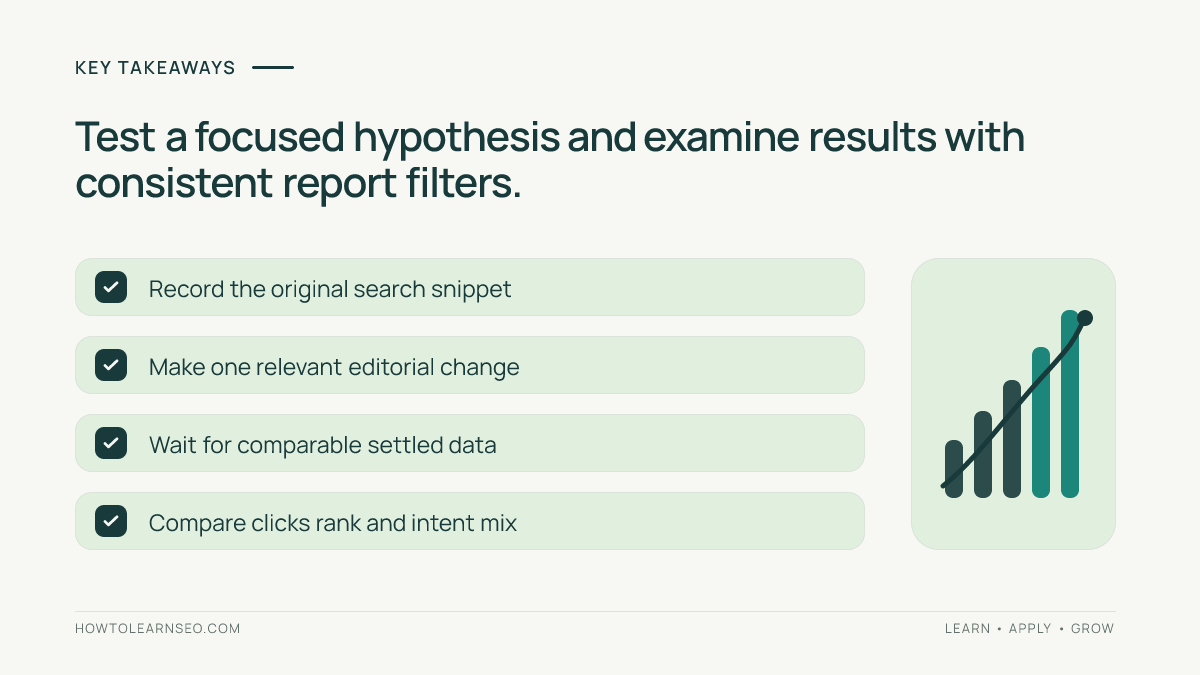
- CTR equals clicks divided by impressions; it is context-dependent.
- Analyze a page with its actual query mix, not a sitewide average alone.
- Separate ranking movement and demand changes from snippet issues.
- Use hypotheses and modest edits instead of guaranteed uplift claims.
- Record before-and-after data with the same filters and dates.
Understand what the report is really counting
Search Console reports search clicks and impressions associated with your property and gives CTR as the ratio between them. Its average position is not a fixed rank held on every search; it aggregates appearances and depends on how results are displayed. When a query has several devices, countries or result types, one percentage combines different search experiences. A lower overall CTR might therefore reflect a change in which queries produced impressions.
Start with our Search Console beginner’s guide if the report is unfamiliar. Then choose the relevant search type and date range before analyzing a specific landing page. Avoid mixing Web and other search surfaces as if they were identical. Export or record the filters used, because a later comparison is meaningless if the underlying query group changed.
Choose opportunities based on useful impressions
A page with two impressions and zero clicks has a zero-percent CTR, but there is too little evidence to justify changing its title. Look first for pages with meaningful impressions for genuinely relevant queries and room to improve the reader’s understanding of the result. Sort by impressions and inspect which queries produce them. A high-impression informational query may be far less likely to create a lead than a smaller, specific service query.
Do not assume a universal “good CTR” threshold or invent a ranking curve. Compare the page with itself across suitable periods and with pages serving broadly similar intents. If one URL is shown for unrelated queries, the real issue may be unclear content or overlapping pages, not the snippet. Our keyword cannibalization guide explains how competing URLs can complicate intent analysis.
Inspect query intent and search-result context
Click a page row and examine the queries associated with that URL. Are most searches seeking a definition, a tutorial, a comparison or a particular brand? Read the visible page title and opening text. If a tutorial is appearing for a comparison query, consider whether the content meets that intent before changing the title. Strong metadata cannot make an unrelated page answer a different question.
Inspect representative live results cautiously, recognizing that search results vary by location and personalization. Search features, ads, images and competing pages can change what users see. Google’s title-link documentation says the title displayed in Search may draw from multiple signals rather than exactly mirror the HTML title. A rewrite is therefore an experiment, not direct control over the snippet.
Check devices, countries and ranking movement
Compare mobile and desktop where the audience is large enough for a meaningful distinction. A long title may truncate differently across layouts, but a performance gap may also arise from different query intent or ranking positions. Countries can create similar differences: local terminology, seasonality and competitors vary. Change one report dimension at a time and retain the main page and date filters to make the comparison interpretable.
Look at position trends alongside CTR trends. If the page moved from a more prominent position to a lower one, falling CTR may be expected without any metadata problem. Conversely, a page gaining impressions for broad queries may see average CTR fall while total clicks improve. Do not declare that the site deteriorated based on one metric. Read the underlying query mix and annotate any content changes.
Illustrative case: a guide with mixed search intent
Input: Imagine a fictional tutorial that received 2,000 impressions and 40 clicks in one period, giving a 2% CTR. Half the impressions came from a broad question seeking a definition, while the other half came from a specific troubleshooting phrase. The page actually contains a detailed repair walkthrough rather than a basic definition. These numbers are constructed for explanation, not from a live account.
Action: Break out the two query groups and inspect their positions and result context. The broad definition group may naturally attract fewer clicks because the page’s content does not answer that basic question. Keep the troubleshooting intent as the page’s primary purpose and consider whether a separate explanatory guide would serve the broad intent better. Rewrite only misleading title or description text, using the actual page contents.
Expected output: The page’s search-result message better matches its troubleshooting audience; no uplift is promised. Verify: Compare the same query group and date duration after enough settled data arrives, noting rank and demand changes. Edge case: If the number of impressions sharply drops after a seasonal event, an apparently higher CTR could simply reflect a narrower query mix rather than successful optimization.
Make a focused change and keep a test record
Write a hypothesis describing the page, query set, current problem and smallest useful edit. For example, “The title is vague about the repair outcome; a precise title may help users recognize the tutorial.” Save the original title and description, date, relevant report filters and expected observation. Avoid simultaneous navigation, snippet and page rewrites when you need interpretable evidence. Our meta titles and descriptions guide explains the writing principles.
Google may choose different title links or snippets, and indexing changes can take time. Check the public result rather than assuming the exact submitted description appears. If the original title already correctly describes the page, use editorial restraint: a misleading search intent, slow page or weak answer may be more important than making cosmetic changes for a percentage target.
Prioritize improvements by audience value
Record opportunities in a sheet with page, query group, impressions, clicks, CTR, average position, suspected cause, proposed action and verification date. Give higher priority to pages where a clearer result could help a real audience find a useful answer. Do not sort solely by the biggest numerical CTR gap; pages with tiny samples or poor commercial relevance may not deserve engineering attention.
After the observation period, keep, refine or reverse the change based on multiple indicators and the continued accuracy of the page. An improved percentage with declining meaningful clicks is not automatically success. Our on-page SEO fundamentals provide a broader context for improving the page itself when the problem is not only its search appearance.
Frequently Asked Questions
What does CTR mean in Search Console?
Click-through rate is clicks divided by impressions for the selected Search Console report scope and date range, expressed as a percentage.
Is a low organic CTR always a problem?
No. CTR varies with query intent, search features, average position, devices and brand familiarity. Diagnose comparable queries before assuming a page needs editing.
Should pages be sorted only by lowest CTR?
No. A page with almost no impressions may be uninformative. Prioritize relevant queries with meaningful impressions and a realistic user benefit.
Can changing a title guarantee a higher CTR?
No. Google may generate a different title link and the result’s appearance and competition can change. Track performance rather than claiming a guaranteed uplift.
How do I compare query performance over time?
Use comparable date ranges, filter the same page and query dimensions and annotate seasonality, ranking changes and major page edits.
Are impressions the same as total search demand?
No. Search Console impressions show opportunities where your property appeared, subject to Google’s measurement and reporting limits, not the complete keyword market.
Conclusion
Search Console CTR analysis works when the unit of investigation is a useful page-query relationship, not an isolated percentage. Check impressions, intent, position and search features, then choose a narrowly defined improvement and monitor the same filters over time. This approach turns a dashboard signal into a defensible editorial decision without promising rankings or clicks.