
Learning how to create a video sitemap helps Google discover video content on pages that might otherwise be difficult to crawl. A video sitemap is an XML sitemap containing metadata for videos embedded on your website, including a thumbnail, title, description and a player or media-file location. It supports discovery but does not guarantee video indexing or special search features.
Quick Answer
To create a video sitemap, identify accessible watch pages, add the video namespace to your XML sitemap, list each page URL and its corresponding video information, validate the XML, then submit the sitemap through Search Console. Provide a real thumbnail URL, meaningful title, description and video file or player URL. Follow Google’s official video sitemap reference rather than copying outdated tags.
Key Takeaways
- The sitemap’s main URL identifies the page hosting the video, not the direct video file.
- Thumbnail, title, description and one file or player location are required video details.
- Google must be able to access the watch page, media or player and thumbnail.
- Video prominence on the page matters for video-focused Google search features.
- Test the exact URLs and monitor video indexing separately from sitemap submission.
Step 1: Select real watch pages before generating XML
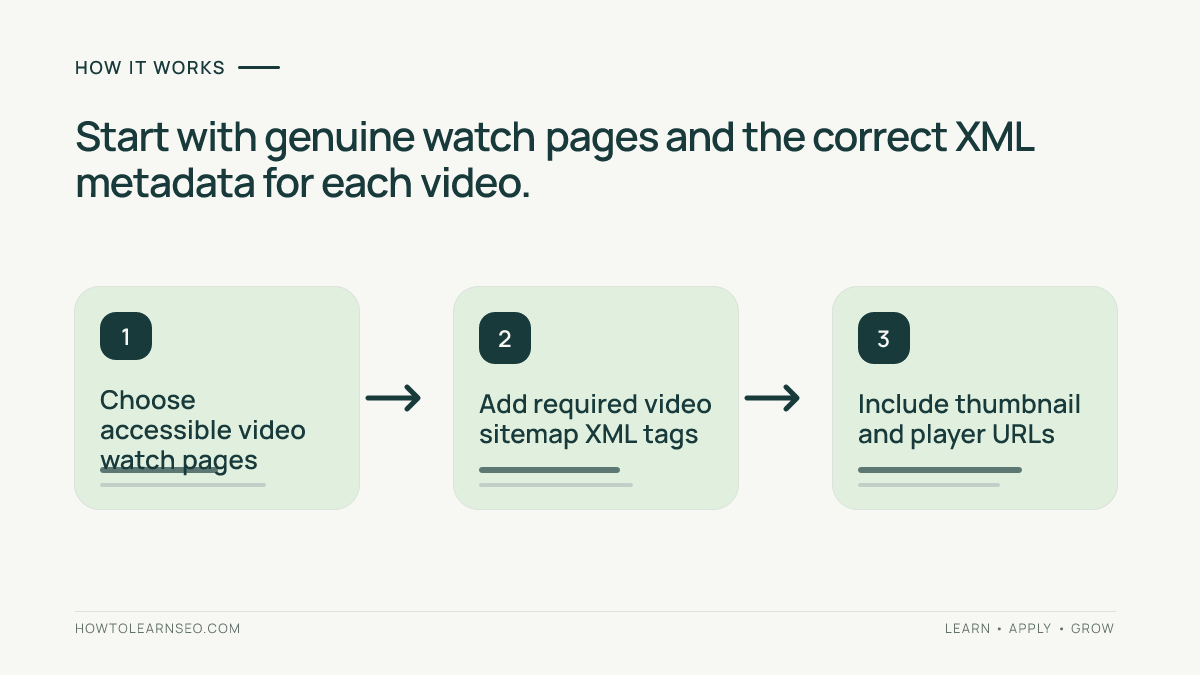
Start with pages where watching one video is the primary reason to visit. Examples include a training-video landing page, lesson playback page or original demonstration page. Google’s video SEO best practices distinguish these watch pages from articles where a video is only a supplement. A video embedded far below a long blog post may still help readers, but it does not automatically qualify the page for video-focused results.
Record each page’s canonical URL, video title, actual player or file address, thumbnail URL and a description consistent with what viewers see. Verify that the watch page is accessible, returns a successful response and is not excluded from indexing unintentionally. Our Google indexing guide explains the difference between crawl access and index eligibility.
Step 2: Choose a separate or existing sitemap
Google supports both a dedicated video sitemap and a standard XML sitemap containing video extension tags. A separate file can simplify monitoring for a video library; adding tags to an existing sitemap may be easier for a smaller site. Neither layout is universally better for rankings. What matters is accuracy, supported XML and a reliable process for updating entries as videos are published or removed.
Use only preferred public URLs as the parent page locations. Follow Google’s general sitemap guidelines on consistent hosts and sitemap maintenance. Do not confuse a video sitemap with an HTML sitemap for human visitors. Our HTML sitemap tutorial covers that separate browsing purpose.
Step 3: Add the required video XML elements
The root urlset element includes the standard sitemap namespace and the video namespace. Each url element contains a loc pointing to the watch page. Inside video:video, include video:thumbnail_loc, video:title, video:description, and at least one of video:content_loc or video:player_loc. The direct media file is preferred when available; hosted embeds such as YouTube usually provide an accessible player URL.
Do not point video:player_loc at the same URL as the containing page. Google documents this distinction because a landing page and a playable media resource serve different purposes. Escape reserved XML characters correctly. Descriptions should explain the actual video; repeated keywords or fabricated titles can misrepresent what visitors will watch. Optional duration or publication-date values should only be supplied when correct.
Worked example: a fictional bicycle repair lesson
Illustrative input: Imagine a site hosting one original bicycle brake-adjustment tutorial at example.com/videos/brake-adjustment/. The site has a stable image at example.com/thumbs/brake-adjustment.jpg and a playable MP4 at example.com/media/brake-adjustment.mp4. These are hypothetical demonstration URLs, not live resources or an audited website.
Action: An example XML entry can follow this structure. The display below is intentionally escaped so the code appears as text rather than being processed as WordPress article markup:
<url>
  <loc>https://example.com/videos/brake-adjustment/</loc>
  <video:video>
    <video:thumbnail_loc>https://example.com/thumbs/brake-adjustment.jpg</video:thumbnail_loc>
    <video:title>How to Adjust Bicycle Brakes</video:title>
    <video:description>A practical brake adjustment lesson.</video:description>
    <video:content_loc>https://example.com/media/brake-adjustment.mp4</video:content_loc>
  </video:video>
</url>
This snippet belongs inside a properly declared urlset root; it is not a complete standalone sitemap. Expected result: A validator can recognize the watch page and its required video fields. Verification: Open each real replacement URL, validate the XML file and inspect Search Console after submission. Edge case: If the video is hosted by a third-party platform and you lack a direct file URL, use its permitted player URL in video:player_loc instead.
Step 4: Verify accessibility and thumbnail stability
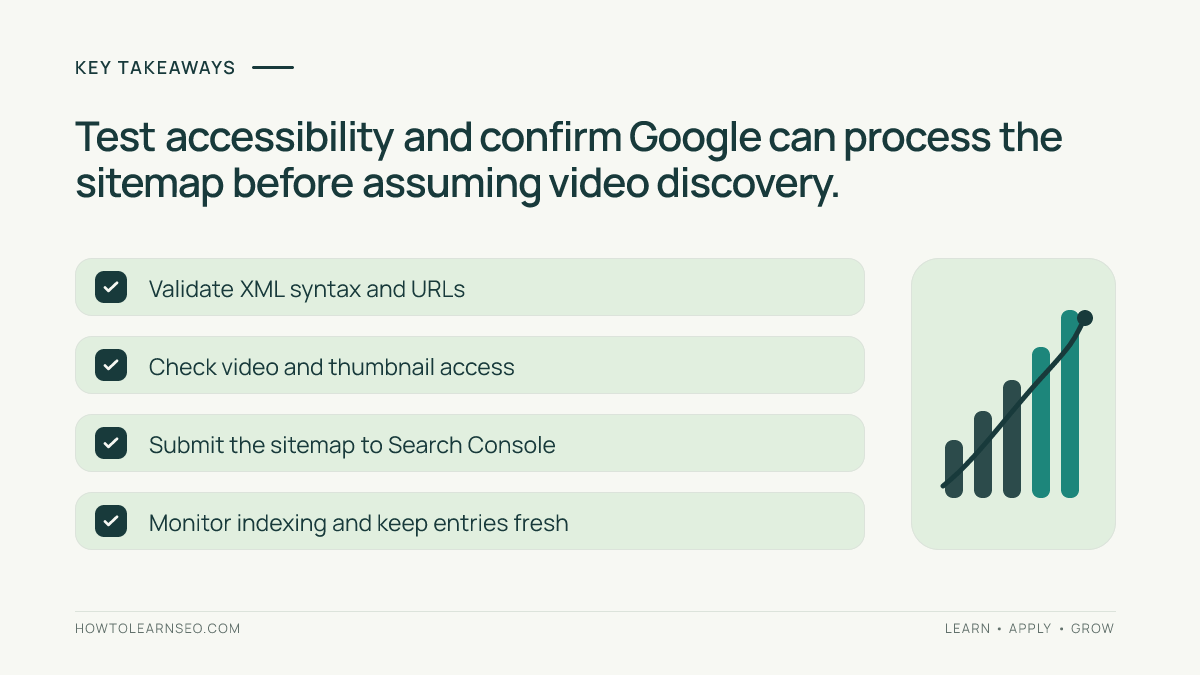
A syntactically correct sitemap cannot make inaccessible video content discoverable. Test whether Googlebot can fetch the relevant page, thumbnail and supported video file or player without a login or a blocking robots rule. Some CDNs create rapidly expiring media and thumbnail links; Google’s video guidance recommends stable URLs so its systems can revisit the resource reliably.
Inspect the actual rendered watch page on mobile and desktop, ensuring the player is prominent and usable. Avoid hiding the video behind interactions that are difficult to render. Our mobile SEO beginner’s guide covers mobile usability considerations. Do not confuse a working player for one signed-in editor with proof that the video is available to search crawlers.
Step 5: Submit the sitemap and monitor real results
After publishing a valid XML file on your website, submit its URL in Search Console’s Sitemaps interface for the verified property. The sitemap’s success status means Google could process it, not that every video has been indexed. Check for fetch errors and compare the actual indexed watch pages with the intended list. Follow the video’s indexing status and any reported video-specific issues where Google makes those reports available.
For video content hosted on a major platform, the platform’s own watch page may also appear in Google results. Embedding the video on your website does not guarantee your page will be selected instead. Our YouTube titles and chapters guide covers video packaging for that platform, a different task from XML discovery.
Step 6: Maintain the sitemap as your library changes
Automate metadata updates from the actual publishing system when practical. Remove entries for videos no longer accessible, update changed thumbnails and ensure that replaced videos point to the current legitimate player. Audit a small sample after site migrations or CDN changes. A stale sitemap with dead thumbnails may produce avoidable discovery problems even when the underlying articles remain available.
Keep a small release record showing the watch page, canonical URL, source of thumbnail and player data, implementation date and validation outcome. Investigate errors by reproducing the specific URL request, not by resubmitting the identical file repeatedly. Build internal links from related lessons to the correct watch pages so videos are discoverable through normal site navigation as well as XML.
Frequently Asked Questions
Do I need a separate video sitemap?
No. Google supports video extensions in a normal XML sitemap or a dedicated video sitemap, so choose the format your website can maintain accurately.
Can I list an embedded YouTube video in my sitemap?
Yes, when it is genuinely embedded on your page. Google documents using the YouTube embed URL as video:player_loc; the host page must still meet video discovery and indexing requirements.
What is the difference between loc and player_loc?
The parent loc identifies the page where the video appears, while video:player_loc identifies the video’s player URL. They must not be the same.
Will submitting a video sitemap guarantee video indexing?
No. A sitemap helps discovery. Google still evaluates accessibility, the watch page, thumbnail and video content before deciding whether to index it.
What if my video thumbnail URL expires?
Use a stable, crawlable thumbnail URL. Frequently expiring or blocked thumbnail URLs can prevent Google from processing the video successfully.
Should I submit every product video or tiny embedded clip?
Prioritize videos central to the host page and useful to viewers. Google’s video sitemap guidance discourages including unrelated or merely supplementary videos.
Conclusion
A video sitemap makes video discovery more explicit, but it works best when the underlying watch pages are useful and crawlable. Choose real primary-video pages, publish accurate metadata, validate the XML, submit the sitemap and monitor what Google actually processes. Focus on accessibility and maintenance instead of assuming that sitemap submission alone creates video search visibility.