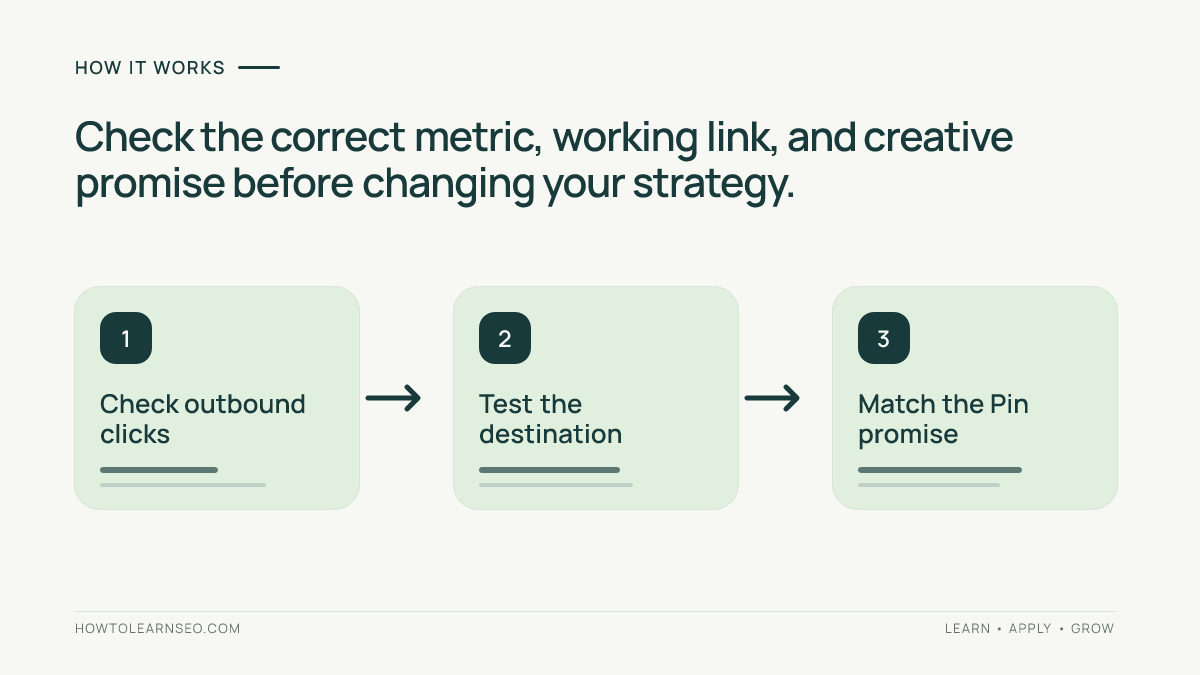
To diagnose Pinterest impressions without website clicks, verify outbound-click data, test the destination, align the creative promise with the landing page, and compare website engagement. This step-by-step audit helps website owners identify fixable problems without guessing how Pinterest ranks Pins.
Quick Answer
When Pinterest Pins receive impressions but few website clicks, diagnose the journey in stages rather than assuming the account is failing. First confirm that the Pin is intended to send people to a website and has a working destination. Next compare impressions, saves, outbound clicks, and landing-page sessions over the same date range. Then inspect the creative promise, search intent, destination relevance, and mobile experience. Change one meaningful variable at a time and allow enough observations before judging results.
Impressions show exposure, not an agreement to visit your site. A Pin can be useful enough to save without giving someone a reason to leave Pinterest. The practical objective is qualified outbound visits from people whose questions your page actually answers.
Key Takeaways
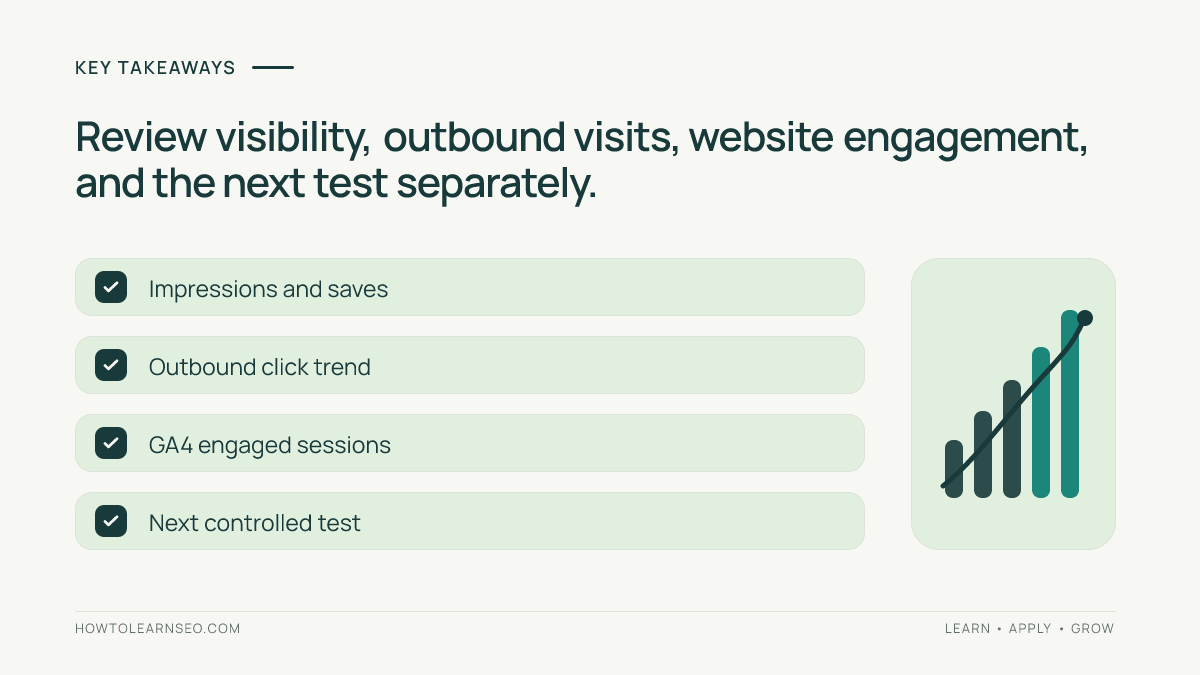
Treat high impressions and low outbound clicks as a diagnostic signal, not proof of an algorithm penalty. Verify the metric definition and reporting window before interpreting a ratio. Match the Pin headline to a specific problem solved on the linked page. Check that the link loads quickly and works on mobile. Compare similar Pins fairly and use website engagement to judge traffic quality, not impressions alone.
Start with the right Pinterest metrics
Open Pinterest Analytics for the relevant business account and select a consistent reporting period. Review impressions, saves, Pin clicks and outbound clicks separately. Pin clicks can reflect activity within Pinterest, whereas outbound clicks describe interactions that take someone toward an external destination. These metrics answer different questions; do not substitute one for another when evaluating website traffic.
For a useful baseline, record the Pin URL, publication date, destination URL, impressions, outbound clicks, saves, and the date range in a simple sheet. Add the campaign or topic and creative format. If your account interface uses slightly different labels, consult the current Pinterest Analytics help rather than assuming every account displays identical reports.
Calculate an illustrative outbound-click rate by dividing outbound clicks by impressions and multiplying by 100. This is your own diagnostic ratio, not a promise about Pinterest distribution or a universal benchmark. Avoid comparing a two-day Pin against one that has been circulating for several months without noting the age difference.
Confirm the link and destination actually work
Open the exact published Pin as a visitor and follow its destination link. Confirm that the URL points to the intended article rather than the homepage, an expired redirect, a search page, or a missing product. Check for blocked access, intrusive overlays, confusing cookie dialogs, and broken mobile layouts. A visually appealing Pin cannot deliver a useful visit if the destination is inaccessible.
Use a private browser window and a phone to check the first screen. Can a visitor recognize the promised topic immediately? Is the page readable before any signup prompt? Does it answer the question without requiring several unrelated clicks? If the answer is no, fix the destination before redesigning a dozen Pins.
For a structured prepublication review, follow the Pin-to-landing-page relevance audit. That companion tutorial focuses on matching expectations before publication; this guide focuses on diagnosing an already visible Pin with weak website response.
Diagnose the promise in the Pin
Look at the image without its description. Does it tell a viewer what useful outcome awaits after the click? A vague headline such as ‘Marketing Tips’ may attract broad attention but gives little reason to open an article. A more specific promise such as ‘Fix These Three Pinterest Link Mistakes’ identifies a task and an expected benefit. Only use that claim if the destination actually covers those mistakes.
Check that the Pin title, visible image text, and destination headline point toward the same reader job. A Pin about beginner keyword research should not link to a general SEO tools comparison. The difference may not be obvious to the creator, but it matters to someone deciding whether a click is worth their time.
Do not interpret a low click count as a reason to use misleading curiosity bait. A sensational promise might increase curiosity while damaging engagement and trust. The goal is to attract visitors who will find what they expected, not to maximize accidental visits. For title and description techniques, see the Pinterest Pin copy tutorial.
Check search intent and audience fit
A Pin may earn exposure for a broad inspiration query while linking to a detailed technical tutorial. Those audiences can overlap, but they are not identical. Search Pinterest for the central phrase and examine the kinds of results users encounter: inspiration boards, step-by-step visuals, checklists, or product pages. This is qualitative context, not evidence of keyword volume or an official ranking factor.
Rewrite the promise for the specific person who needs the destination. For a site-owner tutorial, name the site-owner task, such as checking referral traffic or planning content. If the article is a beginner walkthrough, avoid creative text that implies advanced analytics expertise. If the page is advanced, do not promise a two-minute beginner shortcut.
Review the board context as well. A highly specialized website traffic Pin placed in a broad lifestyle board may be less coherent than one grouped with website promotion tutorials. The Pinterest board planning guide explains how to organize topics without creating repetitive boards.
Work through a reproducible example
Imagine a hypothetical Pin promoting an article about measuring Pinterest traffic in GA4. During a fixed 30-day reporting window, the Pin receives 12,000 impressions, 180 saves and 24 outbound clicks. Its illustrative outbound-click rate is 24 divided by 12,000, or 0.2%. Those numbers are invented solely to demonstrate the calculation; they are not results from an actual account or an industry benchmark.
The Pin currently says ‘Understand Your Audience’, while the destination teaches how to identify Pinterest sessions with UTM parameters. That mismatch suggests a concrete hypothesis: people see a broad analytics promise but cannot tell that the page solves a Pinterest-specific tracking problem. Create one new, original creative saying ‘Track Pinterest Visits in GA4’ and link it to the same accurate article. Keep the destination and observation period comparable.
Record the new Pin’s own impressions and outbound clicks, then compare both creative variants after they have accumulated meaningful observations. Do not assume that equal calendar time means equal distribution. If the revised Pin attracts more outbound clicks but visitors immediately leave, examine landing-page fit and technical issues instead of declaring the test successful. If the new creative receives too little exposure, mark the result inconclusive rather than claiming a winner.
For this example, the linked article could be the GA4 and UTM tracking walkthrough. The example illustrates input, hypothesis, action, expected directional signal, verification, and an edge case without claiming to have run a live experiment.
Separate Pinterest reporting from website analytics
Pinterest outbound clicks and GA4 sessions are not identical counts. A click does not necessarily become a recorded session: visitors can abandon loading, decline analytics consent, use privacy controls, or encounter tracking configuration issues. Attribution rules and reporting time zones can also differ. Compare trends and campaign labels instead of demanding one-to-one agreement.
Use tagged destination URLs where appropriate and inspect GA4 traffic acquisition reports for the relevant source and medium. Confirm that the site is collecting analytics and that a test visit can be observed through the available debugging tools. The Google Analytics campaign URL guidance explains how campaign parameters are used; consult the traffic acquisition documentation for reporting context.
Segment by landing page when possible. A Pin may deliver fewer visits than another creative yet produce better engaged sessions or relevant conversions. Define the desired action before interpreting the data: reading a tutorial, subscribing, downloading a checklist, or visiting another useful article. Do not invent conversion rates when the site has not configured an appropriate event.
Build a controlled improvement plan
Choose one likely bottleneck at a time. If the destination is broken, repair it first. If the creative is vague, produce a fresh visual with a clear, truthful promise. If the Pin targets the wrong audience, narrow the headline and board context. If outbound clicks occur but GA4 sessions are unexpectedly low, test analytics collection and the destination loading experience.
Keep a change log with the date, original Pin URL, new Pin URL if applicable, what changed, why it changed, and the result you plan to inspect. A new creative is not the same object as editing an existing Pin; track both separately. Avoid posting near-identical images in bulk or manipulating engagement. Use the fresh Pin design testing tutorial for a broader creative experiment framework.
For a practical weekly review, start with the highest-impression Pins that have verified links and clearly weak outbound response relative to comparable Pins on your own account. Select only a few for improvement. Keep the original observation window documented and resist changing headlines, landing pages, board placement, and destination tracking simultaneously. Multiple simultaneous changes make the cause of any improvement difficult to identify.
Interpret results without overclaiming
After a reasonable observation window, ask three questions. Did the revised creative reach a relevant audience? Did people leave Pinterest for the promised page? Did those visitors find the content useful? The answers may differ. A stronger outbound-click rate with weak engagement can indicate a misleading promise or a poor destination; strong engagement with few impressions may indicate a distribution problem rather than a content problem.
There is no universal outbound-click rate that every niche, account, or Pin format must achieve. Seasonal interest, audience size, Pin age, and topic can all affect comparisons. Prefer within-account comparisons among similar content, while explicitly recording differences. If the sample is tiny, state that the evidence is insufficient. Do not use a single successful Pin as proof of a permanent platform rule.
Pin-ready summary and implementation checklist
A useful Pin-ready hook for this article is: ‘Getting Pinterest views but no website visitors? Check the link, promise, audience and GA4 tracking before redesigning everything.’ A second distinct creative could show a diagnostic decision tree: impressions lead to an outbound-click check, followed by destination testing and engagement review. A third could present a compact checklist of five verifications.
Before closing the audit, confirm the exact Pin and destination URLs, save the reporting window, record outbound clicks rather than only Pin clicks, test the page on mobile, compare the visible promise with the landing-page headline, and check GA4 acquisition data. Assign one next action and a review date. The deliverable is a documented diagnosis, not a speculative explanation of Pinterest’s algorithm.
Frequently Asked Questions
Why does my Pinterest Pin get impressions but no website clicks?
Impressions only indicate that a Pin appeared on screen. The promise may not invite an external visit, the audience may be browsing for inspiration, or the destination may be unsuitable. Check the link, message and outbound-click metric before choosing a fix.
Are Pin clicks the same as outbound clicks?
No. Pin clicks and outbound clicks represent different interactions. Use the outbound-click metric when diagnosing visits toward an external website, and check the current Pinterest Analytics definitions for your account.
What is a good Pinterest outbound-click rate?
There is no reliable universal target for every topic and account. Compare similar Pins within your own reporting window, account for Pin age and audience differences, and prioritize the quality of website visits over an isolated percentage.
Why do Pinterest outbound clicks differ from GA4 sessions?
A visitor may leave before the page loads, block analytics, decline consent, or be attributed differently. Check tagging, analytics collection, reporting periods and landing-page performance before assuming either platform is wrong.
Should I delete a Pin that gets impressions but few clicks?
Not automatically. First verify whether the Pin serves an awareness or inspiration purpose, whether its link works, and whether a clearer original creative could better match the linked page. Keep records before making changes.
How long should I wait before judging a new Pin design?
Use a documented observation window and enough relevant exposure to make a useful comparison. There is no guaranteed number of days. If a Pin has very little data, describe the test as inconclusive rather than declaring a winner.
Conclusion
High Pinterest impressions and low website clicks are a starting point for investigation, not a verdict on your content. Confirm the right metric, test the destination, clarify the Pin promise, and compare the resulting visits with actual website behavior. Document one improvement at a time so future decisions rest on evidence rather than guesswork.