To track Pinterest website traffic in GA4, link each relevant Pin to a working article URL, add consistent UTM parameters where appropriate, and review sessions, landing pages, engagement and key events in Google Analytics 4. Use Pinterest Analytics outbound clicks as a separate comparison, not as an identical session count. This walkthrough shows a repeatable setup that helps website owners judge qualified visits rather than impressions.
Quick Answer
Start with a GA4 property collecting website data. Choose a consistent source such as pinterest, a medium such as organic_social, and a campaign name that describes your content initiative. Add those parameters to the destination URL, test the link, then inspect GA4 acquisition reports and a landing-page breakdown. Keep a simple tracking sheet so different Pins can be compared without creating inconsistent labels.
What you need before tracking
You need access to your website, an active GA4 web data stream, a Pinterest business account if you want its native analytics, and permission to edit destination URLs on Pins you create. A spreadsheet is enough to maintain a naming convention. You do not need paid analytics software. Confirm GA4 is receiving recent traffic before judging any Pinterest-specific data; otherwise an empty Pinterest report may actually be a broken site tag.
Check a few pages manually, including mobile pages, and ensure that analytics consent settings work as intended. Privacy choices, blockers, browser behavior and reporting thresholds can change the measured total. Do not assume a single visitor will always create a recorded session. If you are new to measurement, read the GA4 beginner guide before changing tracking conventions.
Step 1: Choose the website result you want to measure
Define a reader action that indicates useful traffic. For a tutorial website, that might be reading another relevant lesson, subscribing to an optional newsletter, or completing a clearly defined key event. Page views alone cannot prove that visitors found what they needed. Record your baseline for the landing page and its traffic sources before the new Pinterest campaign starts.
A simple measurement question is: Did people arriving from Pinterest read the tutorial and continue to a related resource? That question is more useful than asking whether a Pin received a large number of saves. Write down the exact landing page and its intended next action. If the destination article is thin, misleading or unrelated to the Pin, fix the content before promoting it.
Step 2: Build a consistent Pinterest UTM convention
UTM parameters are labels added to a destination URL. GA4 can use them to identify the campaign associated with incoming visits. Use lowercase values, avoid spaces where possible, and maintain the same spelling for every Pin in the same reporting group. Google’s campaign URL guidance explains the available manual tagging fields and their use.
A practical baseline is utm_source=pinterest, utm_medium=organic_social and utm_campaign=pinterest_seo_hub. You may also use utm_content to distinguish creative variations, such as checklist_pin and workflow_pin. The names are your reporting convention, not a special Pinterest algorithm setting. Avoid switching between Pinterest, pinterest.com and pin for the same source, because those values can fragment manual campaign analysis.
Never attach campaign parameters to internal navigation links inside your own site. Doing so can confuse attribution. Add them only to inbound promotional destinations. If your article already has a query string, append new parameters using an ampersand rather than a second question mark. Preserve existing legitimate parameters and check that the final URL resolves correctly.
Step 3: Work through one complete example
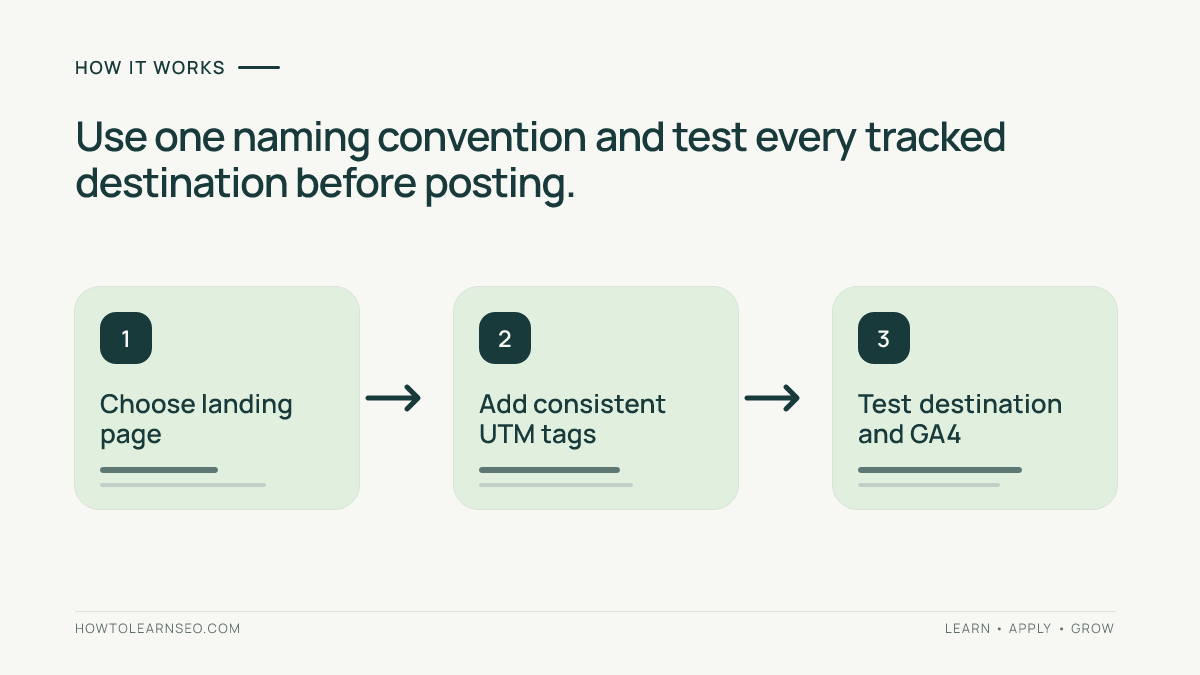
Imagine you publish a tutorial at https://example.com/pinterest-keywords/. Your Pin headline promises a beginner keyword worksheet, and the linked article actually contains that worksheet. Create a URL such as https://example.com/pinterest-keywords/?utm_source=pinterest&utm_medium=organic_social&utm_campaign=pinterest_seo_hub&utm_content=worksheet_pin. This is an illustrative URL, not a live performance test.
The input is the article URL plus four tracking labels. The action is to place the complete encoded destination in your Pin’s link field. The expected result is that an eligible visit can be associated with the manual source and campaign in GA4. Verification means clicking the Pin link from a test environment, checking the destination and then inspecting the appropriate GA4 report after processing.
An important edge case: a site may redirect the tagged URL to a canonical version and strip the query string. Test the entire redirect chain. If tracking parameters disappear before the analytics tag reads them, campaign attribution may not be preserved. Also verify that the destination does not return a 404, require a login, or send mobile users to a different unrelated page.
Step 4: Create Pins that match the destination
Create a clear vertical creative with a legible promise, then write a natural title and description that describe the article’s actual benefit. Link directly to the relevant page rather than a generic homepage. Pinterest’s business resources are a starting point for current product guidance; confirm account features in your own interface because controls and availability can change.
Use two or three distinct visual approaches for the same useful article: a checklist, a three-step workflow and a worked example. These should communicate genuinely different entry points, not merely change the background color. Avoid implying that Pinterest endorses your article or that one creative format guarantees distribution. The Pin titles and descriptions tutorial covers the copywriting side in more detail.
Pin-ready hook: ‘Your Pin got clicks. Did those visitors actually read your article?’ Pair that question with a screenshot-style diagram of source, landing page and meaningful action. This hook is suitable for a future original Pin; it is not evidence that any Pin has been created or posted.
Step 5: Find Pinterest visits in GA4
Open Reports and locate the acquisition reporting available in your GA4 property. Traffic acquisition is useful for session-oriented source analysis; user acquisition answers a different first-user question. Select session source/medium or an appropriate manual campaign dimension, depending on your report configuration. Filter or search for the values you used, then set a date range covering your publishing period.
GA4 interfaces and default channel definitions can evolve, so verify the actual dimension names displayed in your property rather than following a screenshot blindly. Compare sessions, engaged sessions and key events if those metrics are configured. Some traffic may appear under pinterest.com referral instead of your manual labels, especially for untagged links or different redirect paths.
To connect visits to individual articles, inspect landing-page reporting with an appropriate source or campaign filter, or create an Exploration combining landing page and session acquisition dimensions where available. Check whether the tracked URL maps to the intended content path after query parameters are removed in the report. For broader planning, the SEO measurement plan explains how to document definitions and review cadence.
Step 6: Compare Pinterest Analytics with GA4 carefully
Pinterest’s outbound-click metric and GA4 sessions answer different questions. A click can occur without a completed, measurable GA4 session; a session can also be attributed differently depending on the visitor journey. Browser restrictions, consent, redirect behavior, time zones and reporting windows can contribute to discrepancies. Do not subtract the two totals and label the difference as lost traffic without investigation.
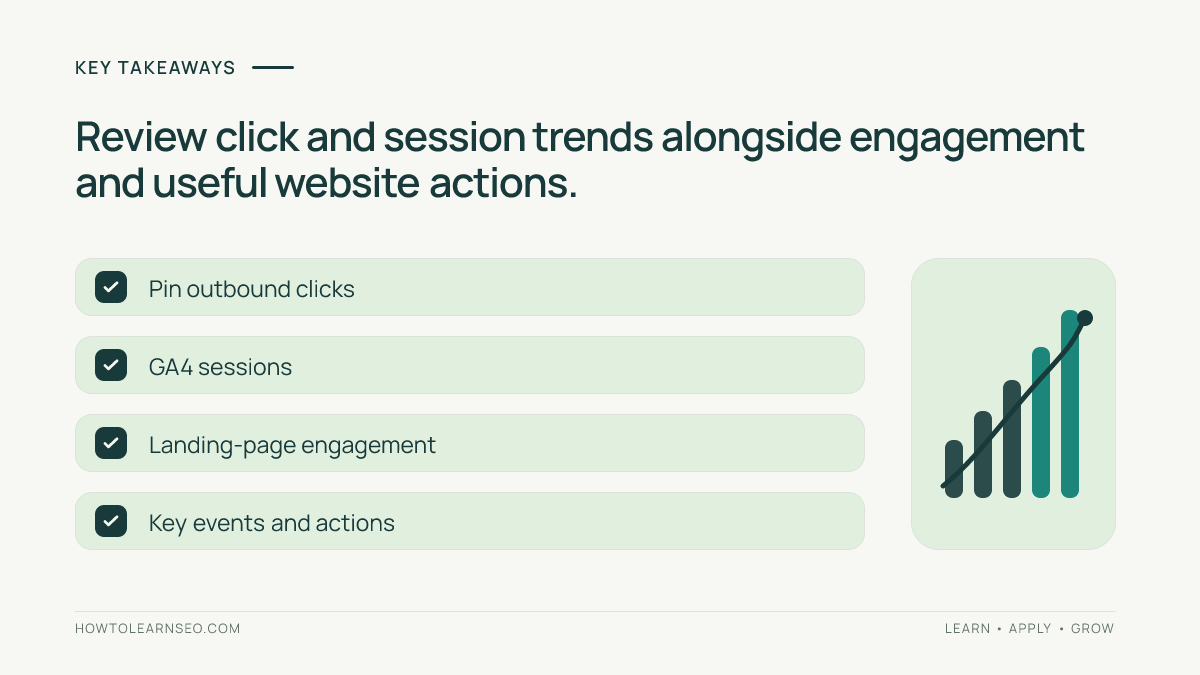
Compare trends over equivalent date ranges instead. Note the Pin, destination URL, creative theme, outbound clicks where available, GA4 sessions and engagement signals. If Pinterest clicks rise while GA4 sessions stay flat, first test the link and analytics implementation. If both rise but engagement is weak, inspect whether the Pin promise matches the first screen of the article.
The GA4 reporting limitations review provides useful context on why reports require careful interpretation. Treat this as diagnostic work rather than proof that any channel is overreporting or underreporting.
Step 7: Build a weekly reporting sheet
Create columns for week, Pin URL, creative type, article URL, campaign, content label, Pinterest outbound clicks, GA4 sessions, engaged sessions, key events and observations. Keep the sheet small enough to update consistently. Separate confirmed numbers from notes and hypotheses. If you cannot access a metric, mark it unavailable rather than estimating it.
Review one full week at a time and annotate major changes such as a redesigned article, a corrected broken link or a new Pin creative. Compare like-for-like periods where possible. A newly published Pin and an established Pin have different exposure histories, so raw totals alone are not a fair creative comparison. Avoid making optimization decisions on tiny samples.
Troubleshooting: what to check when traffic looks wrong
No Pinterest source appears
Confirm the destination URL retains UTM parameters after redirects, GA4 fires on the landing page, your date range includes the test, and your report uses a session-level dimension. Allow for normal reporting delays. Realtime or DebugView can assist with implementation checks where available, but they are not substitutes for finalized acquisition reports.
Campaigns split into multiple rows
Audit capitalization, punctuation and spelling in your tracking sheet. The values pinterest and Pinterest can create inconsistent campaign reporting. Fix naming on future Pins rather than rewriting historical results. Keep a reference list of approved source, medium and campaign values.
Clicks are high but useful actions are low
Open the landing page on a phone, read the first paragraph and confirm it immediately fulfills the Pin’s promise. Check speed, intrusive overlays, broken navigation and whether the next step is obvious. If the Pin promotes a keyword worksheet, the article should provide the worksheet rather than a generic Pinterest overview.
Key Takeaways
- Use consistent UTM labels to group Pinterest campaigns in GA4.
- Measure article engagement and meaningful actions, not only Pin impressions.
- Keep Pin promises aligned with the actual linked page.
- Test redirects, mobile destinations and analytics before interpreting low traffic.
- Compare Pinterest outbound clicks and GA4 sessions as different measurements.
Frequently Asked Questions
Do I need UTM tags on every Pinterest Pin?
No. They are useful when you need consistent campaign reporting, but untagged Pinterest referrals may still appear in GA4. Use one documented convention.
Can Pinterest outbound clicks equal GA4 sessions?
Sometimes the totals may be close, but they are different measurements and should not be expected to match exactly across tools.
Which GA4 report should I start with?
Start with Traffic acquisition for session-oriented channel analysis, then use landing-page reporting or an Exploration for article-level detail.
Should I use utm_medium=social or organic_social?
Choose one consistent, documented value for your organic Pinterest campaigns and verify how GA4 classifies it in your actual property.
Can I measure conversions from Pinterest without paid ads?
Yes, if your website collects appropriate events and you configure meaningful key events in GA4, you can analyze activity attributed to organic visits.
How long should I wait before judging a new Pin?
Use a sensible review window and enough observations to avoid reacting to a handful of clicks. Pinterest distribution and GA4 processing are not instantaneous.
Conclusion
To track Pinterest website traffic in GA4 reliably, begin with a working destination, consistent campaign parameters and a clear definition of a valuable visit. Validate the link, compare acquisition and landing-page reports, and review the findings alongside Pinterest’s outbound-click data. Your goal is not to manufacture an impressive number; it is to learn which Pins bring readers who genuinely benefit from your website. For the broader publishing workflow, see the first-month Pinterest SEO guide.