
AI content refresh recommendations can sound confident, but a recommendation is not evidence that a page needs editing. Before changing a useful article, compare its Google Search Console performance across equivalent periods, calculate what changed, and check whether the proposed fix addresses the likely problem. Build a Google Sheets table to review those decisions.
Quick Answer
Export page-level clicks and impressions for two comparable, complete periods from the same Search Console property, search type, country and device scope. Match rows by their reported page URL, calculate click and impression changes, and flag unusual patterns for investigation. Approve an AI-suggested refresh only after checking affected queries, current content accuracy and the page’s actual search intent. A flag is a question to investigate, not permission to rewrite.
Key Takeaways
- Compare like-for-like Search Console periods and filters before calculating changes.
- Use page URLs as reviewed keys; do not silently merge unrelated pages.
- Separate falling clicks with steady impressions from falling demand.
- Handle zero baselines without invented growth percentages.
- Verify a proposed content change against the live page and authoritative sources.
Define the Comparison Before Exporting Data
You need access to the verified Search Console property, a spreadsheet, and a list of pages that an AI assistant recommended updating. Select two equal-length, fully reported periods, such as the previous and latest completed 28-day windows. Keep the Search type on Web for both and retain identical country, device and query filters. Exclude recent dates whose data is still incomplete. If seasonality matters, also examine the same period in the previous year.
Google’s traffic-drop investigation guidance recommends comparing similar periods and inspecting page, query, country and device patterns. A decline is not automatically a content-quality problem: changing demand, search appearance and site-wide issues can affect the numbers.
For an introduction to the source metrics, use our Search Console guide. Record the property, dates, filters and export time so another editor can reproduce the comparison.
Build a Two-Period Page Table
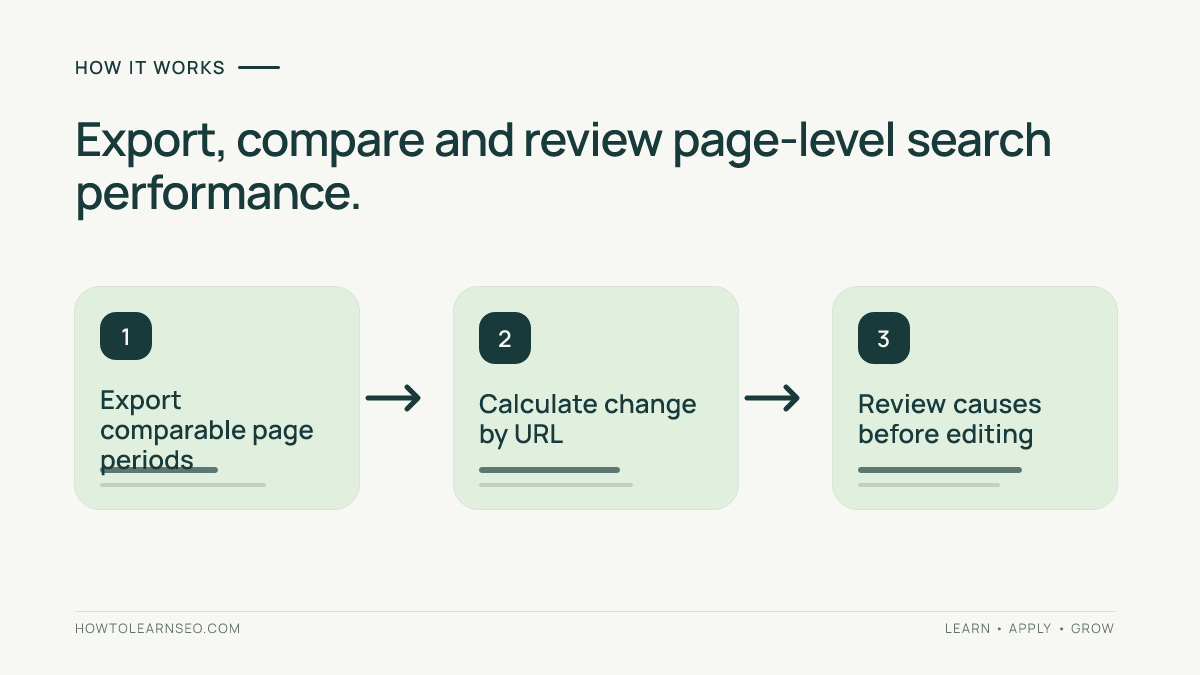
In Search Console’s Performance report, set the first period, select Pages and export the table. Repeat with the second period and the same settings. Create one reviewed row per page URL. Use these columns in Google Sheets: A Page URL, B Previous clicks, C Previous impressions, D Current clicks, E Current impressions, F Previous CTR, G Current CTR, H Click change, I Impression change and J Review signal.
Join the exports by the exact reported page URL, not by row number. A URL absent from one export is not automatically proof of zero search activity; investigate reporting limits, canonical grouping and filter differences. Keep missing data distinguishable from an observed zero. Google’s Search Console data guidance explains that adding page or query dimensions can omit some data compared with broader totals.
Preserve raw tabs. If AI proposes formulas or labels, remove private information first and verify its joins. Our export sanitization tutorial covers that preparation. Do not let a model fill blank cells with made-up traffic.
Calculate the Signals, Not a Verdict
Starting in row 2, enter =IF(C2=0,"",B2/C2) in F2 and =IF(E2=0,"",D2/E2) in G2. Format both as percentages. For click change use =IF(B2=0,"",(D2-B2)/B2) in H2; for impression change use =IF(C2=0,"",(E2-C2)/C2) in I2. Format H and I as percentages and fill down. Empty results mean the denominator is zero; they are not zero-percent changes.
In J2, use =IF(OR(B2=0,C2=0),"Insufficient baseline",IF(AND(H2<=-0.3,I2>=-0.1),"Investigate CTR or intent",IF(AND(H2<=-0.3,I2<-0.1),"Investigate demand or ranking","Monitor"))). The 30% click and 10% impression cutoffs are illustrative screening choices, not Google recommendations or universal thresholds. Adjust them for your site’s scale and normal volatility.
These labels do not identify causes, prove ranking changes or measure AI visibility. For a separate audit of generated narratives and arithmetic, see our AI SEO report validation guide.
Worked Example: Four Pages, Four Different Decisions
These illustrative values assume matched URLs, two complete 28-day periods and identical Web filters. Reproduce the results with the formulas.
| Page | Previous clicks / impressions | Current clicks / impressions | Click change | Impression change | Expected signal |
|---|---|---|---|---|---|
| /seo-guide/ | 160 / 4,000 | 96 / 3,900 | -40% | -2.5% | Investigate CTR or intent |
| /seasonal/ | 100 / 2,000 | 50 / 1,000 | -50% | -50% | Investigate demand or ranking |
| /new-page/ | 0 / 0 | 8 / 500 | Not defined | Not defined | Insufficient baseline |
| /steady/ | 40 / 1,000 | 42 / 1,100 | +5% | +10% | Monitor |
For /seo-guide/, previous CTR is 160 divided by 4,000, or 4%. Current CTR is 96 divided by 3,900, approximately 2.46%. The click drop with nearly steady impressions warrants a query-level review, but does not prove that rewriting the introduction is the right fix. For /seasonal/, CTR stays at 5% while impressions halve; investigate demand and visibility before approving a rewrite. The new page cannot have a meaningful percentage-change baseline.
Verify H2 = -40%, I2 = -2.5%, and J2 = Investigate CTR or intent. If not, check columns, formats and percentage inputs. Fix the formula before accepting AI advice.
Validate AI Content Refresh Recommendations Before Editing
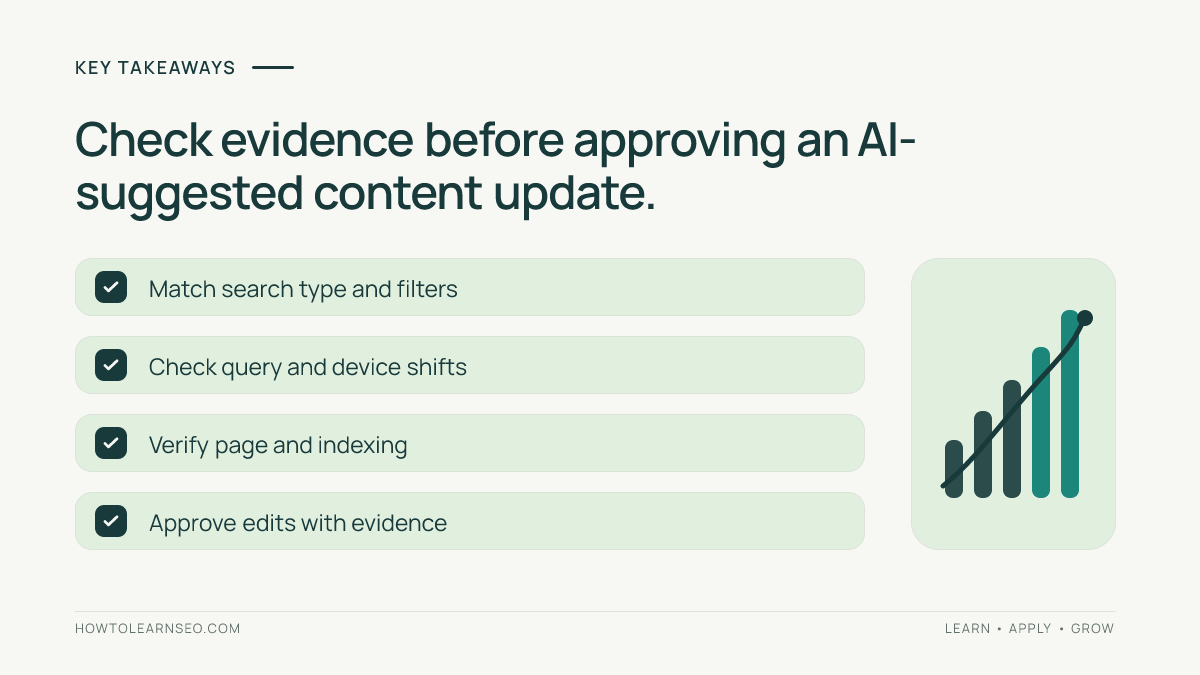
For each flagged page, inspect its leading queries and compare country and device segments. Review whether the page’s purpose still matches the queries receiving impressions. Check its current content against authoritative sources, then look for indexing or technical problems before assuming a copy change is needed. Google’s debugging guidance also recommends investigating seasonality and site-wide patterns.
Use a short approval record: reported URL, comparison dates, calculated signal, observed query or technical evidence, proposed edit, source supporting the correction, reviewer and verification plan. If the recommendation merely adds generic paragraphs, reject it. If instructions are obsolete, correct the exact steps and preserve the page’s useful intent. Our content refresh guide explains the editorial work after a candidate has been justified.
After an approved change is published, record what actually went live and when. Our SEO change-log workflow distinguishes proposals from deployed edits. Monitor comparable periods later, but do not claim that a subsequent traffic change was caused by the refresh without stronger evidence.
Exceptions That Should Stop an Automatic Recommendation
- Missing page row: verify reporting scope and canonical handling; do not insert an invented zero.
- Low traffic: a large percentage swing from two clicks may not justify editing.
- Different search filters: rebuild both exports before interpreting changes.
- New or merged URLs: reconcile URL identity and redirects before joining rows.
- Site-wide decline: investigate shared technical or demand factors first.
AI may organize the queue, but the outcome must be a reviewed decision: refresh, investigate or leave unchanged.
Frequently Asked Questions
Does a 30 percent click drop mean a page needs refreshing?
No. The threshold in this example is a screening rule chosen for illustration. Check impressions, queries, devices, demand, page accuracy and technical status before deciding whether a content change addresses the cause.
Can I compare two periods of different lengths?
You can analyze them with appropriate normalization, but this basic sheet assumes equal-length periods. Use matching complete windows to avoid confusing different observation durations with a genuine performance change.
Why is percentage change blank when previous clicks were zero?
The formula has no valid denominator when previous clicks are zero. Treat the page as lacking a percentage-change baseline and review its current absolute clicks and impressions separately.
Should I use average position to rank refresh candidates?
Use position as supporting diagnostic context, not a standalone score. Query mix, device and search appearance can change the average. Review clicks, impressions and affected queries together.
Can AI automatically rewrite every flagged article?
No. A flag does not establish that the page is inaccurate or that rewriting will help. Require source verification, a specific reader benefit, editorial approval and post-publication checks before changing content.
Conclusion
A Search Console comparison sheet turns vague AI refresh suggestions into testable questions. Match periods and URLs, calculate changes with safe zero handling, investigate the underlying cause and document a justified decision. The best outcome is not the largest number of rewritten pages; it is a smaller queue of corrections that genuinely help readers.