Before deploying AI-generated X-Robots-Tag rules, test the actual HTTP headers returned by each URL. Configuration text alone cannot prove that the public response contains the intended indexing directive. This tutorial builds a URL test matrix, inspects responses with curl, and turns the observations into a documented release decision.
Quick Answer
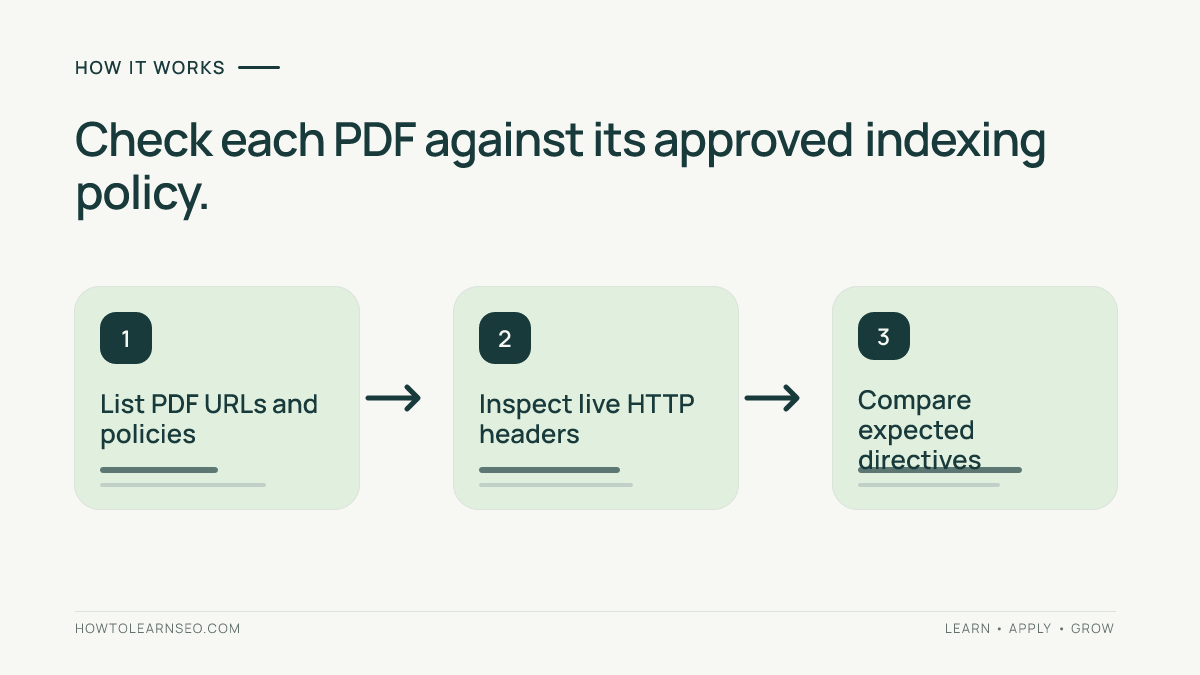
To validate AI-generated X-Robots-Tag rules, list representative file URLs, define each URL’s expected indexing policy, request its actual HTTP response headers, and compare the returned directive against that policy. Repeat for redirects, errors, and cached responses. A passing header test verifies the observed response, not whether Google has already crawled or removed the URL.
Key Takeaways
- X-Robots-Tag is an HTTP response header, not an HTML tag or robots.txt rule.
- Inspect real public responses rather than trusting generated server configuration.
- Test both files that should be excluded and controls that should remain indexable.
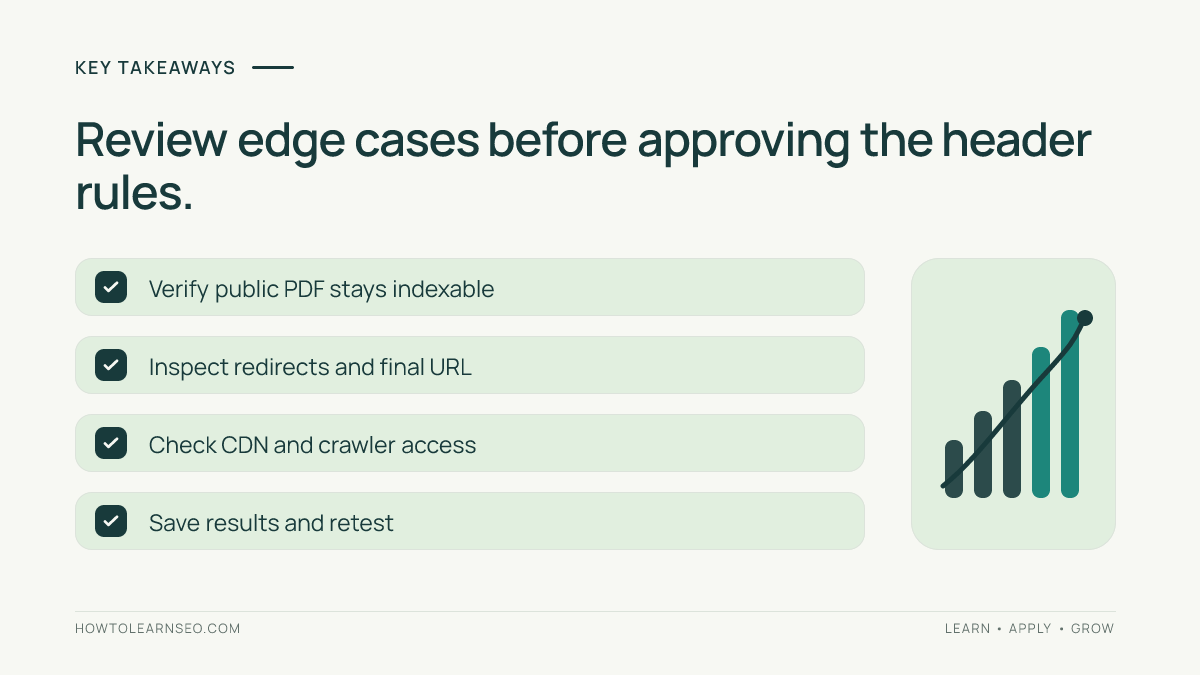
- Check redirects and delivery layers before declaring the deployment safe.
- Record the observed evidence and retest after changes.
Choose the right documents for this test
Google documents X-Robots-Tag as an HTTP response header that can supply indexing instructions for resources including PDFs. A PDF can return X-Robots-Tag: noindex without embedding an HTML meta element. That distinction matters because ordinary PDF responses do not have an HTML head where a meta robots tag could be placed.
Start with the content owner’s policy, not the AI assistant’s proposed rule. A public manual or downloadable research guide may deserve indexing, while an obsolete internal reference sheet may be intentionally excluded. Do not automatically mark every PDF noindex because the extension is convenient to match. The same rule can accidentally affect valuable downloads.
Review Google’s robots meta tag and X-Robots-Tag documentation and its indexing control guidance before applying any server rule. These explain the distinction between indexing directives and other access controls. A noindex instruction is not a security boundary and does not protect private information.
Prepare the prerequisites and URL policy
You need the public HTTPS URLs, a terminal with curl, permission to inspect response headers, and an approved indexing decision for each document. If AI generated Apache, Nginx, or CDN configuration, ask the infrastructure owner to review it. This procedure is read-only: it does not require changing production settings to test them.
Choose one file intended to be excluded, one public PDF intended to remain searchable, and one normal HTML page as a control. Include a redirecting file URL if redirects are part of your delivery setup. Keep the test set small enough to review manually, but representative enough to catch an overly broad extension or directory rule.
The meta robots guide explains the HTML alternative; the PDF SEO guide covers document discoverability. Also review the robots.txt introduction to avoid confusing crawl permission with indexing instructions.
Build a reproducible X-Robots-Tag matrix
The following domain and expected responses are illustrative, not results measured on a live website. Replace them with URLs you control. This artifact turns an AI-generated rule into explicit input, action, expected output, and pass or fail evidence.
| Test URL | Approved policy | Expected response header |
|---|---|---|
| example.com/files/internal-sheet.pdf | Exclude from search | X-Robots-Tag: noindex |
| example.com/files/public-guide.pdf | Allow indexing | No noindex directive |
| example.com/articles/guide/ | Allow indexing | No accidental noindex |
| example.com/old-sheet.pdf | Redirect | Inspect redirect and final resource |
Run curl -sS -D - -o /dev/null https://example.com/files/internal-sheet.pdf. The command displays response headers and discards the body. Inspect the HTTP status and every X-Robots-Tag header. An illustrative matching response contains HTTP/2 200 and x-robots-tag: noindex. Header names are case-insensitive, so lowercase spelling is not a failure.
Run the same command for the public PDF and HTML control. If either unexpectedly contains noindex, the test suite fails even when the internal sheet passes. The AI-generated rule may match too broad a directory or extension. Do not deploy until the administrator narrows the rule and the entire matrix passes.
For each URL, record the expected policy, actual status, actual header, and decision. An absent noindex header on a public document only passes this particular configuration check; it does not promise that the document will be indexed by a search engine.
Inspect redirects and delivery differences
For a redirect, first inspect the original URL without following it. Then run curl -sS -L -D - -o /dev/null https://example.com/old-sheet.pdf to display the headers from the redirect chain. A redirect response and its destination may carry different headers. Document both, then evaluate the actual resource reached at the destination.
Some servers return different headers for different user-agent strings. You can compare an ordinary request with curl -sS -A Googlebot -D - -o /dev/null https://example.com/files/internal-sheet.pdf. This only changes a request string. It does not authenticate your request as Google’s crawler or prove which response Googlebot received. Treat discrepancies as a server configuration investigation, not verified Google behavior.
CDNs and reverse proxies introduce another edge case. The origin may be configured correctly while a cached public response still returns an old directive. Test the public hostname and capture the date, status, and relevant headers. If origin and edge behavior differ, ask the infrastructure owner to inspect cache rules. Do not purge a production cache without approval.
Be especially careful with robots.txt disallow rules. When crawling is blocked, Google may not fetch the document and therefore may never see the noindex header. Google’s X-Robots-Tag documentation explains why a crawler must be able to access the resource to discover the directive. Sensitive files require authentication or other proper access controls, not reliance on noindex.
Interpret the results and decide whether to release
Suppose the illustrative internal sheet returns status 200 and the expected noindex header. That row passes. Suppose the public guide unexpectedly returns the same header. The release fails because the rule excludes a document intended to remain searchable. The fix is to narrow the server rule, deploy it through the normal review process, and rerun every test case.
Unexpected 403, 404, or redirect responses require their own diagnosis rather than automatic classification as successful noindex behavior. The desired indexing policy and the observed HTTP status are separate facts. Record both so another reviewer can reproduce your decision instead of relying on a vague statement that the AI rule looks correct.
Keep a non-sensitive copy of the response headers, rule owner, deployment identifier, and test date. Never paste private documents, authentication cookies, signed download URLs, or server secrets into an AI assistant while preparing the matrix. The verification should be independently repeatable without exposing confidential information.
Understand what the test does not establish
A passing curl test does not establish that Google has recrawled the file, removed it from results, or applied the instruction already. Where property permissions allow, Search Console can help investigate URL indexing. See the site’s Search Console guide for background. Its PDF canonical header guide covers a distinct question: canonicalization rather than exclusion.
Canonical hints and noindex directives are not interchangeable. Likewise, noindex does not improve AI search visibility or guarantee a particular ranking outcome. This test answers a narrower, useful question: did the public HTTP response match the content owner’s approved indexing rule?
Frequently Asked Questions
Can X-Robots-Tag control indexing of PDF files?
Yes. A server can return an X-Robots-Tag response header for a PDF. Inspect the actual public response and compare the directive with the document’s approved indexing policy.
Is X-Robots-Tag the same as robots.txt?
No. Robots.txt controls crawler access to paths, while X-Robots-Tag supplies indexing instructions in HTTP responses. Blocking crawling can prevent a crawler from seeing that header.
Does a successful curl check guarantee removal from Google?
No. It verifies the response observed during your test. Search engine recrawling and indexing outcomes are separate processes that may take additional time.
Should every PDF return noindex?
No. Public manuals, reports, and guides may be useful search results. Establish a document-level policy before applying a rule by extension or directory.
What if a redirect hides the expected header?
Inspect the original redirect response and the final destination separately. Record the status and headers at each stage, then evaluate the resource ultimately served.
Can changing the curl user agent prove Googlebot behavior?
No. It can reveal how your server responds to that user-agent string, but it does not authenticate the request as Googlebot or verify Google’s indexing decision.
Conclusion
Validate AI-generated X-Robots-Tag rules against observable HTTP responses, not plausible configuration text. A small policy matrix, repeatable curl commands, redirect checks, and documented release decisions help prevent accidental exclusion of valuable files. Retest after changes and keep actual indexing outcomes separate from header inspection.