Ecommerce category page SEO helps shoppers and search engines navigate a collection of products without getting lost among filters, variants and nearly identical URLs. A strong listing page explains the product group, offers usable sorting and filtering, links to real products and avoids indexable combinations that add no distinct value.
Quick Answer
Optimize ecommerce category pages by defining one clear shopping intent per page, writing useful titles and introductory content, creating crawlable category-to-product links, using helpful breadcrumbs, and controlling filter URLs thoughtfully. Verify that paginated products remain discoverable and that empty categories do not mislead users. Start with our ecommerce SEO fundamentals for the overall strategy.
Key Takeaways
- Target a shopping category, not every possible keyword combination.
- Make product cards, links, filters and mobile navigation genuinely usable.
- Provide crawlable paths to the products you want indexed.
- Avoid unlimited indexable search and filter URLs without unique value.
- Test representative listing pages before applying rules sitewide.
Decide which category pages deserve their own URL
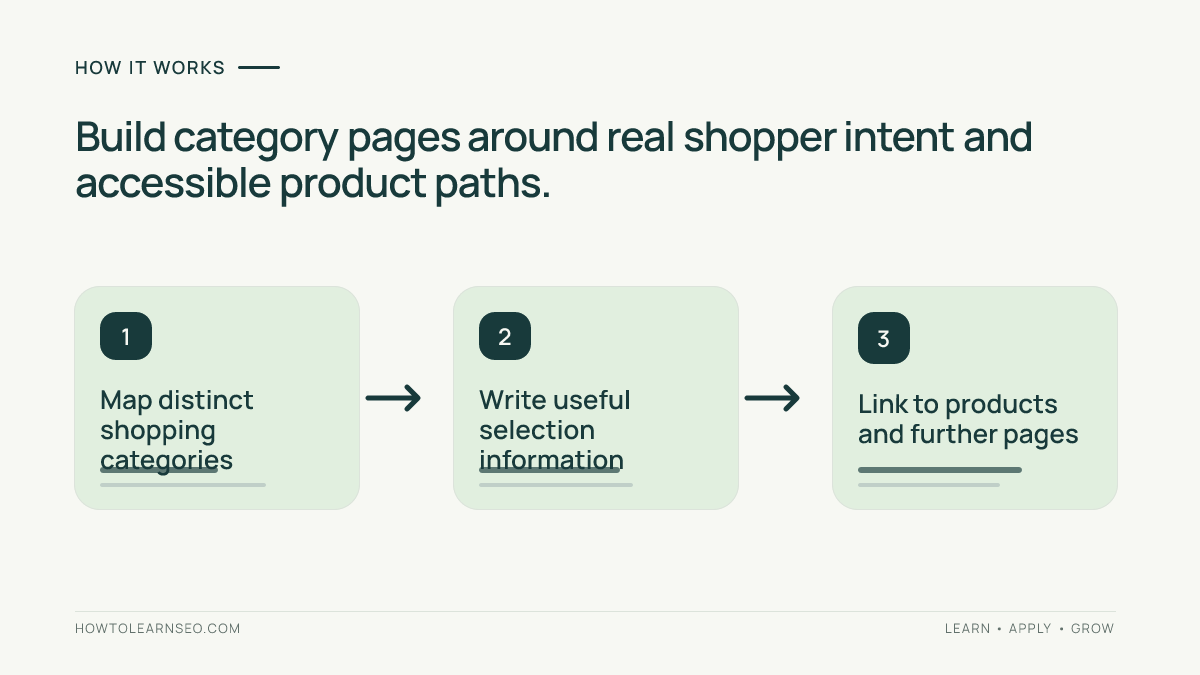
Begin with the real product assortment and a useful hierarchy. A clothing store might have a main “women’s jackets” category plus meaningful subcategories for rain jackets and winter coats. A filter for a temporary clearance price does not necessarily deserve a permanent search landing page. Consider search intent, stable inventory, product count and whether a customer would expect the selected group as an independent browsing destination.
Map each intended category URL to a distinct customer task. A broad category offers choice; a focused subcategory helps someone narrow that choice; a product page answers questions about one item. Our keyword mapping tutorial covers assigning intent to URLs, and our newly published product page SEO guide explains the deeper item-level requirements.
Write category titles and descriptions with purpose
Use a concise visible heading naming the category naturally, followed by a brief introduction that communicates what shoppers can find and how to choose. Avoid repeating nearly identical text across hundreds of categories or filling the page with keywords ahead of the product grid. A helpful rain-jacket category might distinguish waterproof and water-resistant options, common uses and available sizes without claiming that every item has the same performance.
Keep most buying guidance close to the products it explains. A short selection guide or compact FAQ can help when the assortment is complex, but shoppers should not have to scroll past a lengthy essay to reach results. The people-first content guidance emphasizes usefulness rather than a fixed keyword density or word count. Measure task completion rather than treating extra paragraphs as a ranking shortcut.
Make browsing and product discovery crawlable
Google’s ecommerce site-structure documentation recommends linking from navigation to categories, from categories to subcategories and onward to products. Use ordinary HTML links with href attributes instead of controls that work only through JavaScript clicks. A search box alone is not an adequate discovery path because Google generally does not search a site’s internal search box.
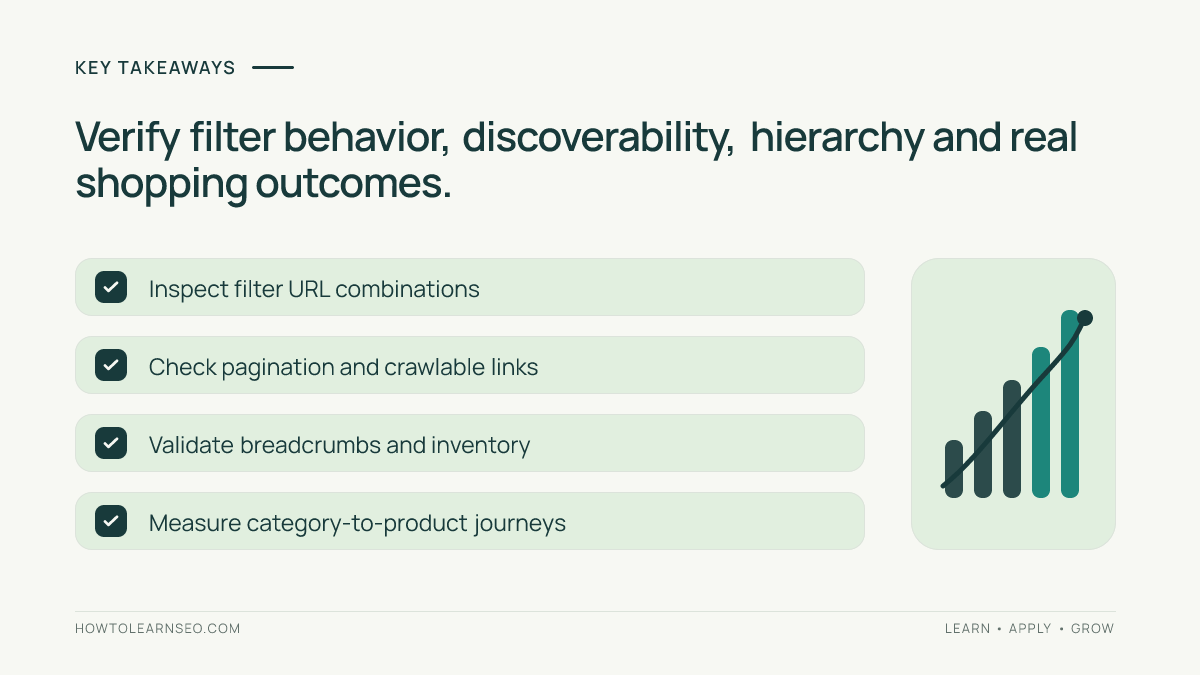
Inspect the actual rendered product cards and pagination links. Check that the next page can be reached directly by URL and that useful items several pages deep are reachable. Sort controls and infinite scrolling can improve usability, but if the site never exposes a stable crawlable link to later products, discovery may suffer. Our website architecture guide explains how category hierarchy and contextual links work together.
Control filters without hiding valuable shopping pages
Filters help customers narrow items by color, size, brand or price. They also create combinations such as ?color=blue&size=m&price=low, sometimes producing thousands of similar URLs. Google’s faceted navigation guidance explains how large filter URL spaces can waste crawler resources. Choose a documented approach for which combinations may be crawled and which should not, with engineering and SEO teams reviewing the consequences.
Do not reflexively block every parameter in robots.txt if valuable pages rely on them, and do not assume canonical tags force the crawler to ignore unnecessary URLs. A stable subcategory with distinct inventory, useful content and real search intent may deserve an indexable URL. A transient sort order rarely does. For specialized technical tests, our faceted-navigation audit offers a separate WordPress implementation example.
Breadcrumbs, empty categories and inventory changes
Visible breadcrumbs help people understand where they are and move to broader collections. If using structured data, ensure the BreadcrumbList reflects real, usable paths. Google’s breadcrumb documentation provides supported examples. Do not publish fictitious hierarchy nodes or assume structured data is a guarantee of an enhanced search appearance.
When a category becomes empty, assess whether it is temporary, seasonal or permanently retired. A temporarily unavailable product group may still serve customers with honest messaging and relevant alternatives. An abandoned category that no longer has a purpose should not keep promising inventory that cannot be purchased. Evaluate the wider URL and redirect strategy before removing it. Avoid automatically redirecting every empty category to the homepage.
Illustrative audit: outdoor footwear categories
Input: Imagine a fictional shop with a “Hiking Shoes” category, a “Waterproof Hiking Shoes” subcategory and filters for size, color and price. Product cards render only after a JavaScript button is pressed, and every filter combination generates a crawlable indexable URL. These are invented test conditions, not results from a real retailer.
Rule and action: Keep the main category and stable waterproof subcategory discoverable because each serves a different shopping task. Expose ordinary HTML product links, add accessible next-page navigation and review filter combinations against genuine customer demand. Keep the main category’s introduction about choosing footwear, not generic sales slogans. Document how low-value filtered URLs are managed before making changes.
Expected output: Shoppers can reach suitable products, and crawlers can follow the category-to-product path without submitting a search form. Verify: Fetch representative rendered HTML, follow product and pagination links and inspect selected canonical/indexing signals. Edge case: A popular filter for wide-fit shoes may merit a dedicated landing page if it has stable inventory and distinct intent; do not suppress it simply because it began as a filter.
Measure category performance and iterate carefully
Track relevant category queries, organic impressions and clicks, along with product-card engagement and meaningful purchases. Compare similar seasons and distinguish category-page visits from product-page conversions. An improvement in category traffic accompanied by more accidental clicks or fewer useful product views may not be a success. In Search Console, review whether the intended URL is indexed and whether significant query groups shift between categories.
Start with one representative category and its subcategories. Test links, filters, indexing rules and mobile layout before deploying a template update across thousands of URLs. Keep a record of affected patterns and a way to reverse unintended changes. This cautious approach protects valuable URLs while reducing unnecessary crawler work.
Frequently Asked Questions
What is ecommerce category page SEO?
It is the practice of making product-listing pages useful, discoverable and understandable through meaningful category content, navigation, links and appropriate indexing rules.
Should every filter combination be indexed?
No. Many filters create duplicate or low-value URL combinations. Decide which distinct filtered pages serve real search demand and manage the rest carefully.
How much text should a category page include?
Enough to explain the assortment, important distinctions and shopping decisions without hiding the products. Google does not prescribe a fixed word count.
Do breadcrumbs improve category rankings automatically?
No. Useful breadcrumbs help navigation and can clarify hierarchy. Valid BreadcrumbList markup may support eligible search features but does not guarantee placement.
How can Google discover products buried in pagination?
Use crawlable HTML links through categories, relevant pagination and product pages, supplemented by an appropriate sitemap or merchant feed when needed.
What should an empty category page do?
Provide helpful alternatives when appropriate, but avoid keeping misleading indexable pages that promise products no longer available. Choose responses based on real business intent.
Conclusion
Ecommerce category page SEO is about making the right products easy to discover and choose. Plan meaningful category destinations, keep product links crawlable, offer useful buying guidance and control excessive filter combinations. Test actual user paths and technical responses before a broad rollout. Better shopping navigation is a stronger foundation than generating hundreds of near-duplicate category pages.