To write image alt text for ecommerce product pages, describe the information a shopper would miss if an image were unavailable. Identify the product, visible distinguishing features, and the specific purpose of each gallery view. Avoid keyword stuffing, use empty alt attributes for decorative images, and check the actual rendered HTML. This tutorial shows how to plan, write, implement, and verify useful alternatives for a product gallery.
Quick Answer
Write a concise, natural description of what the product photograph communicates. A front view could say “Navy linen shirt with long sleeves, front view.” A detail shot might say “Close-up of the navy shirt’s shell buttons and woven fabric.” Different images can need different descriptions. The purpose is to convey relevant visual information to people who cannot see it, not to repeat every keyword associated with a product.
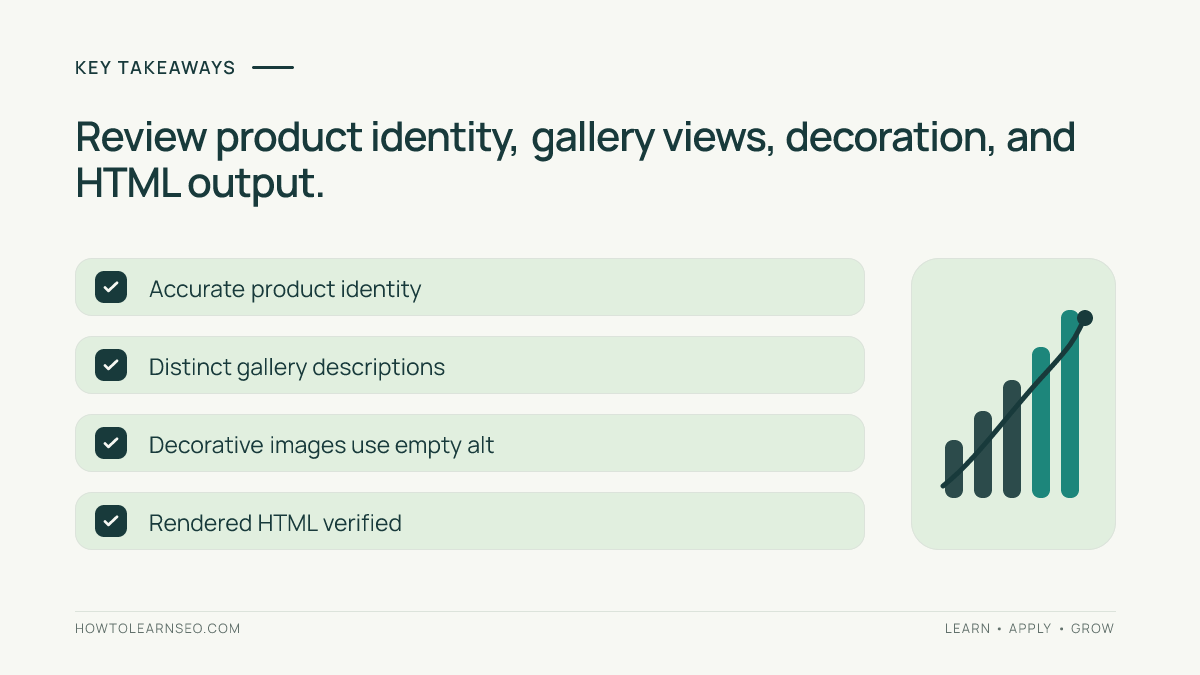
Key Takeaways
- Describe each image according to its purpose, not its filename.
- Identify meaningful visible product attributes without inventing claims.
- Make different gallery angles understandable without repeating generic descriptions.
- Use alt=”” for genuinely decorative images.
- Verify saved values in the published HTML and after changing variants.
Prepare a Small Product Image Audit
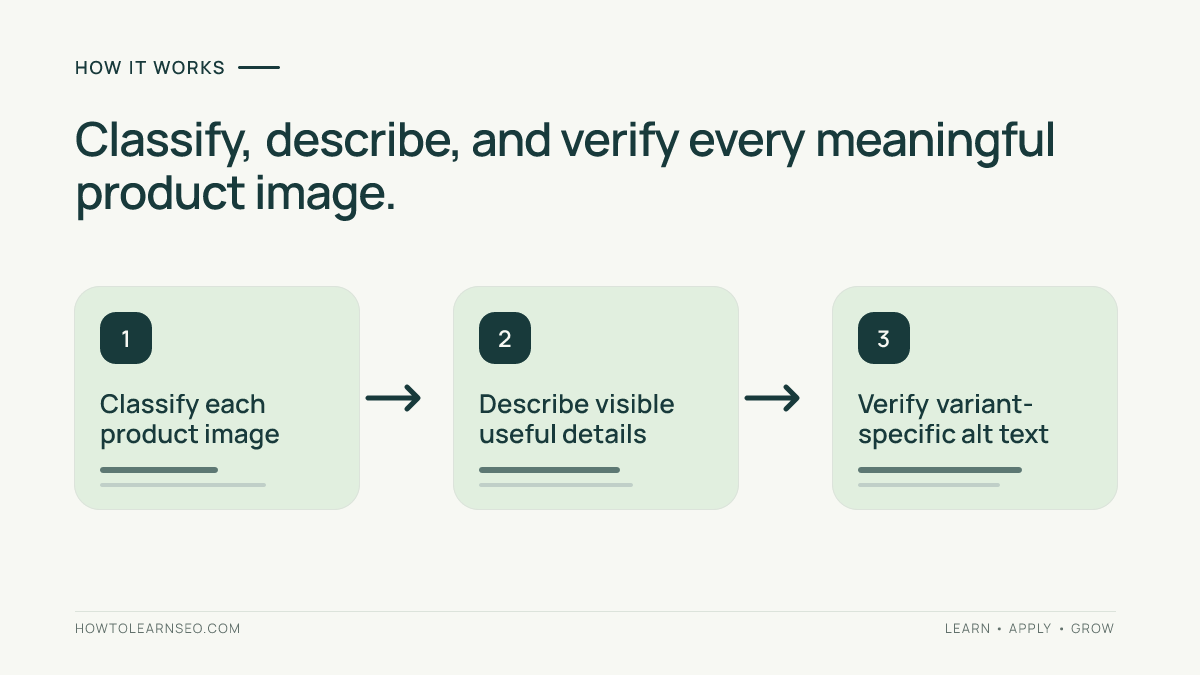
Before editing, choose a representative sample of product pages: one simple product, one with multiple colors, one with several close-ups, and one containing a size guide or instructional diagram. Gather access to the content management system and a browser with developer tools. Create an audit sheet containing the product URL, image position, image purpose, current alt text, proposed alt text, reviewer, and final verification status. A small sample helps reveal template problems before a large catalog-wide update. See accessible chart text alternatives for related guidance.
Prioritize pages with meaningful traffic, complex galleries, or obvious accessibility problems. There is no need to buy a crawler to begin. Open the page and imagine what information a customer would lose if each photograph were hidden. Does the image establish color, texture, size, fit, construction, or usage? Is it purely decorative? The answer determines whether a descriptive alternative is necessary and what it should communicate. Avoid writing alternatives in isolation from their surrounding product descriptions. See content quality audits for related guidance.
Step 1: Classify Product Images by Function
Label each image as a main product view, alternate angle, material detail, fit or scale view, instructional image, informational chart, or decoration. A backpack’s front image may show its shape and straps; an interior image reveals compartments; a lifestyle image shows how it is carried. Those images should not all announce the same phrase. An image’s role matters as much as the object shown. A promotional background that adds no information can often be decorative even if it contains an attractive photograph. For related background, see product page SEO fundamentals. See prelaunch site checks for related guidance.
Pay special attention to images inside clickable gallery thumbnails. The thumbnail may act as a control, while the larger photograph conveys product information. A descriptive alt attribute alone does not make the gallery keyboard-accessible. Check whether the controls have understandable names, focus is visible, and users can operate them without a mouse. Keep the image-description task distinct from these broader interaction checks, but record any related problems in the audit.
Step 2: Write Accurate, Useful Descriptions
Start with the product type or name when needed, then add the most useful visible detail. “Black leather ankle boots with side zipper, side view” is clearer than “Best stylish black boots buy online.” Avoid promotional language, unsupported material claims, price information, or shipping promises. Do not describe a hidden feature merely because it appears in a specification. If a feature matters but is not visible, explain it in normal product text instead of pretending the photograph demonstrates it.
Descriptions should be concise but complete enough for their purpose. There is no universal character limit that makes alt text accessible. A phrase may be sufficient for a straightforward photograph, while a complex diagram needs equivalent information elsewhere on the page. Avoid opening every alternative with “image of” or “picture of.” Screen readers already provide image context in many situations. Use familiar words, ordinary punctuation, and product terminology that shoppers understand.
Consider the surrounding page. If the product title already identifies the item, the image alternative can emphasize the view or feature that is newly visible. Still, do not make it so vague that it loses meaning when announced independently. “Backpack interior with two zip pockets” is usually more informative than “another view.” A useful alternative should make sense when a shopper navigates images without reading the entire page first.
Step 3: Handle Colors, Sizes, and Variants
Many ecommerce galleries change when a shopper selects a color or product variant. The alt text should correspond to the photograph currently displayed. A green backpack image must not continue to announce a red backpack after a variant switch. Some platforms store one shared alternative against the media item; others allow variant-specific overrides. Identify the actual source of the rendered value before editing dozens of products. Test both the initial load and a changed selection.
Use a consistent pattern for related views: “Green canvas backpack, front view,” “Green canvas backpack with main compartment open,” and “Green canvas backpack worn over one shoulder.” The descriptions are distinct because the photographs provide different information, not because every string must be artificially unique. If two images are essentially redundant, repeating a short description may be reasonable; removing the unnecessary duplicate can be better for shoppers.
When a photograph includes a model, describe relevant product fit or styling rather than guessing personal characteristics. “Long olive coat worn open over a white shirt, showing knee-length fit” explains what a shopper needs to know. Do not infer age, identity, or background. If a color name differs from what the image appears to show because of lighting, verify the actual product variant and use cautious language instead of inventing precision.
Step 4: Follow a Reproducible Product Gallery Example
Imagine a product page for a fictional “Harbor Canvas Tote” offered in navy and sand. Its navy gallery has three images: a front view, an open interior showing two pockets, and a shoulder-carry photograph. The original website uses “Harbor Canvas Tote” for all three. This identifies the item but hides the additional information that distinguishes the second and third images. The task is to replace the generic alternatives with descriptions matched to each view.
| Image | Proposed alt text | Information conveyed |
|---|---|---|
| Front view | Navy Harbor canvas tote with two shoulder straps, front view | Color and shape |
| Interior | Open navy Harbor tote showing two interior pockets | Storage details |
| In use | Navy Harbor tote carried over one shoulder | Carrying scale |
| Decoration | Empty alt attribute | No meaningful information |
Enter those descriptions in the CMS, then select the sand variant and change color references only where the photograph supports them. Preview the page and inspect each rendered img element. The expected result is that the descriptions match the visible navy or sand images and remain accurate after variant selection. If the CMS reuses one shared alt value across colors, record the limitation and seek a template-level solution instead of publishing misleading alternatives.
An important edge case is a fourth gallery image containing a size diagram. If the dimensions also appear in an accessible table, the alternative can identify the diagram and refer to that table. If the measurements exist only inside the graphic, add equivalent readable text or a proper table. Do not expect screen readers to interpret text baked into a photograph. This is an illustrative workflow, not a claim that any real store was tested.
Step 5: Implement Alt Text in Your Platform
Locate the image alternative field in your ecommerce CMS, save the value, and preview the correct product or variant. In WordPress, a media-library value may be reused in different contexts; in other systems, a product-gallery field may override the library default. The precise interface varies by theme and platform. Check whether edits affect other pages that reuse the same image. An alternative that makes sense on a product page may not be suitable when the image becomes a linked promotional control elsewhere.
In HTML, informative images need an alt attribute containing the useful alternative, while purely decorative images use alt=””. Missing alt and intentionally empty alt are not equivalent. Meaningful images implemented as CSS backgrounds can also be problematic because their content may not be available to assistive technology. Move important information into accessible page text or a semantic image element. Consult the official W3C WAI images tutorial for informative, functional, decorative, and complex image examples.
Step 6: Verify the Published Experience
Inspect the published product page rather than trusting the CMS editor. Confirm that each meaningful image has the intended alternative, decorative images have empty alternatives, and thumbnails do not inherit misleading labels. Switch product colors and inspect the updated HTML. Navigate the gallery using a keyboard, and use a screen reader where available. Developer tools can confirm attribute values, but they cannot alone establish whether the entire gallery experience is understandable.
Review Google’s image SEO documentation for the role of descriptive alt text alongside image placement, filenames, and relevant page content. Alt text can help search systems understand images, but it does not guarantee Google Images rankings. The HTML Accessibility API Mappings specification provides additional technical context for accessible names. Avoid presenting an accessibility improvement as a guaranteed traffic increase.
Record pass or fail for each tested image. If the CMS displays the new text but the published page still exposes the old value, investigate caches, template overrides, lazy-loading scripts, and variant data. Recheck after deployment and on a mobile layout. For larger catalogs, test representative pages for each gallery template, then expand the audit according to the failure patterns you discover. A documented sample is more useful than assuming every page behaves identically.
Common Mistakes and Practical Limits
- Repeating the product title across every angle without describing useful differences.
- Adding keywords, sales claims, or unverified attributes instead of visible information.
- Forgetting that variant changes can leave stale image descriptions.
- Omitting alt entirely for decorative imagery rather than using an empty value.
- Treating a short alt attribute as a replacement for an accessible size table.
- Assuming a saved CMS value matches the actual rendered page.
Alt text cannot compensate for missing product specifications, inaccessible controls, or confusing photography. A complicated size chart or comparison graphic may need a nearby HTML table, not an excessively long alt string. Product descriptions, clear headings, and sensible gallery order all contribute to the customer’s experience. Use the smallest accurate alternative that preserves the information conveyed by each photograph, and address other accessibility defects separately.
Frequently Asked Questions
Should product image alt text include the product name?
Yes, when it helps identify the item. Add the visible distinguishing detail or view, and avoid repeating a long product title mechanically across every image.
How long should ecommerce image alt text be?
There is no universal ideal character count. Use a concise description that conveys the image’s purpose, and provide complex information in accessible nearby content.
Does every gallery image need unique alt text?
Different views should describe the information they contribute. Do not manufacture differences for redundant images, but avoid hiding meaningful details behind repeated generic alternatives.
What should decorative product images use for alt text?
Use an empty alt attribute for images that add no meaningful information. Do not simply omit the attribute, which can cause filenames to be announced.
Does image alt text guarantee higher Google rankings?
No. Descriptive alternatives help communicate image meaning, but indexing and ranking also depend on crawlability, page relevance, image quality, and other factors.
How can I verify alt text after switching variants?
Change the selected variant on the published page, inspect the rendered image attributes, and confirm they match the visible color and view. Test gallery navigation too.
Conclusion
Writing image alt text for ecommerce product pages begins with understanding what each photograph contributes. Classify images, describe verified visible details, handle variants carefully, and check the final rendered HTML. Start with a representative product, document changes, and fix template-level problems before scaling across the catalog. The result is a clearer shopping experience that serves people first while helping search systems interpret relevant images.