To improve internal site search SEO, keep low-value search-result URLs out of Google’s index while making the search experience genuinely useful for visitors. Audit how the search form generates URLs, choose a consistent indexing policy, strengthen results and empty states, and verify that important product or article pages remain discoverable through normal navigation. The objective is better discovery for people, not getting internal search results to rank.
Quick Answer
Identify every internal search URL pattern, prevent those results from becoming indexable landing pages, avoid linking crawlers into unlimited query combinations, and test that your search interface still works. Improve ranking of on-site results, typo handling, filters, and zero-result guidance. Give important search intents dedicated editorial or category pages instead of exposing dynamically generated search results to organic search.
Key Takeaways
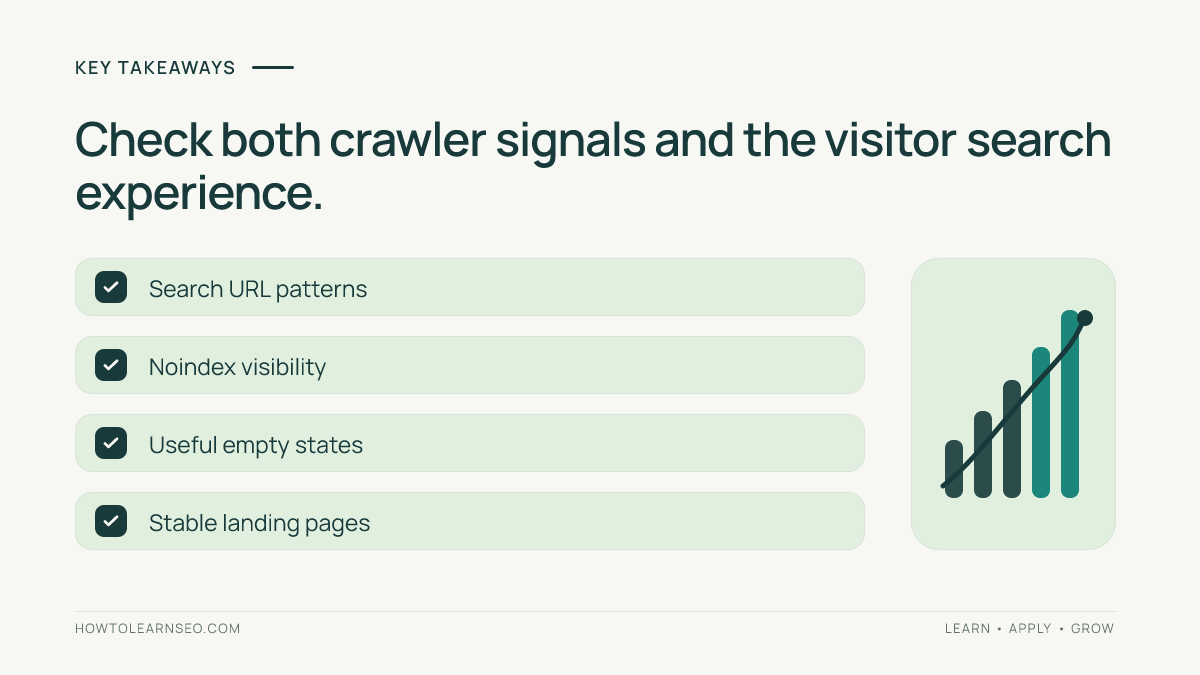
- Internal search is a visitor navigation feature, not a substitute for curated SEO landing pages.
- Inventory URL variants before changing robots or metadata.
- A noindex directive needs a crawlable response to be discovered.
- Reduce uncontrolled crawl paths without blocking valuable content.
- Verify both search usability and indexability after implementation.
Understand the boundary between site search and organic search
An internal search page is generated from a visitor’s query, such as /?s=running+shoes or /search?q=running+shoes. Its content may change with inventory, spelling, sort order, and filters. Unlike a curated category page, it often lacks a stable editorial purpose. Google explicitly identifies internal search results among examples of pages that may be considered search spam when surfaced as search results. That does not mean site search itself is bad; it means publishing limitless query pages as organic destinations is a poor strategy.
A genuine category page such as /running-shoes/ can provide selection advice, product availability, meaningful copy, and consistent navigation. A generated /?s=running+shoes page may show similar items but could be empty tomorrow. The two experiences should not compete for the same search intent. Start by identifying which URLs are actually visitor tools and which deserve permanent landing-page treatment.
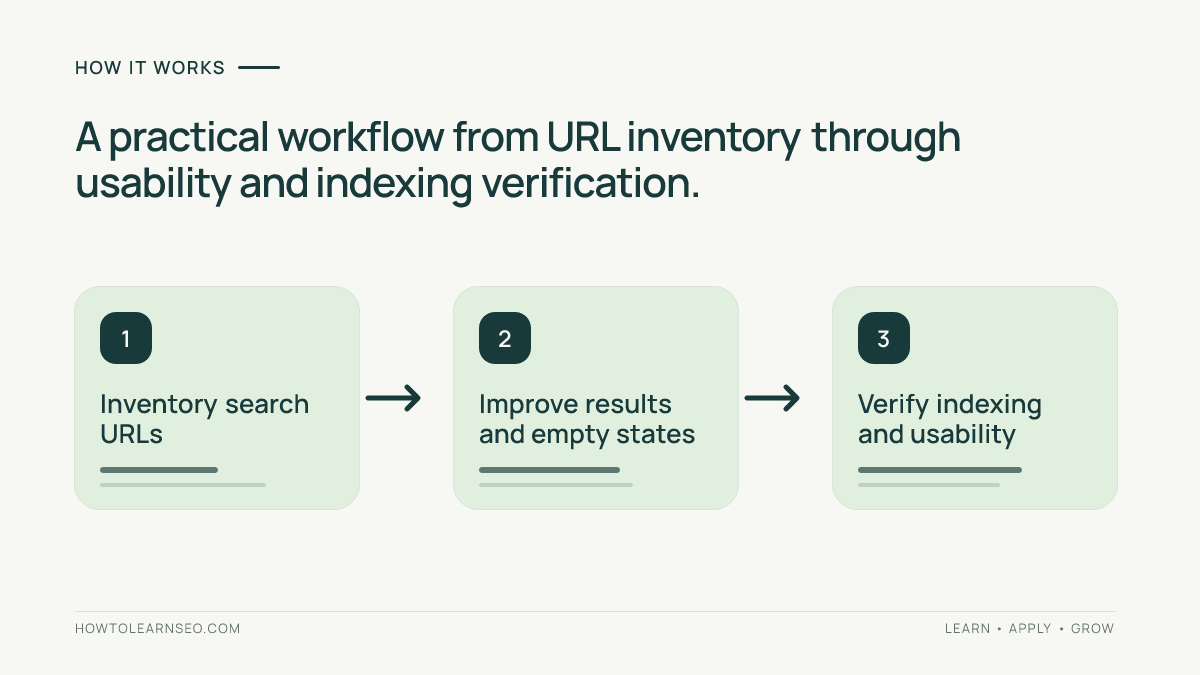
Step 1: Inventory search URL patterns and entry points
Run several representative searches on desktop and mobile. Record the resulting URLs for a normal term, a misspelling, an empty query, a phrase with punctuation, and a query with no matches. Include sorting, pagination, and filters. For WordPress, check the default ?s= parameter as well as any custom search plugin endpoints. On ecommerce sites, distinguish site-search parameters from product-category filters, which may require separate decisions.
Use browser navigation, your sitemap export, and server logs where available to identify whether these URLs appear in XML sitemaps or receive crawler requests. Inspect navigation links and search suggestions: an auto-generated list of popular searches can create hundreds of crawlable links. The Google URL structure guidance explains why unnecessarily complex URLs can complicate crawling. Do not assume a URL is indexed merely because it appears in a crawl report.
Step 2: Decide what should and should not be indexed
Make a short classification table for your site. Normal article, product, and curated category URLs generally remain candidates for indexing if they offer unique value. Dynamic query-result pages usually should not. A zero-result page should not become an organic landing page. Login-specific or personalized search experiences need an additional privacy review. Record the rationale so developers and editors do not accidentally reverse the decision during a redesign.
For crawlable HTML search-result pages, a robots meta noindex directive is one common approach. Google must be allowed to fetch the page to see that directive. The official noindex documentation warns that robots.txt blocking can prevent Google from seeing noindex. Do not combine a robots.txt disallow with a noindex expectation and assume both work together. If the search system creates enormous crawl spaces, review crawl controls separately with a developer.
Step 3: Improve the quality of results for real visitors
Evaluate relevance using actual visitor tasks. A search for waterproof hiking boots should prioritize matching products, not merely pages that repeat one word. Check whether synonyms, plurals, common misspellings, and product identifiers produce useful results. Make filters understandable and reversible. Clearly label out-of-stock items and show available alternatives when appropriate. Keep the search field visible so users can refine a poor query without starting over.
Do not manufacture search results to make a page look full. If nothing matches, say so plainly, retain the entered query, and offer a link to a useful parent category. Avoid redirecting every empty search to the homepage: it hides the failure and removes context. For a content website, offer related guides or an editorial topic hub rather than unrelated recent posts. Search quality can be assessed independently of whether search URLs are indexable.
Review accessibility as part of the workflow. Search inputs need clear labels, keyboard operation, visible focus states, and readable error messages. If results update dynamically, users of assistive technology should be informed appropriately. Mobile testing matters because overlays, filter drawers, and virtual keyboards can hide the search box or results. The existing mobile navigation testing guide provides a useful companion checklist.
Step 4: Keep crawl paths controlled without harming discovery
A search form is not a replacement for category navigation, contextual internal links, or XML sitemaps. Ensure important content is reachable from stable pages. For example, a useful guide that appears only when somebody types its exact title may be difficult for crawlers and visitors to discover. Add it to a topic hub or related-article module. The orphan-page repair workflow explains how to close that gap.
Review links to dynamic search URLs in menus, footers, auto-suggest widgets, and templated content. Avoid exposing combinations of every filter and sort parameter as crawlable links. If a popular search demonstrates durable demand, consider creating a dedicated editorial landing page with a stable URL and unique value. Do not simply copy the live search results onto that page. The ecommerce category optimization guide covers the distinct role of curated category pages.
Worked example: an online stationery store
Imagine a store whose search form creates /?s=blue+notebook. The query returns twelve relevant products, but /?s=blue+notebok returns none. Sorting creates /?s=blue+notebook&orderby=price and page two adds another parameter. These are illustrative URLs, not observations from a live store. The owner wants visitors to find notebooks without generating many indexable variations.
First, record each variant in a worksheet with columns for query, URL, HTTP status, robots directive, result count, and next action. Keep the useful search experience, add typo suggestions, and use a crawlable noindex directive for the query-result templates where technically appropriate. Remove search variants from XML sitemaps. Link the main stationery category from navigation and add a curated notebook category if the demand and inventory justify it.
Expected result: visitors can search and refine products while Google is directed toward stable category and product URLs. Verify by inspecting rendered HTML or response headers for the intended noindex rule, testing the form on mobile, checking sitemap membership, and using Search Console URL Inspection on representative URLs. An important edge case is a search page blocked by robots.txt: the crawler may never see noindex. Fix the policy conflict before interpreting the result.
Step 5: Test the implementation before and after release
Create a repeatable acceptance checklist covering normal queries, misspellings, empty searches, filters, pagination, canonical links, robots directives, HTTP status, and mobile usability. Test in staging first if possible. A page can return HTTP 200 and still have no useful results; conversely, a working search interface can accidentally be marked indexable. These are separate checks, so record them separately.
Use Search Console URL Inspection for representative public URLs and consult the official URL Inspection help when interpreting crawl and indexing information. Remember that inspection reports may reflect previously crawled versions. For broader technical checks, the sitemap-versus-canonical audit can help find mismatches, while the soft 404 diagnosis guide is relevant when empty or thin pages behave unexpectedly.
Common mistakes and practical limitations
The most damaging mistake is treating noindex as a substitute for a useful search experience. A broken on-site search still frustrates customers even if Google never indexes it. Another is adding canonical tags from every search query to a generic category without confirming that the pages are genuinely duplicates. Canonicalization is a hint about preferred duplicate URLs, not a universal tool for suppressing unwanted search pages.
Avoid using robots.txt as an indiscriminate fix. A disallow rule may reduce crawling of certain paths, but it does not reliably remove already-known URLs from search results. If a site has millions of generated combinations, coordinate with engineering on crawl-space design, link exposure, parameter handling, and server performance. A small brochure site may need only straightforward template rules and a usability check.
Internal search analytics can reveal missing content, but query data may include names, contact details, or other sensitive text. Apply privacy controls and appropriate retention before exporting logs or using them to plan new pages. Do not publish raw visitor searches as keyword suggestions. Validate repeated themes against real audience needs and editorial capacity instead of turning every query into another landing page.
A sustainable monthly review
Sample the most frequent searches, zero-result searches, and abandoned searches where privacy-safe analytics permit. Group them by task rather than by exact spelling. Ask whether each issue is a relevance problem, missing inventory, weak navigation, or an actual content gap. Assign a measurable next action: improve synonym matching, add a filter, fix a broken product title, or commission one curated category page.
Recheck a small sample of search URLs after template changes and major plugin updates. Maintain a dated log of the query pattern, expected indexability, actual rendered directive, and search usability outcome. This makes regressions visible without claiming ranking improvements that have not been measured. The most useful success measure is whether visitors find the right content more reliably while your intended public pages remain discoverable.
Frequently Asked Questions
Should internal site search pages be indexed by Google?
Usually not. Dynamic search results rarely provide the stable, curated value of dedicated category or editorial landing pages. Assess exceptions individually rather than indexing every query variation.
Can I use robots.txt and noindex on the same search URLs?
Not if you expect Google to discover noindex by crawling those pages. A robots.txt disallow can prevent the crawler from seeing the directive.
Does noindex stop visitors from using site search?
No. A noindex directive concerns search-engine indexing, not whether a visitor can submit a search and view the results on your website.
What should an empty internal search results page show?
Explain that no results matched, retain the query, suggest a corrected term, and offer relevant categories or guides. Avoid misleading results or automatic homepage redirects.
Should popular internal search queries become landing pages?
Only when they reveal a durable reader need that deserves a unique, maintained page. Create useful original content and stable navigation rather than publishing a copy of dynamic results.
How do I verify that my search SEO changes worked?
Test representative URLs, rendered robots directives, sitemap inclusion, mobile search behavior, and Search Console inspection. Recheck after deployment because indexing signals can take time to update.
Conclusion
Improving internal site search SEO requires two complementary decisions: build search that helps visitors find answers, and reserve organic indexing for stable pages with distinct value. Inventory the query patterns, implement a coherent indexing policy, test real searches and edge cases, and revisit the experience as the site grows. That process improves navigation without creating an uncontrolled collection of thin search-result URLs.