To improve video landing page SEO, give each important video a useful, indexable page where the video is prominent, the surrounding text answers a clear search need, and Google can discover the video and its thumbnail. Validate the page, video accessibility, and Search Console reports separately; an embedded player alone is not an optimization strategy.
Quick Answer
Choose one primary search intent for the page, place a playable video near the main content, write an original title and explanatory text, supply a stable thumbnail and appropriate video metadata, and check that Google can access the page and video resources. Use video structured data or a video sitemap when accurate and useful. Measure indexing and engagement without treating either as a ranking guarantee.
Key Takeaways
An effective video page needs meaningful content beyond an embed and a generic caption. The video should be central to the page rather than incidental decoration. A crawlable page, accessible video resources, and a stable thumbnail support discovery. VideoObject markup and video sitemaps describe content; they do not force eligibility. Search Console reports and manual playback tests answer different questions.
When a dedicated video page makes sense
A dedicated landing page works best when someone could reasonably search for the video’s specific lesson, demonstration, or explanation. For example, a tutorial on replacing a bicycle chain can support its own page with tools, safety notes, instructions, and troubleshooting. A decorative brand loop on a homepage usually does not justify a separate search-focused URL.
Decide whether the viewer primarily wants to watch, read, compare, or complete a task. If they want instructions, the video can demonstrate the process while the page provides a concise materials list, steps, and written verification. If they want a product comparison, give the page a decision framework rather than a transcript alone.
Avoid publishing multiple near-identical pages for the same video merely to target slightly different keyword variations. A clear canonical page with a single reader job is easier to maintain. Related videos can live on distinct pages when their topics and intended outcomes genuinely differ.
Prepare the page and video assets
Before editing WordPress or another content system, collect the final video URL or file, a descriptive title, runtime, publication date, thumbnail URL, accurate summary, and any available transcript. Record who hosts the video and whether viewers can play it without logging in. You also need access to your page’s indexing controls and Google Search Console property.
Prepare a stable public HTTPS page URL, a working mobile layout, a playable video with its intended privacy settings, a representative thumbnail accessible without authentication, and a way to inspect rendered HTML. Verify that the title, duration, and upload date reflect the real video.
Test the actual published player on a phone and desktop. Some privacy settings, consent banners, or lazy-loading implementations prevent the video from appearing to a crawler or a first-time visitor. Successful playback in an administrator session does not prove public accessibility.
Step 1: Match the page title to the viewer’s task
Write a natural page title that promises the exact result the video teaches. Use a concise URL slug and an introduction that immediately tells visitors what they will learn. A useful title is ‘How to Replace a Bicycle Chain: Video and Step-by-Step Guide’; ‘Our Latest Video’ does not describe the content or search intent.
Put the video in the main content area, ideally close to the introduction. Avoid making users hunt through unrelated ads, galleries, or multiple competing embeds. If the page contains several videos, identify the primary one and explain why the others are supplementary.
Add supporting text that makes the page valuable even when playback is unavailable. Include prerequisites, meaningful steps, likely mistakes, and a practical outcome. This is not an invitation to repeat the same keyword in every paragraph; clarity matters more than frequency.
Step 2: Make the video and thumbnail discoverable
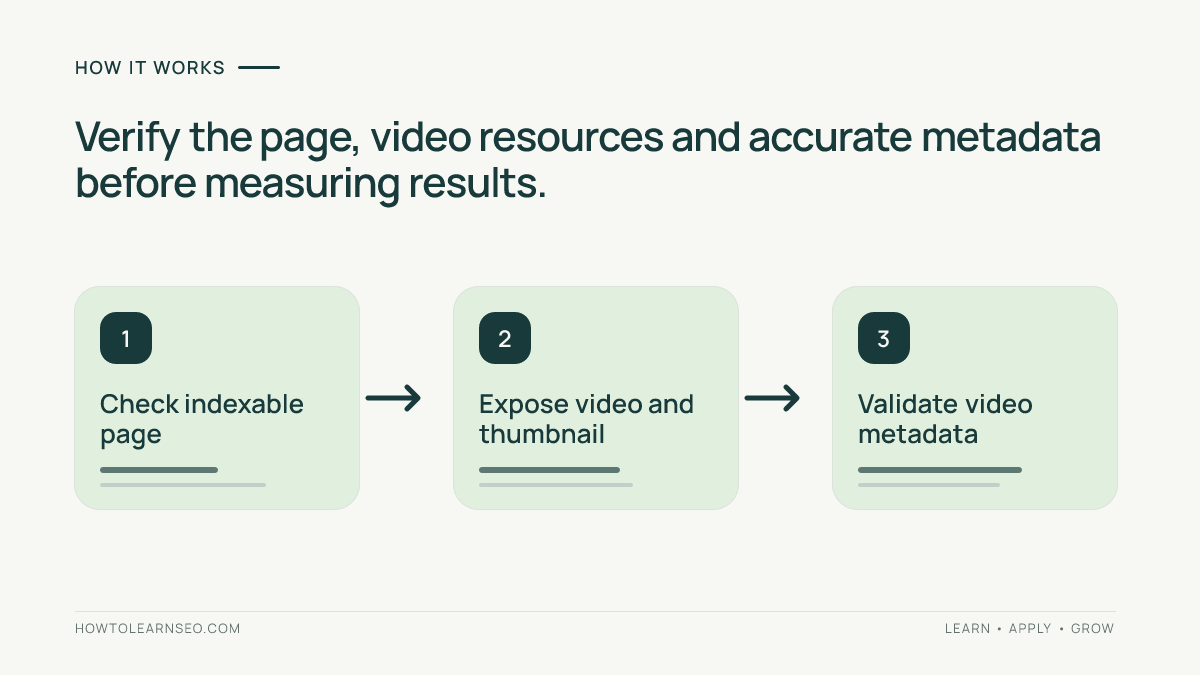
Google’s video SEO best practices explain discoverable video content and eligible pages. Check that the page is indexable, not blocked by robots rules, and uses the intended canonical URL. Then verify that the player and thumbnail can be fetched as intended.
Use a stable thumbnail that accurately depicts the video’s topic. Avoid misleading text overlays or a generic image unrelated to the footage. The thumbnail should remain accessible after publishing; replacing or moving files without redirects can create unnecessary discovery problems.
For an externally hosted embed, verify its privacy and embed permissions. For self-hosted videos, check the delivery URL, media type, and whether the player works with normal browser requests. Some implementations require JavaScript to expose the media; inspect the rendered page instead of relying on source HTML alone.
If the video is loaded only after a visitor clicks a button, determine whether the video information is still discoverable. A lightweight preview is useful for performance, but it should not hide the main video from visitors or crawlers. Confirm behavior rather than assuming a plugin setting is sufficient.
Step 3: Add accurate video metadata
Consider Google’s VideoObject documentation when the page has a qualifying visible video and you can provide accurate fields. Common properties include name, description, thumbnailUrl, uploadDate, and duration where appropriate. Use actual content and dates; never invent a duration or publication date to fill a template.
The markup should describe the same video visitors can watch on the page. If a plugin automatically adds schema, inspect its output before adding a second copy. Conflicting descriptions, incorrect URLs, or markup for a video no longer visible on the page make debugging harder.
A video sitemap can provide additional discovery signals, especially across a larger library. Follow the official video sitemap guidance and compare it with the site’s video sitemap tutorial. Include relevant canonical pages and valid video information; a sitemap is not a substitute for accessible content.
If you host the video on YouTube, keep the YouTube title and description aligned with the actual subject. The site’s YouTube descriptions guide helps with that separate publishing surface. Do not assume your website page and the YouTube watch page will appear together or receive identical search treatment.
Step 4: Build a page that helps someone finish the task
A useful video page is more than an indexable container. Introduce the objective, show the demonstration, then provide enough text for a visitor to apply the lesson. For a repair tutorial, list tools and safety considerations before the video; below it, summarize steps, warning signs, and a way to verify success.
Use descriptive subheadings instead of repeating ‘video SEO’ mechanically. If the footage has natural sections, consider a short chapter list or timestamp references. The video chapters and titles tutorial covers meaningful divisions. Only use timestamps that correspond to real moments in the footage.
Add a relevant next step, not a wall of unrelated recommendations. A viewer who has completed a basic task may appreciate a deeper tutorial or a related playlist; see the playlist optimization guide. Internal links should support the visitor’s learning path rather than exist merely to satisfy a numeric target.
Worked example: a bicycle chain replacement video
Suppose a cycling shop has a four-minute demonstration showing how to replace a worn bicycle chain. Its existing page is titled ‘Workshop Video’ and contains only an embedded player. The goal is to create a helpful page for someone searching for a chain replacement demonstration, not to manufacture traffic through superficial copy.
Input: a generic title, a buried player, no written steps, and unverified metadata. Action: publish one canonical page with a task-specific title, move the main video near the introduction, add a tools list and safety notes, and check thumbnail and video fields. Expected result: a page that clearly answers the task and provides a playable demonstration.
Verification: open the public URL in a private mobile browser, follow the written steps, inspect the rendered video markup, and check the exact URL in Search Console. Record the page indexing status and any video indexing information separately. This is a reproducible quality check, not evidence of an actual experiment or a guaranteed ranking.
Edge case: the video host disables embedding after publication. The page may remain indexed while the player fails. Restore authorized playback or replace the embed, update metadata if the underlying video changes, and test again. Publishing more text would not solve a broken player.
Step 5: Verify indexing, playback and reporting
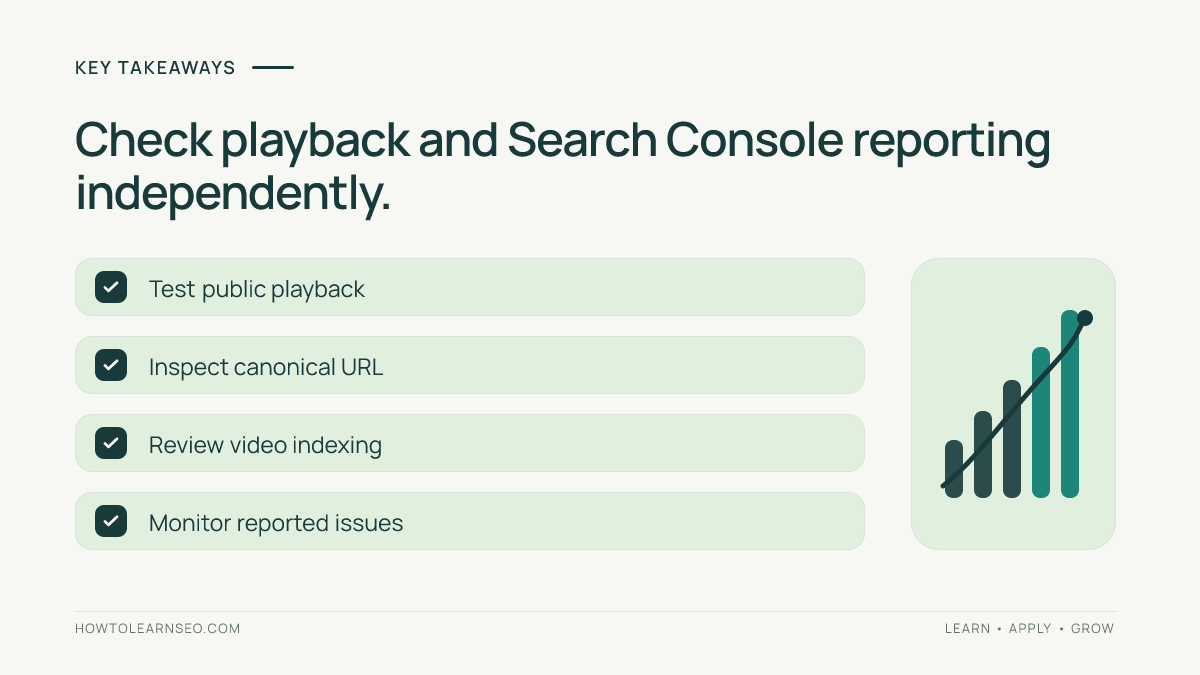
First, open the page in a private browser session and test playback on mobile and desktop. Confirm the thumbnail, captions where available, layout, and primary call to action. Use the site’s mobile navigation testing guide to catch controls that are difficult to reach or obscure the player.
Next, inspect the exact canonical URL in Google Search Console. Check whether Google can index the page and whether the selected canonical matches your intention. Page indexing and video indexing are different questions: a page can be indexed without its video appearing in video search features.
Review the Video indexing report when available for the property. Compare the reported video and thumbnail with the live page. Some reports take time to update, and a missing video report does not prove the page is broken. Record the date of each check, the URL, observed issue, and next action.
Validate structured data using appropriate Google testing tools, but remember that a valid schema result is not a promise of a rich result. If a report identifies a problem, fix the specific cause, request revalidation where supported, and monitor rather than repeatedly changing unrelated settings.
Common mistakes and practical limitations
Do not create a separate thin page for every minor clip. Do not hide the primary video behind inaccessible scripts, misleading thumbnails, or login requirements unless restrictions are intentional. Avoid marking up a video that is not actually available to visitors. Treat automatic transcripts as drafts requiring correction.
A fast page matters for usability, but deleting the player to improve a performance score defeats the reader’s purpose. Use sensible image sizes, loading behavior, and responsive layout, then test the real experience. If the video is central to the content, preserve its prominence while addressing measurable performance problems.
Search results vary by query, device, region, and Google’s understanding of the page. There is no universal threshold for how much supporting text a video page needs. Write enough to answer the actual question, keep metadata accurate, and update the page when the demonstration changes.
Frequently Asked Questions
Does every video need its own landing page?
No. Create a dedicated page when the video serves a distinct search intent and the page offers useful supporting context. A video embedded in an existing relevant page may be sufficient.
Can an embedded YouTube video appear in Google video results?
It can, but embedding does not guarantee indexing or a video feature. Google must be able to discover the page and video and determine that the video is eligible.
Should I add VideoObject structured data to every page?
Only add it where the markup accurately describes a visible, accessible video and the required information is available. Structured data does not guarantee enhanced search appearance.
Is a video sitemap required for indexing?
No. A video sitemap is one discovery aid, not a requirement or an indexing guarantee. It can help when videos are difficult for crawlers to discover.
How do I know whether Google recognizes my video?
Inspect the canonical page URL in Search Console and review the Video indexing report where available. Compare the reported video information with the live page and its accessible embed.
Should I publish a transcript under the video?
A useful, edited transcript can help visitors access the information and understand the page. Avoid dumping inaccurate automatic captions or duplicating text that adds no reader value.
Conclusion
Effective video landing page SEO starts with a genuine viewer need and a working, prominent video. Build one useful canonical page, supply clear instructions and accurate video information, and verify playback and discovery independently. Maintain the page as the video changes, and judge progress through observed usability and reporting rather than promises of guaranteed visibility.