SEO log file analysis helps a site owner understand how verified search crawlers request pages and how the server responds. Instead of guessing which URLs bots visit, you examine timestamped request records, response codes and URL patterns. This can reveal wasted crawling on parameter URLs, inaccessible important pages or repeated server errors, especially on large websites.
Quick Answer
For SEO log file analysis, obtain a limited server access-log export, protect sensitive fields, verify the crawler identity, group requests by URL pattern and response status, and compare important pages with the site’s sitemap and indexability reports. Prioritize useful corrective actions rather than treating crawl counts as rankings. Our crawl budget guide
Key Takeaways
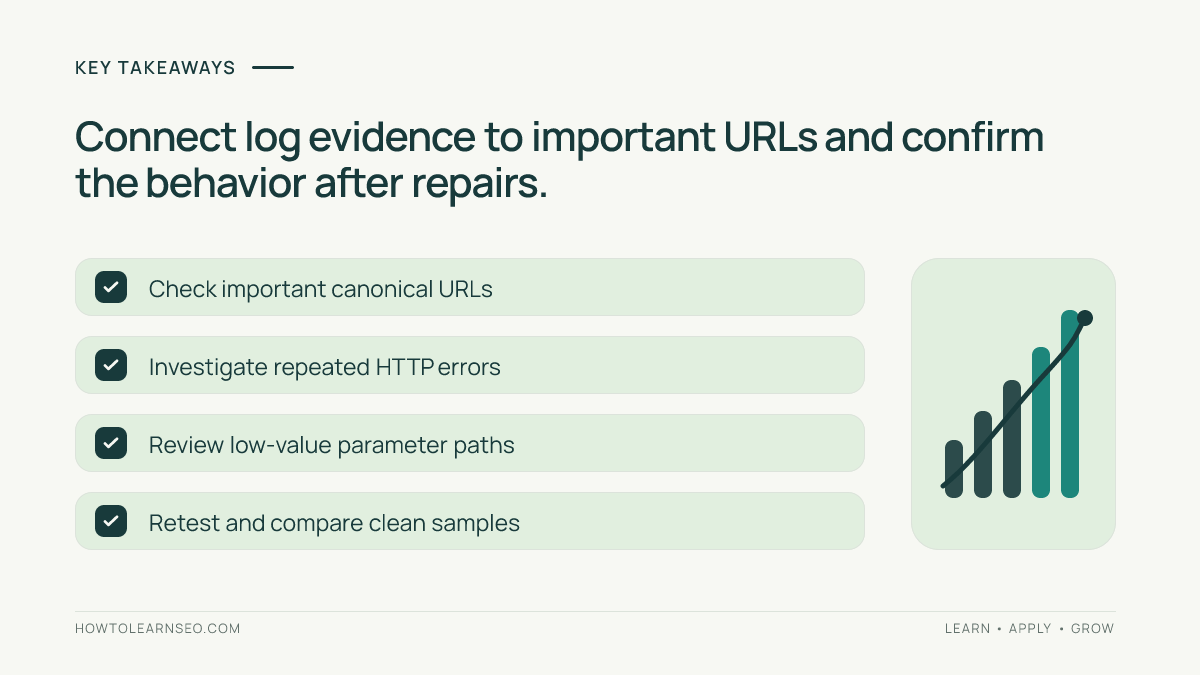
- Server logs show requests, not impressions, ranking positions or index inclusion.
- Verify Googlebot independently; a familiar user-agent is not enough.
- Analyze URL patterns and HTTP responses rather than isolated rows.
- Protect customer IPs, tokens, session IDs and confidential URLs.
- Test a targeted repair and compare later verified requests.
Know what access logs can and cannot tell you
A web server may record the time of each request, requested path, HTTP response status, user agent, IP address and response size. The precise fields depend on hosting, CDNs and logging configuration. Logs can tell you that a request was made and how the edge or origin handled it. They do not reveal whether Google indexed the result or whether that page ranks for a query.
Use Search Console’s crawl statistics and URL Inspection for complementary information. Google describes crawl demand and capacity in its advanced crawl budget guidance. Many smaller sites do not need intensive log analysis unless a real diagnostic problem exists; focus on a specific question such as missing important URLs or excessive server errors rather than running a report for its own sake.
Collect a safe, relevant sample
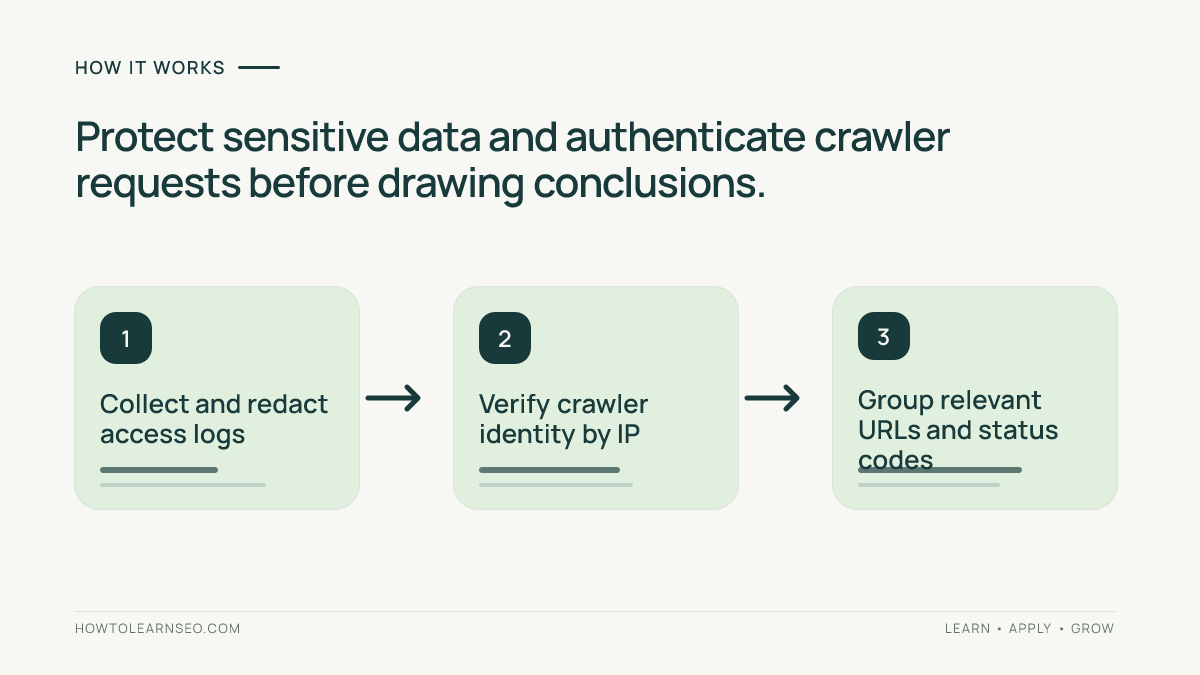
Ask the server administrator for a recent access-log export covering the period under investigation. Confirm whether requests pass through a CDN or proxy that alters apparent IP addresses, and whether the log captures edge and origin responses differently. Work from a copy and restrict access. Strip or redact personal data and sensitive query parameters before sharing the file with a consultant or analysis tool.
Define the question and timeframe first: perhaps a newly expanded catalog showed slow discovery over two weeks. Keep a small sample of verified important pages and the expected canonical URL patterns. If the site recently moved hosts or changed URL conventions, annotate that date. A clean sample is more useful than thousands of unfiltered rows containing customer sessions and bot traffic mixed together.
Verify search crawler identity before grouping requests
The user-agent header can claim to be Googlebot even when the request comes from another client. Google advises verifying the request through reverse DNS or its published IP ranges; see the Googlebot documentation. Perform checks on the actual source addresses, accounting for trusted proxy infrastructure. Do not treat every “Googlebot” substring as an authenticated Google crawl.
Separate verified Googlebot from other search crawlers and generic automated traffic. Label uncertain requests as unverified rather than merging them into your core data. If a security rule challenged or blocked a verified crawler, examine the exact rule and affected URLs before changing it; disabling protection broadly can create unnecessary risk.
Group paths and response codes
Summarize request counts by directory, route type, canonical path, status group and date. Useful buckets might include /products/, /blog/, /search/, filter parameters, images and sitemap files. Identify whether a large share of verified requests reaches redirects, missing pages, parameter combinations or slow server responses. A high share is a diagnostic clue, not a universal proof of wasted crawl budget.
Cross-check examples before acting. A 404 response to a genuinely removed page may be correct. A 503 during a short documented maintenance window may also be expected. By contrast, repeated 5xx responses for important pages could interfere with reliable access. Our 404 SEO guide distinguishes intentional missing content from broken navigation. Check current HTTP responses rather than relying solely on old log lines.
Compare crawler requests with intended important URLs
Export an approved list of canonical URLs from the CMS or XML sitemap and compare it with verified crawler requests during the same period. Pages missing from the sample are investigation candidates; absence from a short sample does not prove they are uncrawlable. Inspect internal links, sitemaps, canonical rules and indexability for pages that matter most. Our Google indexing guide covers this second layer of evidence.
Also inspect how many different parameter combinations were requested. Facets and sorting URLs can create large spaces with little unique value. Treat this as an architecture issue: decide which filtered URLs deserve discovery and which should be limited. Our orphan page audit explains the separate problem of URLs missing from the normal internal-link graph.
Illustrative example: repeated filter requests
Input: Imagine a fictional ecommerce site with ten thousand verified Googlebot requests during a sample period. Four thousand request URLs contain sorting or filtering parameters, and several hundred return 5xx responses. These counts are invented teaching inputs, not measured traffic or a recommended universal threshold. The site recently expanded product filters.
Rule and action: Authenticate the crawler requests, group filter patterns by parameter and inspect a sample of real URLs. Determine which combinations have distinct shopper value and whether important product pages remain linked. Investigate 5xx responses with the hosting team before adjusting crawl controls. Avoid blocking useful products or making a blanket robots.txt change from one chart.
Expected output: A shortlist of verified low-value parameter patterns, important affected URLs and server-error causes for engineering review. Verify: After a narrowly scoped fix, compare matched URL families and response statuses across similarly long periods, then inspect important URLs in Search Console. Edge case: If a filtered category genuinely has unique inventory and demand, it may require a stable accessible landing URL rather than suppression.
Turn findings into prioritized engineering work
Classify issues by user impact, affected canonical URLs, reproducibility and engineering risk. Confirm whether an error came from the CDN, application server or a scheduled maintenance event. Prepare a short issue ticket with a sample URL, timestamp, verified crawler source, received status, expected status and a safe test. This gives developers something they can reproduce instead of a vague instruction to “fix crawl budget.”
Google’s crawling troubleshooting guidance discusses access, response and discovery considerations. Recheck live URLs after deployment and use logs to determine whether verified requests now receive the expected responses. Do not promise immediate crawling or higher rankings: log patterns are operational evidence, and search results reflect many other signals.
Frequently Asked Questions
What is SEO log file analysis?
SEO log file analysis studies server requests to understand which URLs crawlers requested, when they visited and how the server responded. It does not directly measure search rankings.
Can a user-agent string prove a request came from Googlebot?
No. User-agent headers can be spoofed. Verify crawler identities through published IP ranges or reverse DNS checks before drawing conclusions.
Do small sites need regular log analysis?
Not always. Search Console and sitemap checks often provide enough information for small sites; log analysis is most valuable when diagnosing a specific crawling issue.
Does a high number of crawler requests mean SEO success?
No. Request frequency depends on many factors, and heavy crawling of low-value URLs can be wasteful. Quality and indexability still matter.
Can server logs show whether a page is indexed?
No. Logs show requests handled by the server, not Google’s final indexing decision. Use Search Console URL Inspection and Page Indexing reports for indexing evidence.
What should a log analysis report include?
Include verified crawler identity, time window, requested URL patterns, response status, sampled issues, affected pages, recommended action and a repeatable verification step.
Conclusion
SEO log file analysis is useful when there is a precise crawling question to investigate. Collect safe records, authenticate crawlers, group relevant paths and statuses, and connect findings to important URLs and expected responses. Repair only confirmed problems, then verify the server’s behavior. The result should be a trustworthy engineering decision, not a dashboard that mistakes request counts for rankings.